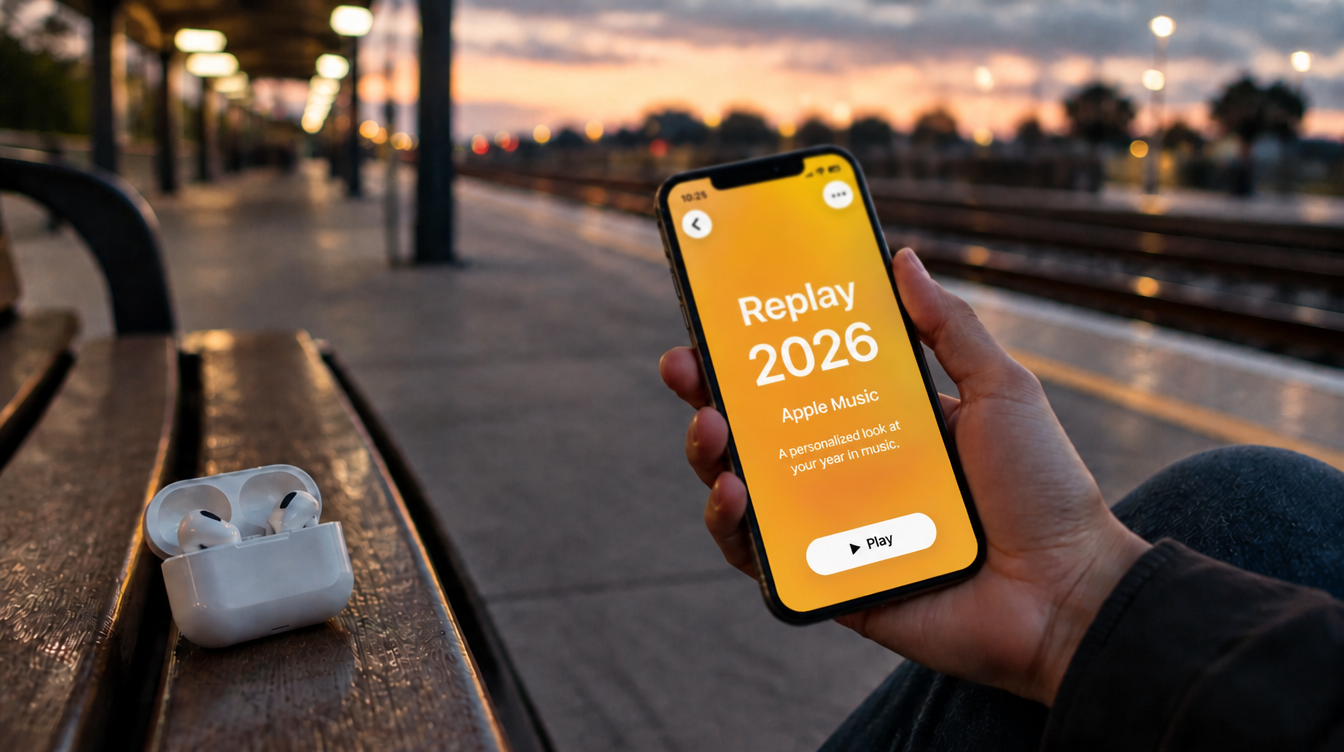
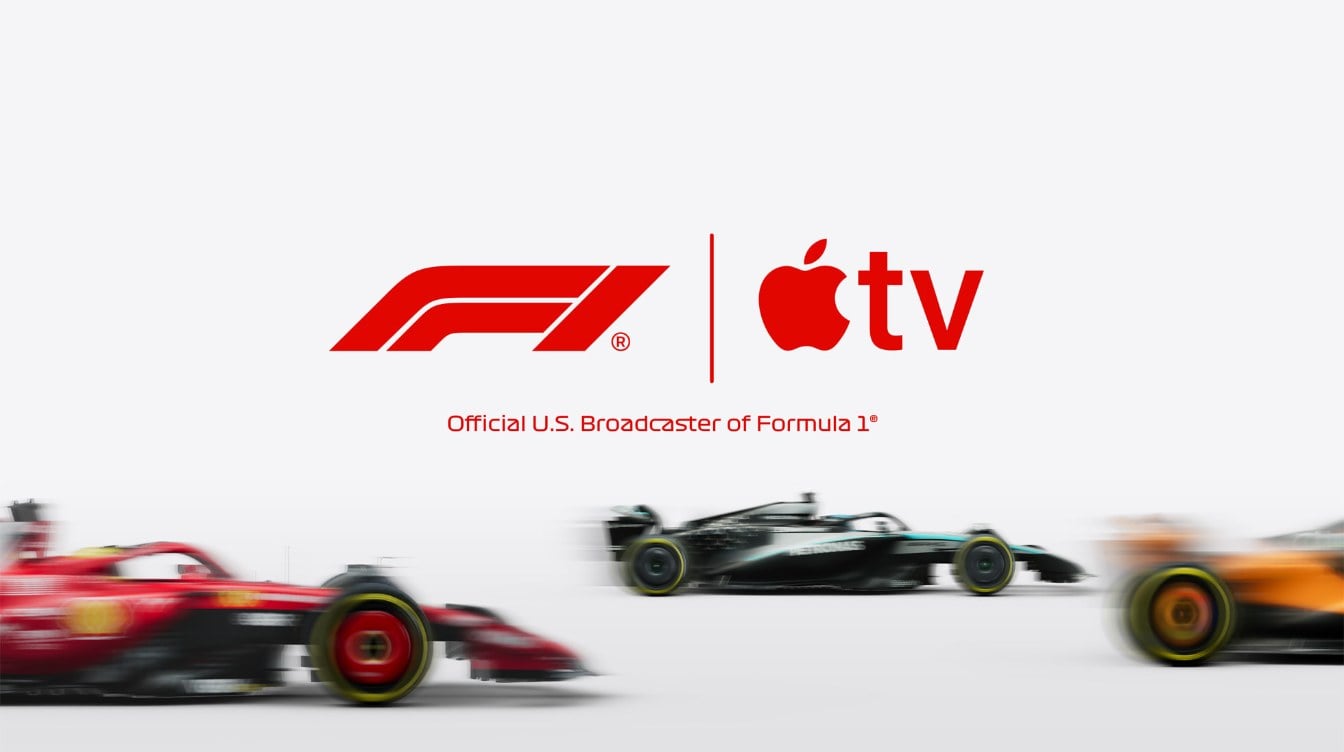
If you live in the US, you can watch Las Vegas Grand Prix free coverage in the Apple TV app this month, with no subscription and no trial to cancel later. Apple said on November 9 that the whole race weekend, from first practice and qualifying through the Saturday night race, will stream free in the app for viewers in the US.
The weekend runs Thursday, November 19 through Saturday, November 21. Apple’s own F1 schedule puts the race itself at 11:00 p.m. ET on Saturday, which makes it a late one for East Coast fans and a comfortable evening watch out West.
What you need to watch Las Vegas Grand Prix free
Everything needed to watch Las Vegas Grand Prix free is probably already in your house.
| Requirement | Details |
|---|---|
| Location | United States only. Apple holds the F1 rights for the US, not other countries. |
| App | The Apple TV app, or a web browser at tv.apple.com |
| Software | iOS 26.2, tvOS 26.2 or macOS Tahoe 26.2 or later on Apple devices |
| Subscription | Not needed for this race weekend |
| Optional | Apple TV subscription at $14.99 a month after a 7-day trial, for every other race |
Device support is wide. Apple lists iPhone, iPad, Mac, Windows PCs, Apple Vision Pro, Android phones, smart TVs, streaming sticks and game consoles, plus AirPlay if you would rather throw the picture from your phone to a bigger screen.
How to find the free F1 stream in the Apple TV app
Apple has not published a step-by-step guide for the free weekend, so these steps follow the way the app already lays out its sports pages. They are the quickest path to watch Las Vegas Grand Prix free on any screen you own.
- Update your device first. On an iPhone, go to Settings > General > Software Update and install anything waiting, since F1 needs version 26.2 or newer.
- Open the Apple TV app (or visit tv.apple.com on a computer or TV browser).
- Search for Formula 1, or scroll to the Live Sports row on the home screen.
- Open the Formula 1 page and look for the Las Vegas listings: Practice 1, Practice 2, Practice 3, Qualifying and Race.
- Pick the session you want and check its start time on the event page before you settle in.
- Press play when the session goes live. If the app asks you to sign in, use your Apple Account.
Watching on a TV without an Apple TV box. Apple lists smart TVs, streaming devices and game consoles such as PlayStation and Xbox among the places the app runs. If your set has none of those, the browser route at tv.apple.com works on any laptop you can plug into the TV.
Las Vegas Grand Prix 2026 schedule
Here is how the weekend breaks down by day, based on Apple’s announcement. The app lists each session as its own event page.
- Thursday, Nov. 19: Practice 1 and Practice 2
- Friday, Nov. 20: Practice 3 and Qualifying
- Saturday, Nov. 21: The race, listed by Apple at 11:00 p.m. ET
Because this is a night race on the Strip, every session starts late by East Coast standards. A common snag is assuming the race runs on Sunday like most Grand Prix weekends. It does not. Saturday night is the one to put on the calendar if you plan to watch Las Vegas Grand Prix free.
Free viewers vs. subscribers: what is different
The free offer covers every session, live and on demand. Apple’s F1 page describes a lot of extras for paying members, and it does not say which of those carry over to people who watch Las Vegas Grand Prix free.
Subscribers get these, according to Apple’s Formula 1 page:
- Every Grand Prix weekend live, including Sprints
- Full replays and highlights of all races and track sessions
- A choice of commentary: the Sky Sports or F1 TV broadcast, in English or Spanish
- A camera inside each car, along with extra feeds such as Driver Tracker, Data and Podium
- Multiview, which puts as many as four live feeds on screen together (Apple TV 4K, iPad, Vision Pro and some smart TVs)
- F1 TV Premium at no extra cost, linked through f1.com/apple
- Family Sharing with up to five other people
Our read: expect the free stream to give you the main broadcast, and treat anything beyond that as a bonus if it shows up. If onboard cameras and Multiview matter to you, a 7-day trial started on Thursday covers the whole weekend. Our guide to using Apple TV app Multiview on iPhone walks through the split-screen setup.
Picture and sound tips for a night race
If you want to watch Las Vegas Grand Prix free on a big screen, you picked a good race for it. A track lit by neon and floodlights is one of the best showcases for a good TV. Apple streams F1 in Dolby Vision and Dolby Atmos, so an Apple TV 4K connected to an HDR set and a soundbar will do a lot of the heavy lifting.
We covered the audio side in detail in our guide to watching F1 on Apple TV with Dolby Atmos, including the settings that trip people up. For phone viewing, turn on Auto-Brightness or bump brightness up by hand, since dark night scenes can look muddy on a dim screen.
What Apple has not said yet
A few details are still open. Apple says every free session is available live and on demand, so you can replay a session after it ends, but it has not said whether an Apple Account sign-in is required. It also has not confirmed whether the next rounds, Qatar on November 27 to 29 and Abu Dhabi on December 4 to 6, will get the same treatment. Practice sessions are free all season, though, so you can still catch practice running at those races without paying.
Frequently asked questions
Is F1 free on Apple TV this weekend?
For the Las Vegas weekend of November 19 to 21, yes. Every session is free in the US with no subscription. Other weekends need an Apple TV subscription for qualifying and the race, though practice sessions stay free all season.
Can I watch the Las Vegas Grand Prix replay for free?
Yes. Apple says every session of the Las Vegas weekend streams free in the US live and on demand, so you can catch up after a session ends.
Where can I watch Las Vegas Grand Prix qualifying?
In the Apple TV app or at tv.apple.com, under the Formula 1 listings. Qualifying is on Friday, November 20, and it is part of the free weekend.
Should you skip the subscription and watch Las Vegas Grand Prix free?
If you only follow F1 now and then, yes: update your devices, find the Formula 1 page before Thursday, and enjoy a full weekend for nothing. Fans who want onboards, replays and every other round should start the trial for this weekend and decide on the $14.99 plan after Abu Dhabi. Either way, it is the cheapest seat in Vegas.
Featured image courtesy of Apple.