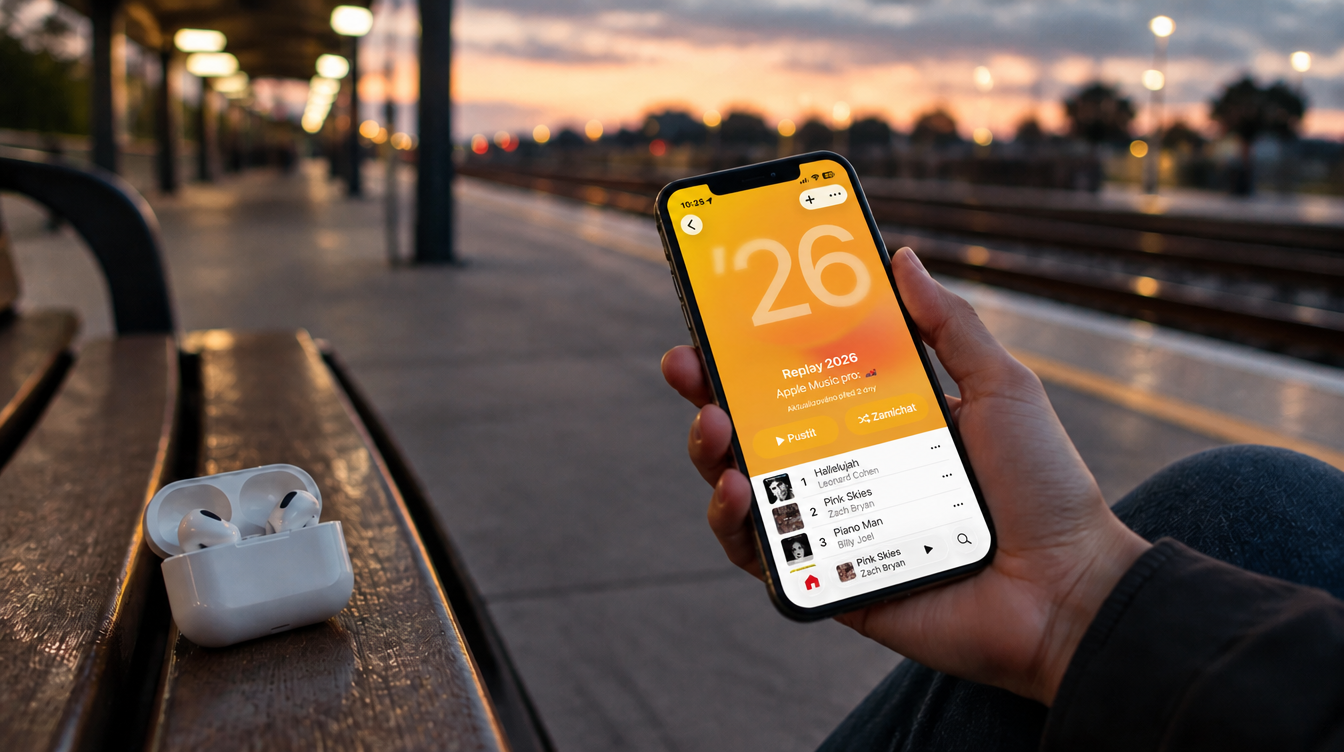
You open the Music app to see how your year is shaping up, and the numbers look frozen. The song you played on repeat last weekend has not moved, and the playlist named for this year looks exactly as it did days ago. Before you decide Apple Music Replay 2026 is broken, there are a few simple things to rule out.
Apple’s support page for Replay says this year’s Replay playlist is “updated weekly”, so a list that trails your last few days of listening is behaving as designed. The same page tells anyone missing Replay to turn on a setting called Use Listening History. With Apple naming Olivia Dean its 2026 Artist of the Year on November 9, year-end music talk is everywhere, and this is a good week to confirm your own stats are being counted.
Why Apple Music Replay 2026 can look stuck
Replay is a tally of your listening history, not a live feed. Songs, artists, albums, genres, playlists and stations are all ranked by how often and how long you played them.
It also helps to know that “Replay” is really several things, and they run on different clocks:
- This year’s playlist. Find it in the Replay: Your Top Music section of the Home tab. It is the part Apple says refreshes weekly.
- Monthly insights. These appear once you are eligible. Apple does not spell out how much listening that takes.
- The year-end Replay. This covers the full calendar year and comes with a highlight reel. It can also show top-listener status at the 100, 500 or 1,000 level.
- Older collections. An All Time playlist sits alongside your Replays from past years, and those will not change the way the current one does.
Which listeners are most likely to see nothing
Apple has not published a list of known Replay problems, and its support page does not describe an outage. What the page does make clear is who will come up empty: anyone who has not listened enough yet, because Apple sends a notification once enough music has played, and anyone with Use Listening History switched off. Availability can also differ by country or region, so Apple Music Replay 2026 may simply not be offered everywhere.
5 things to try when your stats will not move
Work down this list in order.
- Check you are in the right spot. In the Music app on iPhone, iPad or Android, tap Home and keep scrolling until you reach Replay: Your Top Music, then choose Go back in time. Your personal stats open from there, and they are separate from the editorial year-end playlists.
- Install the latest software. Apple’s first instruction is to be on the current version of iOS, iPadOS or Android.
- Open Replay on the web. From any phone, tablet, Mac or PC, visit replay.music.apple.com, sign in with the Apple Account tied to your subscription and choose Jump In. If your numbers appear there but not in the app, you have narrowed the problem to the app.
- Turn on Use Listening History. On iPhone or iPad it is in Settings > Apps > Music. On a Mac, open Music > Settings and look under the General tab. On Android, tap More > Settings inside the app.
- Give it one full weekly cycle. After changing the setting, wait a week before judging the result. Nothing in Apple’s instructions describes a manual refresh.
One oddity worth knowing: on November 9, the description on replay.music.apple.com still referred to a 2025 mix, while Apple Music’s Replay page was titled for 2026. If the first link feels out of date, try the second before assuming Apple Music Replay 2026 has lost your data.
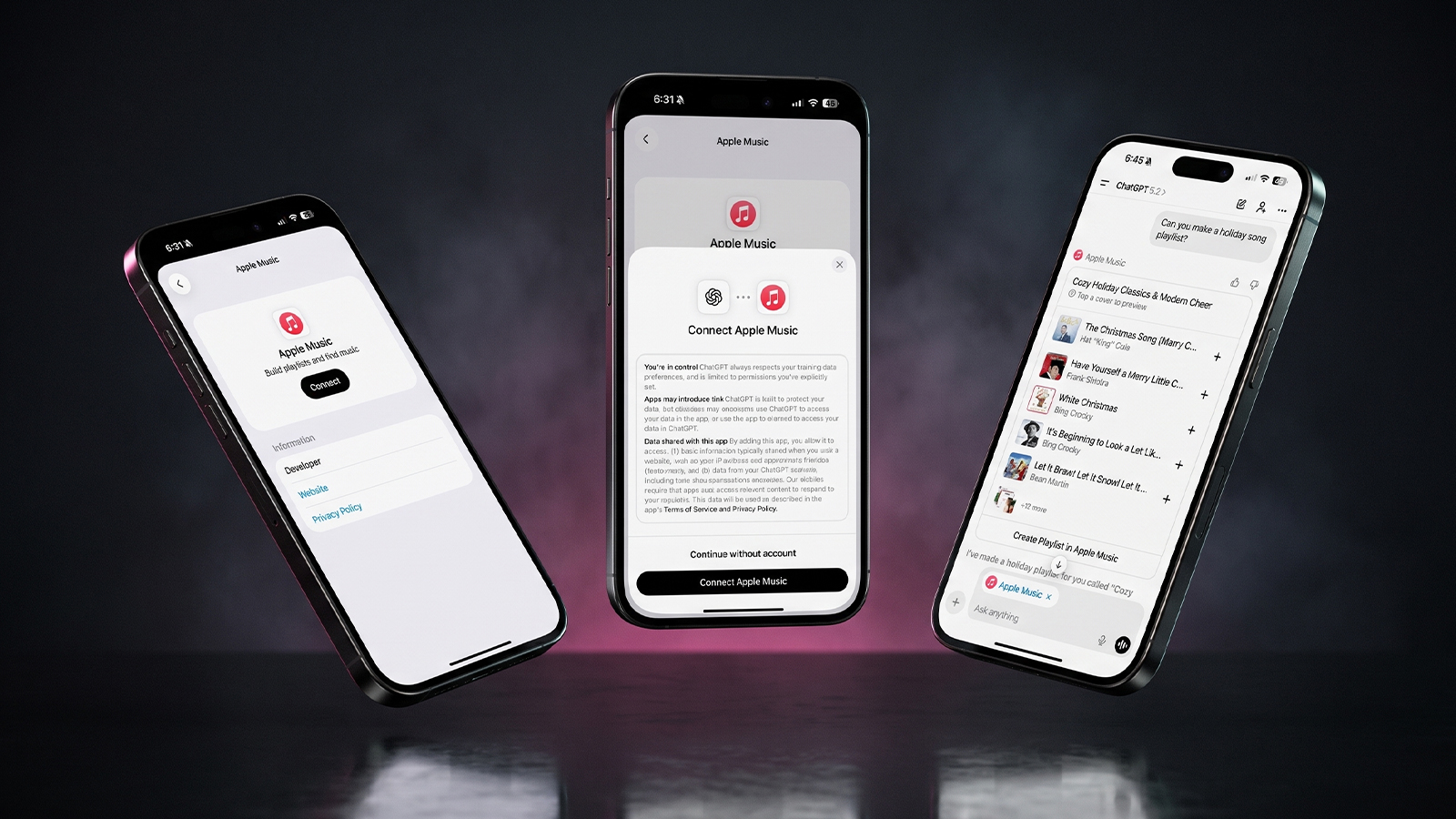
Once your playlist is showing up, open it and use the Add button to keep it in your library. If you would rather build something of your own in the meantime, our guide to using Apple Music in ChatGPT to build playlists is a fun detour.
When to stop tapping and wait for Apple
If the setting is on, the software is current and a full week has gone by, the troubleshooting you can do yourself is mostly finished. At that point the useful move is to contact Apple Support with what you have already tried, particularly if the web version is empty as well.
Some questions remain open. Apple’s page does not say which day the playlist refreshes, how much listening counts as enough, or when the year-end highlight reel for Apple Music Replay 2026 will land. If you are weighing whether the service is earning its keep, it is worth reading how Apple Music answered Spotify’s latest price increase.
Apple Music Replay 2026 questions, answered
Is Apple Music Replay 2026 out yet?
Yes. Apple Music has a Replay 2026 page with a personalized 2026 mix. Its support page does not give a separate date for the year-end highlight reel.
How often does Apple Music Replay update?
Apple says this year’s Replay playlist is updated weekly, so plays from the last few days may not show up right away.
Where is the Apple Music Replay website?
It is at replay.music.apple.com. Sign in with the Apple Account you use for Apple Music, then choose Jump In.
Can you see all time stats on Apple Music Replay?
Yes. Apple offers an All Time playlist alongside Replays from past years, so you can look beyond the current year.
Should you chase a stuck Replay before the year ends?
If your Apple Music Replay 2026 is completely blank, check Use Listening History today, since it is the one setting Apple singles out and nothing can be ranked without your plays. If your stats are merely a few days behind, leave them alone and let the weekly refresh do its job. A playlist that updates once a week is not broken, and neither is your habit of playing the same chorus on repeat.