
What WhatsApp Group Status Actually Does (and Who Can See It)

Phone on a sunny picnic table beside a printed photo and lemonade, ready to post a WhatsApp group status

A WhatsApp group status is a 24-hour update that only the members of one group can see, and everyone in that group can view it, react to it or add their own. WhatsApp announced it on October 29, 2026, as one of four changes aimed at making busy group chats easier to follow.

Think of it as a shared noticeboard for one group rather than a broadcast to everyone you know. A photo from the school trip can go to the parents’ group and stop there. It disappears after 24 hours, so it suits passing moments better than anything people will need to find next week.

How WhatsApp group status works

WhatsApp’s announcement pitches this as a home for casual updates aimed at specific groups. You choose a group as the audience, and the update stays inside that circle.

The interesting part is that it runs both ways. Everybody in the group can look at your update, react to it and post one of their own, so one holiday snap can prompt a few more from the same people.

The clock works the same way as a regular status: a day later, it is gone. WhatsApp’s post does not list iPhone steps, button names or a required app version, so we won’t guess at them here.

Who can see a WhatsApp group status

Only the people in that group. A contact who isn’t a member is not part of the audience, which is the main reason to use it instead of posting more widely.

Keep the size of the room in mind, though. WhatsApp’s groups page says a single group can hold up to 1,000 people. Private here means private to the group, and a neighborhood chat with several hundred members is still several hundred people, some of whom you may never have met.

WhatsApp also hasn’t said whether admins can limit who posts one. If you run a large group, that is worth watching once the feature reaches you.

Why WhatsApp added it: 3 other group chat updates

Come back to an active group after a few hours and you can face a long scroll. WhatsApp says the point of this batch is helping you get back to where you stopped reading. Our read is that group status fits that goal by giving small talk somewhere to go besides the main thread, which leaves the chat itself easier to scan.

Three more changes arrived with it:

  • Permanent pins. You no longer have to decide on a time limit when pinning something important. It can simply stay at the top, which is handy for a venue address or the rules of a club.
  • Send message history later. WhatsApp added a choice earlier this year to share recent messages at the moment you add someone. Now you can do it after they have joined by tapping their name in the chat, and those messages stay end-to-end encrypted.
  • Filter by mentions and replies. This new chat filter collects unread group conversations where somebody mentioned you or answered you directly, and @all messages count too.

If you already sort your inbox with custom chat lists in WhatsApp, the new filter should feel familiar. It also follows other small control features, such as the spoiler option for text messages that has been in development.

WhatsApp group status not showing yet?

Many readers run into the same gap with announcements like this one: the blog post lands before the feature does. WhatsApp gives no rollout date, region or platform list, so not seeing it today doesn’t mean anything is wrong with your phone.

A few sensible checks, easiest first:

  1. Open the App Store and install any waiting WhatsApp update.
  2. Force close WhatsApp and open it again.
  3. Ask someone else in the group whether they can see the option. If nobody can, it probably hasn’t reached your group.
  4. Give it a few days before looking again.

We wouldn’t delete and reinstall the app to try to force it. Nothing WhatsApp has published suggests that helps.

What it doesn’t do

It isn’t a permanent post. Anything that has to last belongs in a pinned message, since a status has a one-day lifespan.

It doesn’t reach part of a group. The audience is the whole group, so a remark meant for one person is better sent as a private reply, which WhatsApp also highlights in its post.

It isn’t confirmed for every device. WhatsApp hasn’t named platforms for any of the four updates, so don’t assume a tablet, desktop or web version behaves the same way as your phone.

Frequently asked questions

How long does a WhatsApp group status last?

It lasts 24 hours. WhatsApp says group statuses disappear after that time, the same as regular statuses.

Why is send message history not available in WhatsApp?

It may not have reached your account yet. WhatsApp has not published rollout dates, so update the app and check again in a few days.

Is shared message history encrypted?

Yes. WhatsApp says recent messages sent to a group member stay end-to-end encrypted.

Can admins turn off group status?

WhatsApp has not said. Its announcement does not mention any admin controls for this feature.

Should you start using WhatsApp group status?

Yes for small, familiar groups such as family or close friends, where a WhatsApp group status keeps casual photos out of the main chat. Skip it in large community groups full of people you don’t know, and use a pin for anything that must stick around. If it hasn’t appeared yet, keep the app updated and carry on as normal. Most group chat news is stale by tomorrow anyway, and now it can leave on schedule.


The MacReview YouTube Channel

The MacReview YouTube Channel

Visit Our
Youtube Channel

Watch Anywhere, Anytime!

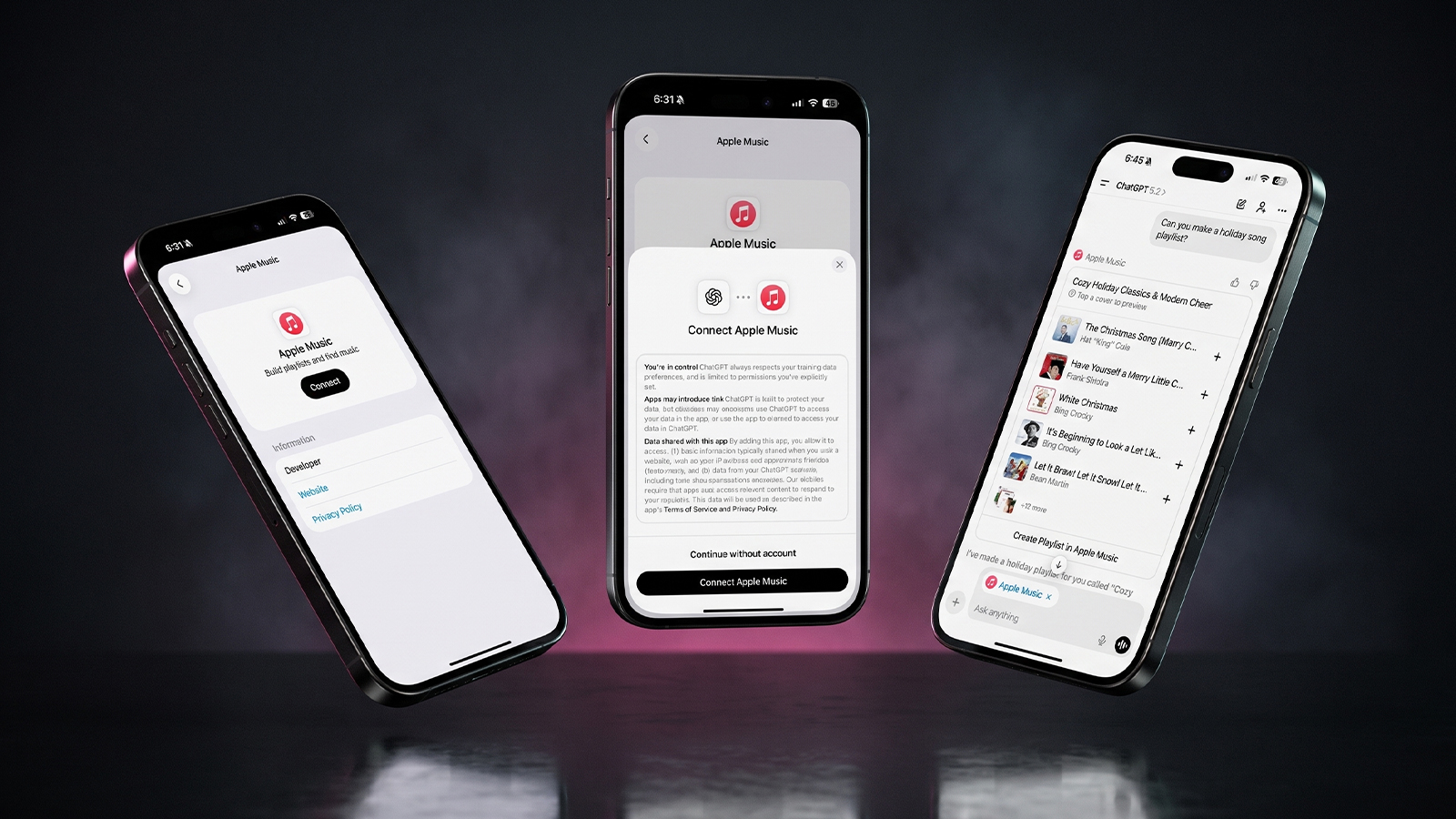
Three iPhones on a dark background with pink lighting showing the ChatGPT and Apple Music connection flow, including an "Apple Music" app page with a Connect button, a "Connect Apple Music" permissions dialog, and a ChatGPT chat generating a holiday song playlist.
Apple Music now works as a ChatGPT extension, so you can search tracks and build playlists using plain language. Here is how to set it up and use it.
Reward your inbox with the TPG Daily newsletter img

Subscribe to Our Newsletter

REWARD YOUR INBOX WITH THE MACREVIEW NEWSLETTER

Microsoft 365 wordmark surrounded by glossy app icons for Word, Excel, PowerPoint, Outlook, OneNote, Exchange, and Microsoft 365 on a soft light background.

Microsoft 365 experienced a significant service disruption affecting business and enterprise customers across North America. The outage impacted core productivity services including Outlook email, Microsoft Defender, and administrative portals, leaving users unable to access critical business tools for several hours. […]

Wireless printer with WiFi signal icon representing Apple AirPrint enterprise printing

When Apple introduced AirPrint in 2010, enterprise IT administrators largely dismissed it as a consumer-focused feature. More than a decade later, AirPrint has fundamentally transformed how organizations handle printing infrastructure, forcing the entire industry to abandon complex driver management in […]

Password Utility Solves the FileVault Reboot Problem for Remote Mac Management

Managing remote Macs presents unique challenges, particularly when FileVault encryption creates accessibility issues during restarts. A new utility from Twocanoes Software addresses this long-standing problem for IT administrators who need reliable access to devices deployed across distributed locations. The FileVault […]

Small smart display on a lamp-lit nightstand with a dark gradient wallpaper, showing Apple HomeView features at night
Apple's $299 HomeView hub recognizes up to six people, runs Siri AI and doubles as a smart home dashboard. Its early 27.2 software also revealed 20 wallpapers and a few hidden extras.
Man working on a laptop in a modern office at night with “Creator Studio” text and Apple logo above, plus floating creative app icons in the foreground.

Apple is reportedly planning to expand its subscription bundle offerings and introduce more paid features across its software ecosystem, following the launch of Apple Creator Studio last month. The company appears to be evaluating opportunities to monetize additional areas of […]

Three iPhones on a dark background with pink lighting showing the ChatGPT and Apple Music connection flow, including an "Apple Music" app page with a Connect button, a "Connect Apple Music" permissions dialog, and a ChatGPT chat generating a holiday song playlist.
Apple Music now works as a ChatGPT extension, so you can search tracks and build playlists using plain language. Here is how to set it up and use it.
Hands hold a softly glowing phone on a park bench at golden hour, a scene tied to Siri AI usage limits
Apple plans daily caps on Siri AI and other server-side features, with paid access for heavier users later. Here is what happens at a limit, what stays free and what Apple still has not said.
Hands hold a glowing smartphone at a sunlit kitchen table beside a laptop, a fix for Siri AI not working
Siri AI is a beta you have to request, so a missing assistant is usually a setup issue rather than a bug. Here are seven things to check, easiest first, and when to simply wait.
Laptop showing a snowy fantasy scene on a dim desk with a controller and headphones, ready for how to play Skyrim on Mac
A free open-source app called SkyrimMT now sets up Steam, Skyrim Special Edition and a full mod manager on Apple Silicon Macs. Here is what you need, the setup steps and the risks of running an unofficial, unnotarized tool.
Apple Arcade games available across Apple devices

In 2025, you’ll notice significant changes in Apple Arcade’s fan favorites, as exclusive updates aim to refine and enhance your gaming experience. Titles like WHAT THE CAR? and Hello Kitty Island Adventure are set to receive major gameplay improvements, alongside […]

Phone on a sunny picnic table beside a printed photo and lemonade, ready to post a WhatsApp group status
WhatsApp group status lets the members of one group share updates that disappear after 24 hours. Here is who can see it, why it may not be showing yet, and what else changed in group chats.
Phone on a desk showing a satellite map of a desert airfield with Apple Maps blurred areas over one section
Apple Maps has quietly blurred eight NASA, Space Force and Air Force sites, with no word from Apple. Here is which bases are hidden, which are still visible and what it means for everyday users.
Tablet and stylus on an oak desk with sketches and color swatches, a flat lay for affinity ipad vs procreate
Affinity for iPad is now a free download, which gives Procreate its most serious rival yet. Here is how the two compare on drawing, vector work, AI and file support, and which one fits your work.
Sign Up For Newsletter mobile

Catch The Latest

Sign Up For Newsletter

Updated October 2026 for iOS 27, iPadOS 27 and macOS. Quick answer: There are 8

Apple Music now works as a ChatGPT extension, so you can search tracks and build
A new Health Sensing System, heart rate every five seconds, a 0-to-10 readiness score, and
Six laser-cut blades, four aperture stops, and a 2nm chip. Here is every confirmed iPhone
Scroll to Top