Siri AI Usage Limits, Explained: What Happens When You Run Out

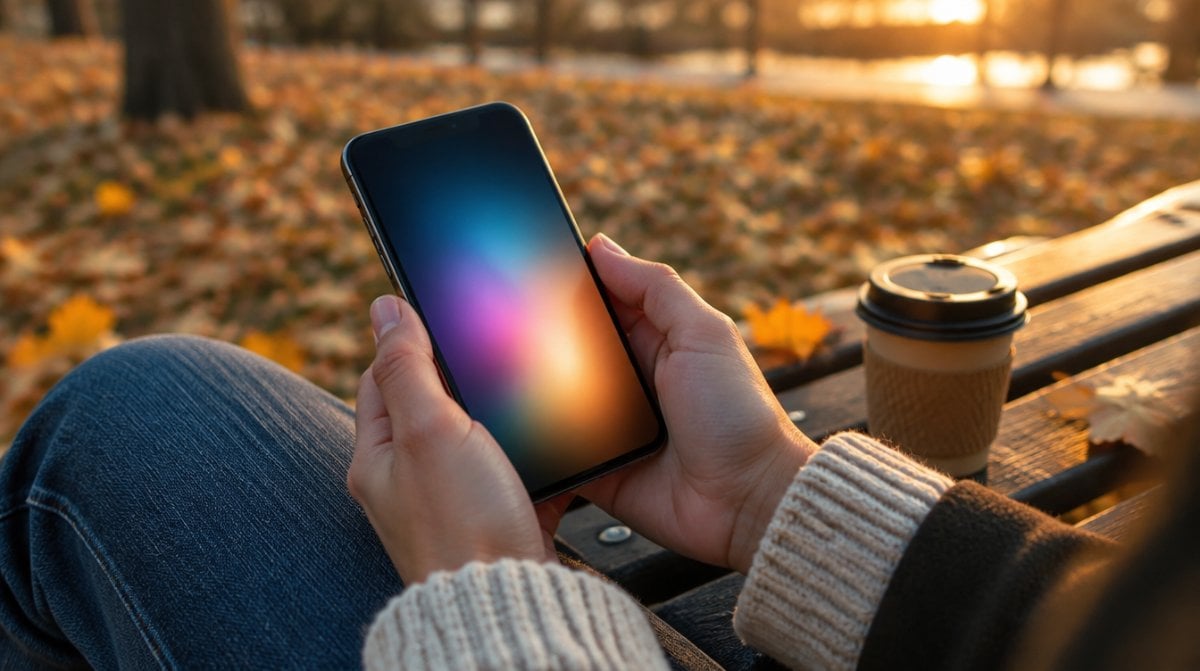
Hands hold a softly glowing phone on a park bench at golden hour, a scene tied to Siri AI usage limits

You lean on Siri for a long string of requests one evening, then open Photos to tidy up a picture for the group chat, and at some point the help simply pauses. That scenario is what Siri AI usage limits are built around. On Apple’s November 2 earnings call, CEO John Ternus repeated the plan: caps on server-side AI features, with a paid option for people who want more.

The catch is how little is settled. Apple has not published a limit, a price or a start date. What it has published still answers most of what owners want to know.

The short answer on Siri AI usage limits

Yes, Siri AI usage limits are part of the deal. Apple describes daily caps on features that run on its servers, a timeout once you hit one, and a fee for extra access at some later point.

Apple’s pages do not quite agree on timing. The fine print on its iCloud page says these features “are subject to daily usage limits.” Its support note on usage limits, dated September 9, says Apple will bring them in “in the future.” We would treat the policy as real and the enforcement date as unknown.

How the caps work in plain English

Think of a phone data allowance with no published size. Requests handled on Apple’s servers cost real computing power, so Apple wants a ceiling on them.

Siri AI usage limits are not fixed, either. Apple says they can shift with the feature, how complicated your request is, how busy its systems are, its own policies and other factors. Two people could hit different ceilings.

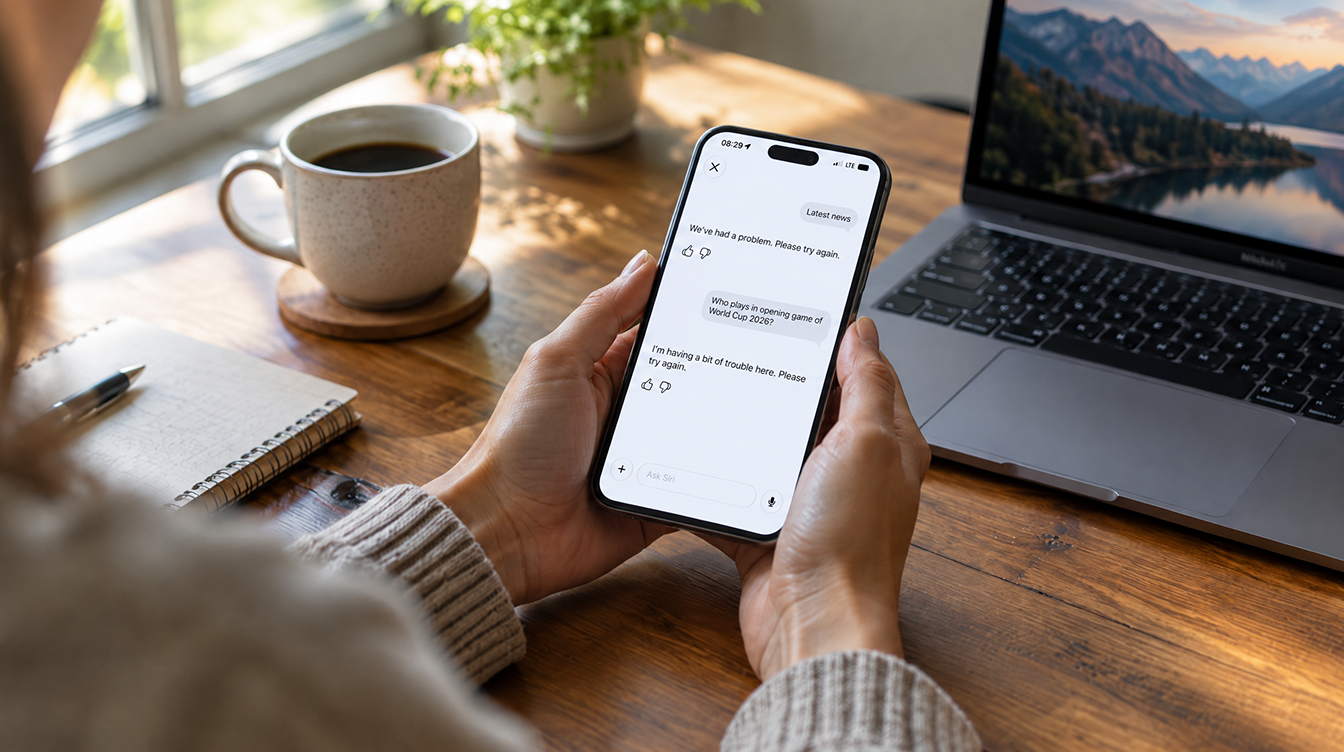
Reach a cap and the feature either goes away or runs with reduced ability until your allowance resets. Apple calls this a time out period and gives no length for it. The rest of your device carries on as normal.

Neither support page shows a usage meter, a Settings screen or the wording of a warning, so there is nothing to check yet.

Which features fall under the cap

Siri AI usage limits reach past Siri itself. Apple names five groups and says its list is not complete:

  • Siri AI
  • Intelligent Photo Editing Tools: Clean Up, Extend and Spatial Reframing
  • Image Playground
  • AFM 3 Cloud and AFM 3 Cloud Pro models in Shortcuts
  • Third-party apps that use Apple Foundation Models in Private Cloud Compute

That last entry deserves a second look, since a cap could surface inside an app Apple did not make. Apple has not said whether those apps draw on the same allowance as Siri.

Why Apple is adding Siri AI usage limits

Apple’s stated reason is keeping these services dependable for everyone. The money side came out on the earnings call, where CFO Kevan Parekh split the costs in two: “Obviously, on device, you know, it’s very very efficient. No real costs associated with that. But on the server side, we have some inference costs.”

Apple expects December quarter gross margin of 45 to 46 percent and pointed to memory prices plus the Siri AI ramp. Parekh also called the mix of on-device and cloud Siri work “very early days,” which may be why no numbers exist yet.

Ternus described Siri AI as “primarily request-based today” with “real room to expand capabilities over time.” Our read: a more capable Siri probably means more server work, so Siri AI usage limits are likely to matter more later than they do this week.

What this means for your iCloud+ plan

The note on Siri AI usage limits sits on Apple’s iCloud page, which hints at a connection, yet no plan lists a Siri allowance. So far, the one AI perk Apple spells out by plan is Home app video summaries, sorted by camera count:

iCloud+ planUS price per monthCameras with video summaries
50GB$0.99Not listed
200GB$2.99Not listed
2TB$9.99Up to 1
6TB$29.99Up to 2
12TB$59.99Up to 5

Apple warns that camera counts and other plan features may change. For background on how this idea developed, see our earlier look at whether Apple would charge for its Siri chatbot.

Common misconceptions about the cap

A bigger storage plan buys more Siri. Nothing Apple has published says so. Paid access is described as a future option, with no link to any storage tier.

Every Apple Intelligence feature gets capped. Apple’s list centers on server-side models, and on-device work is not described as limited. Its Usage Terms do leave room to change which features are covered at any time.

A cap locks you out of your iPhone. It does not. Apple says you can keep using other features while you wait, though it has not spelled out what happens to basics like timers.

Any Siri failure today means you hit a limit. Not necessarily. Work through our Siri AI troubleshooting steps first.

Frequently asked questions about Siri AI limits

Is there a Siri AI daily limit?

Yes on paper, but Apple gives no number. Its website describes daily limits for server-side features, and they can vary by feature, request complexity and system demand.

Does Siri AI need an iCloud+ subscription?

No subscription appears in Apple’s stated requirements. You need a device that supports Apple Intelligence, using a language Apple covers, and the feature remains in beta.

How much will extra Siri AI access cost?

Apple has not said. It confirms a fee for expanded access in the future, but no price or plan has been published.

Should you upgrade iCloud+ for Siri AI?

Not yet. There is nothing to buy, and no storage tier promises more requests, so keep the plan that suits your photos and backups. Siri AI usage limits are worth watching if you use Image Playground, photo edits or cloud models in Shortcuts every day, while casual Siri users can ignore this until Apple names a number. For now, the biggest change to your Siri is a footnote.


The MacReview YouTube Channel

The MacReview YouTube Channel

Visit Our
Youtube Channel

Watch Anywhere, Anytime!

Three iPhones on a dark background with pink lighting showing the ChatGPT and Apple Music connection flow, including an "Apple Music" app page with a Connect button, a "Connect Apple Music" permissions dialog, and a ChatGPT chat generating a holiday song playlist.
Apple Music now works as a ChatGPT extension, so you can search tracks and build playlists using plain language. Here is how to set it up and use it.
Reward your inbox with the TPG Daily newsletter img

Subscribe to Our Newsletter

REWARD YOUR INBOX WITH THE MACREVIEW NEWSLETTER

Microsoft 365 wordmark surrounded by glossy app icons for Word, Excel, PowerPoint, Outlook, OneNote, Exchange, and Microsoft 365 on a soft light background.

Microsoft 365 experienced a significant service disruption affecting business and enterprise customers across North America. The outage impacted core productivity services including Outlook email, Microsoft Defender, and administrative portals, leaving users unable to access critical business tools for several hours. […]

Wireless printer with WiFi signal icon representing Apple AirPrint enterprise printing

When Apple introduced AirPrint in 2010, enterprise IT administrators largely dismissed it as a consumer-focused feature. More than a decade later, AirPrint has fundamentally transformed how organizations handle printing infrastructure, forcing the entire industry to abandon complex driver management in […]

Password Utility Solves the FileVault Reboot Problem for Remote Mac Management

Managing remote Macs presents unique challenges, particularly when FileVault encryption creates accessibility issues during restarts. A new utility from Twocanoes Software addresses this long-standing problem for IT administrators who need reliable access to devices deployed across distributed locations. The FileVault […]

Small storage box with glowing status lights on a closet shelf above a laptop, waiting for a Synology NAS update
Synology has patched two critical PHP flaws in Calendar, Mail Station and its PHP packages. Here is which versions fix them and what NAS owners should do today.
Man working on a laptop in a modern office at night with “Creator Studio” text and Apple logo above, plus floating creative app icons in the foreground.

Apple is reportedly planning to expand its subscription bundle offerings and introduce more paid features across its software ecosystem, following the launch of Apple Creator Studio last month. The company appears to be evaluating opportunities to monetize additional areas of […]

Three iPhones on a dark background with pink lighting showing the ChatGPT and Apple Music connection flow, including an "Apple Music" app page with a Connect button, a "Connect Apple Music" permissions dialog, and a ChatGPT chat generating a holiday song playlist.
Apple Music now works as a ChatGPT extension, so you can search tracks and build playlists using plain language. Here is how to set it up and use it.
Hands hold a softly glowing phone on a park bench at golden hour, a scene tied to Siri AI usage limits
Apple plans daily caps on Siri AI and other server-side features, with paid access for heavier users later. Here is what happens at a limit, what stays free and what Apple still has not said.
Hands hold a glowing smartphone at a sunlit kitchen table beside a laptop, a fix for Siri AI not working
Siri AI is a beta you have to request, so a missing assistant is usually a setup issue rather than a bug. Here are seven things to check, easiest first, and when to simply wait.
Laptop showing a snowy fantasy scene on a dim desk with a controller and headphones, ready for how to play Skyrim on Mac
A free open-source app called SkyrimMT now sets up Steam, Skyrim Special Edition and a full mod manager on Apple Silicon Macs. Here is what you need, the setup steps and the risks of running an unofficial, unnotarized tool.
Apple Arcade games available across Apple devices

In 2025, you’ll notice significant changes in Apple Arcade’s fan favorites, as exclusive updates aim to refine and enhance your gaming experience. Titles like WHAT THE CAR? and Hello Kitty Island Adventure are set to receive major gameplay improvements, alongside […]

Tablet and stylus on an oak desk with sketches and color swatches, a flat lay for affinity ipad vs procreate
Affinity for iPad is now a free download, which gives Procreate its most serious rival yet. Here is how the two compare on drawing, vector work, AI and file support, and which one fits your work.
Laptop glowing on a walnut desk at dusk beside a calendar, a home office scene for chatgpt classic vs new app
ChatGPT Classic retires on January 30, 2027, and your chat history is due to move with you. Here is how the two Mac apps compare and when to make the switch.
Hands near an open laptop and phone on a kitchen table, ready to switch from Chrome to Safari
Apple's new Switch to Safari campaign makes a strong case for leaving Chrome. Here is how to move your bookmarks, history and passwords on Mac, iPhone and iPad, and what does not come along.
Sign Up For Newsletter mobile

Catch The Latest

Sign Up For Newsletter

Updated October 2026 for iOS 27, iPadOS 27 and macOS. Quick answer: There are 8

Apple Music now works as a ChatGPT extension, so you can search tracks and build
A new Health Sensing System, heart rate every five seconds, a 0-to-10 readiness score, and
Six laser-cut blades, four aperture stops, and a 2nm chip. Here is every confirmed iPhone
Scroll to Top