
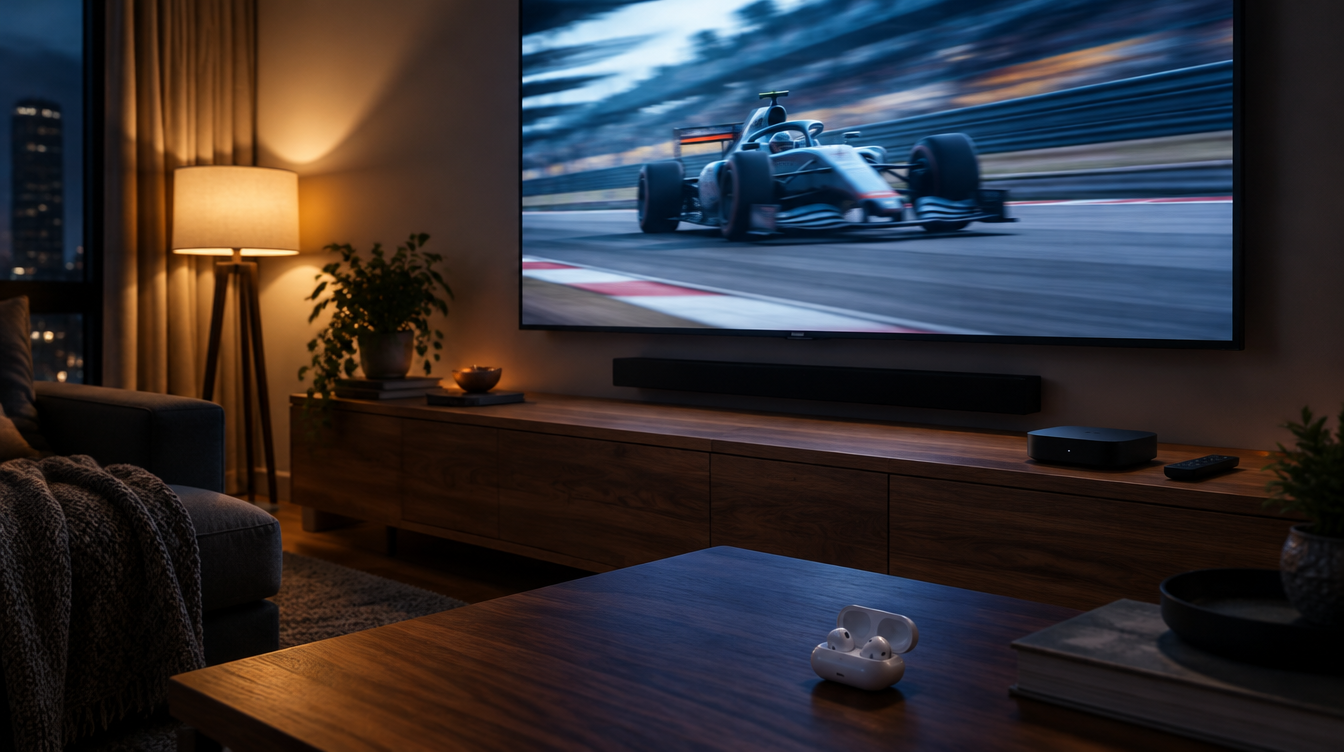
All season, Formula 1 on Apple TV has sounded good but familiar, built on a standard 5.1 surround mix. Starting with the US Grand Prix weekend in Austin on Friday, October 23, Apple is switching on Dolby Atmos for its F1 coverage. If you already watch F1 on Apple TV, the picture stays the same and the sound gets a lot bigger.
The upgrade costs nothing extra, but it only reaches you if your setup can play Atmos and your settings let it through. Here is what to check before the lights go out in Texas.
What you need to watch F1 on Apple TV
Apple holds the exclusive US streaming rights under a five-year deal that began with the 2026 season. That means one subscription covers the lot: practice, qualifying, Sprint sessions and every Grand Prix. Apple also includes F1 TV Premium, the sport’s own extra coverage, for subscribers at no added cost, according to Apple’s announcement of the partnership.
| Item | What it does | Needed for Atmos? |
|---|---|---|
| Apple TV subscription ($14.99 a month, or Apple One) | Unlocks every session, plus F1 TV Premium | Yes |
| Apple TV app on a supported device | Where the races stream | Yes, on a device Apple supports for Atmos |
| Atmos-capable TV, soundbar or AV receiver | Plays the height channels | Yes, for speakers |
| AirPods with spatial audio | Head-tracked surround in your ears | Optional |
A subscription is $14.99 a month after a 7-day free trial, and it is also part of every Apple One bundle, which starts at $21.95 a month. Apple also makes all practice sessions and a few selected races free in the Apple TV app, so a casual fan can sample the coverage without paying.
How to watch F1 on Apple TV in 4 steps
- Get the app. The Apple TV app runs on iPhone, iPad, Mac, Apple TV hardware and Apple Vision Pro, along with many smart TVs, Roku, Chromecast with Google TV, Amazon Fire TV, Xbox and PlayStation.
- Sign in with your Apple Account. Start a subscription or the free trial if you do not have one yet. Apple One members are already covered.
- Search for Formula 1. Type F1 or Formula 1 into search to find the live sessions along with the pre- and post-race shows.
- Press play on the live feed. If your hardware supports it, the stream arrives in 4K with Dolby Vision, and from Austin onward with Atmos sound as well.
Want more than one camera at a time when you watch F1 on Apple TV? Multiview can put up to four feeds on screen, which is handy for following an onboard camera next to the main broadcast. On an iPhone or Apple Watch, Live Activities keep the running order on your Lock Screen while you do something else.
Getting Dolby Atmos working on an Apple TV 4K
The most likely living room setup is an Apple TV 4K plugged into a TV, with sound going to a soundbar or receiver. Atmos rides along the HDMI connection, so every link in that chain has to support it.
- Check the audio format. On the Apple TV box, open Settings, then Video and Audio, then Audio Format, and make sure Dolby Atmos is allowed rather than locked to an older format.
- Check the sound system. Your TV, soundbar or receiver needs to list Dolby Atmos support. Many TVs pass Atmos to a soundbar only over an eARC or ARC HDMI port, so check which port you are using.
- Try AirPods. AirPods Pro, AirPods Max and AirPods (3rd generation) or newer can play spatial audio from an Apple TV 4K, which is a good option for late races when the rest of the house is asleep.
What actually changes in your ears? Atmos places sounds in three dimensions, including above you, instead of spreading them across a flat ring of speakers. Apple says the F1 mix covers team radio, the commentary, engine noise, wheel-to-wheel battles and activity in the pit lane. Dolby’s John Couling has explained that the mix can draw on the microphones and sensors already fitted around each circuit, so nothing new has to be bolted to the track.
Watching on iPhone, iPad and Mac
You can watch F1 on Apple TV from a phone, a tablet or a laptop in the same app, with the same subscription. Apple describes Atmos support as limited to “supported devices” and has not posted a full list for the F1 streams, so the safest bet for the full effect is still a TV with a proper speaker setup.
The free Apple Sports app is a good companion on race day. It shows live leaderboards, driver and constructor standings, a Home Screen widget and Live Activities for every qualifying session, Sprint and race. If you are new to the season, our look at the Formula 1 preview programming in the Apple TV app is a good place to catch up, and Apple Maps’ detailed F1 circuit views help if you are heading to a track in person.
What Apple has not said yet
Austin is confirmed as the first weekend you can watch F1 on Apple TV with Atmos. Apple has not said whether practice and qualifying get the new mix or only the main race, and it has not confirmed that every remaining round will follow.
Region is the other limit. Apple’s deal covers the United States only, so viewers elsewhere still rely on their local F1 broadcaster. Apple has signaled interest in more markets, but nothing has been announced.
Frequently asked questions
Can I watch F1 on Apple TV outside the US?
Not through Apple’s F1 deal. The streaming rights cover the United States only, so fans in other countries need their local F1 broadcaster.
Can I watch F1 on Apple TV for free?
Partly. All practice sessions and a few selected races are free in the Apple TV app, while qualifying, Sprints and most Grands Prix need a subscription or the 7-day trial.
Do I need to pay for F1 TV Premium separately?
No. In the US, F1 TV Premium is only offered through Apple TV and is included free for subscribers.
Should you set up Dolby Atmos before the US Grand Prix?
If you already watch F1 on Apple TV through an Atmos soundbar or receiver, take two minutes before October 23 to check the audio settings, because that is the whole job. If your sound comes from TV speakers, you can skip the fuss and still enjoy the 4K picture, or grab a pair of AirPods for the race. Either way, Austin should be the loudest F1 has ever sounded from the couch.



















