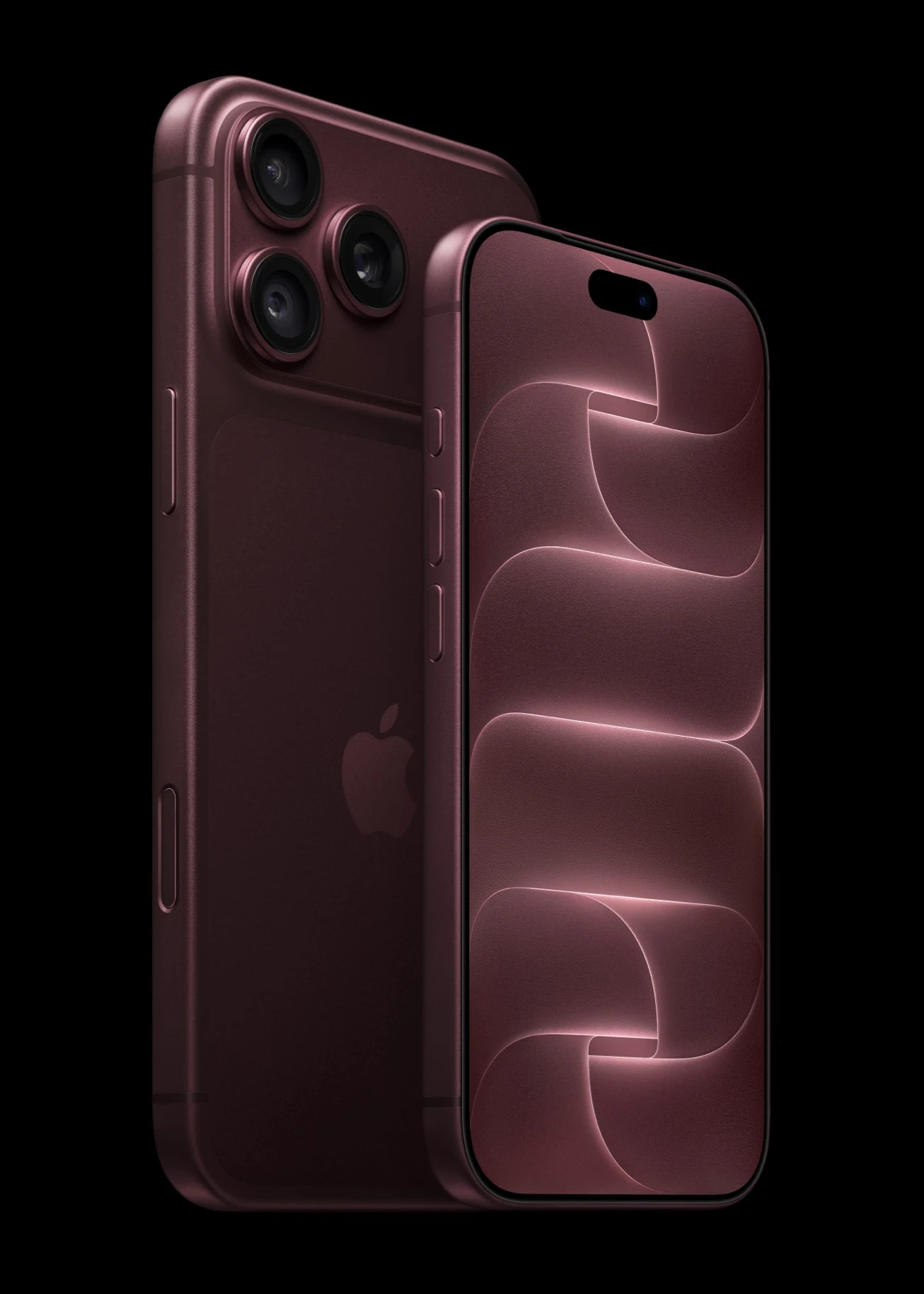
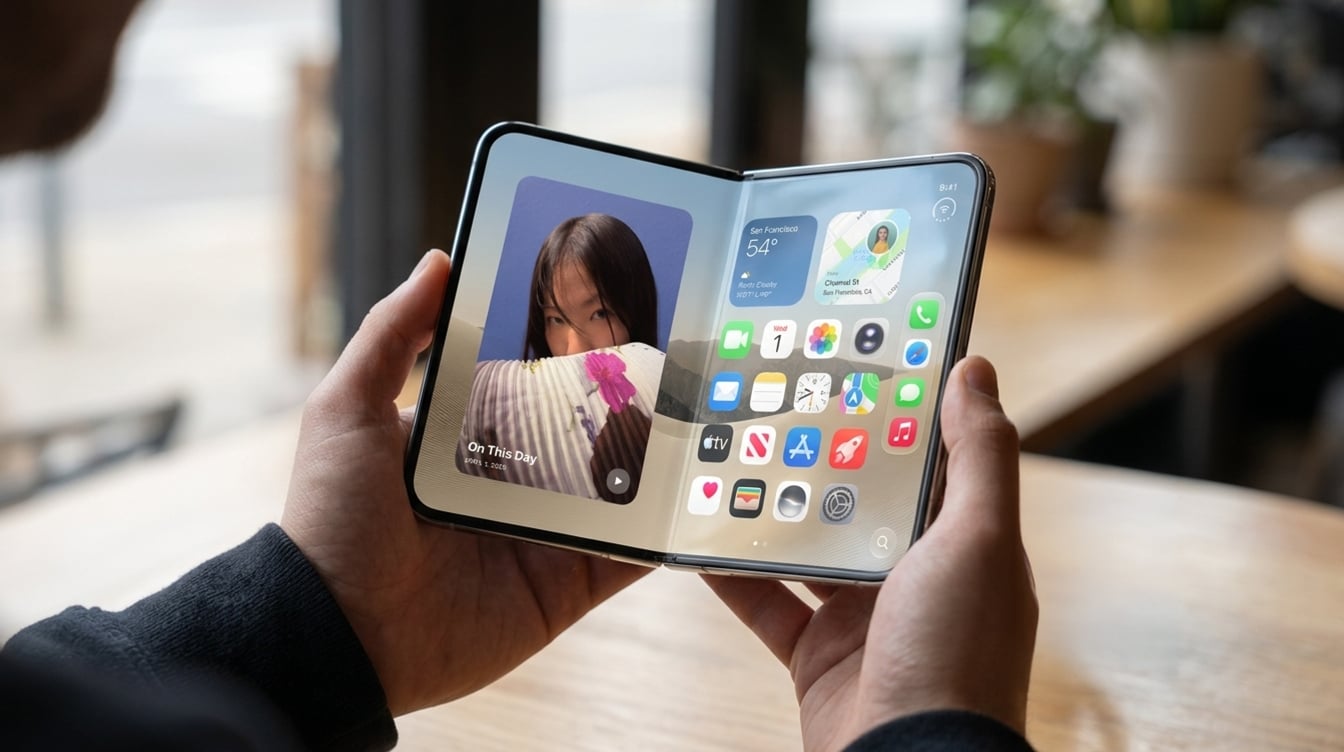
One bad drop on a $1,999 foldable can cost you $1,499 to fix if the phone has no coverage. That single number, from the repair estimates Apple just posted, is why iPhone Duo AppleCare deserves a real look before you tap the pre-order button on Friday, October 16.
The short version: for most buyers, coverage on this phone pays for itself the first time something goes wrong with the folding screen. A small group of very careful owners can still skip it. Here is how the numbers work out.
What iPhone Duo repairs cost without coverage
Apple lists eight out-of-warranty prices, shown here from most to least expensive, for its first folding iPhone. Apple calls them estimates, and it says taxes and shipping can be added after a technician inspects the device. Independent Apple Authorized Service Providers are free to charge their own amounts.
| Repair | Price without coverage |
|---|---|
| Other damage | $1,499 |
| Inner display damage | $999 |
| Outer display and back glass damage | $509 |
| Outer display damage | $379 |
| Rear camera damage | $229 |
| Battery service | $229 |
| Back glass damage | $199 |
| Cover layer damage | $49 |
The top line is the scary one. A $1,499 charge equals roughly three quarters of what the base 256GB model sells for. The inner display alone runs $999, which is more than many people paid for their last phone.
How iPhone Duo AppleCare changes the math
With a plan attached, each incident carries a flat service fee instead. Apple’s support pages also note that covered fees are identical at an Apple Store and at an authorized shop, and that drops and spills get unlimited repairs.
| Problem | Without coverage | With AppleCare+ |
|---|---|---|
| Battery service | $229 | $0 |
| Cover layer damage | $49 | $19 |
| Back glass damage | $199 | $29 |
| Outer display damage | $379 | $29 |
| Inner display damage | $999 | $99 |
| Other accidental damage | $1,499 | $99 |
| Theft or loss | Not covered | $149 (Theft and Loss plan) |
Put plainly, a cracked folding screen goes from $999 to $99, and the catch-all damage tier shrinks by $1,400. Battery work becomes free once capacity falls under 80 percent, which matters on a phone with Apple’s new dual-battery design.
Apple offers three flavors: AppleCare+, AppleCare+ with Theft and Loss, and AppleCare One. The Individual version of AppleCare One costs the same per month as AppleCare+ with Theft and Loss but also protects two more of your devices. Apple did not show plan prices on the iPhone Duo store page we checked, so compare them in your bag before checkout.
Who gets the most out of coverage
Five kinds of buyers stand to save the most with iPhone Duo AppleCare.
- Anyone who has cracked a phone before. Past behavior is the best predictor here, and the hinge adds a second screen to break.
- Parents handing the phone around. Kids, couch cushions and kitchen counters are where folding screens get hurt.
- People who keep phones three years or more. Free battery service under 80 percent saves the $229 fee you would otherwise face later.
- Owners of several Apple devices. AppleCare One can fold the phone, a watch and an iPad into one monthly bill.
- Buyers financing the phone. If you are paying monthly, a sudden $999 repair bill is the worst-case surprise.
Who can reasonably skip it
Some readers will do fine without a plan. If you already pay for phone insurance through your carrier or a credit card benefit, check what it covers for a foldable first; doubling up wastes money.
Careful owners who use a case, rarely drop anything and upgrade every year also take on less risk. Their realistic exposure is one battery or one minor repair before trade-in. Even so, skipping iPhone Duo AppleCare is a bet that you will never need the $999 inner screen repair – and that is a big bet on a screen that bends every time you open the phone.
iPhone Duo repair cost in real situations
A drop that cracks the folding screen. You pay $999 out of pocket, or $99 with a plan. One accident like this covers a lot of monthly fees.
A scuffed cover layer. The thin layer over the inner display costs $49 to replace without coverage and $19 with it. Nobody should buy iPhone Duo AppleCare for this alone, but it adds up over time.
A tumble that cracks the outside and the back. That combined repair is $509 without coverage. With iPhone Duo AppleCare, outer display and back glass incidents each carry a $29 fee.
A tired battery in year three. The iPhone Duo battery replacement cost is $229 without a plan and nothing with one, as long as capacity has dropped below 80 percent.
A phone left in a taxi. Without the Theft and Loss version, you are buying a new $1,999 phone. With it, the fee is $149.
If you are still planning your order, our guide to the iPhone Duo pre-order on October 16 walks through timing, and our look at what Apple built into the iPhone Duo hinge explains why the inner screen is the costly part. Apple’s own iPhone repair page has the official service terms.
Frequently asked questions
Is AppleCare worth it for iPhone Duo?
For most people, yes. A single inner display repair costs $999 without a plan and $99 with one, so one accident usually covers the cost of coverage.
What are the iPhone Duo AppleCare deductibles?
Apple lists $19 for the cover layer, $29 for back glass or the outer display, $99 for the inner display or other accidental damage, and $149 for theft or loss on the Theft and Loss plan. Battery service is $0.
Do Apple’s repair prices apply at third-party shops?
Not always. Apple says authorized service providers can set their own out-of-warranty fees, but covered AppleCare service costs the same at Apple and at those providers.
Should you add iPhone Duo AppleCare to your order?
If you have ever cracked a screen, share the phone with kids or plan to keep it past two years, add iPhone Duo AppleCare when you check out. Yearly upgraders with solid carrier insurance can pass. Either way, the folding screen is a $999 part, so decide before Friday and not after the first drop.