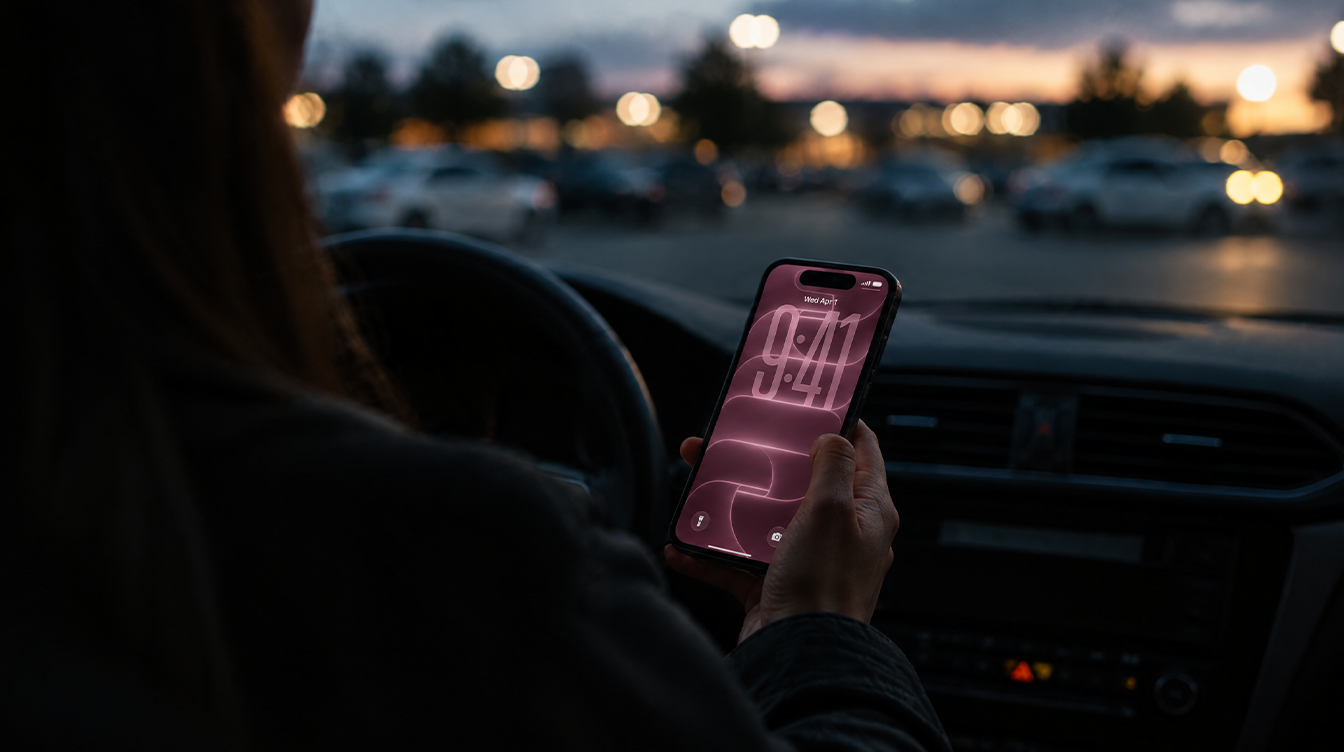
You pull into a parking lot, fire off a quick text to say you are running late, and it just sits there. Up in the corner where your signal bars usually live, the phone now reads “SOS.” If you own an iPhone 18 Pro Max on AT&T, the iPhone 18 Pro Max SOS problem is real, Apple has acknowledged it, and what you should do depends on one thing: whether your phone has already lost service.
Apple says iOS 27.0.1 plus a new AT&T carrier settings update helps prevent the problem, but a phone that has already dropped its connection needs a hardware replacement. Here is the order we would work through it, from the two-minute checks to the trip to the store.
What the AT&T SOS issue looks like
With the iPhone 18 Pro Max SOS bug, the phone can no longer place calls, send texts or use cellular data, and the status bar shows “SOS” where the bars should be. Complaints started in late September, soon after launch.
This is not cosmetic. AT&T warned customers by text that some phones “may be unable to complete calls/text/data, including to 911.”
Which iPhones are seeing it
Apple says only a small number of devices are affected, all of them the larger Pro on one network.
| Model | Modem (US) | Affected on AT&T? |
|---|---|---|
| iPhone 18 Pro Max | Qualcomm | Yes, a small number of units |
| iPhone 18 Pro | Apple C2 | No |
The modem is the obvious common thread, though Apple has not blamed it. Apple also has not said whether the iPhone 18 Pro Max SOS problem can show up on other carriers; everything so far covers AT&T only.
How to fix iPhone 18 Pro Max SOS, easiest step first
Work down this list in order; the first two rule out an ordinary network hiccup. Apple’s SOS and No Service troubleshooting page covers the general versions of these checks.
- Cycle Airplane Mode. Open Settings, switch on Airplane Mode, wait at least 15 seconds, then switch it off so the phone hunts for the network again.
- Restart the phone. A plain restart clears more radio weirdness than it should.
- Install iOS 27.0.1 or later. Go to Settings > General > Software Update. Join Wi-Fi first. Our walkthrough on updating an iPhone over Wi-Fi or with a computer covers the computer route too.
- Pull in the AT&T carrier update. Open Settings > General > About and accept the carrier settings prompt if it appears. Otherwise it installs itself within 14 days, but there is no reason to wait.
- Confirm your carrier version. On that same About screen, the number next to Carrier shows the bundle you have. AT&T users on iOS 27.0 should now be on version 72.1. Apple explains the steps on its carrier settings support page.
- Make sure the line is switched on. In Settings > Cellular, tap your line. If you see Turn On This Line, tap it.
- Rule out your account. From another phone or AT&T’s website, ask AT&T to confirm your account is active and that there is no outage where you are.
On the iOS 27.2 beta? Apple pushed beta users a separate emergency bundle, bumping version 72.0.2 up to 72.0.3.
When the iPhone 18 Pro Max SOS warning means a replacement
Here is the uncomfortable part. Apple says the updates are preventive: they help keep a working phone online, but they do not revive one that has already lost service.
So if you still see iPhone 18 Pro Max SOS after updating, restarting and checking your account, more troubleshooting will not help. Apple’s answer is a hardware replacement, through any of these:
- Contact Apple Support
- Contact AT&T
- Visit an Apple Store
- Visit an AT&T store
Back the phone up to iCloud over Wi-Fi first, and tell the rep up front that Apple has acknowledged the problem, so the chat starts at replacement instead of “have you tried restarting it.”
What Apple and AT&T have said so far
Apple confirmed the problem in a statement given to 9to5Mac, saying it “strongly” encourages “all iPhone 18 Pro Max users to update now” to iOS 27.0.1, and that it was issuing a carrier settings update alongside it. AT&T has said it is working with Apple on the problem.
That explains the early confusion. iOS 27.0.1 arrived on September 28 with release notes that only mention Face ID and camera fixes, and many owners who installed it still saw iPhone 18 Pro Max SOS. For phones already knocked offline, that fits Apple’s explanation.
Apple has not said how many phones are affected, what causes the failure, or whether a future update will do more. For a refresher on emergency features, see our guide to setting up Medical ID and Emergency SOS.
Frequently asked questions
Does iOS 27.0.1 fix the iPhone 18 Pro Max SOS issue?
Only partly. Apple says iOS 27.0.1 together with the AT&T carrier settings update helps prevent the problem, but neither one restores service on a phone that has already lost it.
Is the iPhone 18 Pro affected by the AT&T SOS problem?
No. The smaller Pro runs on Apple’s own C2 modem and has stayed clear of it. Only the US Pro Max, built around a Qualcomm modem, is in the reports.
How do I check my AT&T carrier settings version on iPhone?
Go to Settings, then General, then About, and look at the number next to Carrier. AT&T users outside the beta should see version 72.1 after the latest update.
Should you update now or book a replacement?
If your iPhone 18 Pro Max is on AT&T and still has signal, install iOS 27.0.1 and the carrier update today. If the iPhone 18 Pro Max SOS label is still there after the steps above, stop fiddling and book the replacement. iPhone 18 Pro owners can skip all of this. A phone that cannot reach 911 is not one you wait out.