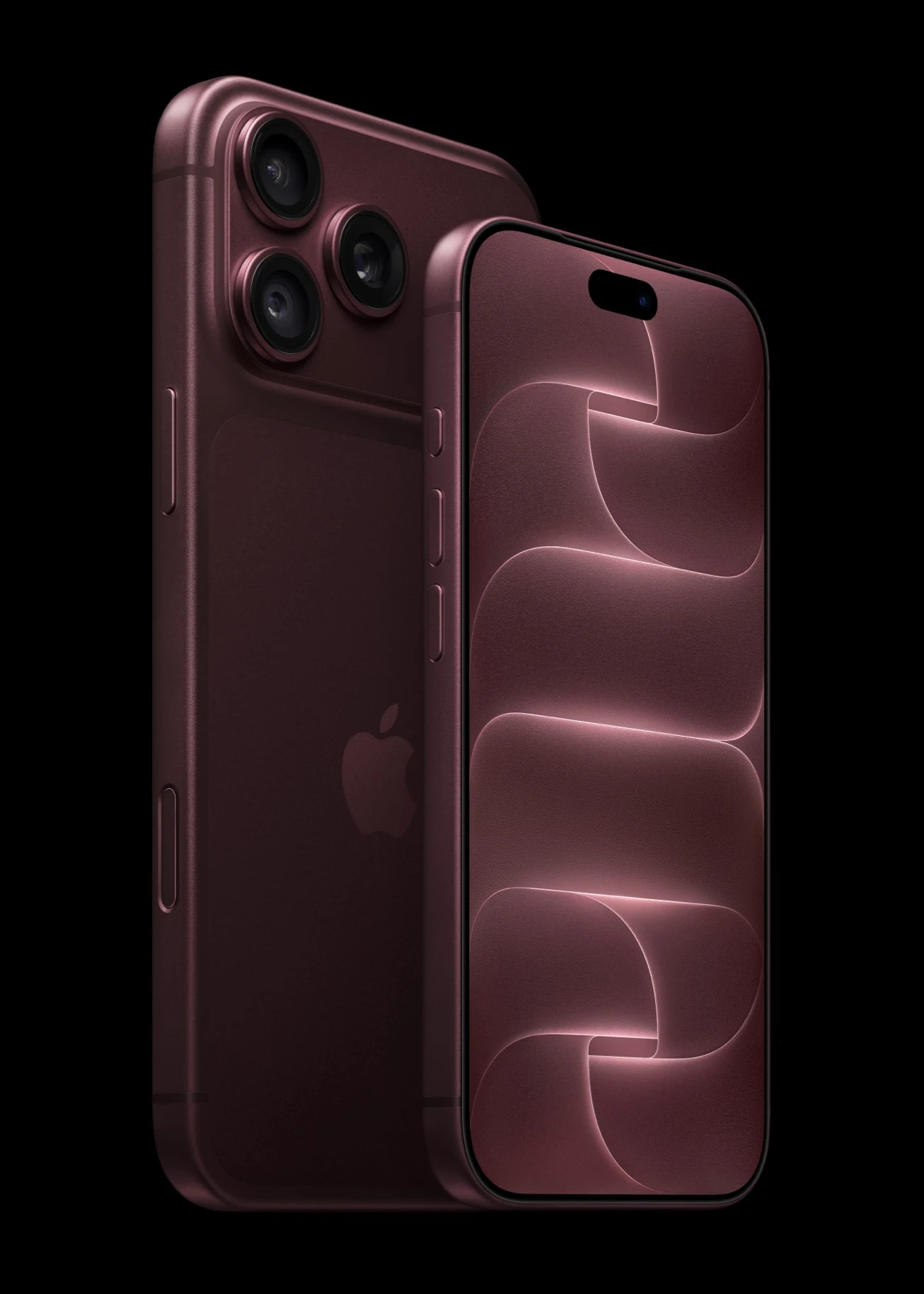

A friend texts you a dinner plan with a time and an address, and until now you had to copy both into Calendar and Maps by hand. The iOS 27.2 features Apple released on October 26, 2026 cut out that busywork, give Siri a better memory and bring a change you will notice the moment you open Music.
iOS 27.2 is available now for supported iPhones, alongside iPadOS 27.2 and macOS 27.2. Apple skipped a general iOS 27.1 release, so for most people this is the first big update since iOS 27 arrived in September. To install it, go to Settings > General > Software Update.
The short answer on iOS 27.2 features
Four changes matter most for everyday use. Messages can now act on what people send you, Siri remembers more, the Home app adds two smart lock options, and Apple Music drops its trademark red.
| Change | Where you will see it | What to know |
|---|---|---|
| Suggested Actions | Messages app | English only at launch, with per-type toggles |
| Siri memory and new languages | Siri | Keeps useful context from earlier requests |
| Lock After Closing and Door Left Open | Home app, compatible locks | Door alerts after 5 to 30 minutes |
| Black and white Apple Music look | Icon, widgets, tab bar | Shipped as tested in beta |
Messages can now act on what people send you
Apple first meant to ship this with iOS 27, then pulled it from the summer betas and promised it in a future update. It is here now. When a message contains a date, a place, a flight or a tracking number, Messages offers a quick action so you can add it to Calendar or Reminders in a tap or two. At launch it works in English only.
You also get control. Go to Settings > Apps > Messages > Suggested Actions to switch each of the five action types on or off:
- Add to Calendar
- Add to Reminders
- Add to Notes
- Show in Maps
- Flights and Packages
So if you love the calendar shortcut but find package prompts annoying, keep one and switch off the other. Of all the iOS 27.2 features, this is the one most people will use every day.
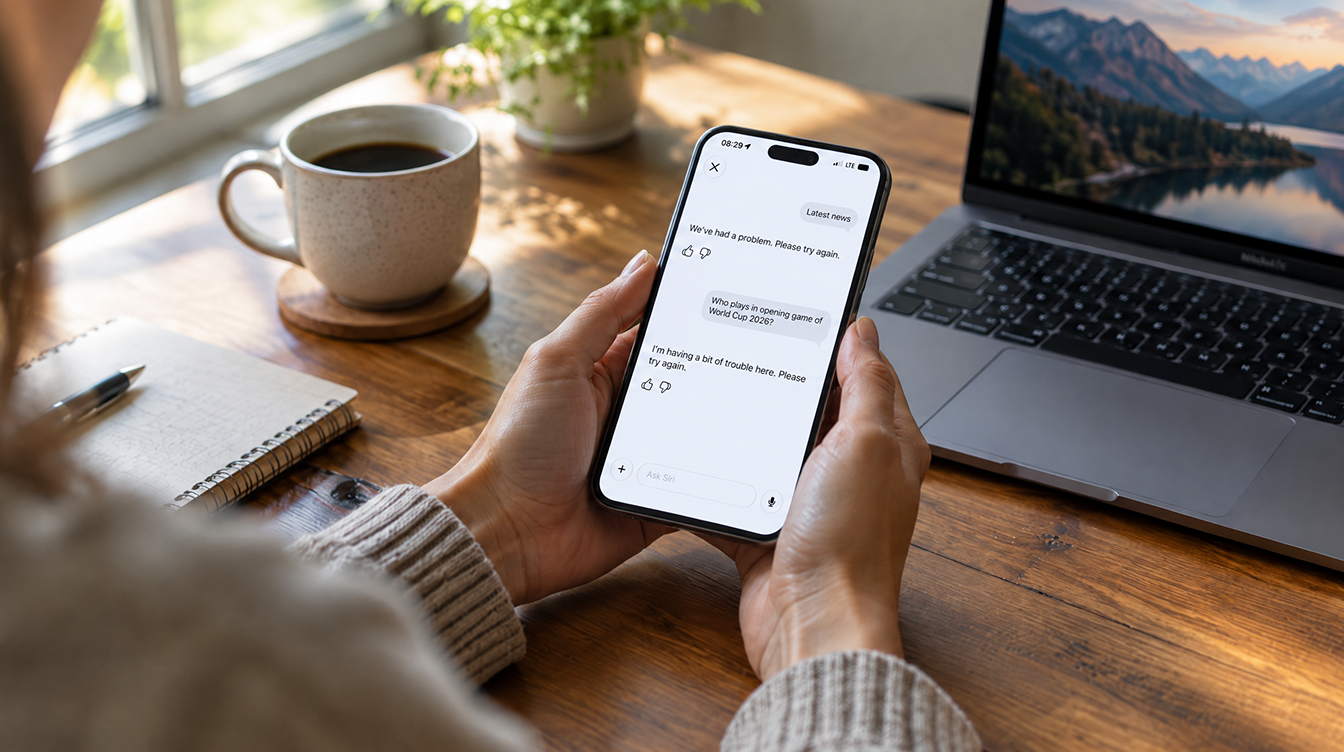
Siri remembers more
Apple’s release notes say Siri can now keep useful context from earlier conversations and draw on more personal context when it answers. Siri also adds five languages: French, Japanese, Korean, Portuguese and Spanish. A new Excluded Apps setting lets you choose, from one place, which apps Siri, Search and suggestions can use.
Two smart lock options in the Home app
Owners of compatible smart locks get two new settings. Lock After Closing locks the door automatically after it shuts. Door Left Open sends an alert when a door stays ajar, and you can set that alert to Off, 5, 10, 15 or 30 minutes.
Anyone who has driven away wondering about the back door will see the appeal of these quieter iOS 27.2 features. Apple has not published a list of which locks qualify, so check with your lock maker if the options do not appear.
Apple Music trades red for black and white
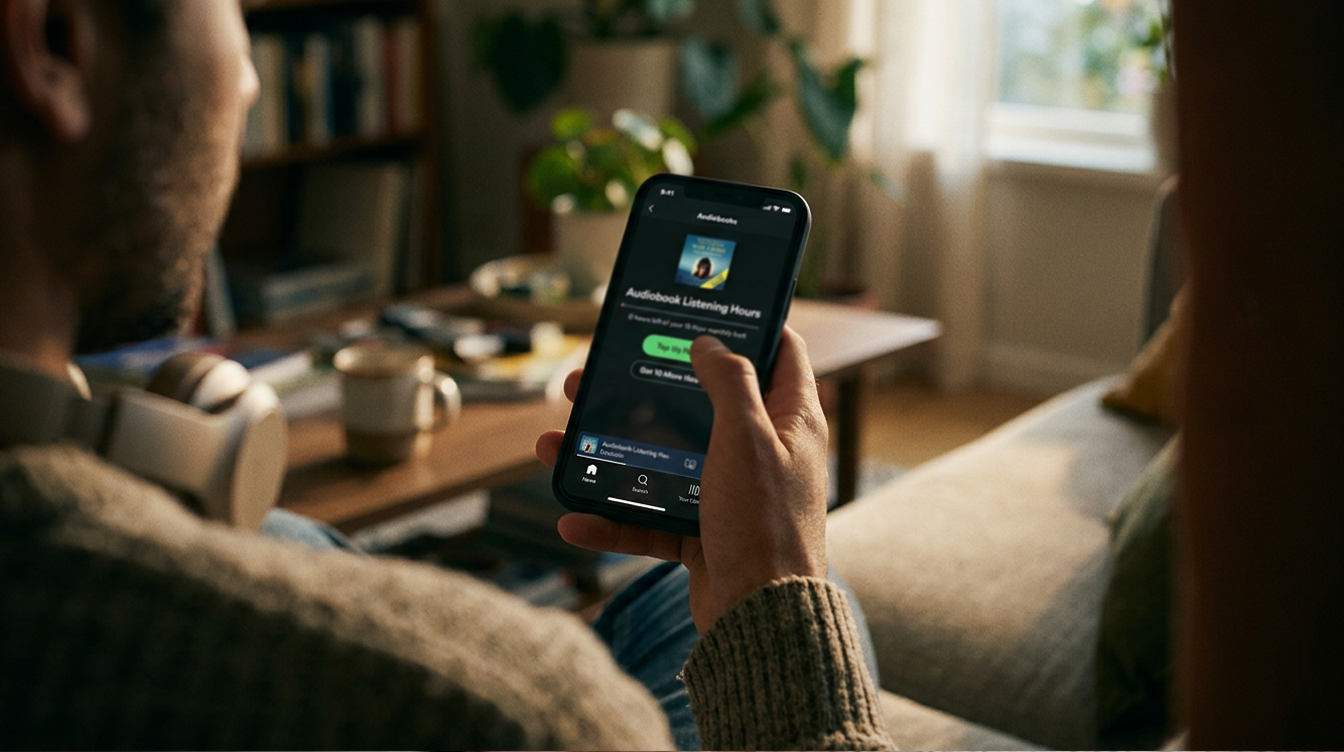
This one is hard to miss, and it survived the beta. The Music icon now shows black notes on a white tile, flipping to white on black in Dark Mode. Widgets have lost their red backgrounds in favor of black, and the selected tab now glows blue. The same look arrived on the Mac with macOS 27.2.
Reaction has been loud and mostly unhappy, with one commenter quoted by Engadget calling it “the worst logo change of all time.” If your Home Screen is sorted by icon color, expect to hunt for Music for a few days.
Smaller iOS 27.2 features worth a look
- FaceTime: Dual Capture in group calls, using the front and rear cameras at once, plus an option to bring in a sign language interpreter or live captioner.
- Apple TV app: Simple Profiles, plus Multiview on iPhone with up to four live streams.
- Podcasts: New Episodes and Continue Playing replace Up Next.
- Photos and Image Playground: a SynthID watermark on images generated or modified with generative tools.
- Security: more than 160 security fixes.
One feature did not make it. The redesigned Health app was pulled before release, and Apple says it is coming in a future update. HomePod software 27.2 shipped the same day with Sound Glow and Lock Controls.
What iOS 27.2 means for the Mac
macOS 27.2 shipped alongside iOS 27.2, and testers found touch gesture code in its betas, including in Safari. That made more sense on October 28, when Apple unveiled its first touchscreen MacBook Pro alongside a hands-on media event in Los Angeles. Apple’s release notes do not list touch gestures as a feature for existing Macs, so treat that code as groundwork for new hardware rather than something you will use on a trackpad.
What comes next after iOS 27.2
Apple confirmed on October 30 that iOS 27.3 testing starts November 4 with the next developer beta, and that the public release in December brings Apple Intelligence to iPhones in mainland China, without Siri AI. For background, our iOS 27 release date guide shows how Apple handled the last big rollout, and the iOS 27 Mail features explainer covers changes you already have.
Frequently asked questions about iOS 27.2
Is iOS 27.2 out yet?
Yes. Apple released iOS 27.2 to everyone on October 26, 2026. Go to Settings, then General, then Software Update to install it.
Can I turn off Messages suggestions in iOS 27.2?
Yes. Go to Settings, then Apps, then Messages, then Suggested Actions, and switch off any of the five action types you do not want.
Did Apple keep the black and white Apple Music icon?
Yes. The black and white icon, black widgets and blue accent shipped in the final iOS 27.2 and macOS 27.2 releases.
Should you install iOS 27.2 now?
For most people, yes: these iOS 27.2 features fix small daily annoyances, and the update carries more than 160 security fixes. If you rely on a specific app or accessory for work, give it a day or two for early bug reports. And if you loved that red Music icon, it is not coming back in this release.