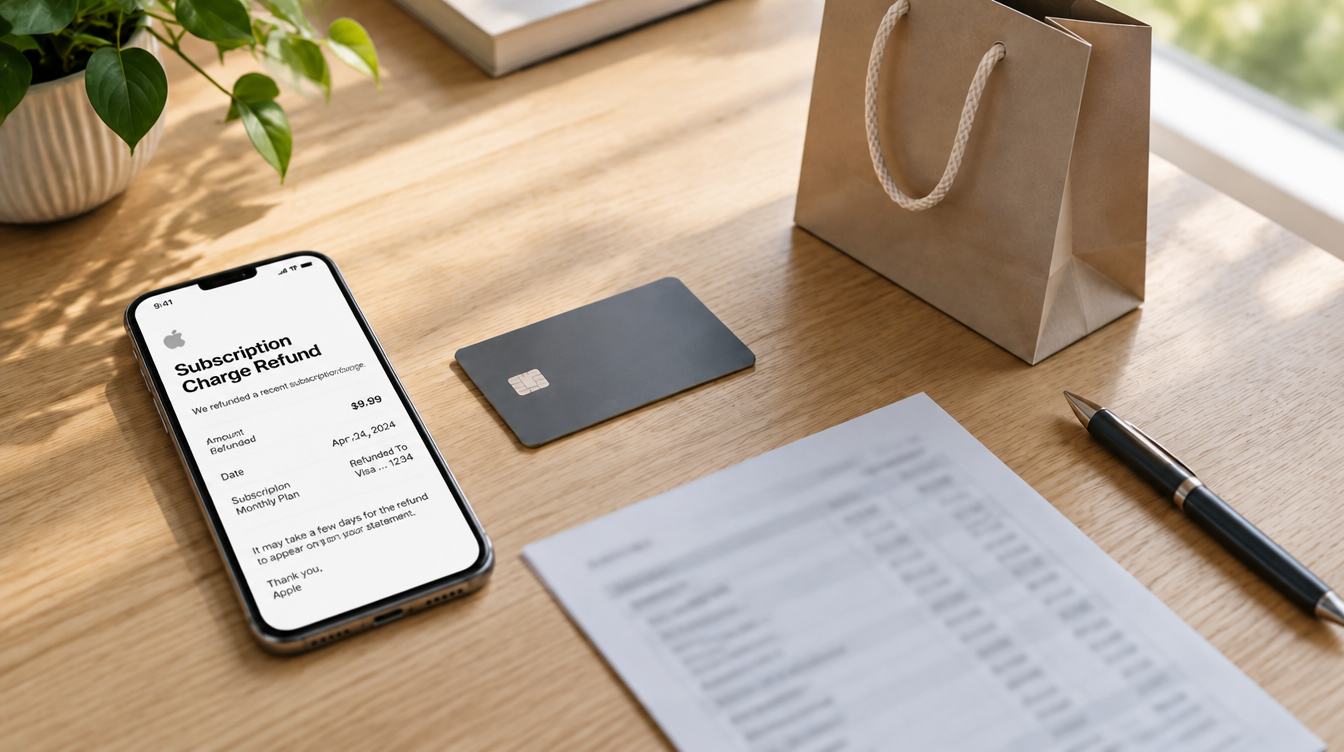
On November 8, MacRumors detailed allegations from consumer rights advocate Louis Rossmann that some Apple Store employees signed shoppers up for auto-renewing trials, in some cases framing them as “gifts.” If a line reading “apple.com/bill” has since landed on your statement, an Apple subscription charge refund is the fix to pursue, and the request itself takes only a few minutes.
Start at reportaproblem.apple.com, pick the charge and tell Apple why you want the money back. Then end the subscription so it cannot bill you again. Apple says to allow 24 to 48 hours for an update.
What the Apple Store sign-up claims are about
Rossmann’s videos describe US stores, where a staffer may offer a QR code for a personalized shopping feature called Connect and Personalize. Scan it and that person can view the Apple gear you own, what you already pay for and any offers tied to recent purchases. The trial prompt then appears on their screen rather than yours, with Agree and Decline buttons and your Apple Account’s default payment method already lined up.
The accusation is that some staff hurried through that moment, left out the part about automatic billing, or tapped Agree themselves. A familiar case is the three free months of Apple TV that come with a new iPhone, which turns into a paid plan unless you cancel first. Apple One and other services are named as well.
The pressure point was a sales metric. Until recently, at least some US locations held each retail employee to a “services attach rate” of 40%, or roughly four of every 10 device buyers they helped adding a subscription. That metric is now gone, with Apple calling it “less relevant during the holiday season,” and an internal memo has reminded staff to get consent. Apple had not answered the allegations directly at the time of writing, and nothing it has said points to automatic refunds.
What you need for an Apple subscription charge refund
- Your Apple Account sign-in. If you have more than one account, the trial may be sitting on the other one, so check both.
- A way to identify the charge. The dollar amount works, and so does an email containing “receipt from Apple” or “invoice from Apple.”
- A charge that has posted. Apple cannot refund a pending charge, so wait for it to clear.
- A web browser. The request runs on Apple’s website, which means a Mac or PC is as good as your iPhone.
How to find the charge on your statement
Before you ask for an Apple subscription charge refund, work out what the line actually is. Apple bills content, app purchases, renewals and family purchases under the same apple.com/bill descriptor, so your card statement tells you very little. It can also bundle several items into one total, although purchases in Europe and India might not be grouped.
On iPhone, tap your profile picture or initials in the App Store, then go to Apps & Purchase History and Purchase History. Search for the amount, or change the “Last 90 days” filter to look further back. On the web, the same list lives at reportaproblem.apple.com, and selecting a purchase date brings up the full receipt with tax.
Before you blame the store, rule out your household. A Family Sharing organizer can view everyone’s purchases from the Apple Account menu, and a shared card means a relative may have made the purchase. Apple also sends an email when a trial begins, so your inbox can settle when it started.
How to request an Apple subscription charge refund in 4 steps
Apple’s refund instructions cover subscriptions along with App Store, iTunes Store and Apple Books purchases. An Apple subscription charge refund goes through the same form as any of those.
- Go to reportaproblem.apple.com and sign in with your Apple Account.
- Open the “I’d like to” menu and pick “Request a refund.”
- Pick the reason that fits best, then choose Next.
- Select the subscription and choose Submit.
To follow up on an Apple subscription charge refund, return to the same site and choose Check Status of Claims, then tap Pending. If that option is missing, you have no open requests.
Cancel the trial so the bill does not come back
Getting your money back and ending the plan are separate jobs, so do both in one sitting. On iPhone:
- Open Settings and tap your name.
- Tap Subscriptions.
- Tap the plan you want to end.
- Tap Cancel Subscription, scrolling down if you need to.
No cancel button, or red text showing an expiration date, means it is already off. If a trial is still running, Apple says to end it at least 24 hours before it finishes. Mac, Windows and Android owners can follow Apple’s cancellation guide instead.
How long the money takes to come back
| Original payment method | Time after approval |
|---|---|
| Store credit (Apple Account balance) | Up to 48 hours |
| Credit or debit card, Apple Pay, Apple Cash | Up to 30 days |
| Mobile phone billing | 30 to 60 days |
Once an Apple subscription charge refund is approved, the money goes back to the original payment method. Phoning or chatting with Apple will not hurry along a request you have already filed. If 30 days pass with nothing on your card, your bank is the next call. Should the money be headed to Apple Cash and that account still needs setting up, our walkthrough of Apple Cash identity verification covers it.
Limits to know before you file
An Apple subscription charge refund is not guaranteed. Apple describes purchases as possibly eligible, and its rules differ from country to country. Winning one can also end your access to whatever was refunded.
Apple has not said which reason to select for a store sign-up you never approved, so choose the closest match and stick to what happened. It also has not said whether anyone who suspects an in-store sign-up will get special treatment.
For your next visit, ask to read the offer on the employee’s screen before anyone taps anything, and feel free to say no. Ordering ahead for Apple Store pickup may shorten the trip, though Apple has not said whether pickup orders see the same prompts.
Frequently asked questions about Apple charges
Why was my Apple subscription charged twice?
Check Purchase History first, because Apple can group several items onto one charge and a family member may have bought something on the same card. If two identical charges remain after that, request a refund for the extra one or contact Apple Support.
Where can I see my Apple subscription charge history?
Sign in at reportaproblem.apple.com, or open Apps and Purchase History in the App Store on your iPhone. Both list your recent purchases, and you can search by amount.
Can I file an Apple subscription charge dispute with my bank?
Apple’s refund instructions do not cover chargebacks, so ask your bank what applies after you try Apple’s own form. If an approved refund has not arrived after 30 days, Apple says to contact your financial institution.
Should you chase an Apple subscription charge refund?
If a trial you never agreed to has billed you, file for an Apple subscription charge refund today and cancel the plan before you close the browser. If you accepted the offer knowingly and like the service, skip the form and set a reminder for the renewal date. A gift that starts billing in month four was never much of a gift.