
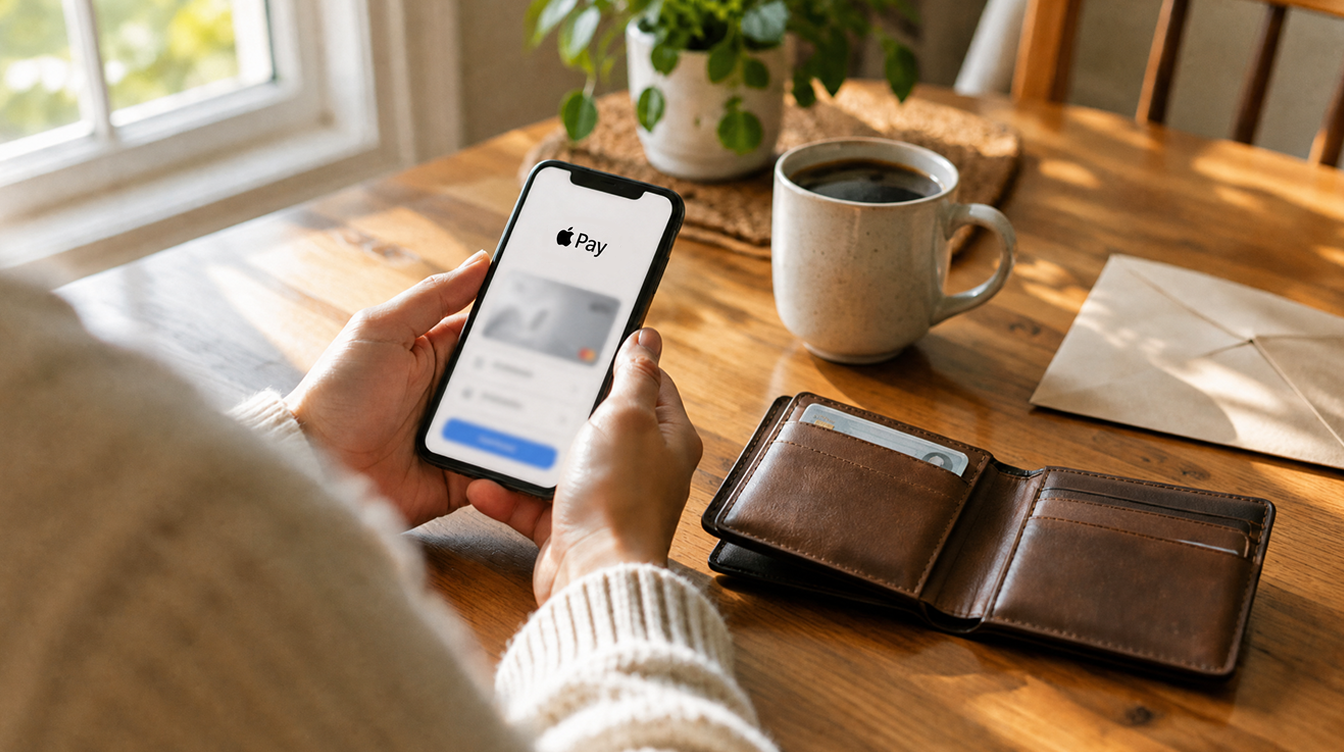
If you want to keep topping up your balance after November 9, 2026, you will need to finish Apple Cash identity verification first. Green Dot Bank, the bank that actually runs Apple Cash behind the scenes, is updating its terms so that unverified accounts can no longer add money.
The good news is that the check itself lives in a menu you already have, and the steps are short. The less good news is that the search results for this topic are full of people stuck in loops, so it helps to know what you are walking into before you start.
What changes for Apple Cash on November 9
Apple and Green Dot are rolling three changes into one terms update. The one most people will feel is the reload rule: from that date, putting new money into Apple Cash requires a verified identity. Spending the balance you already hold is not affected.
The second change rewrites the arbitration section, which covers how disputes with the bank get settled. The third lets Green Dot switch on what it calls Externally-Initiated Funding Transactions. In plain terms, money could be pushed into Apple Cash straight from a bank or a merchant, where today a reload has to come from a debit or prepaid card.
If you care about the legal fine print, the full text sits in the Apple Cash terms and conditions on the Green Dot site. It is long, so a cup of coffee is advised.
What you need for Apple Cash identity verification
Green Dot’s terms spell out the details it may collect during Apple Cash identity verification. Have these within reach before you tap anything:
| What you may be asked for | Notes |
|---|---|
| Full legal name | Match what is on your ID and bank records |
| Home street address | Your residential street address |
| Date of birth | As shown on your ID |
| Social Security number | Listed in the Green Dot terms |
| Photo ID, if requested | U.S. passport, permanent residence card, or a state driver’s license or ID card |
Apple’s reason for asking is the usual one for money apps: its support page says the banks require the check for fraud protection and regulatory reasons. Apple Cash is a bank-held balance, so it plays by bank rules.
How to verify your identity in Wallet settings
The Apple Cash identity verification steps come from Apple’s own identity verification support page. On your iPhone:
- Open the Settings app.
- Tap Wallet & Apple Pay.
- Tap your Apple Cash card.
- Move further down the page until you see Verify Identity, then tap it.
- Follow the prompts on screen. On iOS 27, if your driver’s license is already stored in Wallet, you can tap Continue with ID in Wallet instead of typing everything in by hand.
No Verify Identity button? According to Apple, a missing option means you have already been verified. If you set up Apple Cash a while ago, you may have done this already, so check before you assume there is work to do.
What still works if you skip it
Skipping Apple Cash identity verification does not freeze your money. Per Apple’s support page, an unverified account can still:
- Pay for things with Apple Pay using the balance you have.
- Move that balance out to your bank account.
What you lose is the social side. Sending money to friends and receiving it from them both stop working, and after November 9 so does adding fresh funds. For anyone who uses Apple Cash to split dinner bills, that is most of the point of having it.
When Apple Cash identity verification is not working
A common snag is getting stuck in a loop, seeing the check fail, or being asked for something you did not expect. Apple has not published a dedicated fix list, so these are the sensible checks, easiest first:
- Confirm you actually need it. Go back to the Apple Cash card in Settings. If Verify Identity is not there, you are done.
- Use your legal details exactly. A nickname, an old address or a typo in your date of birth can stop a bank check from matching your records.
- Try the ID in Wallet route. On iOS 27, the Continue with ID in Wallet option pulls details from the license you have already added, which removes typing mistakes from the equation.
- Have a photo ID ready. If the flow asks for a document, Green Dot lists a U.S. passport, a permanent residence card, or a state driver’s license or ID card as accepted examples.
- Contact the bank, not Apple Retail. Apple sends people to Green Dot Bank, where an Apple Cash Specialist handles these cases. They handle the account itself, so they are the people who can see why a check stalled.
If Apple Cash identity verification keeps cycling back to the start, stop retrying after a couple of attempts and go to support. Repeated failed checks are unlikely to fix themselves, and Apple has not said whether there is a cap on attempts.
Apple Cash Family and the other terms changes
Families get a slightly different path. Apple says the family organizer may need to verify during setup. Members who are 18 or older can leave the family group and open their own account, at which point they go through Apple Cash identity verification themselves.
Apple Cash Family accounts also have their own limit: up to $2,000 sent or received in any rolling seven-day window. Apple has not said whether the November 9 reload rule changes how family members top up, so organizers should verify early to stay ahead of it.
On the arbitration rewrite, the terms keep disputes in arbitration rather than court, with an opt-out window. If that matters to you, read that section yourself before November 9 rather than relying on a summary. For a broader look at how Apple’s payment tools handle security, our piece on why Walmart’s rejection of Apple Pay creates a security problem is a useful companion, and our look at Apple Card turning five covers Apple’s other money product.
Frequently asked questions
Why is Apple Cash asking to verify my identity?
Because the bank behind it requires it. Apple says Green Dot Bank asks for verification for fraud protection and regulatory reasons, and from November 9, 2026 it is required to add money to your balance.
Does Apple Cash need my Social Security number?
Yes, it can. Green Dot’s terms list your Social Security number alongside your name, home address and date of birth as details it may collect.
Can I verify Apple Cash without an ID?
Sometimes. The basic check uses your personal details, but Green Dot may ask for a document such as a U.S. passport, permanent residence card, or state driver’s license or ID card.
Is Apple Cash identity verification worth doing before November 9?
If you send money to people or reload your balance even occasionally, yes: do Apple Cash identity verification this week, while a failed attempt is an annoyance rather than a blocked payment. If Apple Cash is just a place where old refunds sit, you can skip it, spend the balance or move it to your bank, and lose nothing. Five minutes now beats a frozen dinner split later.



















