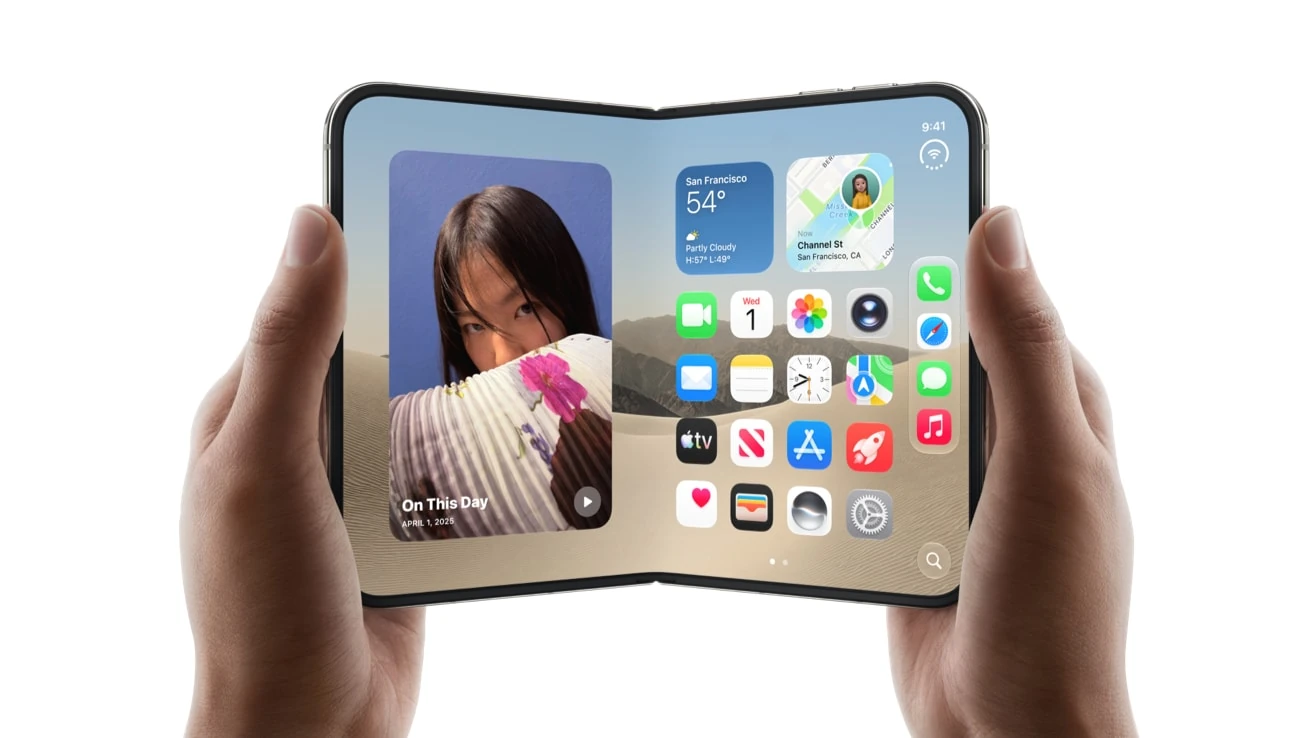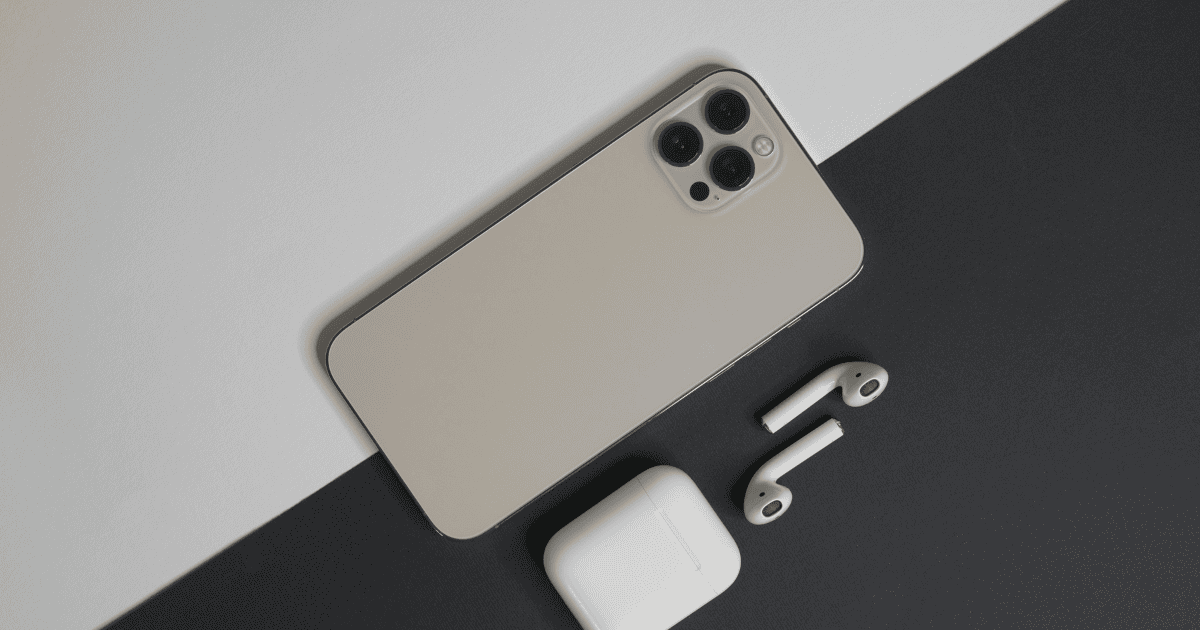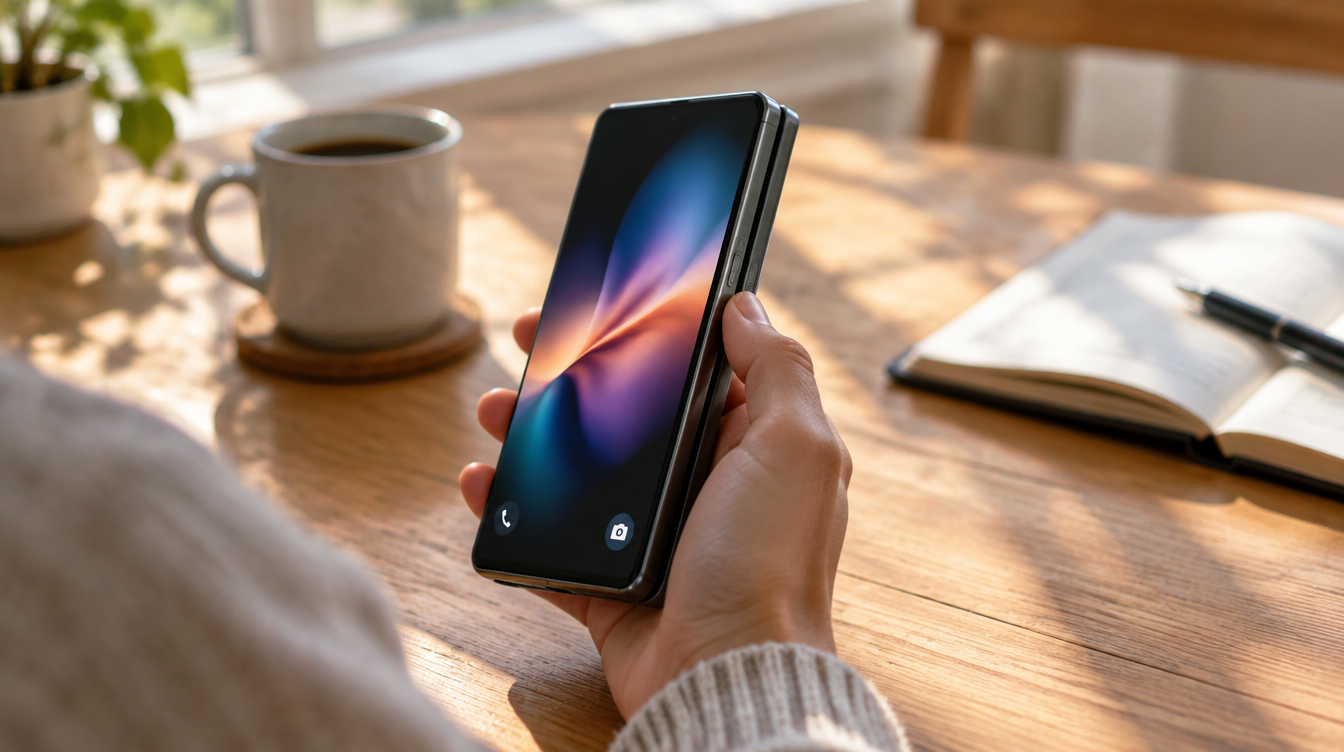
On the last few generations of iPhone, one press of a small button on the side could silence the phone, open the camera or flip on a Focus. On the foldable that goes on sale this month, that button is gone. Apple’s spec sheet lists a side button with Touch ID, volume up and down, and Camera Control, and there is no iPhone Duo Action Button anywhere on it.
The good news is that you can rebuild most of what it did in about a minute, using a Lock Screen control tied to a Shortcut. Pre-orders open Friday, October 16 at 5 a.m. PT, and the phone arrives October 23, so there is time to set up the habit on your current iPhone first.
What the iPhone Duo has instead of an Action Button
Apple moved the essentials to the side of the closed phone. Here is how the physical controls line up, based on Apple’s iPhone Duo tech specs:
| Control | What it does on iPhone Duo |
|---|---|
| Side button | Houses the Touch ID fingerprint sensor, which works folded or open |
| Volume up and down | Two separate buttons on the side |
| Camera Control | Launches the camera and adjusts exposure, depth, zoom, styles and tone, with a new Siri Camera mode |
| Action Button | Not included |
Face ID is not part of the package either. You unlock with a fingertip on the side button, or with an Apple Watch. The Camera Control covers the most popular Action Button job, opening the camera, so what you really lose with no iPhone Duo Action Button is the quick path to everything else.
What you need before you start
- iOS 27. The Duo ships with it, and the steps below work the same way on any iPhone running it, so you can practice now.
- One Shortcut you actually use. Think about what your Action Button does today, because that is the job your iPhone Duo Action Button replacement has to cover. Silent mode, a Focus, the flashlight and a favorite app are the usual suspects.
- A free slot on the Lock Screen. The two round buttons at the bottom corners are the spots you can change.
How to set up an iPhone Duo Action Button replacement
The idea is simple. Because Camera Control already handles the camera, the Camera shortcut in the bottom-right corner of the Lock Screen is wasted space on this phone. Swap it for something more useful.
- Touch and hold an empty part of the Lock Screen until it enters edit mode.
- Tap Customize.
- Remove the Camera button in the bottom-right corner.
- Tap the empty slot and pick a control to put there. Choose the Shortcuts control if you want it to run one of your own automations.
- Tap Done, then tap the screen to leave edit mode.
From then on, a single tap on that corner runs whatever you assigned. It sits on the Lock Screen, so it is there the moment you wake the phone, much like the old button was.
Make one Shortcut do the work of many
A single control can only point at one thing, which is the weak spot of any iPhone Duo Action Button stand-in, and it is where a Shortcut earns its keep. One Shortcut can chain several steps together, so the button can do more than one job.
Build a menu Shortcut. The smartest setup is a Shortcut that pops up a short list of your other Shortcuts. Tap the corner, pick “Flashlight”, “Work Focus” or “Open Notes” from the list, and you have several buttons’ worth of actions behind one tap.
Describe it instead of building it. In iOS 27 you can type what you want in plain language, such as “turn on Do Not Disturb and open my podcast app”, and Shortcuts will put the automation together for you. Apple notes this uses Apple Intelligence and has usage limits, so it is worth checking the result before you rely on it.
Keep the left slot too. Nothing stops you from changing the bottom-left button as well. That gives you two programmable spots on every wake, which is one more than a physical iPhone Duo Action Button would have offered.
Where the workaround falls short
A Lock Screen control is a good stand-in for the missing iPhone Duo Action Button, but it is not the same thing. Two gaps stand out.
- No press and hold. The real button responds to a long press, which makes stray presses less likely. An on-screen control fires on a simple tap, and that behavior cannot be copied.
- You have to look. A physical button can be found by feel in a pocket or in the dark. A glass target cannot, so eyes-free tricks like silencing the phone during a meeting get harder.
Apple has not said whether a future iPhone Duo will add the button, or whether iOS will let the side button or Camera Control take on custom actions. For now, the Lock Screen is the closest thing to an iPhone Duo Action Button you will get.
If you are still weighing the phone itself, our look at what Apple actually built into iPhone Duo covers the hinge, the two screens and the $1,999 starting price, and our roundup of everything Apple announced in September puts it next to the iPhone 18 Pro.
Frequently asked questions
Will the iPhone Duo have an action button?
No. Apple’s tech specs for iPhone Duo list a side button with Touch ID, volume buttons and Camera Control, but no Action Button.
What is the action button on iPhone?
It is a programmable button on the side of recent iPhones. You pick the function it performs, including Silent mode, Camera, Focus and more.
Does iPhone Duo have Face ID?
No. iPhone Duo uses Touch ID built into the side button, which works with the phone folded or open. You can also unlock it with an Apple Watch.
When can I pre-order the iPhone Duo?
Ordering opens at 5 a.m. PT on Friday, October 16 across over 70 markets, and the phone reaches buyers and stores on Friday, October 23.
Is it worth rebuilding the iPhone Duo Action Button?
If you leaned on the Action Button every day, set up the Lock Screen swap on your current iPhone this week, so the muscle memory has moved before the Duo shows up. If you only ever used it to open the camera, skip all of this, because Camera Control already has you covered. Either way, the button is gone, but the habit does not have to go with it.