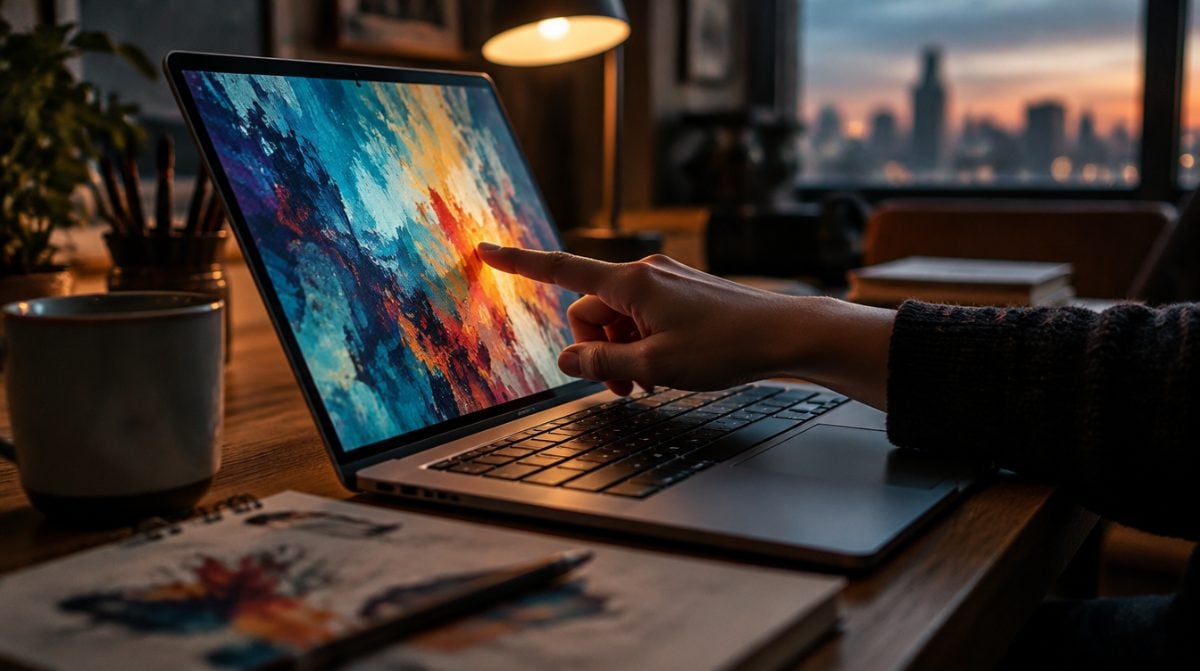
If you own a Mac today, macOS 27 touchscreen support will not turn your display into something you can tap. Touch works only on the new MacBook Pro with PROLED XDR Display, in 14-inch and 16-inch sizes. Those machines arrive Friday, November 6, starting at $2,899.
The reason is physical. Apple builds the sensor into the display panel itself, so this is a hardware feature first and a software feature second. Older Macs still pick up a few small changes, and we get to those below.
Which Macs get macOS 27 touchscreen support
Apple launched three new Macs in a two-day span, and they are easy to mix up. Its PROLED XDR announcement is the only one of the three that describes touch.
| Mac | Chip | Display | Touch | Starts at |
|---|---|---|---|---|
| MacBook Pro 14-inch | M5 Pro | PROLED XDR | Yes | $2,899 |
| MacBook Pro 16-inch | M5 Pro | PROLED XDR | Yes | $3,399 |
| MacBook Pro 14-inch | M5 Max | PROLED XDR | Yes | $4,499 |
| MacBook Pro 16-inch | M5 Max | PROLED XDR | Yes | $4,799 |
| MacBook Pro 14-inch | M6 | Liquid Retina XDR | Not mentioned | $1,999 |
Watch out for that $1,999 model in particular. It shares the MacBook Pro name and the same November 6 date, yet Apple says nothing about touch in its announcement. The same goes for the new M6 iMac.
How touch works on a Mac, in plain English
Most of macOS 27 touchscreen support happens without any help from app makers. In Apple’s words, “macOS automatically translates touches into clicks,” so plenty of existing apps respond to a tap from day one. Apple’s own apps are tuned for it, and developers can use updated gesture tools to build something more deliberate.
Apple lists the first five moves below. The other six come from reports by 9to5Mac and Numerama’s Nicolas Lellouche, so treat them as reported rather than official until the machines ship.
| Touch action | Result |
|---|---|
| Swipe | Scrolls a webpage |
| Pinch | Zooms a photo |
| Drag and drop | Moves slides between presentations |
| Double-tap a window | Fills the screen |
| Flick a window | Tiles it into place |
| Three fingers up | Mission Control |
| Three fingers sideways | Switches spaces |
| Up from the bottom edge | Shows the Dock |
| Down from the top edge | Opens Spotlight and Siri AI |
| Long press | Acts as a right click |
| Grab a window and quickly move it left or right | Starts Split View |
The interface also adjusts itself as your finger lands. The red, yellow and green window buttons grow when pressed, list rows spread apart, and menu bar menus get slightly larger. Many optimized apps quietly widen their tap areas too, even where a button looks the same size. Multi-touch reportedly handles up to 10 fingers.
Why Apple put touch on the Mac now
Apple’s pitch for macOS 27 touchscreen support is aimed squarely at creative work. Designers get the full display as a drawing surface instead of the small trackpad, and musicians can play software instruments directly on screen. Developers can try iOS and iPadOS apps by hand on the laptop, which beats faking gestures with a trackpad.
Apple reportedly also pointed to younger creators who grew up on touchscreens. It was careful to add that the keyboard and trackpad stay the main way to use the machine, with touch as an extra.
What macOS 27 touchscreen support means for you
If you are buying now. The jump from $1,999 to $2,899 is not purely a touch fee. It also moves you from M6 to M5 Pro and from Liquid Retina XDR to an OLED panel, so weigh the whole package.
If you keep your current Mac. macOS 27 touchscreen support skips your hardware, though every Mac on the update gets pull to refresh in Safari and a little more room between menu bar items. There is more worth your time elsewhere in the update, such as resizing iPhone Mirroring or clearing Apple Intelligence from Mac storage.
If you build Mac apps. Apple’s Touch on Mac developer hub has videos and articles, plus Group Labs on November 18 and 19. Xcode 27.3 beta is listed as coming soon.
Common misconceptions about touch on the Mac
- It replaces the trackpad. It does not. Apple says touch works alongside the keyboard shortcuts and trackpad gestures people already use.
- You can wake the laptop with a tap. Reportedly not. Touching the screen will not wake it.
- Tapping shakes your video call. Apple added a new hinge for stability, and video stabilization smooths the camera feed during calls.
- Everyone has to use it. A setting reportedly turns touch off, though the exact menu path has not been published.
Frequently asked questions about Mac touch
Does the MacBook Pro touch screen work with Apple Pencil?
Apple has not said. Its announcement and developer page do not mention Apple Pencil on the Mac, so do not plan around it yet.
Will older Macs get macOS 27 touchscreen support?
Nothing suggests that. Apple builds the sensor into the display panel, and it has not announced touch for any other Mac, though Apple told 9to5Mac more touch optimizations are coming.
Can you use the MacBook Pro touch screen and keyboard together?
Yes. Apple describes touch as working in tandem with keyboard shortcuts and trackpad gestures rather than replacing them.
Should touch decide your next Mac?
Buy the PROLED MacBook Pro if you draw, play software instruments or test apps, because that is where macOS 27 touchscreen support earns its keep. If your Mac runs well and you mostly type, skip it and wait to see what Apple adds next. Touch is a nice extra on this laptop, not a reason to retire a good one.