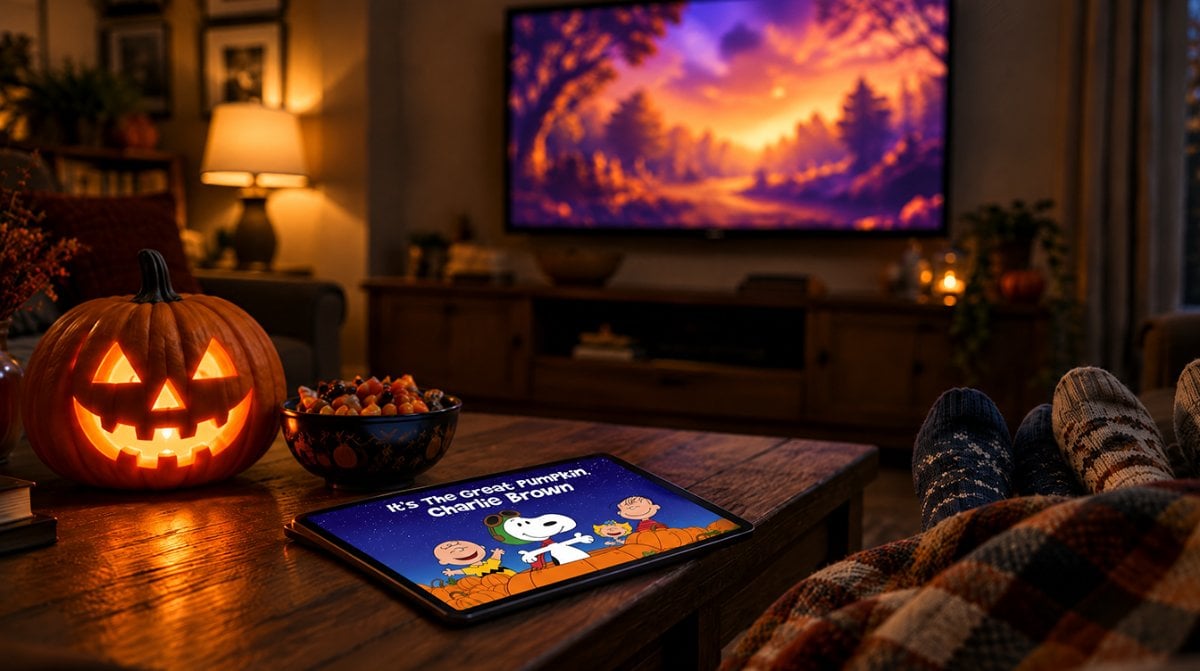
Yes, you can stream Great Pumpkin Charlie Brown free this year, but only for one weekend: Saturday, October 17 and Sunday, October 18, on Apple TV. All you need is a free Apple Account and any screen that runs the Apple TV app or a web browser.
That matters because the 1966 classic is no longer a PBS broadcast. PBS carried it in earlier years, and that arrangement is over, so the Apple TV app is now the main legal way to see Linus wait out the night in his pumpkin patch.
What you need to watch Great Pumpkin Charlie Brown free
The list is short. To get Great Pumpkin Charlie Brown free, you do not need a paid plan or a credit card, and you do not need Apple hardware either.
| What you have | How you can watch | When |
|---|---|---|
| Free Apple Account only | Apple TV app or tv.apple.com | October 17 and 18 only |
| Apple TV subscription ($14.99 a month) | Apple TV app or tv.apple.com | Any day of the year |
| Apple One bundle ($21.95 to $39.95 a month) | Apple TV app or tv.apple.com | Any day of the year |
| New Apple TV trial | 7 days free, then $14.99 a month | During the trial |
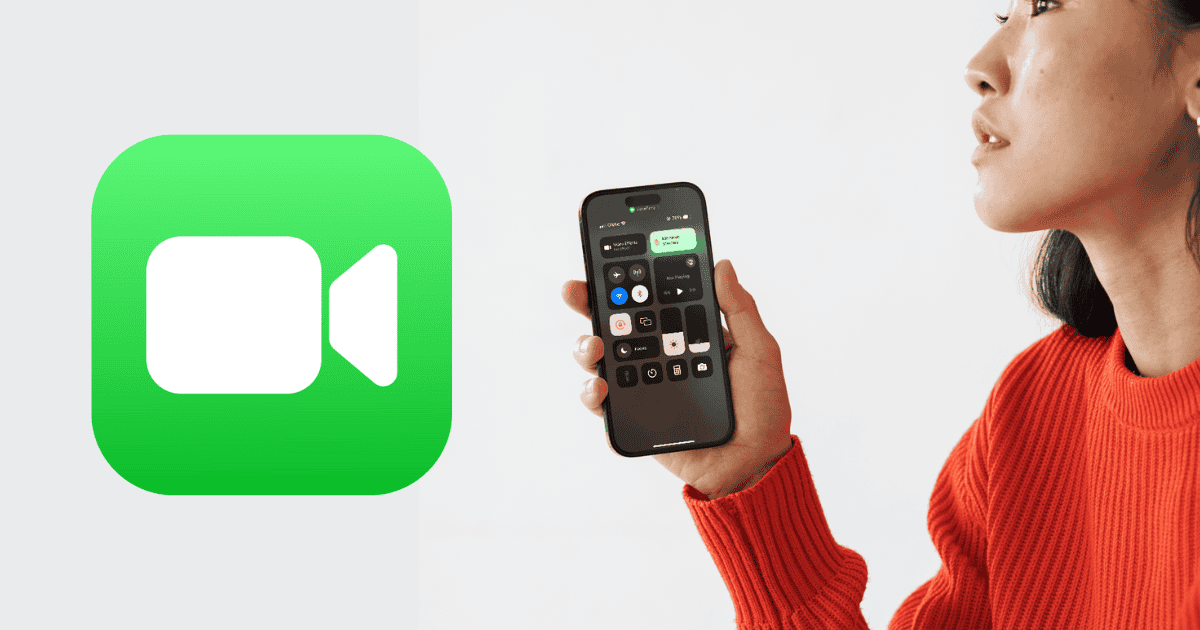
Supported screens include an iPhone, iPad or Mac with the TV app, an Apple TV box, smart TVs that carry the Apple TV app, and any computer browser pointed at tv.apple.com. That last option is handy for a Windows laptop or a Chromebook in the kids’ room.
How to stream it on the free weekend, step by step
Do the account setup a day early. Nobody wants to reset a forgotten password while three kids in costumes are asking when it starts.
- Check your login. Make sure you know the email and password for your Apple Account. If you have never had one, you can create one for free.
- Open the right app. Launch the TV app on your iPhone, iPad, Mac or Apple TV, the Apple TV app on your smart TV, or go to tv.apple.com in a browser.
- Sign in. Use the same Apple Account on the device you plan to watch on.
- Find the special. Search for Great Pumpkin, or open the It’s the Great Pumpkin, Charlie Brown page on Apple TV directly and save it so it is easy to reach later.
- Press play on October 17 or 18. Those two days are the only time non-subscribers can play Great Pumpkin Charlie Brown free. Before or after that weekend, the page asks for a subscription or offers the free trial instead.
The special runs 25 minutes and carries a G rating, so it fits neatly between dinner and trick-or-treat prep. The original English audio comes with English closed captions, and a long list of dubbed tracks and subtitle languages is available too.
The free weekend is short, and a few details are fuzzy
Two days is not much room. If your family’s movie night lands on October 24 or on Halloween itself, the great pumpkin charlie brown free option will already be gone, and you will need a subscription or a trial to watch.
Apple has not spelled out the exact start and end times of the Great Pumpkin Charlie Brown free window, or which time zone it follows. We would plan to watch on Saturday afternoon or Sunday rather than cutting it close late Sunday night.
As of October 10, the title page still showed the standard subscription prompt with the 7-day trial. That is expected before the window opens, but it is worth a quick look on Saturday morning to confirm the free play button is there.
It is also unclear whether the offer covers every country where Apple TV is sold. The pricing in the details we have is for the U.S. and the U.K., so readers elsewhere should check the app in their region.
Two more Peanuts holiday specials you can see for free
Getting Great Pumpkin Charlie Brown free is only the first stop. Apple is running the same weekend pattern for the other two holiday favorites, so you can mark all three dates now.
- It’s the Great Pumpkin, Charlie Brown: October 17 and 18
- A Charlie Brown Thanksgiving: November 14 and 15
- A Charlie Brown Christmas: December 12 and 13
Happy New Year, Charlie Brown is on Apple TV as well, but it is not part of the free lineup. Subscribers also get newer Peanuts content such as The Snoopy Show, Snoopy in Space, Lucy’s School and It’s the Small Things, Charlie Brown.
If the Peanuts weekends get you using the TV app more often, our guide on how to watch F1 on Apple TV with Dolby Atmos sound shows what else the same app now carries.
Is a trial or subscription a better fit?
A common snag is a family that wants the special on a specific night that falls outside the Great Pumpkin Charlie Brown free weekend. In that case the 7-day free trial is the cleanest fix, as long as you start it no more than a week before your movie night and set a reminder to cancel if you do not plan to keep paying.
A paid month at $14.99 makes more sense if you will also watch the Thanksgiving and Christmas specials on your own schedule, or if you already follow Apple TV shows. Households that pay for Apple One already have access and can ignore the free dates entirely. For another way to stretch an Apple TV plan, see how Apple TV subscribers could add Peacock for $2 a month.
Frequently asked questions about the free Peanuts weekends
Is Charlie Brown on Apple TV?
Yes. Apple TV streams the classic Peanuts holiday specials, including It’s the Great Pumpkin, Charlie Brown, plus newer series like The Snoopy Show. Subscribers can watch any time, and three specials are free on set weekends.
Can I watch Great Pumpkin Charlie Brown online in a browser?
Yes. Go to tv.apple.com on a computer, sign in with your Apple Account and play it during the free weekend of October 17 and 18. No Apple device is required.
Is It’s the Great Pumpkin, Charlie Brown on PBS this year?
No. PBS aired the special in earlier years, but that is no longer the case, which leaves Apple TV as the place to watch it.
Should you wait for the free weekend or pay to watch?
If October 17 or 18 works for your family, grab the great pumpkin charlie brown free stream and save your money. If your night falls later, start the 7-day trial close to the date instead of paying for a full month. Either way, sign in a day early, because the only thing that should leave you waiting all night is a pumpkin that never shows.