If you own an iPhone 17 or newer, your next family video call gets a lot easier to run. FaceTime Dual Capture, which streams your face and the view from your rear camera in the same call, now works in group calls with iOS 27.2 instead of being stuck in one-on-one chats.
Apple shipped iOS 27.2 on October 26, 2026. The quick version: update, start a video call, tap Flip, and both cameras go live at once. The catch is that every person on the call has to be running Apple’s 27-series software, and that is where most of the confusion starts.
What you need for FaceTime Dual Capture
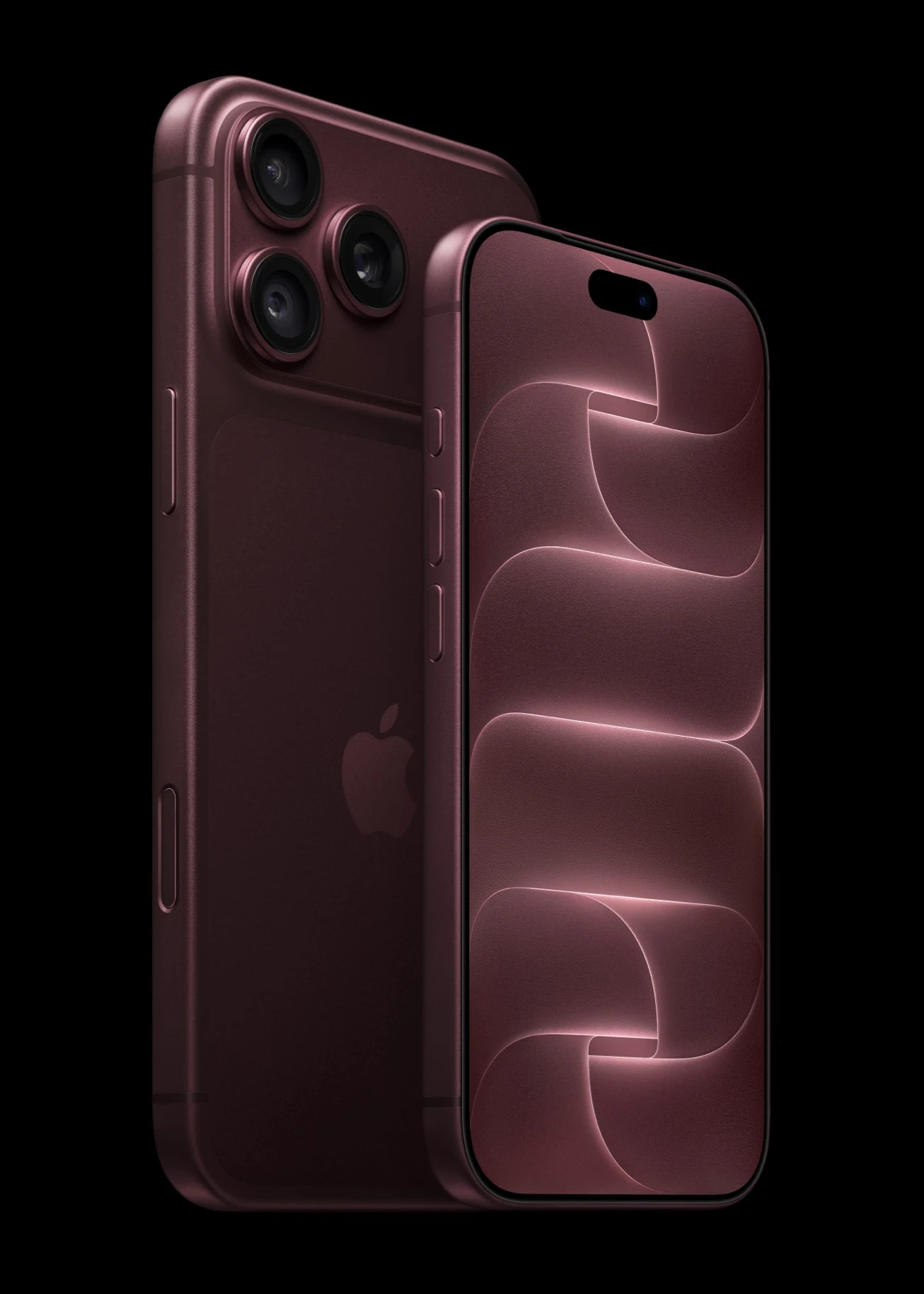
Hardware is the first gate. It works on the iPhone 17 family and newer, using the front camera alongside the rear camera in much the same way the Camera app records its own Dual Capture videos.
| Requirement | What it means for you |
|---|---|
| Your iPhone | iPhone 17, iPhone 17 Pro, iPhone 17 Pro Max, iPhone Air or a newer model |
| Your software | iOS 27 for one-on-one calls, iOS 27.2 for group calls |
| Everyone else on the call | iOS 27, iPadOS 27 or macOS 27 |
| Older iPhones on the call | Can watch your two-camera feed but cannot send one |
That last row trips people up. A grandparent on an older iPhone that runs iOS 27 still sees both of your views. They just cannot do the same trick back to you.
How to turn on FaceTime Dual Capture in a group call
There is no separate switch buried in Settings. The whole thing lives on the button you already use to swap cameras.
- Open Settings, go to General, then Software Update, and install iOS 27.2 if it is waiting.
- Check that the people you plan to call have updated too. A quick text saves a confusing first minute.
- Start a FaceTime video call. A one-on-one call works, and so does a group call now.
- Tap Flip on your camera view. Instead of swapping cameras, your iPhone keeps the front camera on and adds the rear camera, so FaceTime Dual Capture is live.
- Want only the rear view? You can turn off the front camera view at any time during the call.
Because the front view stays on by default, you do not have to hunt for a mode. If you only ever wanted the old behavior of pointing the camera away from you, turning off the front view is the habit to build.
Good moments to show both cameras at once
FaceTime Dual Capture earns its keep any time the person on the other end wants to see you and the thing you are talking about. A few situations where it fits naturally:
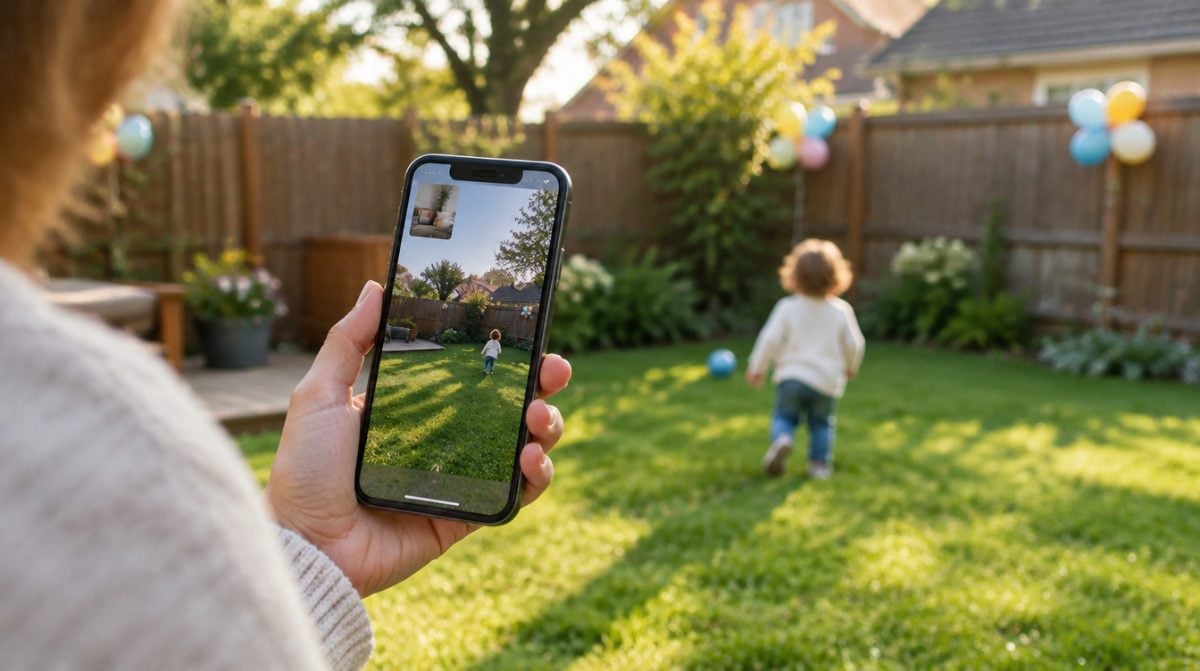
- Family check-ins. “Look, she just took her first steps,” with your reaction and the toddler on screen together.
- Remote help. “Is this the right cable?” while you point the rear lens at the back of the router and keep your face in view for the explanation.
- Shopping for someone else. “Which of these two jackets?” without flipping back and forth every few seconds.
- Group calls with relatives. Since iOS 27.2, the whole family call can see the birthday cake and the person holding it.
It also beats propping up a second phone or tablet, the clumsy workaround many families relied on before.
FaceTime Dual Capture not working? Check these first
When tapping Flip simply swaps cameras the old way, the cause is almost always one of the following.
Your iPhone is too old. An iPhone 16 or earlier does not offer FaceTime Dual Capture, even on iOS 27.2. Those phones can still receive the stream from someone else.
Someone on the call has not updated. People need iOS 27, iPadOS 27 or macOS 27 to see both views, so anyone still on an older version will not see your two-camera feed.
You are on an earlier iOS 27 build in a group call. Group support only arrived with 27.2. One-on-one calls worked earlier, which explains why it may have behaved for you last month and not in last week’s family chat.
Apple has not listed any other causes, so if all three check out and it still fails, end the call and start it again before assuming a bug.
Other FaceTime changes in iOS 27.2
FaceTime Dual Capture is the headline for most families, but the same update quietly improves FaceTime for deaf and hard-of-hearing users.
Third-party live captions. You can now bring a human captioner into a call. Tap the name of the person you are talking with, shown at the top of the screen, then choose Invite with FaceTime Link, send it to the captioner and accept their request to join. Then tap the More button and pick Live Captions. Apple walks through it in its support article on third-party captions in FaceTime, and it notes that caption services may need their own account or subscription.
Sign language interpreters. The three-dot menu gains a Sign Language option that connects to a Video Relay Service app installed on your phone. The interpreter shows up as their own tile in the call, labeled “Waiting for Interpreter” until they arrive.
Edge Light on iPhone Duo. Foldable owners get a soft ring of light around the screen for video calls. Open Control Center mid-call, tap FaceTime Controls, then Edge Light, and adjust brightness and warmth from there.
Apple’s built-in captions have not gone anywhere either. You will still find them under Settings, Apps, FaceTime, Live Captions. If you are still learning the app, our list of every FaceTime reaction and hand gesture covers the effects that pop up when you give a thumbs up, and our rundown of iOS 27 features and compatible devices shows which phones get the rest of this year’s update.
Frequently asked questions
Can you use both cameras on FaceTime?
Yes, on an iPhone 17, iPhone Air or newer model running iOS 27 or later. Tap Flip during a video call and the front and rear cameras run together.
How do you enable dual capture on FaceTime?
Start a video call and tap Flip on your camera view. Both cameras switch on by default, and you can turn off the front camera view at any time.
Does dual capture work on iPhone 16?
No. Sending a two-camera view needs an iPhone 17 or newer, though an iPhone 16 on iOS 27 can still see the feed from someone else.
Is FaceTime Dual Capture worth using on your next call?
If you have an iPhone 17 or newer and you regularly call family, install iOS 27.2 and try FaceTime Dual Capture on the next group call; it takes one tap and removes the constant flipping. If you are on an older iPhone, there is nothing to set up, and you will still see the feature whenever someone else uses it. Either way, nag the slowest updater in the group chat first, because anyone on an older version will miss the two-camera view.