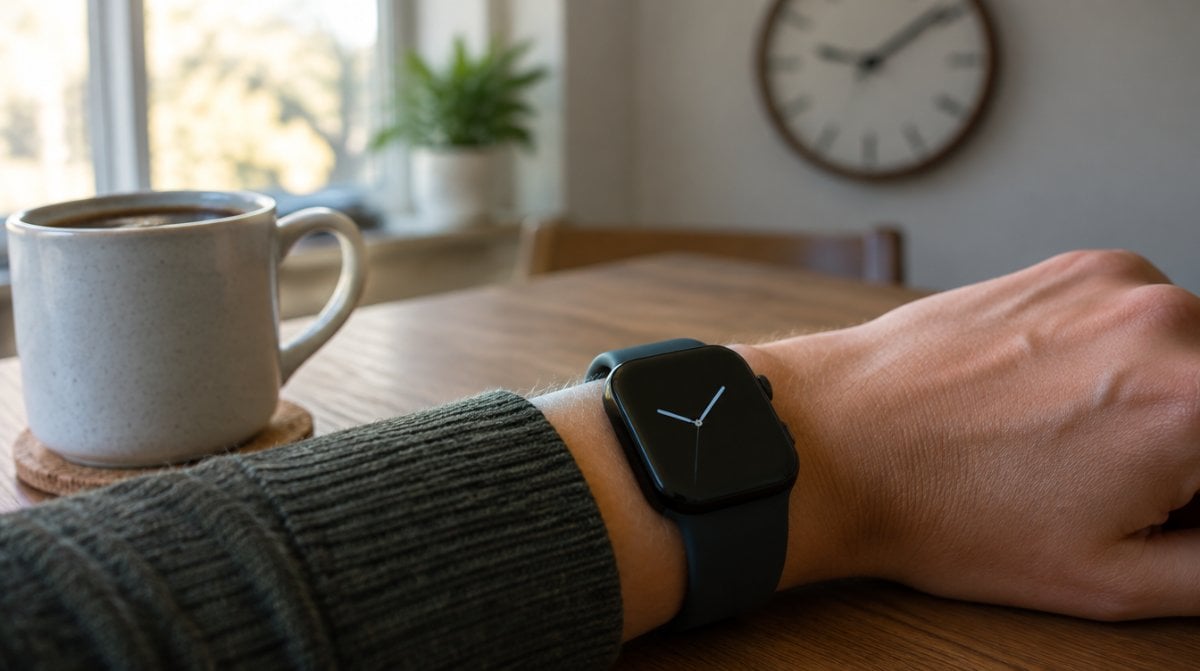
You glance down during a meeting and the dimmed face reads 10:12. You raise your arm and it jumps to 9:12. An Apple Watch showing wrong time just after the clocks change is a known glitch, and Apple has published two quick fixes.
Either swap watch faces or restart the watch. If you do neither, the problem goes away by itself at midnight after the time change, according to Apple’s support note dated October 30. Your alarms were never at risk.
What goes wrong on the Always On screen
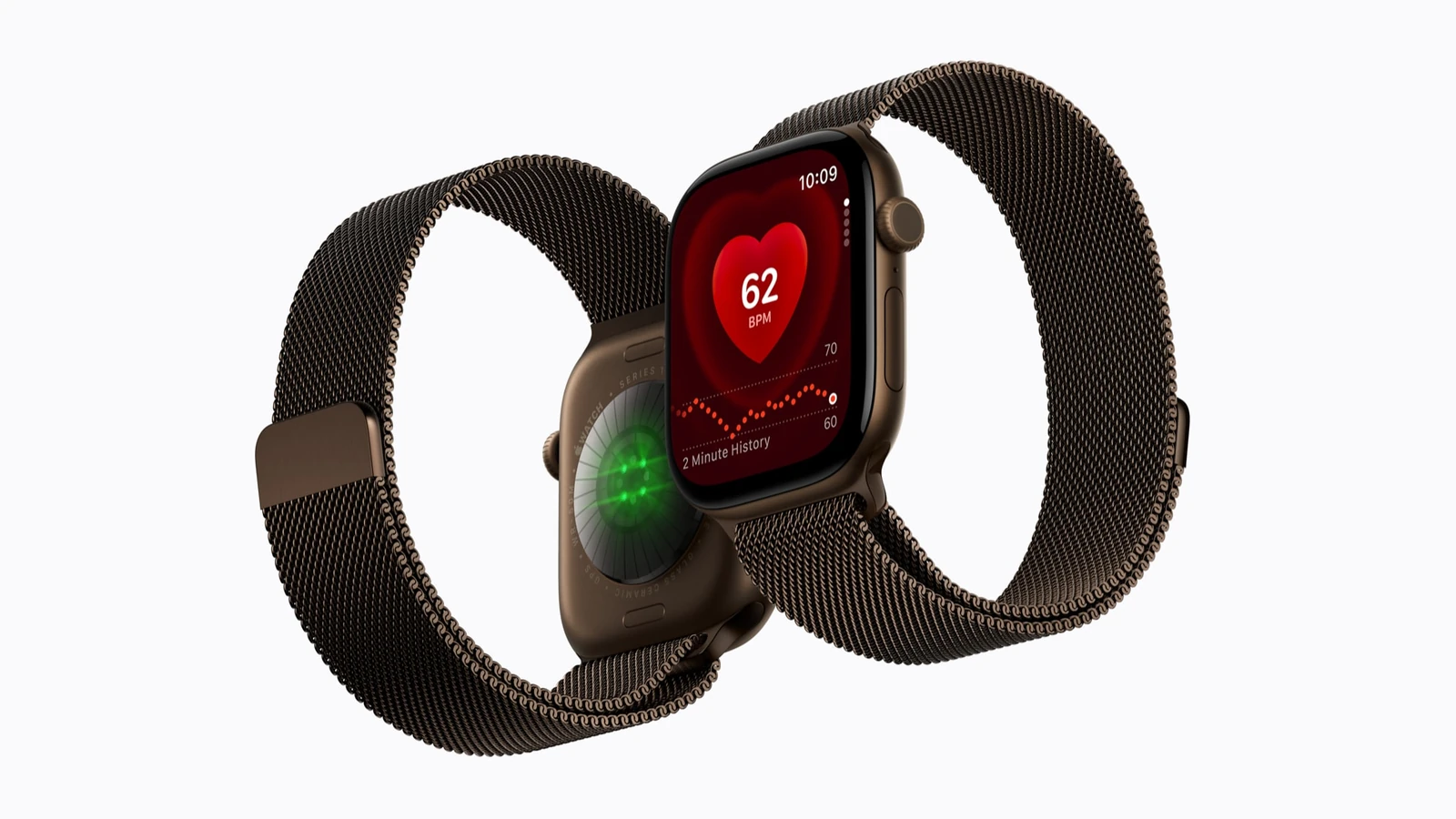
After a daylight saving change, the watch can keep displaying an hour that is one off. “This incorrect time appears only on the Always On display when your wrist is down,” Apple says.
That gives you an easy test for an Apple Watch showing wrong time. Lift your wrist or tap the screen, and the correct hour should appear. If it does, you have this exact glitch, and the watch itself still knows what time it is.
Which watches can get the one-hour glitch
Apple’s note names no models and no watchOS version. Since the bad reading lives on the dimmed screen, though, it can only touch watches with the Always On feature, which ships switched on by default on:
- Apple Watch Series 5 and later
- Apple Watch SE 3
- Apple Watch Ultra and later
That list covers current models like the Apple Watch Series 12 and Ultra 4. Any other Apple Watch showing wrong time has a different cause, since this glitch needs that feature.
Timing depends on where you live, because the note ties the issue to the change in your area. Most of the U.S. moved its clocks back on Sunday, November 1.
Fixes for an Apple Watch showing wrong time
Start at the top. The first option takes seconds, and the last two involve almost no effort.
- Change faces and change back. From the clock screen, press and hold the display, swipe sideways to pick a different face, and tap it. Do the same again to return to your usual one.
- Restart the watch. Hold the side button until the sliders come up, tap the power icon, and drag Power Off across. To bring it back, hold the side button until you see the Apple logo. This will not work on the charger, so take the watch off first.
- Leave it until midnight. Apple says the error clears at the first midnight after the change. For the November 1 switch in the U.S., that moment has already passed, so a quick look may show nothing left to fix.
- Turn off Always On for now. This one is our suggestion rather than Apple’s, and it simply hides the dimmed screen. Open Settings, tap Display & Brightness, scroll to Always On, tap it, and flip the Always On switch.
A force restart is overkill here. Apple keeps it for a watch that refuses to shut down normally, and that is not what this glitch does.
When your raised screen is wrong too
An Apple Watch showing wrong time with your wrist up, or still off a full day after the change, has a different issue, and Apple’s daylight saving note does not cover it.
One setting is worth checking first. Open Settings on the watch, tap Clock, then tap the +0 min entry. Apple lets you push the face up to 59 minutes ahead with the Digital Crown, and anything other than zero means the face is running fast on purpose. Apple says this offset applies only to the face, and your “alarms, notifications, World Clock, and other times will still match the actual time.” Turn the crown back to zero if you never meant to set it.
If that is not it, go to Apple Support. And while you have Settings open, our guide to changing Apple Watch vibration strength on watchOS 27 covers another small tweak worth knowing.
What Apple has not explained
The support note is a workaround, not a diagnosis. Apple has not said what causes this, and it has not said whether a watchOS update will stop it. It also gives no hint about the next clock change in spring, so plan on keeping the face-swap trick in mind.
Frequently asked questions about the wrong time
Does an Apple Watch showing wrong time affect alarms?
No. Apple says alarms are not affected by this daylight saving glitch, which only changes what the Always On display shows.
Why do notification times differ from my watch face?
The face may be set ahead. The +0 min entry under Settings, then Clock, moves only the face, so notification times stay on the real time.
Can I restart my Apple Watch while it is charging?
No. Apple says a restart will not work on the charger, so lift the watch off first and then use the side button.
Is the Always On glitch worth fixing?
If you have an Apple Watch showing wrong time on the dimmed screen only, swap faces once and get on with your day. U.S. readers can probably skip even that, since midnight has done the job. Anyone whose raised screen is off should check the Clock setting instead. An hour off is annoying, but the watch knew the real time all along.