
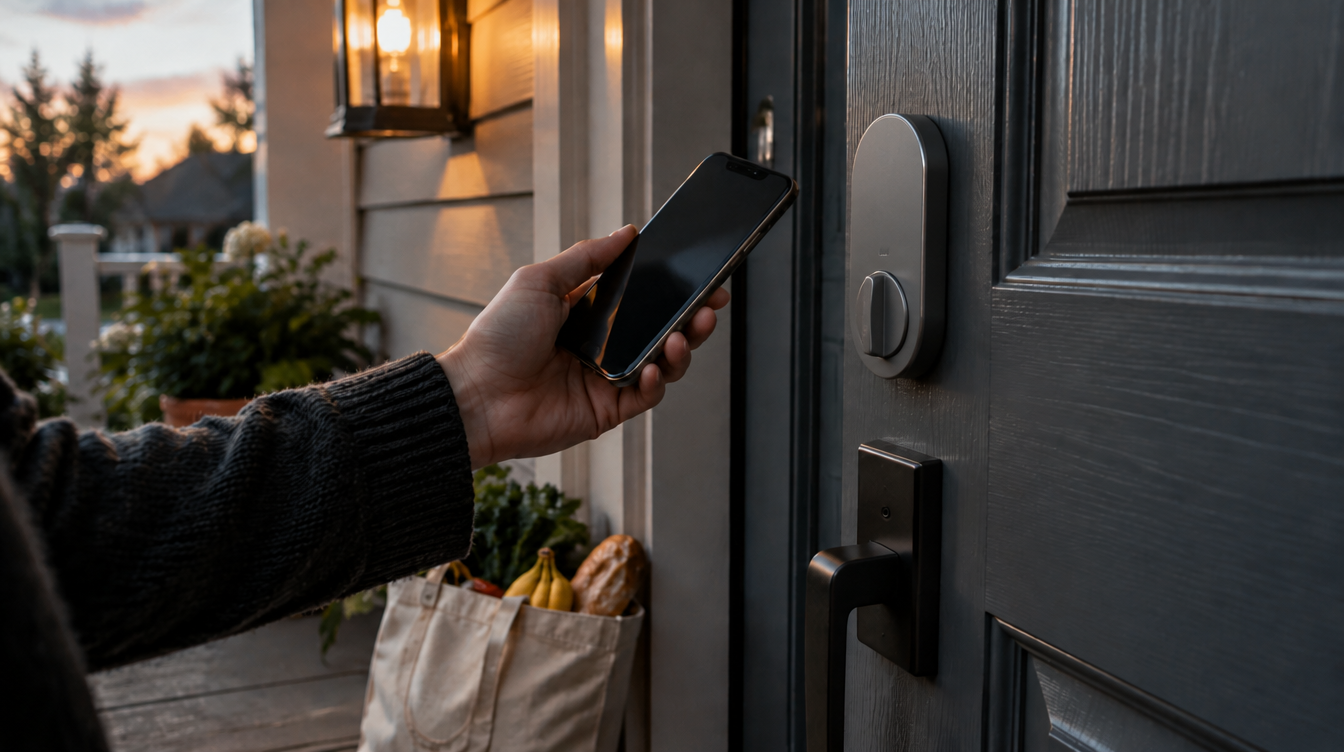
On October 13, 2026, Apple announced Apple Home Collection, and the piece most households will care about is the Apple smart lock: an LG Smart Deadbolt Lock that opens as you walk up to it. Picture arriving with a grocery bag in each hand and your phone buried in a pocket. In Apple’s words, “the door unlocks automatically, with no tapping required.”
The lock is priced from $349.95 in the U.S., comes in Essence Graphite and Essence Silver, and is offered only in the U.S. and Canada. Apple says most of the collection goes on sale in December 2026, with a few accessories slipping to early 2027.
How the Apple smart lock unlocks your door
LG builds the hardware. Apple supplies everything you touch afterward: the lock lives in the Home app, is added to your home after one tap of an iPhone, and needs no LG app or extra account. Siri can control it, and scenes can tie it to your other accessories.
There are four ways through the front door:
- Hands-free. Keep a home key on a supported iPhone or Apple Watch, and Ultra Wideband lets the lock sense you approaching and open on its own.
- A tap. Hold your iPhone or Apple Watch up to the lock if you would rather confirm it yourself.
- The PIN pad. A keypad is built in, which helps for relatives, sitters or anyone without an Apple device.
- A backup key. A physical key slot is hidden away for the day everything else lets you down.
Beyond opening, the lock reports whether the door is open, closed or being tampered with. Guest access can be handed out right from the Home app, so a dog walker does not need a spare key under the mat.
Why Apple smart lock UWB matters more than the keypad
The tap and the keypad are familiar smart lock tricks. The Ultra Wideband part is what changes the routine, because the deadbolt reacts to you walking up instead of waiting for you to present your phone. That is the gap between a lock you operate and a lock that simply gets out of your way.
One caution. Apple has not listed which iPhone or Apple Watch models handle the hands-free unlock; the announcement only says “a compatible iPhone or Apple Watch.” Do not assume an older phone qualifies until Apple publishes the details.
Does it need internet, a hub or HomeKit?
For anyone searching for an Apple smart lock HomeKit owners can trust, this one is a Home app accessory from the start. It is also Matter compatible and supports Aliro, and Apple says it runs entirely locally. In practice, core lock and unlock functions keep going even if your internet connection fails.
Connectivity has a second safety net. Every Home Collection product supports Thread, which helps it stay connected if Wi-Fi drops, and the accessories pick up new network credentials on their own when you change your home Wi-Fi.
A home hub is a separate question. Apple says many features across the collection need one, such as HomeView, HomePod, HomePod mini or Apple TV 4K. Pairing works over NFC and requires an iPhone on the latest iOS. If your home still runs on the older Home setup, our explainer on the Apple Home architecture upgrade covers why that switch matters, and our guide to building a HomeKit smart home fills in the basics.
Apple smart locks paired with doorbells
The deadbolt gets more useful beside the LG Video Doorbell, which costs $249.95. In the Home app the two behave as one front-door system. The chime rings through HomeView, HomePod or HomePod mini, you can speak to whoever is on the step, and you can unlock remotely when it turns out to be the neighbor returning your ladder.
Privacy is the other half of the pitch. According to Apple’s announcement, video from the cameras and your personal Home data are protected with end-to-end encryption, and “no one, not even Apple, can access the data.”
Installation, and what Apple has not said
Swapping a deadbolt is a screwdriver job many people would rather skip. In the U.S., Apple Retail will offer third-party installation from ADT starting this fall for an added fee. Apple did not say how much that fee is.
Several practical details are still missing: battery life, which door thicknesses and deadbolt styles it fits, and whether the lock ships in the December wave or with the early 2027 group. Until those land, treat the $349.95 figure as the starting price, not the full cost of the project.
Apple smart lock questions, answered
Does the Apple smart lock work without internet?
Yes. Apple says the lock handles its core jobs locally rather than through the cloud, so locking and unlocking keep working during an internet outage.
Can I buy the Apple smart lock in the UK?
Not at launch. Apple lists the LG Smart Deadbolt Lock for the U.S. and Canada only, even though the doorbell and cameras are also coming to the UK.
Is the LG smart deadbolt lock Matter compatible?
Yes. It is Matter compatible, supports Aliro and joins the Apple Home app when you tap it with an iPhone.
Should you wait for the Apple smart lock?
If you already have a HomePod or Apple TV 4K and want a front door that opens as you reach it, hold off on buying another tap-only lock this fall and wait for the Apple smart lock to arrive. If you live outside the U.S. and Canada, or your current lock already behaves, there is no reason to rush. The best deadbolt is the one you forget you own, and that is clearly what Apple is chasing here.



















