
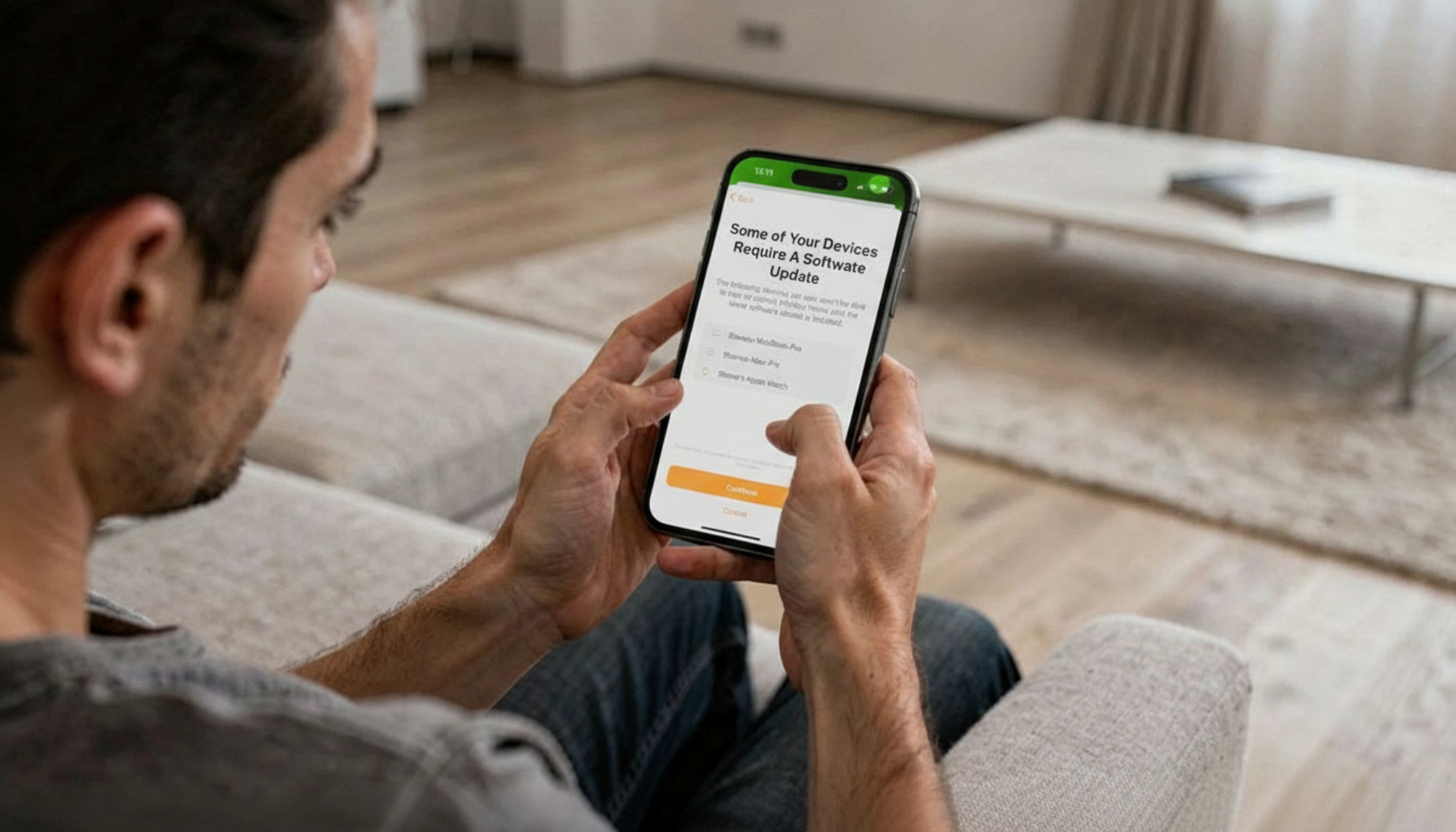
Apple is reminding users that support for the original Home app architecture will end on February 10, 2026. Users who have not yet upgraded to the new architecture may lose access to their smart home devices and automations. This guide explains what the deadline means, how to upgrade, and what to expect if your devices are not compatible with the new requirements.
Background on the Home App Architecture Update
Apple introduced a redesigned Home app architecture in late 2022, aiming to improve performance, reliability, and compatibility across the smart home ecosystem. The rollout, however, encountered technical issues that forced Apple to temporarily pull the upgrade in December 2022 before re-releasing it in March 2023. Since then, the company has encouraged users to migrate to the new architecture but has allowed the legacy version to remain functional.
Apple originally set a fall 2025 deadline for discontinuing support for the older architecture but pushed the cutoff to February 10, 2026, in early November to give users additional time to prepare.
What Happens After February 10, 2026
Apple is sending reminder emails to users who have not yet upgraded, warning that failure to update may result in blocked access to the Home app, malfunctioning accessories, and broken automations. The company also notes that users on the older architecture will no longer receive security fixes or performance improvements.
According to the reminder email, upgrading to the new architecture unlocks additional features, including guest access, support for robot vacuum cleaners, Activity History, and other enhancements introduced since the architecture was first released.
How to Upgrade to the New Home Architecture
Users can check whether they are running the new architecture by opening the Home app and navigating to Home Settings, then selecting Software Update. If the message “This home and all accessories are up to date” appears, no further action is required. If an update is available, users can initiate the upgrade from this screen.
It is worth noting that the upgrade process may take several minutes and requires all devices connected to the home to be online and responsive. Apple recommends ensuring that all accessories and hubs are updated to their latest firmware versions before beginning the migration.
Device Compatibility Requirements
The new Home architecture requires a minimum of iOS 16.2, iPadOS 16.2, macOS 13.1, tvOS 16.2, and watchOS 9.2. Devices that cannot be updated to these software versions will no longer be able to access the Home app or control HomeKit accessories after the upgrade is completed.
This requirement has been a point of frustration for some users who rely on older iPhones, iPads, or Apple TVs as dedicated smart home controllers. While these devices may still function well for basic tasks, they will be incompatible with the new Home architecture and will lose access to HomeKit entirely once the legacy system is discontinued.
Why the Upgrade Is Necessary
Apple’s decision to discontinue the older architecture is reportedly driven by the need to streamline maintenance and focus development efforts on the new platform. The updated architecture is built on a more modern framework that is expected to support future HomeKit features and integrations more effectively than the legacy system.
Users who upgraded early have generally reported improved stability and faster response times, though some experienced issues during the initial rollout. Apple has since released multiple updates to address these problems, and the platform is now considered stable by most accounts.
FAQ
Q: What happens if I don’t upgrade by February 10, 2026?
A: Apple states that access to your home within the Home app may be blocked, and accessories and automations may stop working as expected. You will also no longer receive security updates or performance improvements for the Home platform.
Q: Can I still use older devices to control HomeKit after upgrading?
A: No. The new architecture requires iOS 16.2, iPadOS 16.2, macOS 13.1, tvOS 16.2, or watchOS 9.2 at minimum. Devices that cannot run these versions will lose access to HomeKit once the upgrade is complete.
Q: Will I lose my existing HomeKit setup during the upgrade?
A: Apple designed the upgrade process to preserve your existing configuration, including accessories, scenes, and automations. However, it is advisable to ensure all devices are online and up to date before starting the migration to avoid any potential issues.
Q: Can I delay the upgrade further?
A: Apple has not indicated that it will extend the deadline beyond February 10, 2026. Users who wish to continue using HomeKit should plan to complete the upgrade before that date.
MacReview Verdict
Apple’s decision to discontinue the legacy Home architecture is understandable from a technical and strategic standpoint, but the approach has left some longtime users in a difficult position. Requiring relatively recent operating systems effectively forces users to upgrade hardware that may still be perfectly functional for smart home control, which runs counter to Apple’s broader messaging around device longevity and sustainability.
That said, the extended deadline gives users ample time to prepare, and the new architecture does offer meaningful improvements in stability and feature support. If you have been holding off on the upgrade, now is the time to act. Check your device compatibility, ensure all accessories are updated, and complete the migration well before the February 10 cutoff to avoid any disruption to your smart home setup.



















