Apple HomeView Features, Explained: Faces, Siri AI and 20 Wallpapers

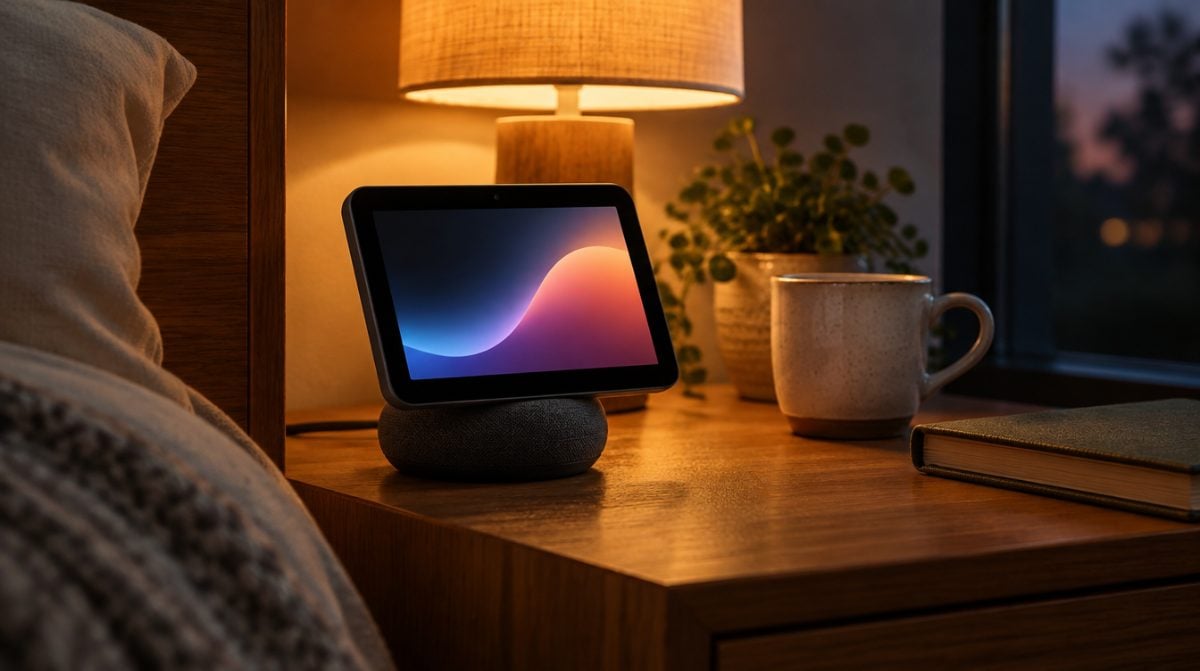
Small smart display on a lamp-lit nightstand with a dark gradient wallpaper, showing Apple HomeView features at night

The Apple HomeView features that matter most are simple to list: a 7-inch touch screen that knows who is standing in front of it, Siri AI built in, a full smart home dashboard and a speaker base meant to fill a room. On October 30, Apple pushed out HomeView Software 27.2 two weeks before the $299 hub reaches buyers on November 13, and that early build filled in the parts Apple had not shown yet.

Think of it as a shared kitchen screen that turns personal when you walk up. It can recognize up to six people, and each one gets their own Home Screen. Here is how the pieces fit together, and where the limits are.

Faces, wallpapers and Snoopy on the HomeView screen

Much like an Apple Watch, HomeView is built around faces. Apple’s HomeView announcement names several of them:

  • Photos: shows your pictures with a Portrait-style depth effect, and it can pull from a shared album so relatives can keep adding shots.
  • Flow: an art piece that reacts when someone moves nearby.
  • Snoopy: animations that change with the time, the weather, sports and holidays.
  • Home Modular: quick buttons for your favorite accessories.
  • Home Camera: up to nine live camera feeds on one screen.

The 27.2 software fills in the backgrounds: 20 built-in wallpapers in four styles (environment, gradient, illustrative and material), each with a light and a dark version. HomeView also switches between Light Mode and Dark Mode on its own based on the time of day, so a nightstand unit should not glare at you at 2 a.m.

How Apple HomeView features change for each person

This is the clever bit. HomeView acts as a household screen until it spots a familiar face, then it switches to that person’s apps, widgets and content from Messages, FaceTime, Calendar, Reminders and Find My. Your partner will not see your texts, but shared albums and music stay open to everyone, guests included.

Apple’s senior vice president of Worldwide Marketing, Greg Joswiak, summed up the goal by saying HomeView should be “shared by everyone in the home yet feel completely personal to each user.” Of all the Apple HomeView features, face recognition is the one that makes that promise work.

Siri AI, and what your iPhone adds

Siri AI sits at the center of the Apple HomeView features list. Anyone in the house can ask it general questions or use it to find music, even if their own phone is too old for Apple Intelligence.

Pair it with an Apple Intelligence iPhone or iPad and Siri gets more useful for you specifically. It can act across apps and use your calendar, messages and playlists for context. A chat started at the counter also syncs through iCloud to the Siri app, so you can finish it later on your phone or Mac. One caveat: Apple labels Siri AI on HomeView Software 27.2 as a beta, and it only speaks English at launch.

The smart home dashboard

For many buyers, the home controls are the Apple HomeView features that justify the price. You can lock doors, change the thermostat, dim lights or close blinds by tapping or by voice. With a supported iCloud+ plan and compatible cameras, HomeView can tell you whether a person, familiar face, pet, package or vehicle showed up, and with an Apple Intelligence iPhone or iPad it can write a short description of a HomeKit Secure Video clip so you do not have to watch it.

It also listens for smoke or carbon monoxide alarms and pings your iPhone, iPad or Apple Watch. Matter accessories and Apple’s new Home Collection gear work with it too, though that LG and Schneider lineup does not arrive until December, with some pieces slipping into early 2027.

What the 27.2 software reveals beyond Apple’s list

Developers digging through the update found a few Apple HomeView features Apple never listed, according to a report from MacRumors. Control Center appears in a setup animation, and HomeView greets you with the classic “Hello” screen at first boot. Under the hood, it does not run SpringBoard like an iPhone. Its launcher is called BreadBoard, and the process behind Control Center is CupBoard. Somebody at Apple enjoys a pun.

The build also hides a graphic labeled HomeView Software 26. That points to a product first planned for last year, and the report suggests Apple held it back to wait for Siri AI. Apple has not commented on that.

Limits worth knowing before you order

  • You need an iPhone or iPad to set it up. A Mac alone will not do.
  • No European Union sales. Apple is skipping the EU because Siri AI is not offered there.
  • Camera smarts cost extra. Recognition and video descriptions need an eligible iCloud+ plan.
  • Wall mounting adds cost. The wall model is also $299, plus a Schneider Home Power Mount starting at $59.95.

If you are torn between the stand and the wall version, our HomeView tabletop vs wall mount comparison walks through the mounts and colors. The new Apple TV 4K lands the same day, and our Apple TV 4K 2026 vs 2022 guide covers whether to replace yours.

Frequently asked questions about HomeView

How much does Apple HomeView cost?

Both the tabletop and the wall-mounted HomeView cost $299 in the U.S. The wall version also needs a Schneider Home Power Mount, which starts at $59.95.

What colors does Apple HomeView come in?

The tabletop model comes in silver, starlight, rose pink and space gray. The wall-mounted model comes in silver and space gray only.

Are these Apple HomeView features worth $299 to you?

If your household already runs on iPhones and HomeKit gear, the Apple HomeView features add up to something no HomePod has offered: a shared screen that still keeps each person’s stuff private. If you mostly want a speaker, or you live in the EU, sit this one out. For everyone else, it is the first Apple gadget that might earn a permanent spot next to the fruit bowl.


The MacReview YouTube Channel

The MacReview YouTube Channel

Visit Our
Youtube Channel

Watch Anywhere, Anytime!

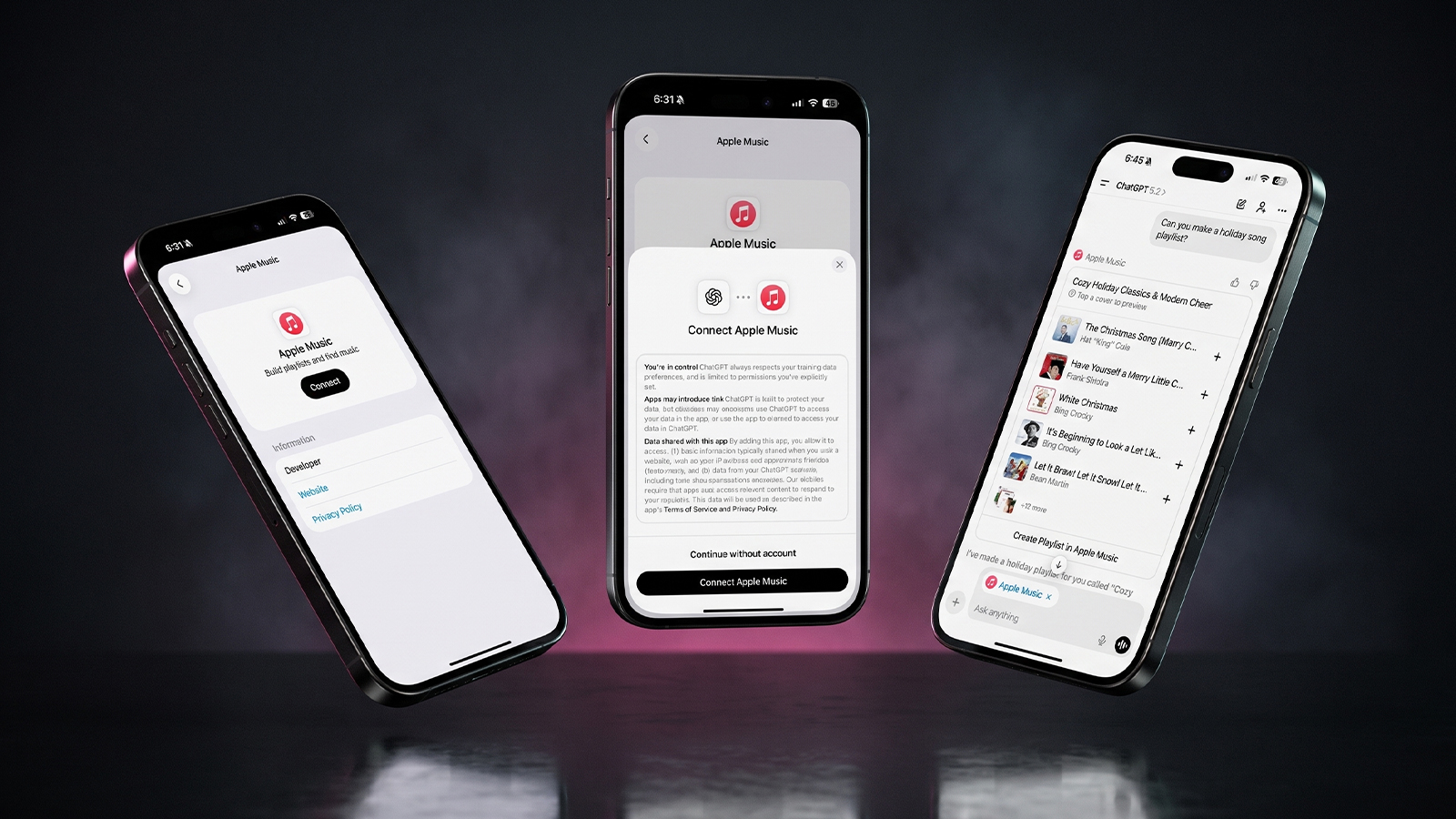
Three iPhones on a dark background with pink lighting showing the ChatGPT and Apple Music connection flow, including an "Apple Music" app page with a Connect button, a "Connect Apple Music" permissions dialog, and a ChatGPT chat generating a holiday song playlist.
Apple Music now works as a ChatGPT extension, so you can search tracks and build playlists using plain language. Here is how to set it up and use it.
Reward your inbox with the TPG Daily newsletter img

Subscribe to Our Newsletter

REWARD YOUR INBOX WITH THE MACREVIEW NEWSLETTER

Microsoft 365 wordmark surrounded by glossy app icons for Word, Excel, PowerPoint, Outlook, OneNote, Exchange, and Microsoft 365 on a soft light background.

Microsoft 365 experienced a significant service disruption affecting business and enterprise customers across North America. The outage impacted core productivity services including Outlook email, Microsoft Defender, and administrative portals, leaving users unable to access critical business tools for several hours. […]

Wireless printer with WiFi signal icon representing Apple AirPrint enterprise printing

When Apple introduced AirPrint in 2010, enterprise IT administrators largely dismissed it as a consumer-focused feature. More than a decade later, AirPrint has fundamentally transformed how organizations handle printing infrastructure, forcing the entire industry to abandon complex driver management in […]

Password Utility Solves the FileVault Reboot Problem for Remote Mac Management

Managing remote Macs presents unique challenges, particularly when FileVault encryption creates accessibility issues during restarts. A new utility from Twocanoes Software addresses this long-standing problem for IT administrators who need reliable access to devices deployed across distributed locations. The FileVault […]

Small smart display on a lamp-lit nightstand with a dark gradient wallpaper, showing Apple HomeView features at night
Apple's $299 HomeView hub recognizes up to six people, runs Siri AI and doubles as a smart home dashboard. Its early 27.2 software also revealed 20 wallpapers and a few hidden extras.
Man working on a laptop in a modern office at night with “Creator Studio” text and Apple logo above, plus floating creative app icons in the foreground.

Apple is reportedly planning to expand its subscription bundle offerings and introduce more paid features across its software ecosystem, following the launch of Apple Creator Studio last month. The company appears to be evaluating opportunities to monetize additional areas of […]

Three iPhones on a dark background with pink lighting showing the ChatGPT and Apple Music connection flow, including an "Apple Music" app page with a Connect button, a "Connect Apple Music" permissions dialog, and a ChatGPT chat generating a holiday song playlist.
Apple Music now works as a ChatGPT extension, so you can search tracks and build playlists using plain language. Here is how to set it up and use it.
Hands hold a softly glowing phone on a park bench at golden hour, a scene tied to Siri AI usage limits
Apple plans daily caps on Siri AI and other server-side features, with paid access for heavier users later. Here is what happens at a limit, what stays free and what Apple still has not said.
Hands hold a glowing smartphone at a sunlit kitchen table beside a laptop, a fix for Siri AI not working
Siri AI is a beta you have to request, so a missing assistant is usually a setup issue rather than a bug. Here are seven things to check, easiest first, and when to simply wait.
Laptop showing a snowy fantasy scene on a dim desk with a controller and headphones, ready for how to play Skyrim on Mac
A free open-source app called SkyrimMT now sets up Steam, Skyrim Special Edition and a full mod manager on Apple Silicon Macs. Here is what you need, the setup steps and the risks of running an unofficial, unnotarized tool.
Apple Arcade games available across Apple devices

In 2025, you’ll notice significant changes in Apple Arcade’s fan favorites, as exclusive updates aim to refine and enhance your gaming experience. Titles like WHAT THE CAR? and Hello Kitty Island Adventure are set to receive major gameplay improvements, alongside […]

Phone on a desk showing a satellite map of a desert airfield with Apple Maps blurred areas over one section
Apple Maps has quietly blurred eight NASA, Space Force and Air Force sites, with no word from Apple. Here is which bases are hidden, which are still visible and what it means for everyday users.
Tablet and stylus on an oak desk with sketches and color swatches, a flat lay for affinity ipad vs procreate
Affinity for iPad is now a free download, which gives Procreate its most serious rival yet. Here is how the two compare on drawing, vector work, AI and file support, and which one fits your work.
Laptop glowing on a walnut desk at dusk beside a calendar, a home office scene for chatgpt classic vs new app
ChatGPT Classic retires on January 30, 2027, and your chat history is due to move with you. Here is how the two Mac apps compare and when to make the switch.
Sign Up For Newsletter mobile

Catch The Latest

Sign Up For Newsletter

Updated October 2026 for iOS 27, iPadOS 27 and macOS. Quick answer: There are 8

Apple Music now works as a ChatGPT extension, so you can search tracks and build
A new Health Sensing System, heart rate every five seconds, a 0-to-10 readiness score, and
Six laser-cut blades, four aperture stops, and a 2nm chip. Here is every confirmed iPhone
Scroll to Top