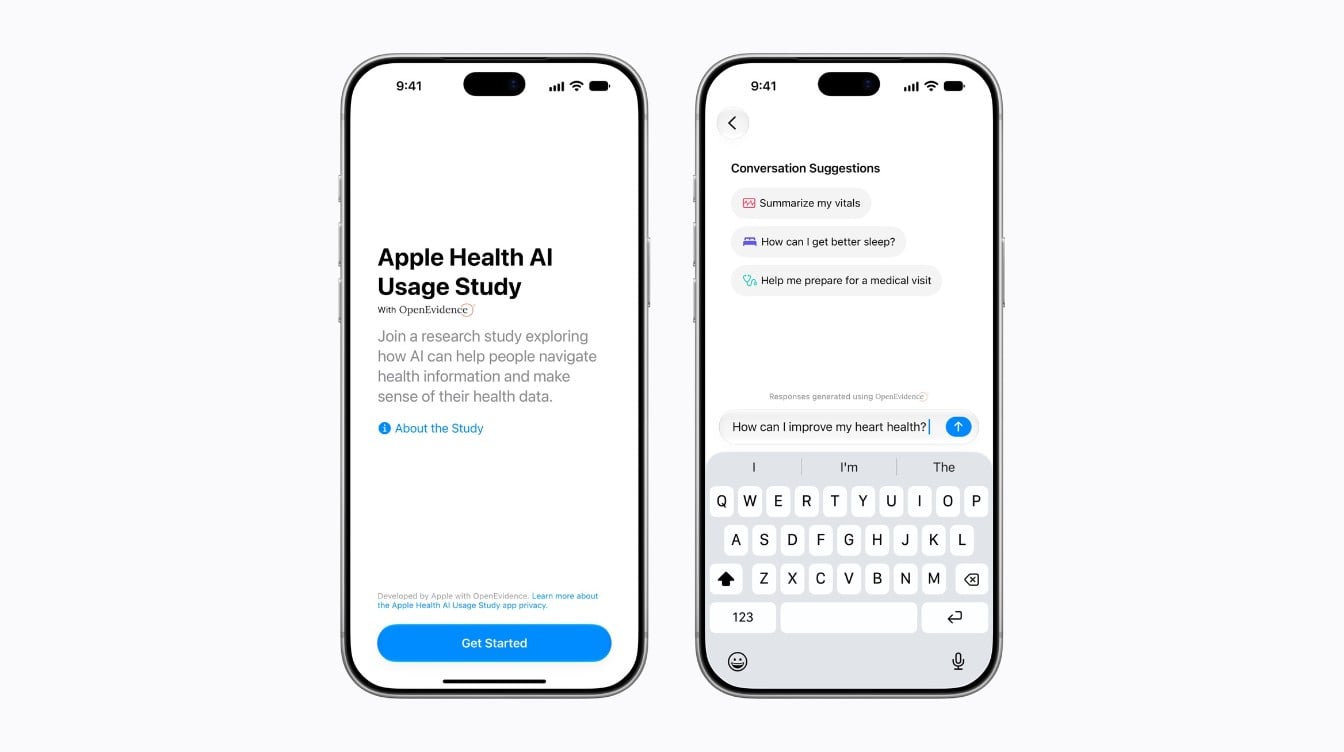
A lab result pops up in your patient portal at 10 p.m., the numbers make no sense, and your doctor’s office is closed until Monday. Lots of us now paste that kind of thing into a chatbot and hope for the best. The new Apple Health AI Study App is Apple’s way of studying that exact habit, and if you qualify, you can download it and sign up today.
Apple announced the Apple Health AI Usage Study on November 15, 2026. It is a virtual research project, run with the clinical AI company OpenEvidence, that measures whether people trust a health chatbot, understand what it tells them and actually do something with the answer. Up to 200,000 people in the US can take part.
Who can join the Apple Health AI Study App
The entry rules are short, but every one of them is a hard requirement:
- You are 21 or older.
- You live in the United States.
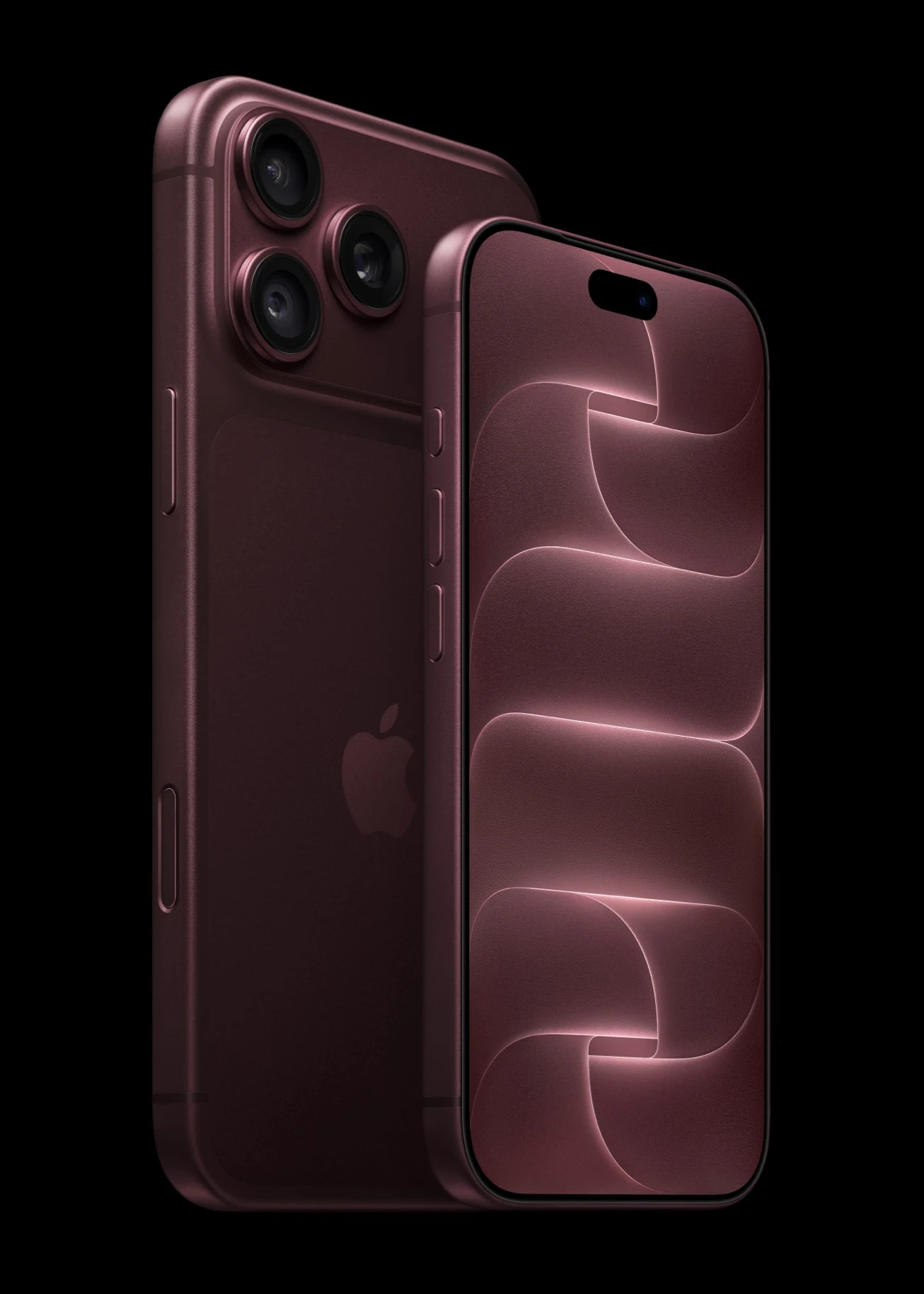
- You have an iPhone that supports Apple Intelligence, which means an iPhone 15 Pro or a newer model.
- That iPhone runs iOS 26 or later.
One detail trips people up. The App Store rates the download 18+, yet the study only accepts adults from 21 up. So a 19-year-old can install it, but enrollment is reserved for older participants.
Here is what the App Store listing itself shows:
| Detail | What the listing says |
|---|---|
| Developer | Apple |
| Price | Free |
| Size | 29.9 MB |
| Works on | iPhone only, iOS 26.0 or later |
| Language | English |
| Age rating | 18+ |
| Category | Health & Fitness |
How to sign up in 5 steps
- Check your model. Open Settings > General > About and look at Model Name. An iPhone 15 Pro or anything released after it qualifies. A regular iPhone 15 does not.
- Update your software. Go to Settings > General > Software Update. Anything from iOS 26 onward is fine, including the current iOS 27 releases.
- Install the app. Search the App Store for the Apple Health AI Study App, or open Apple’s listing directly. It costs nothing.
- Opt in. Launch it and choose to enroll. Apple has not posted a screen-by-screen walkthrough, so read each consent page instead of tapping through.
- Pick what you share. Your sleep, activity, lab results and resting heart rate can stay private if you prefer, since handing any of it over is optional. Surveys are optional too.
Two things Apple has not announced: how long the study lasts and whether anyone gets paid for joining. If either matters to you, check the consent screens before you agree.
What you can ask the study app
Think of the Apple Health AI Study App as a medical chatbot with homework attached. You type a question and the reply comes back in everyday language. The app is built on OpenEvidence, which Apple describes as an AI platform trained on peer-reviewed medical research and clinical guidelines.
Apple’s listing names four kinds of use: making sense of a symptom or condition, putting your own numbers in context, getting ready for a doctor’s appointment and putting together a workout or meal plan. In practice, questions might look like this:
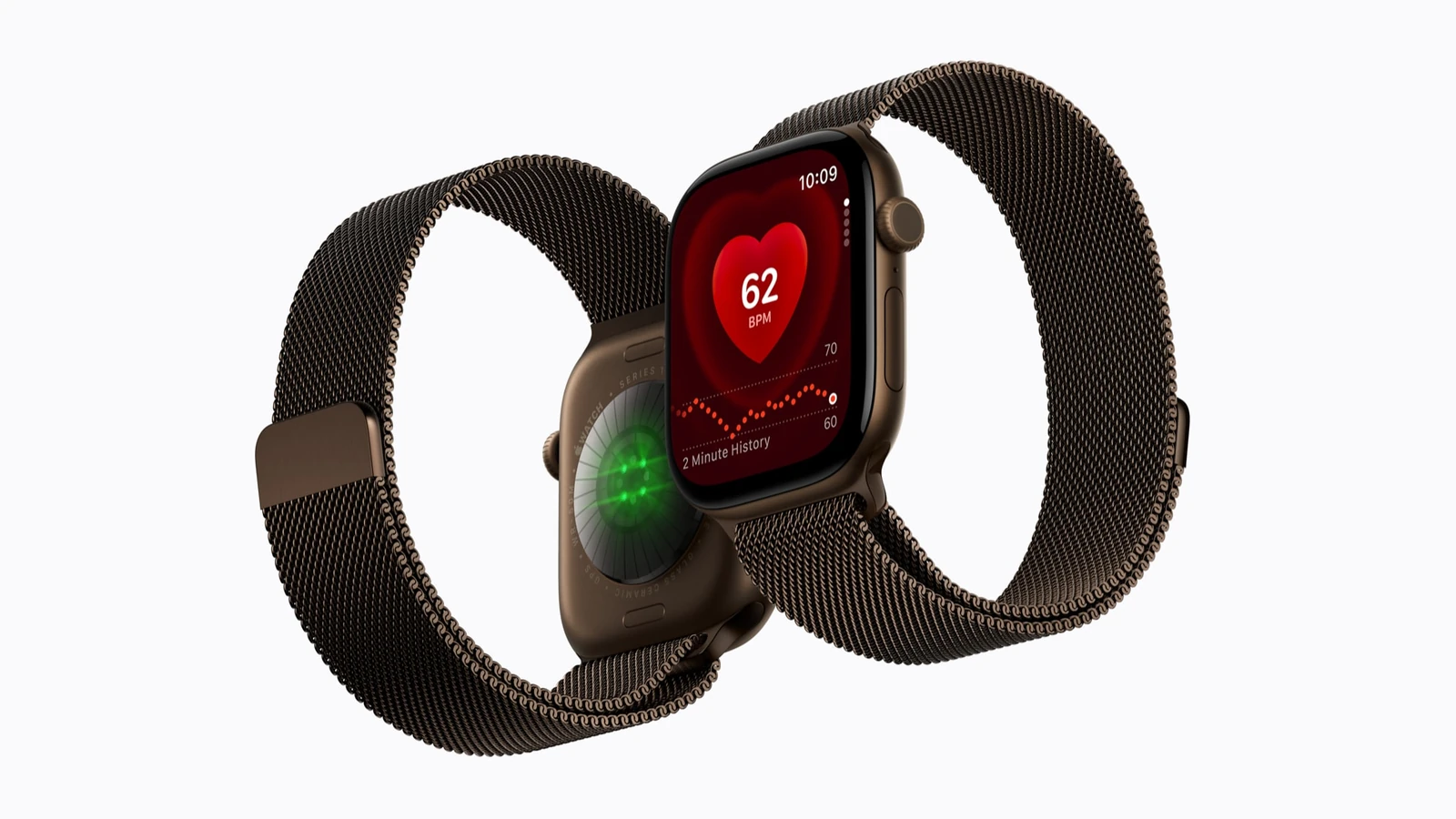
- “My resting heart rate dropped from 66 to 58 over the summer. Is that something to mention at my checkup?”
- “What should I ask my doctor about these cholesterol results?”
- “Give me a 20-minute weeknight walking plan I can stick to.”
If you allow access to your Health data, answers can be tailored to it. Without that permission, the Apple Health AI Study App still answers general questions.
Privacy limits before you share Apple Health data
A health chatbot is only as trustworthy as what happens to your questions afterward. Here is what Apple has committed to:
- No AI training. Apple says nothing collected for the study goes into training AI models.
- You choose. Whether any Health metric or survey answer leaves your phone is up to you.
- Built-in brakes. If a question looks worrying, the app is designed to flag it and point you toward a provider or other help.
- Not a doctor. The listing states plainly, “Neither the app nor the research study provides medical advice, diagnosis, or treatment.”
The App Store privacy label adds one more piece. A user ID is linked to you for analytics and to make the app work, while performance diagnostics are collected without being tied to your identity.
Apple’s reasoning for running this as a formal study shows up in a line from UCSF’s Dr. Robert Wachter, who chairs the university’s Department of Medicine:
Patients and clinicians are both turning to AI, but the tools they use are being built and tested in separate worlds.
Robert M. Wachter, M.D., UCSF
What the Apple Health AI Study App will not do
Set your expectations before you install it. The Apple Health AI Study App does not replace your physician, and it cannot diagnose or treat anything. It is iPhone only, so there is no iPad, Mac or Apple Watch version, and it is English only.
It also tells us little about Apple’s product plans. Apple frames the study as research to guide how health AI gets designed, and it has not said whether any of this will show up in the regular Health app. If you want a refresher on where that app stands today, our look at the iOS 27 Health app redesign covers it, and our explainer on what Health Age actually measures shows how Apple already turns your data into scores.
Quick answers about the Apple Health AI study
Is the Apple Health AI study app free?
Yes. The App Store lists it as a free download from Apple, and Apple has not mentioned any fee for taking part.
Does Apple pay you to join the health AI study?
Apple has not said. Its announcement and the App Store listing do not mention compensation, so check the consent screens in the app.
Can I join the Apple Health AI study on an iPhone 15?
Not on the standard iPhone 15. The study needs an iPhone that supports Apple Intelligence, which starts with the iPhone 15 Pro.
Should you join the Apple Health AI study?
If you already ask chatbots about symptoms or test results, the Apple Health AI Study App is a better-behaved place to do it, with citations, opt-in data sharing and a promise that your questions will not train a model. Skip it if you want answers about your own care that only a clinician can give, or if you would rather keep your Health data entirely on your phone. Either way, treat its answers as homework for your next appointment, not a replacement for it.
Featured image courtesy of Apple.