
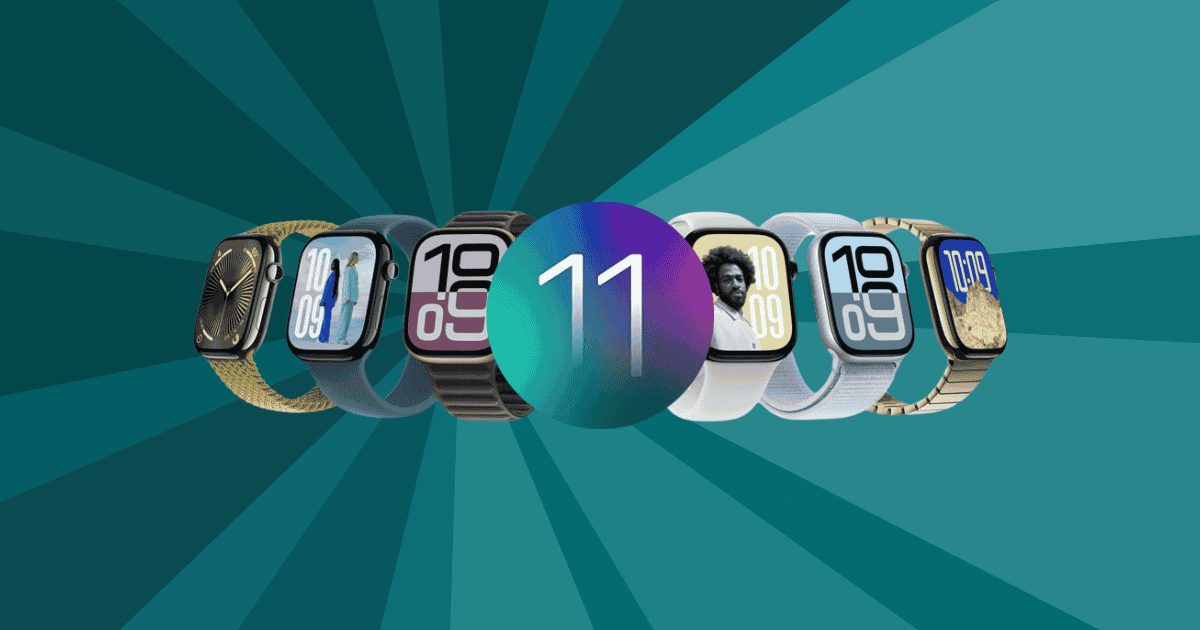
The release of watchOS 11 has introduced a slew of innovative updates aimed at improving both functionality and user engagement. From new customizable watch faces to advanced health monitoring tools, Apple has crafted an experience that caters to fitness enthusiasts, tech lovers, and everyday users alike.
While many of the headline features are immediately apparent, such as the sleek new design of the Flex watch face and improved activity tracking, there are several additions that might not be as obvious but hold the potential to revolutionize how you use your Apple Watch.
In this article, we dive into the lesser-known yet impactful features of watchOS 11 that deserve your attention.
Enhanced Fitness Tracking: A Tailored Approach to Health Goals
The latest update to watchOS 11 brings significant improvements to the way you monitor and track your fitness activities. The enhanced Activity app now allows users to adjust their daily fitness goals with simple plus and minus buttons, offering flexibility based on individual needs. Additionally, the app introduces the Training Load feature, which provides detailed metrics about workout intensity. This helps users assess whether they’re pushing too hard or need to up the ante in their routines.
Here’s what else has been upgraded:
- Pause Your Activity Rings: If you need a brief rest during a workout, you can now pause your activity rings without breaking your streak.
- Improved Sleep Tracking: With automatic detection of naps, users now get a more complete picture of their overall sleep patterns, helping them stay on top of their health.
- Advanced Metrics for Sports: Running, cycling, and swimming now benefit from more precise metrics, giving athletes the insights needed to hone their performance.
These updates make watchOS 11 an indispensable tool for anyone serious about their health and fitness journey.
Customizable Watch Faces: Personalization Redefined
One of the standout features in watchOS 11 is the introduction of three new customizable watch faces: Flex, Reflections, and a new photo watch face. These options allow users to fully personalize their Apple Watch experience, ensuring it feels like an extension of their personal style.
- Flex Watch Face: With a metallic, rotating design, the Flex face delivers a minimalist look, though it doesn’t support complications, making it perfect for users seeking simplicity.
- Reflections Watch Face: Users can showcase their favorite moments in this dynamic face, making it a go-to for those who enjoy more visual flair.
- Photo Watch Face: By selecting personal images from your iPhone’s gallery, this face allows for meaningful personalization. The built-in AI ensures the best placement for each image, guaranteeing a flawless display every time.
Whether you prefer a simple, elegant design or something more personalized, these watch faces bring a fresh level of customization to your wrist.
Advanced Health Monitoring: A Comprehensive Health Assistant
Health monitoring has taken a massive leap forward in watchOS 11 with the introduction of the Vitals app. This new addition goes beyond basic fitness tracking, providing deeper insights into your overall well-being.
Key features include:
- Vitals Monitoring: Track heart rate, blood oxygen levels, wrist temperature, respiratory rate, and sleep duration all in one place.
- Overnight Vitals Alerts: The app will alert you if your vitals fall outside normal ranges, allowing you to take action sooner rather than later.
- Customizable Activity Goals: Tailor your fitness goals for each day of the week, providing flexibility and enabling you to prioritize your health no matter your schedule.
These health monitoring tools not only keep you informed but also encourage proactive health management, making the Apple Watch an essential part of your daily routine.
Smart Widget Customization: Personalized Widgets for Every Need
The Smart Stack feature introduced in watchOS 11 is a game-changer for those who want easy access to the most relevant information at all times. Replacing the Siri watch face, Smart Stack brings adaptive widget suggestions based on your habits, location, and the time of day.
- Third-Party App Support: Developers can now create custom widgets that align with the user’s preferences, allowing for even more personalized experiences.
- Shazam Integration: Song recognition is now seamlessly embedded within the Smart Stack, offering users an intuitive way to discover music on the go.
- Context-Aware Updates: Smart Stack adjusts its display based on what’s most relevant to you at the moment—whether it’s weather information, upcoming meetings, or fitness updates.
This streamlined interface ensures that the right information is always at your fingertips, improving productivity and ease of use.
Safety and Communication Tools: Stay Connected and Secure
In watchOS 11, safety and communication features have seen a significant overhaul. The new Check In function is particularly noteworthy, allowing you to automatically notify selected contacts once you arrive at a destination safely. This feature is ideal for anyone who wants to provide peace of mind to loved ones, whether during workouts or travel.
- Live Activities Integration: Stay up to date on real-time events, such as sports scores or public transport updates, right from your wrist.
- Gesture Control for Notifications: Managing alerts has never been easier, with gesture-based controls allowing you to navigate notifications more intuitively.
These enhancements ensure that watchOS 11 is not only a tool for staying fit but also one that promotes safety and seamless communication.
Developer-Centric Innovations: A New Era for App Development
Developers have plenty to be excited about with the release of watchOS 11. New APIs and tools open the door for even more innovative and user-friendly apps.
- Double Tap API: This feature allows for hands-free scrolling, improving accessibility and making apps easier to use on the go.
- Smart Stack Widgets: Developers can create adaptive widgets that respond dynamically to user behavior, offering personalized app experiences.
- Automatic Translation Integration: The pre-installed translation app supports multiple languages, making it easier for developers to incorporate quick translation features.
With these tools, developers can push the boundaries of what’s possible on Apple Watch, crafting experiences that cater to user needs more effectively.
MacReview Verdict
In conclusion, watchOS 11 brings a multitude of improvements that significantly elevate the Apple Watch experience. From enhanced activity tracking and health monitoring to personalized watch faces and smart widget customization, this update has something for everyone. Whether you’re a fitness enthusiast or someone looking for a more connected lifestyle, watchOS 11’s new features ensure a more intuitive, personalized, and effective user experience.
As Apple continues to innovate, the Apple Watch remains at the forefront of wearable technology, helping users lead healthier, more connected lives.



















