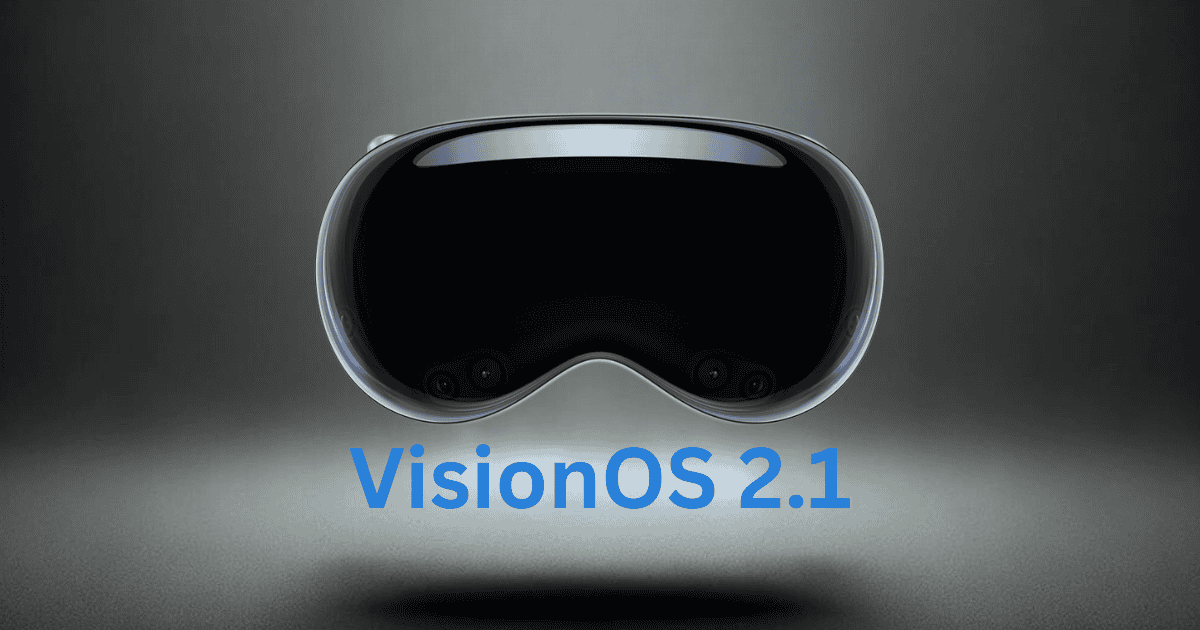
The recent release of the third VisionOS 2.1 update for developers marks a significant milestone in the development of augmented reality (AR) applications. By introducing improved performance, new APIs, and refined multitasking capabilities, Apple continues to push the boundaries of immersive technology. This update highlights key advancements in spatial mapping, gesture recognition, and privacy protection, all of which are essential as AR becomes a more integral part of our daily tech experience.
In this article, we’ll explore the details of the VisionOS 2.1 update, how it impacts developers, and what it might mean for the future of augmented reality.
Overview of VisionOS 2.1 Update
The rollout of the third VisionOS 2.1 update is a crucial moment for developers who are focused on enhancing immersive experiences on Apple platforms. This update includes a variety of new APIs that improve the functionality of AR applications, creating more interactive and engaging user experiences.
The update also comes with upgraded development tools, allowing developers to streamline workflows and build more efficient apps across different operating systems. The recommendation to test on non-critical devices underscores Apple’s commitment to providing developers with a smooth transition to the new update.
Beyond performance, privacy remains a central focus. Enhanced security measures in the update ensure compliance with the latest industry standards, which is essential in safeguarding user data in AR applications.
Key Features and Enhancements
The third VisionOS 2.1 update introduces several noteworthy features, designed to elevate the development of augmented reality experiences:
- Enhanced AR Support: This update refines spatial mapping and gesture recognition, offering developers the ability to create more immersive and interactive applications.
- New APIs: A variety of new APIs have been rolled out, providing developers with tools to build more complex and efficient applications, improving overall functionality.
- Performance Optimizations: Application responsiveness and stability have been significantly boosted, ensuring smoother user experiences across supported devices.
- Improved Multitasking: The update addresses multitasking with tools that enhance productivity for both developers and users.
In addition, the update’s strong emphasis on privacy ensures that all applications developed on the VisionOS platform adhere to rigorous security standards.
Enhanced Developer Tools
Developers will find this latest VisionOS update particularly beneficial, thanks to its improved toolset. New APIs empower developers to create even more immersive applications, opening up new possibilities for AR experiences. The streamlined workflows and updated documentation make it easier than ever to test and build apps, while the expanded beta testing tools offer a platform for gathering essential feedback before public release.
- Extensive Documentation: The documentation has been meticulously updated to reflect the changes in the third update, giving developers clear guidance as they navigate the new features.
- Beta Testing Tools: Developers can take advantage of advanced beta testing resources, enabling them to test applications rigorously and refine them before they go live.
Advancements in Augmented Reality
The third VisionOS 2.1 update significantly enhances augmented reality capabilities, positioning Apple as a leader in this growing field. With refined spatial mapping, AR applications can now provide more immersive experiences, allowing users to interact with virtual environments more seamlessly.
- Advanced Gesture Recognition: Users can interact with augmented elements in a more intuitive way, enabling smoother integration between the physical and digital worlds.
- Enhanced Lighting Effects: The update includes tools for simulating realistic shadows and reflections, elevating the visual fidelity of AR applications and making virtual experiences more believable.
In addition to improving the user experience, Apple ensures that these enhancements do not compromise data protection, adhering to stringent privacy standards.
Community Support and Resources
A vital component of VisionOS 2.1 is its strong focus on community support. Apple has made significant strides in ensuring developers have access to a wealth of resources that can help them excel in their projects.
- Apple Developer App: The app provides easy access to essential resources like SDKs and beta operating systems tailored for VisionOS 2.1.
- Developer Forums: These platforms facilitate knowledge sharing and troubleshooting, allowing developers to connect with Apple engineers and fellow developers for advice and inspiration.
- Updated Documentation and API References: Comprehensive documentation, including sample code, is frequently updated to reflect the latest changes, ensuring developers are always well-equipped.
By fostering this ecosystem of support, Apple encourages collaboration and continuous learning among its developer community.
Importance of Feedback and Reporting Issues
The third VisionOS 2.1 update places a significant emphasis on gathering feedback from developers. This feedback loop allows Apple to continuously improve the platform by addressing bugs, refining features, and ensuring that the user experience is optimized.
- Structured Feedback Process: Developers are encouraged to report issues through detailed documentation, helping Apple prioritize and address problems efficiently.
- Continuous Improvement: Regular updates based on community feedback ensure that VisionOS remains at the cutting edge of AR development.
This collaborative approach between Apple and its developer community is essential for ensuring that the VisionOS platform evolves in line with the needs and expectations of both developers and users.
Future Updates and Expectations
Looking ahead, VisionOS 2.1 is expected to receive additional updates that further enhance its capabilities. Developers can expect continued focus on performance improvements, new APIs, and expanded functionality that will make AR experiences even more engaging and seamless.
With the ongoing beta program, developers will have the opportunity to test new features early and provide valuable insights that shape the platform’s future. The regular cadence of updates promises an evolving VisionOS platform that will remain a leader in augmented reality innovation.
MacReview Verdict
The third VisionOS 2.1 update is a monumental step forward in augmented reality development, equipping developers with cutting-edge tools to create more immersive and engaging applications. While the update enhances technical capabilities, the real challenge lies in turning these innovations into everyday applications that can change how we experience the world.
As VisionOS continues to evolve, developers and users alike can look forward to a future where augmented reality is seamlessly integrated into daily life, offering limitless possibilities for creativity, interactivity, and immersion.