Some iPhones Unlikely to Support iOS 18 AI Enhancements

With the upcoming iOS 18 update, Apple is set to introduce a significant AI overhaul. However, not all features will be available on older iPhone models, even those listed as compatible with the new operating system.

AI Feature Division in iOS 18:

  • Basic AI Tasks: These will operate entirely on-device, utilizing the iPhone’s own processor to handle tasks without needing to connect to Apple’s servers.
  • Advanced AI Capabilities: More complex functions will require server-side processing, communicating directly with Apple’s servers.

At the core of these enhancements is a revamped Siri, redesigned to leverage large language models (LLMs) for a range of tasks from opening documents to organizing notes and summarizing articles.

Details on Device Requirements:

  • Supported Devices: Advanced on-device AI tasks will need at least an iPhone 15 Pro due to hardware capabilities.
  • Compatibility List: Despite the new AI features, iOS 18 will remain compatible with models as old as the iPhone 11, similar to iOS 17.

Specific Limitations Across Devices:

  • iPhone Models with Partial AI Support: The following models will run iOS 18 but may not support some on-device AI functionalities due to hardware limitations:
  • iPhone 11 series
  • iPhone 12 series
  • iPhone 13 series
  • iPhone 14 series
  • iPhone 15 (standard model)
  • iPhone SE (2nd and 3rd generation)

iPad and Mac Requirements

Similarly, iPadOS 18 and macOS 15 will share AI features with iOS 18. Devices like Macs with M1 chips and fifth-generation iPad Pros or newer are necessary for full AI functionality, excluding older Intel Macs and iPads.

Hardware Constraints and AI Functionality:

  • Memory Requirements: Non-supported standard iPhone 15 models feature 6GB of RAM, while supported Pro models boast 8GB. Given that LLMs require substantial working memory, this distinction in RAM is critical for supporting advanced AI tasks.

MacReview verdict

The iOS 18 rollout illustrates Apple’s push towards integrating sophisticated AI capabilities into its ecosystem. However, the disparity in hardware support across devices highlights a significant challenge—ensuring that advancements in software continue to be accessible across older hardware. Users of newer iPhone models will enjoy the full spectrum of AI features, while others may need to upgrade to access the most advanced capabilities. As technology progresses, Apple users must consider both software and hardware capabilities when planning device updates or purchases.


The MacReview YouTube Channel

The MacReview YouTube Channel

Visit Our
Youtube Channel

Watch Anywhere, Anytime!

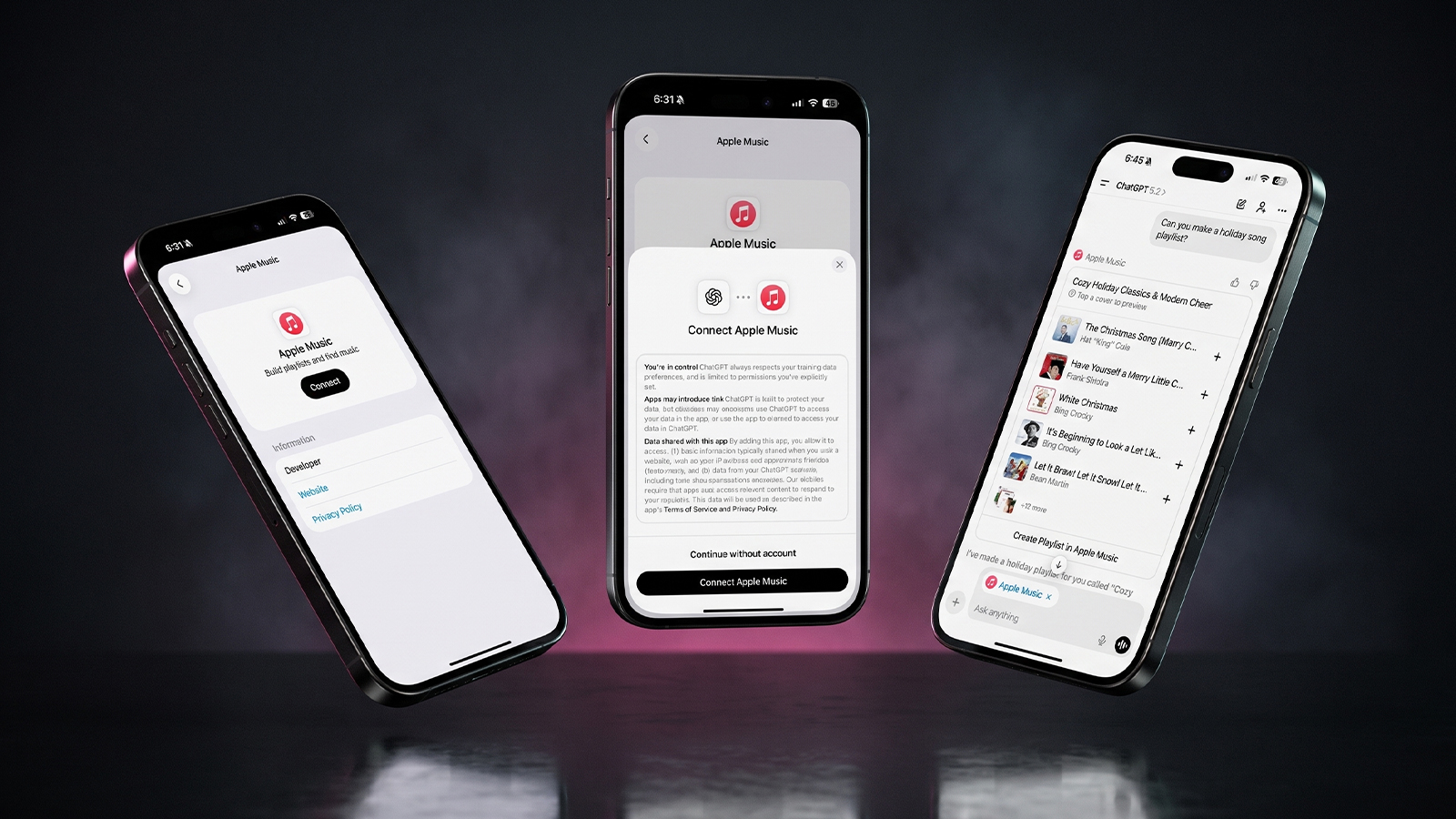
Three iPhones on a dark background with pink lighting showing the ChatGPT and Apple Music connection flow, including an "Apple Music" app page with a Connect button, a "Connect Apple Music" permissions dialog, and a ChatGPT chat generating a holiday song playlist.
Apple Music now works as a ChatGPT extension, so you can search tracks and build playlists using plain language. Here is how to set it up and use it.
Reward your inbox with the TPG Daily newsletter img

Subscribe to Our Newsletter

REWARD YOUR INBOX WITH THE MACREVIEW NEWSLETTER

Microsoft 365 wordmark surrounded by glossy app icons for Word, Excel, PowerPoint, Outlook, OneNote, Exchange, and Microsoft 365 on a soft light background.

Microsoft 365 experienced a significant service disruption affecting business and enterprise customers across North America. The outage impacted core productivity services including Outlook email, Microsoft Defender, and administrative portals, leaving users unable to access critical business tools for several hours. […]

Wireless printer with WiFi signal icon representing Apple AirPrint enterprise printing

When Apple introduced AirPrint in 2010, enterprise IT administrators largely dismissed it as a consumer-focused feature. More than a decade later, AirPrint has fundamentally transformed how organizations handle printing infrastructure, forcing the entire industry to abandon complex driver management in […]

Password Utility Solves the FileVault Reboot Problem for Remote Mac Management

Managing remote Macs presents unique challenges, particularly when FileVault encryption creates accessibility issues during restarts. A new utility from Twocanoes Software addresses this long-standing problem for IT administrators who need reliable access to devices deployed across distributed locations. The FileVault […]

Small wall display with a green light in a dark kitchen at night, an Apple HomeView security camera scene
Text strings in HomeView Software 27.2 describe a hidden mode that turns the display's 12MP camera into a HomeKit Secure Video camera. Here is what the four settings would do, what they could cost, and why you should not buy one for this yet.
Man working on a laptop in a modern office at night with “Creator Studio” text and Apple logo above, plus floating creative app icons in the foreground.

Apple is reportedly planning to expand its subscription bundle offerings and introduce more paid features across its software ecosystem, following the launch of Apple Creator Studio last month. The company appears to be evaluating opportunities to monetize additional areas of […]

Hand holding a phone on a train platform at dusk with earbuds nearby, checking Apple Music Replay 2026
Apple refreshes this year's Replay playlist weekly, so a list that lags your latest plays is normal. Here are five things to try if your stats look stuck or are missing entirely.
Hands hold a softly glowing phone on a park bench at golden hour, a scene tied to Siri AI usage limits
Apple plans daily caps on Siri AI and other server-side features, with paid access for heavier users later. Here is what happens at a limit, what stays free and what Apple still has not said.
Hands hold a glowing smartphone at a sunlit kitchen table beside a laptop, a fix for Siri AI not working
Siri AI is a beta you have to request, so a missing assistant is usually a setup issue rather than a bug. Here are seven things to check, easiest first, and when to simply wait.
Laptop showing a snowy fantasy scene on a dim desk with a controller and headphones, ready for how to play Skyrim on Mac
A free open-source app called SkyrimMT now sets up Steam, Skyrim Special Edition and a full mod manager on Apple Silicon Macs. Here is what you need, the setup steps and the risks of running an unofficial, unnotarized tool.
Apple Arcade games available across Apple devices

In 2025, you’ll notice significant changes in Apple Arcade’s fan favorites, as exclusive updates aim to refine and enhance your gaming experience. Titles like WHAT THE CAR? and Hello Kitty Island Adventure are set to receive major gameplay improvements, alongside […]

Hands holding a phone by a bedside lamp beside a blank card while reviewing an Instagram teen account
Meta's AI can now move adults into an Instagram teen account even with an adult birthday on file. Here is what to try on iPhone and what proof Meta asks for.
Phone on a sunny picnic table beside a printed photo and lemonade, ready to post a WhatsApp group status
WhatsApp group status lets the members of one group share updates that disappear after 24 hours. Here is who can see it, why it may not be showing yet, and what else changed in group chats.
Phone on a desk showing a satellite map of a desert airfield with Apple Maps blurred areas over one section
Apple Maps has quietly blurred eight NASA, Space Force and Air Force sites, with no word from Apple. Here is which bases are hidden, which are still visible and what it means for everyday users.
Sign Up For Newsletter mobile

Catch The Latest

Sign Up For Newsletter

Updated October 2026 for iOS 27, iPadOS 27 and macOS. Quick answer: There are 8

Apple Music now works as a ChatGPT extension, so you can search tracks and build
A new Health Sensing System, heart rate every five seconds, a 0-to-10 readiness score, and
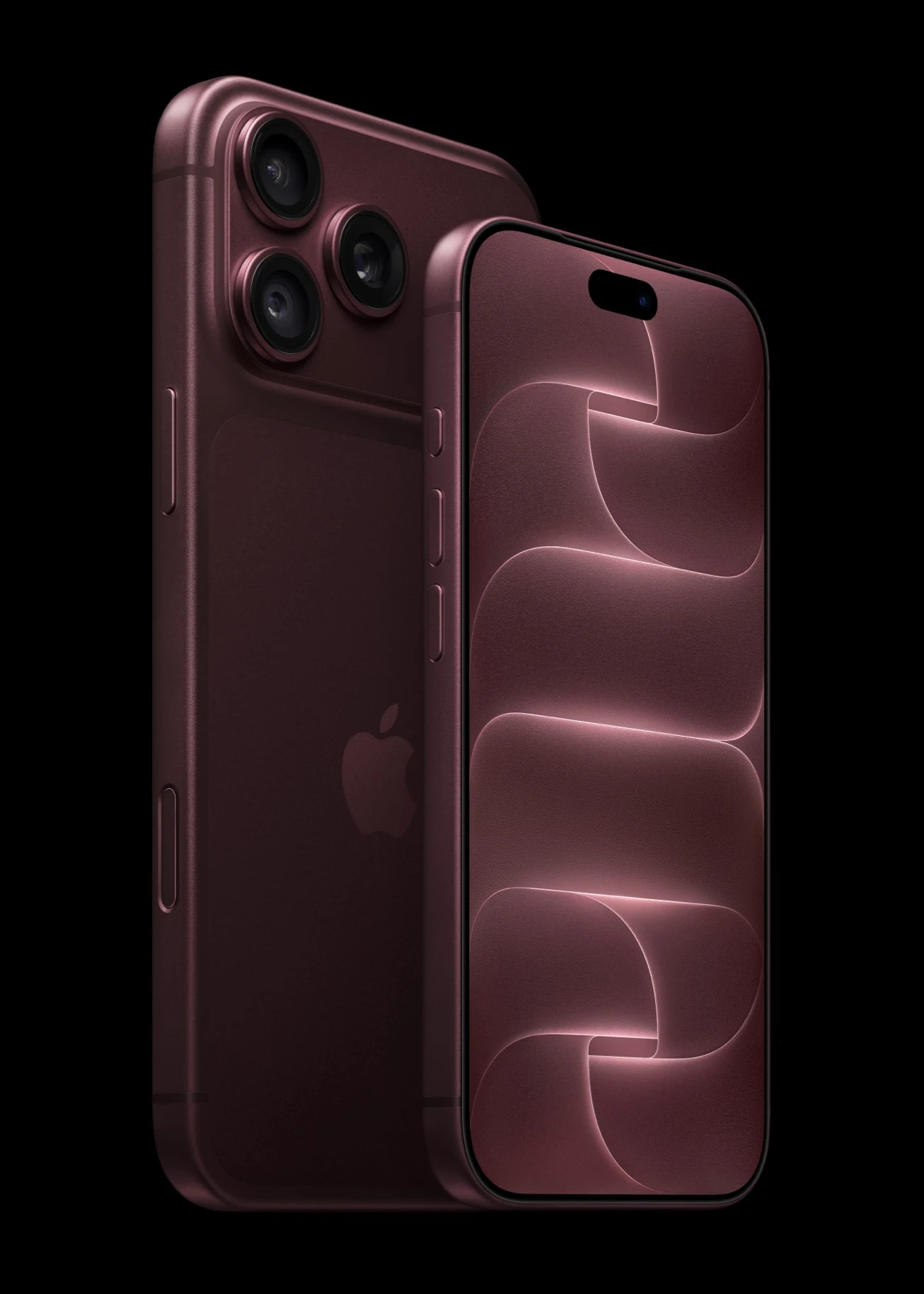
Six laser-cut blades, four aperture stops, and a 2nm chip. Here is every confirmed iPhone
Scroll to Top