
Should You Upgrade to iPad Pro’s Nano-Texture Glass?

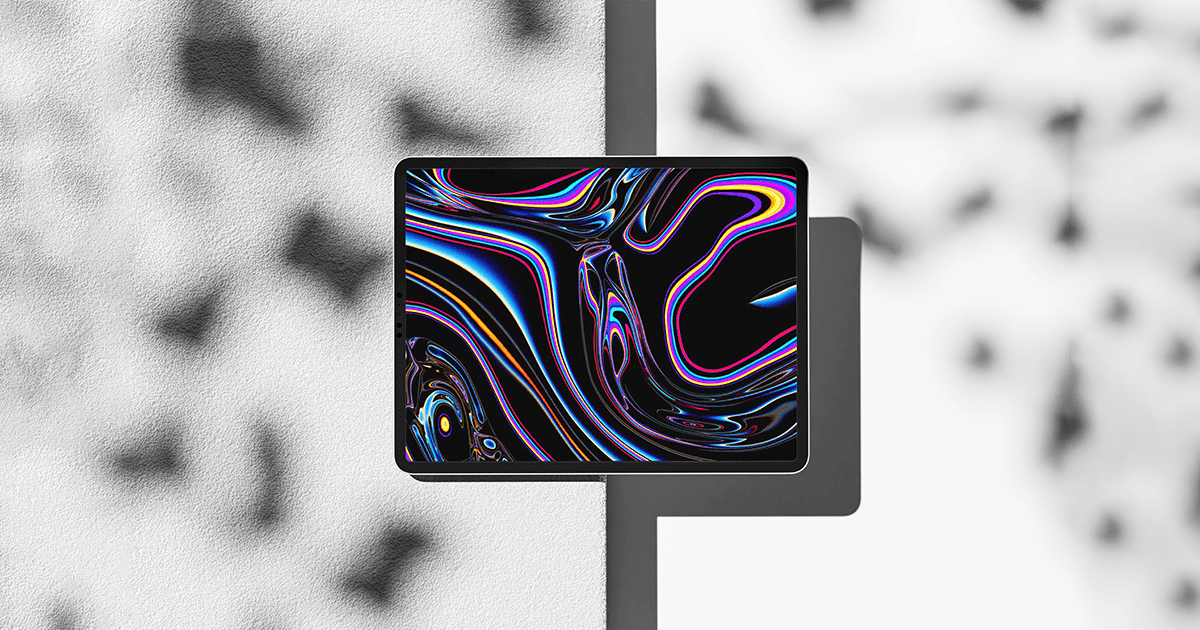
Apple’s latest M4 iPad Pro models, released earlier this year, offer a new display option: nano-texture glass, aimed at reducing glare.

What is Nano-Texture Glass?

Originally introduced with Apple’s Pro Display XDR, nano-texture glass is etched at a nanometer scale. This technology is designed to maintain image quality while scattering ambient light, thus minimizing glare. Apple describes this as their most matte display, particularly beneficial for high-end, color-sensitive workflows and environments with challenging lighting.

Cost and Availability

This is the first time nano-texture glass is available as an option for an iPad, previously reserved for Apple’s Studio Display and Pro Display XDR. This premium feature adds $100 to the price of the standard glass and is available only on the 1TB or 2TB models of the iPad Pro. Consequently, the starting price for an 11-inch iPad Pro with nano-texture glass is $1,600.

For the larger iPad Pro, opting for nano-texture glass means spending at least $1,999, which includes the base cost of the 1TB model plus the $100 for the glass upgrade. This upgrade targets professional users with specific needs and might not be necessary for everyone.

Performance and Use Cases

Nano-texture glass significantly reduces glare, but this comes at a cost to the display’s contrast and sharpness. This trade-off makes it ideal for specific professional workflows where reducing light interference is crucial. Additionally, the textured surface of the nano-glass provides a better feel for writing with an Apple Pencil, though those focused on writing might prefer alternatives like Astropad’s Rock Paper Pencil.

Care Instructions

Special care is required for nano-texture glass. Apple recommends using only the polishing cloth included with the iPad Pro, as other cleaning materials could damage the display. This additional care step is crucial for maintaining the display’s quality over time.

MacReview’s Take

The nano-texture glass upgrade is a premium feature aimed at professionals who need advanced glare reduction. While the higher cost and special care requirements might not be suitable for every user, those who work in environments with challenging lighting conditions may find it invaluable. Weighing the benefits and drawbacks is essential for anyone considering this upgrade.


This is a recurring post, regularly updated with new information and offers.

The MacReview Yutube Channel

The MacReview Yutube Channel

Visit Our
Youtube Channel

Watch Anywhere, Anytime!

Elon Musk's Twitter investor lawsuit represented by businesspeople reviewing documents in a boardroom.

A federal jury in San Francisco has ruled that Elon Musk intentionally misled Twitter investors during his 2022 acquisition of the social media platform. The verdict could result in damages totaling billions of dollars, marking a significant legal development in […]

Factory workers in white lab coats and hairnets assemble Apple Mac mini computers on a conveyor belt in a United States manufacturing facility.

Last Updated: January 2026 | Reading Time: 8 minutes | Author: MacReview Editorial Team Apple’s iPhone 18 Pro is reportedly shaping up to be one of the most significant upgrades in recent years, with numerous rumored improvements spanning design, camera […]

Reward your inbox with the TPG Daily newsletter img

Subscribe to Our Newsletter

REWARD YOUR INBOX WITH THE MACREVIEW NEWSLETTER

Microsoft 365 wordmark surrounded by glossy app icons for Word, Excel, PowerPoint, Outlook, OneNote, Exchange, and Microsoft 365 on a soft light background.

Microsoft 365 experienced a significant service disruption affecting business and enterprise customers across North America. The outage impacted core productivity services including Outlook email, Microsoft Defender, and administrative portals, leaving users unable to access critical business tools for several hours. […]

Wireless printer with WiFi signal icon representing Apple AirPrint enterprise printing

Last Updated: February 2026 | Reading Time: 5 minutes | Author: MacReview Editorial Team When Apple introduced AirPrint in 2010, enterprise IT administrators largely dismissed it as a consumer-focused feature. More than a decade later, AirPrint has fundamentally transformed how […]

Password Utility Solves the FileVault Reboot Problem for Remote Mac Management

Last Updated: January 2026 | Reading Time: 4 minutes | Author: MacReview Editorial Team Managing remote Macs presents unique challenges, particularly when FileVault encryption creates accessibility issues during restarts. A new utility from Twocanoes Software addresses this long-standing problem for […]

iPhone and AirPods on a black and white background

Introduction A recent rumor from China suggests that Apple is set to continue with the color-infused back glass technology in the upcoming iPhone 16, mirroring the aesthetic introduced in the standard iPhone 15 models. This development indicates a consolidation of […]

Man working on a laptop in a modern office at night with “Creator Studio” text and Apple logo above, plus floating creative app icons in the foreground.

Last Updated: February 2025 | Reading Time: 4 minutes | Author: MacReview Editorial Team Apple is reportedly planning to expand its subscription bundle offerings and introduce more paid features across its software ecosystem, following the launch of Apple Creator Studio […]

Two iPhones displaying an Apple Music promotion for 3 months free followed by $10.99 per month, placed in front of a laptop with a blurred music interface

Last Updated: February 2026 | Reading Time: 4 minutes | Author: MacReview Editorial Team Apple Music has publicly called out Spotify over its latest round of price increases, which began affecting subscribers in February 2026. The social media post highlights […]

Laptop on a dark desk displaying the Opera One browser start page with color-coded Tab Islands in the tab bar, a search field, and shortcut tiles over a purple and orange wave wallpaper.

,

Opera has released Opera One R3, a significant update to its flagship browser that introduces customizable Tab Islands, an enhanced AI assistant with YouTube comprehension capabilities, and dynamic themes with dedicated soundscapes. The update represents Opera’s continued effort to differentiate […]

Apple Arcade games available across Apple devices

In 2025, you’ll notice significant changes in Apple Arcade’s fan favorites, as exclusive updates aim to refine and enhance your gaming experience. Titles like WHAT THE CAR? and Hello Kitty Island Adventure are set to receive major gameplay improvements, alongside […]

Resident Evil 2 on iPhone, iPad and Mac

With the anticipated release of Resident Evil 2 on iOS and macOS, set for December 10, 2024, fans of the franchise are on the edge of their seats. This iconic survival horror game promises a refreshed experience tailored for mobile […]

Microsoft 365 wordmark surrounded by glossy app icons for Word, Excel, PowerPoint, Outlook, OneNote, Exchange, and Microsoft 365 on a soft light background.

Microsoft 365 experienced a significant service disruption affecting business and enterprise customers across North America. The outage impacted core productivity services including Outlook email, Microsoft Defender, and administrative portals, leaving users unable to access critical business tools for several hours. […]

An iPhone resting on a wooden desk displaying the Snapseed Camera app interface. The screen shows manual sliders for Shutter, ISO, and Aperture, with a holographic film frame floating above the screen to represent film emulation filters like Classic Chrome and Noir.

Last Updated: April 2026 | Reading Time: 4 minutes | Author: MacReview Editorial Team Google has officially launched its Snapseed Camera feature for iPhone, transforming the popular photo editing app into a full-featured camera application with professional manual controls and […]

A smartphone on a wooden desk displaying the Peaks App interface with holographic data overlays showing heart rate graphs, sleep quality, and energy levels next to a cup of coffee and a yoga mat.

Last Updated: February 2026 | Reading Time: 4 minutes | Author: MacReview Editorial Team Apple Watch users generate extensive health data through the Apple Health app, but translating that information into practical guidance remains challenging. A new app called Peaks […]

Sign Up For Newsletter mobile

Catch The Latest

Sign Up For Newsletter

Last Updated: February 2026 | Reading Time: 4 minutes | Author: MacReview Editorial Team Apple

Apple Music is currently offering a compelling promotion that allows new subscribers to enjoy three

Been FaceTiming with my younger daughter Jordyn recently and were messing around with this new

Apple’s Chief Operating Officer has traveled to Taiwan to finalize a critical agreement with TSMC

Scroll to Top















