
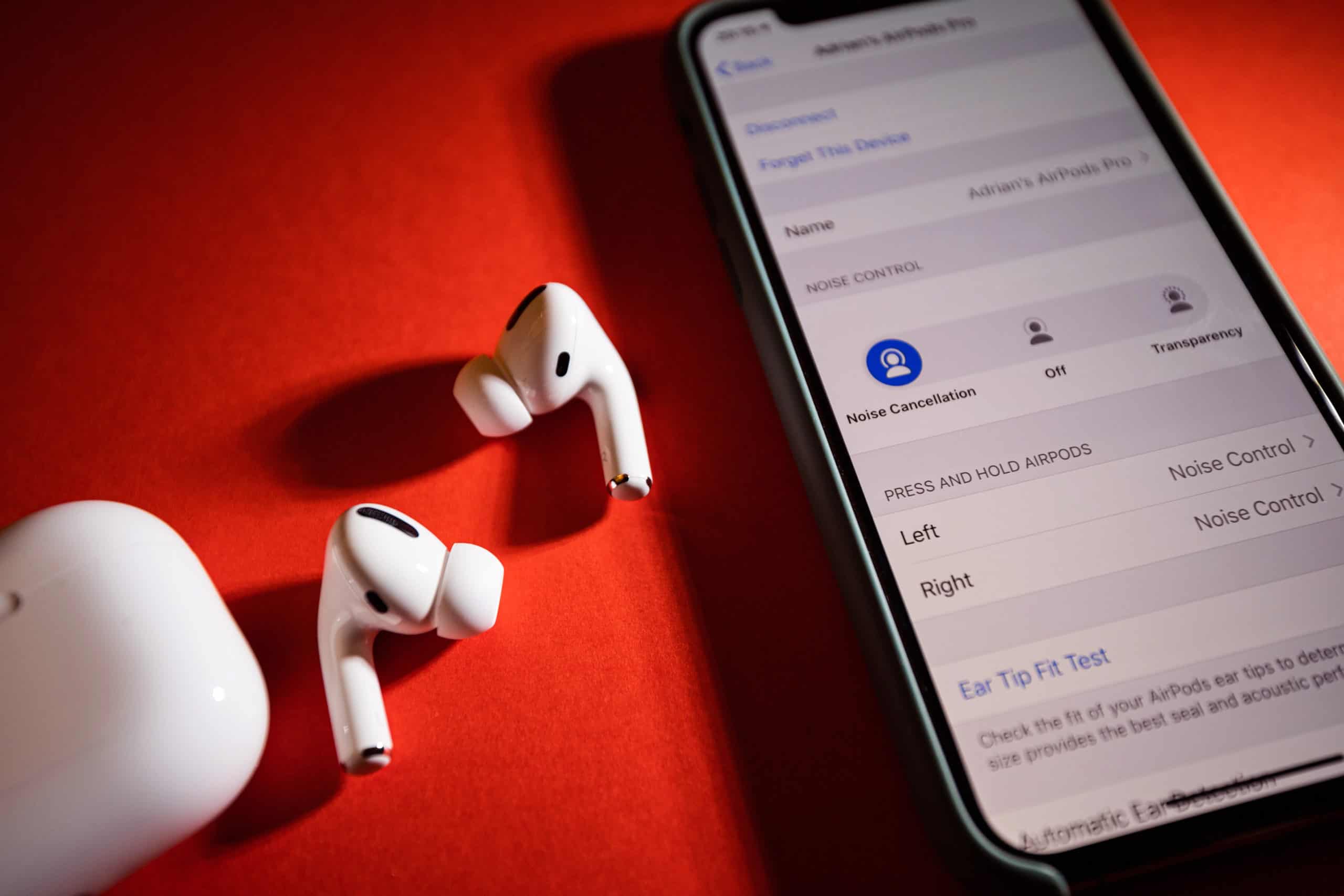
Apple has rolled out new firmware updates for AirPods, AirPods Pro, and AirPods Max, focusing on key performance improvements, audio quality enhancements, and increased Bluetooth stability. These updates—versions 7A305 and 7A304—promise to address lingering bugs while tightening security measures, giving users a more reliable and seamless experience.
While firmware updates often occur silently in the background, their impact on performance and user interaction should not be underestimated. These updates carry implications that go beyond minor fixes, shaping how users engage with their devices and influencing their future expectations for Apple’s audio ecosystem.
About Firmware Updates
Firmware updates play a crucial role in maintaining and enhancing the performance of AirPods. These updates typically include bug fixes, security patches, and performance improvements that optimize the device’s functionality.
- Automatic Updates: AirPods automatically update when placed in their charging case, connected to power, and within Bluetooth range of a paired Apple device. Users don’t need to manually initiate updates, as they occur seamlessly during routine use.
- No Manual Control: Apple doesn’t allow users to manually trigger firmware updates, relying on a passive, automatic process. This ensures that devices are always updated to the latest version, although it leaves users seeking more control over the timing.
- Benefits: Updates not only fix bugs but also optimize Bluetooth connectivity, ensuring a stable connection and improving overall audio quality. They are essential for addressing security vulnerabilities that may emerge over time, safeguarding users against potential threats.
How to Check Your Firmware Version
To keep track of the firmware installed on your AirPods, users can easily access the information through the Bluetooth settings on their Apple device.
iPhone/iPad:
- Open the Settings app.
- Tap Bluetooth.
- Locate your AirPods from the device list and tap the Info icon (ⓘ) next to them.
- Scroll down to see the current firmware version.
macOS:
- Hold the Option key and click the Apple menu.
- Select System Information, then click Bluetooth.
- Find your AirPods and the firmware version will be listed.
macOS Ventura or later:
- Open System Settings.
- Navigate to Bluetooth, find your AirPods, and click the Info button next to them.
By checking these details, users can ensure their devices are up to date, benefiting from the latest security and performance improvements.
Latest Firmware Releases
Apple has introduced two key firmware versions in its latest update cycle: 7A305 for AirPods Pro 2 and 7A304 for AirPods (4th generation). These updates include performance improvements, with a focus on bug fixes and Bluetooth stability.
- Version 7A305: This update enhances audio performance and addresses Bluetooth stability issues, particularly targeting AirPods Pro 2 users. It improves overall sound quality and reduces instances of connectivity drops.
- Version 7A304: Designed for AirPods 4th generation, this update enhances audio clarity and stability. It ensures a smoother listening experience, especially during high-demand tasks like gaming or video calls.
Both updates also incorporate essential security patches, fortifying the devices against potential vulnerabilities in Bluetooth and wireless communication protocols.
Firmware Version 7A304 Details
The 7A304 firmware update brings a range of performance improvements for the AirPods lineup, focusing on stability and bug fixes. Some key improvements include:
- Audio Performance Enhancements: Tweaks to the internal processing allow for more accurate sound reproduction, making music and calls clearer.
- Bluetooth Stability: This update reduces connection drops and enhances the stability of the Bluetooth link, ensuring fewer interruptions during use.
- Security Improvements: Patches addressing potential vulnerabilities ensure a more secure connection between AirPods and paired devices.
This update is installed automatically when AirPods are placed in their charging case, making it a seamless process for users. Ensuring your device is within Bluetooth range and connected to power is the only requirement to complete the update.
Firmware Version 7A302 Details
Firmware version 7A302 introduces refinements to address minor bugs and improve compatibility with the latest versions of iOS and macOS. Specific improvements include:
- Bug Fixes: Minor glitches that affected audio quality and volume control have been addressed, providing a smoother experience.
- iOS/macOS Compatibility: Adjustments have been made to align AirPods performance with the newest Apple operating systems, ensuring optimal functionality.
- Bluetooth Performance: Additional improvements in Bluetooth performance lead to fewer dropped connections and more consistent audio output.
As with other firmware updates, 7A302 is applied automatically when AirPods are charging and within range of a paired Apple device.
Firmware Version 7A294: A Major Step Forward
With the release of firmware version 7A294, Apple introduces Voice Isolation technology, a feature that enhances the clarity of phone calls by minimizing background noise. Key highlights of this update include:
- Hands-Free Siri Response: Using head gestures, users can now activate Siri more seamlessly without needing to physically interact with their devices.
- Improved Wireless Latency: Audio latency has been reduced significantly, making the AirPods more suitable for gaming and real-time video applications.
- Enhanced Voice Quality: Audio for calls and media playback is now processed at 16-bit, 48kHz, delivering richer sound quality.
The new features introduced in this update improve both the user experience and audio performance, especially for users looking for clear, uninterrupted communication.
Importance of Firmware Updates
Why are firmware updates important? They are the cornerstone of keeping Apple’s devices secure, up to date, and optimized for evolving usage patterns. Firmware updates deliver critical benefits:
- Performance Improvements: Ensure the device runs smoothly and efficiently.
- Security Patches: Protect against potential vulnerabilities that could compromise the device.
- New Features: Introduce innovative capabilities, keeping the AirPods lineup competitive and versatile.
- Bluetooth Stability: Improve the connection quality, especially for high-traffic environments or multi-device use.
Firmware updates are essential for both functionality and security, helping maintain the overall user experience and protecting devices from emerging threats.
MacReview Verdict
In the constantly evolving landscape of audio technology, firmware updates are the foundation of a device’s longevity and performance. Apple’s latest firmware releases—7A305 and 7A304—are designed to elevate the AirPods experience, bringing improved Bluetooth stability, enhanced audio performance, and vital security patches. While often unnoticed by casual users, these updates significantly shape the reliability and functionality of devices.
By staying proactive and keeping firmware up to date, users can ensure that their AirPods, AirPods Pro, and AirPods Max continue to provide the premium listening experience that Apple promises. Whether it’s the clear sound of a voice call or the immersive quality of a playlist, these firmware improvements make sure that every beat and word is delivered without compromise.
Apple’s dedication to seamless updates ensures that, like the gardener tending to their plants, users can trust their devices to flourish, bringing the best out of every interaction.



















