iPhone 16: Best Apple Intelligence Features to Know

The iPhone 16 ushers in a new era of technological advancements through Apple Intelligence features that significantly enhance user interaction and productivity. From the integration of ChatGPT with Siri to innovative AI-driven notification systems, iPhone 16 redefines the personal technology experience. This article delves into these cutting-edge features, exploring how they simplify everyday tasks and revolutionize digital communication.

New Siri with ChatGPT Integration

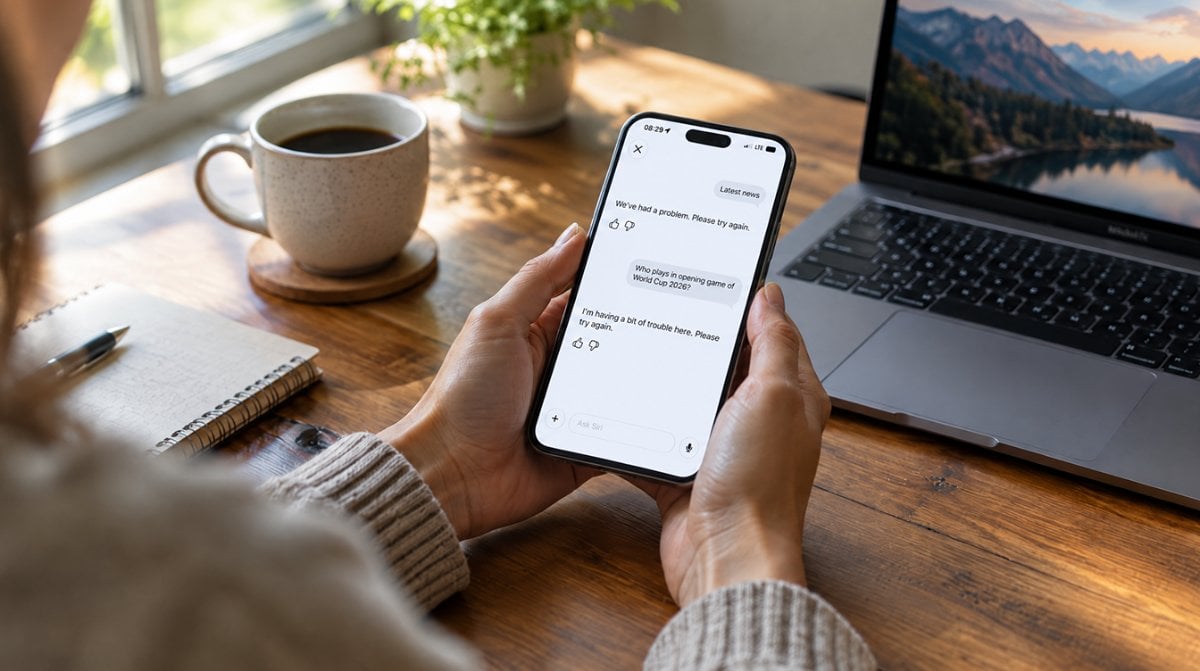
One of the most exciting upgrades in iPhone 16 is the redesigned Siri, powered by ChatGPT integration. This development takes voice assistance to the next level, offering:

Enhanced Interface: A glowing display border and typing mode via double-tap improve usability.
Context Awareness: Siri now understands on-screen content, enabling seamless in-app and cross-app actions.
Advanced Prompt Handling: ChatGPT integration empowers Siri to handle more complex prompts and tasks.

By improving context continuity and word parsing, Siri becomes an indispensable personal assistant, evolving to meet user needs with precision.

AI Summaries for Notifications

Managing notifications has never been easier, thanks to iPhone 16’s AI-powered notification summaries. This feature offers:

  1. Context-Rich Summaries: Reduces information overload by highlighting key content across messages and emails.
  2. Consolidated Alerts: Minimizes clutter, allowing users to stay focused and organized.
  3. Cross-Platform Support: Ensures a unified experience across multiple apps.

This innovation streamlines communication, providing users with essential information at a glance, enhancing efficiency.

Genmoji Creation Features

The introduction of Genmoji on iPhone 16 allows users to create custom emojis effortlessly, bringing a new level of personalization to digital communication:

Text Commands: Generate emojis through simple descriptions.
Instant Creativity: Transform written input into fun, expressive emojis, ideal for enriching chats and social media.

With Genmoji, digital conversations become more interactive and personalized, offering a unique and engaging way to express emotions.

Enhanced Writing Tools

iPhone 16 offers a range of advanced writing tools aimed at making content creation more efficient:

Rewriting Text: Adjust tone and language for diverse audiences.
Proofreading Function: Provides detailed grammar checks and suggestions to improve clarity and correctness.
Summarization: Automatically condenses lengthy content into digestible formats for better readability.

These tools ensure that writing becomes a faster, more accurate process, making day-to-day communication smoother.

Personalized Image Creation

Enhancing the creative experience, iPhone 16 introduces Personalized Image Creation, allowing users to generate visual content with ease:

Image Playground: Create custom images from descriptive text, making visual expression more intuitive.
Genmoji: Generate personalized emojis based on text descriptions or photos.
Clean Up Tool: Removes background distractions, perfecting the quality of images.

This feature empowers users to express themselves visually with personalized content, making it a powerful tool for creativity.

Contextual Voice Assistant Improvements

The iPhone 16 takes Siri’s capabilities even further with significant contextual improvements, allowing it to:

Understand Context Better: Improved continuity across multiple prompts ensures accurate responses.
Silent Communication: A double-tap typing mode lets users engage with Siri silently.

These improvements, coupled with ChatGPT integration, enable Siri to deliver a more responsive and contextually aware experience, enhancing user satisfaction.

Privacy Measures in Apple Intelligence

Apple remains committed to privacy, incorporating several advanced features to protect user data:

On-device Processing: Personal data is processed locally, minimizing exposure to external threats.
Private Cloud Compute: Ensures user data is encrypted and secure.
Data Retention Policies: Strict policies ensure limited data storage, enhancing security.

By prioritizing user privacy, Apple maintains a balance between advanced functionalities and data protection, offering a secure user experience.

Compatibility with Other Devices

Seamless integration across the Apple ecosystem is another hallmark of the iPhone 16. Key features include:

Cross-Device Compatibility: Works effortlessly with M1 and M2-powered devices like the iPad Pro and Mac.
Unified User Experience: Whether on iOS, iPadOS, or macOS, users enjoy a cohesive experience.

This cross-device compatibility ensures that Apple Intelligence features function harmoniously across multiple devices, maximizing productivity.

MacReview Verdict

The iPhone 16 marks a significant leap in personal technology with its advanced Apple Intelligence features. From the seamless integration of ChatGPT with Siri to personalized Genmoji creation and AI-enhanced notifications, the iPhone 16 is designed to simplify and elevate the user experience. With a strong focus on privacy and cross-device compatibility, it sets the stage for a future where technology becomes more intuitive, secure, and connected. As Apple continues to innovate, these features not only offer convenience but also redefine how we interact with our devices, paving the way for smarter and more personalized digital experiences.


The MacReview YouTube Channel

The MacReview YouTube Channel

Visit Our
Youtube Channel

Watch Anywhere, Anytime!

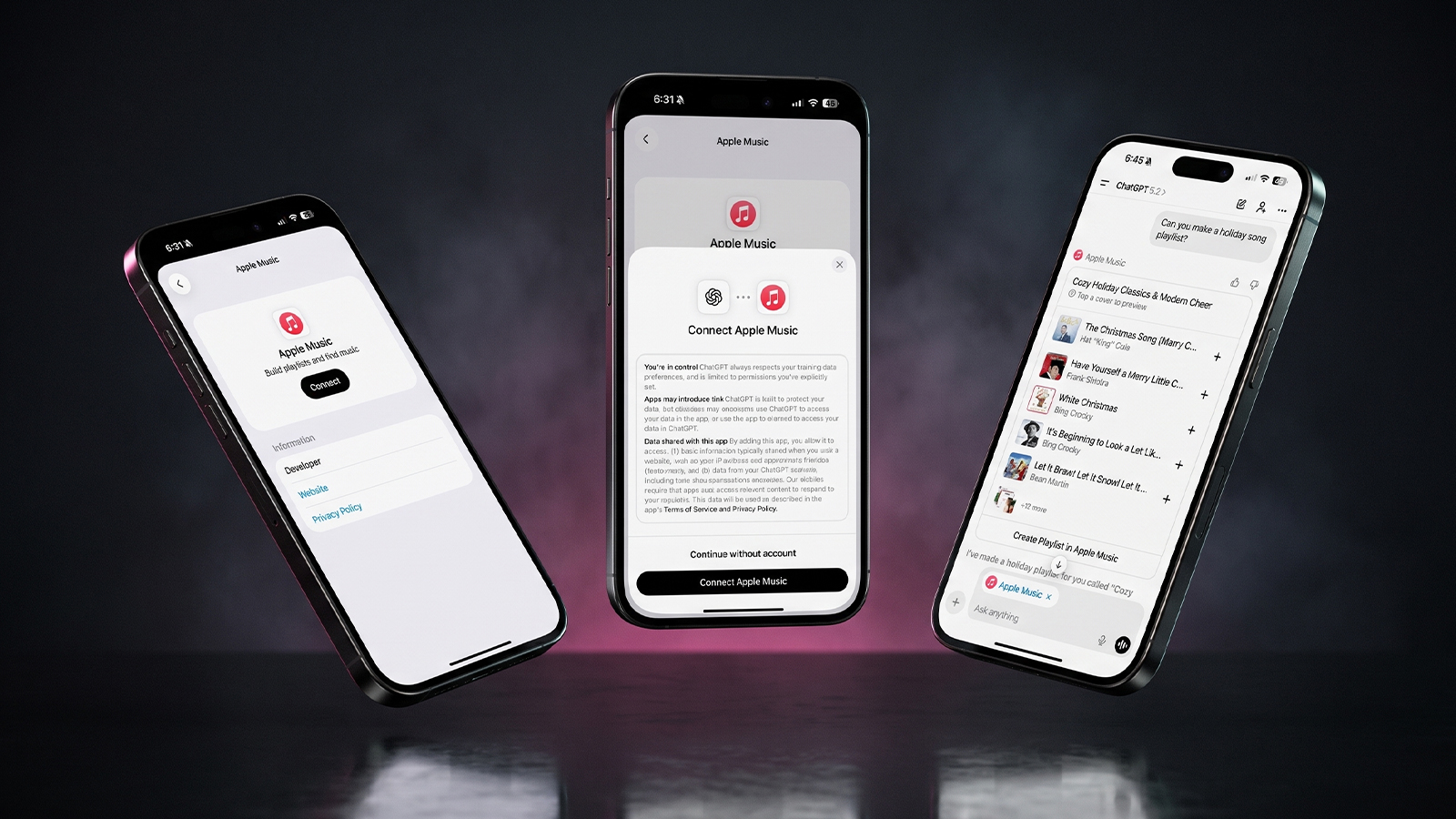
Three iPhones on a dark background with pink lighting showing the ChatGPT and Apple Music connection flow, including an "Apple Music" app page with a Connect button, a "Connect Apple Music" permissions dialog, and a ChatGPT chat generating a holiday song playlist.
Apple Music now works as a ChatGPT extension, so you can search tracks and build playlists using plain language. Here is how to set it up and use it.
Reward your inbox with the TPG Daily newsletter img

Subscribe to Our Newsletter

REWARD YOUR INBOX WITH THE MACREVIEW NEWSLETTER

Microsoft 365 wordmark surrounded by glossy app icons for Word, Excel, PowerPoint, Outlook, OneNote, Exchange, and Microsoft 365 on a soft light background.

Microsoft 365 experienced a significant service disruption affecting business and enterprise customers across North America. The outage impacted core productivity services including Outlook email, Microsoft Defender, and administrative portals, leaving users unable to access critical business tools for several hours. […]

Wireless printer with WiFi signal icon representing Apple AirPrint enterprise printing

When Apple introduced AirPrint in 2010, enterprise IT administrators largely dismissed it as a consumer-focused feature. More than a decade later, AirPrint has fundamentally transformed how organizations handle printing infrastructure, forcing the entire industry to abandon complex driver management in […]

Password Utility Solves the FileVault Reboot Problem for Remote Mac Management

Managing remote Macs presents unique challenges, particularly when FileVault encryption creates accessibility issues during restarts. A new utility from Twocanoes Software addresses this long-standing problem for IT administrators who need reliable access to devices deployed across distributed locations. The FileVault […]

Small wall display with a green light in a dark kitchen at night, an Apple HomeView security camera scene
Text strings in HomeView Software 27.2 describe a hidden mode that turns the display's 12MP camera into a HomeKit Secure Video camera. Here is what the four settings would do, what they could cost, and why you should not buy one for this yet.
Man working on a laptop in a modern office at night with “Creator Studio” text and Apple logo above, plus floating creative app icons in the foreground.

Apple is reportedly planning to expand its subscription bundle offerings and introduce more paid features across its software ecosystem, following the launch of Apple Creator Studio last month. The company appears to be evaluating opportunities to monetize additional areas of […]

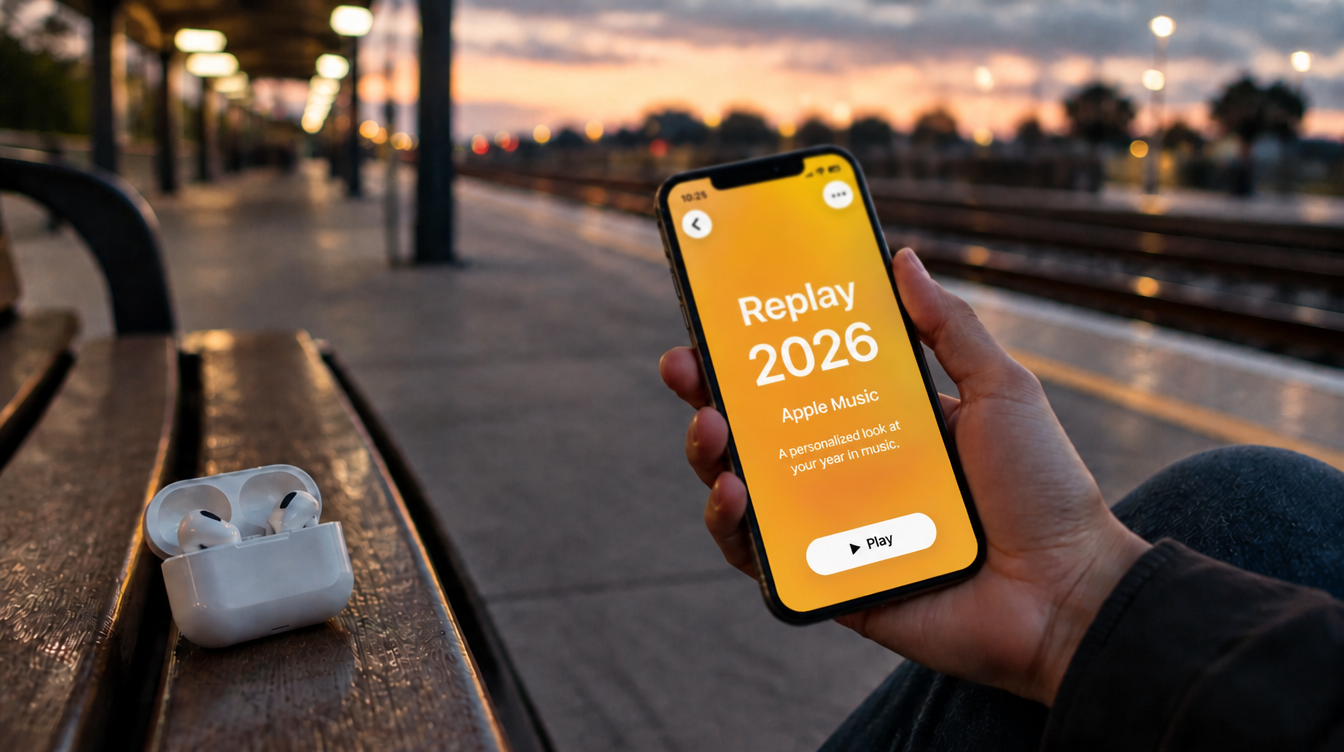
Hand holding a phone on a train platform at dusk with earbuds nearby, checking Apple Music Replay 2026
Apple refreshes this year's Replay playlist weekly, so a list that lags your latest plays is normal. Here are five things to try if your stats look stuck or are missing entirely.
Hands hold a softly glowing phone on a park bench at golden hour, a scene tied to Siri AI usage limits
Apple plans daily caps on Siri AI and other server-side features, with paid access for heavier users later. Here is what happens at a limit, what stays free and what Apple still has not said.
Hands hold a glowing smartphone at a sunlit kitchen table beside a laptop, a fix for Siri AI not working
Siri AI is a beta you have to request, so a missing assistant is usually a setup issue rather than a bug. Here are seven things to check, easiest first, and when to simply wait.
Laptop showing a snowy fantasy scene on a dim desk with a controller and headphones, ready for how to play Skyrim on Mac
A free open-source app called SkyrimMT now sets up Steam, Skyrim Special Edition and a full mod manager on Apple Silicon Macs. Here is what you need, the setup steps and the risks of running an unofficial, unnotarized tool.
Apple Arcade games available across Apple devices

In 2025, you’ll notice significant changes in Apple Arcade’s fan favorites, as exclusive updates aim to refine and enhance your gaming experience. Titles like WHAT THE CAR? and Hello Kitty Island Adventure are set to receive major gameplay improvements, alongside […]

Hands holding a phone by a bedside lamp beside a blank card while reviewing an Instagram teen account
Meta's AI can now move adults into an Instagram teen account even with an adult birthday on file. Here is what to try on iPhone and what proof Meta asks for.
Phone on a sunny picnic table beside a printed photo and lemonade, ready to post a WhatsApp group status
WhatsApp group status lets the members of one group share updates that disappear after 24 hours. Here is who can see it, why it may not be showing yet, and what else changed in group chats.
Phone on a desk showing a satellite map of a desert airfield with Apple Maps blurred areas over one section
Apple Maps has quietly blurred eight NASA, Space Force and Air Force sites, with no word from Apple. Here is which bases are hidden, which are still visible and what it means for everyday users.
Sign Up For Newsletter mobile

Catch The Latest

Sign Up For Newsletter

Updated October 2026 for iOS 27, iPadOS 27 and macOS. Quick answer: There are 8

Apple Music now works as a ChatGPT extension, so you can search tracks and build
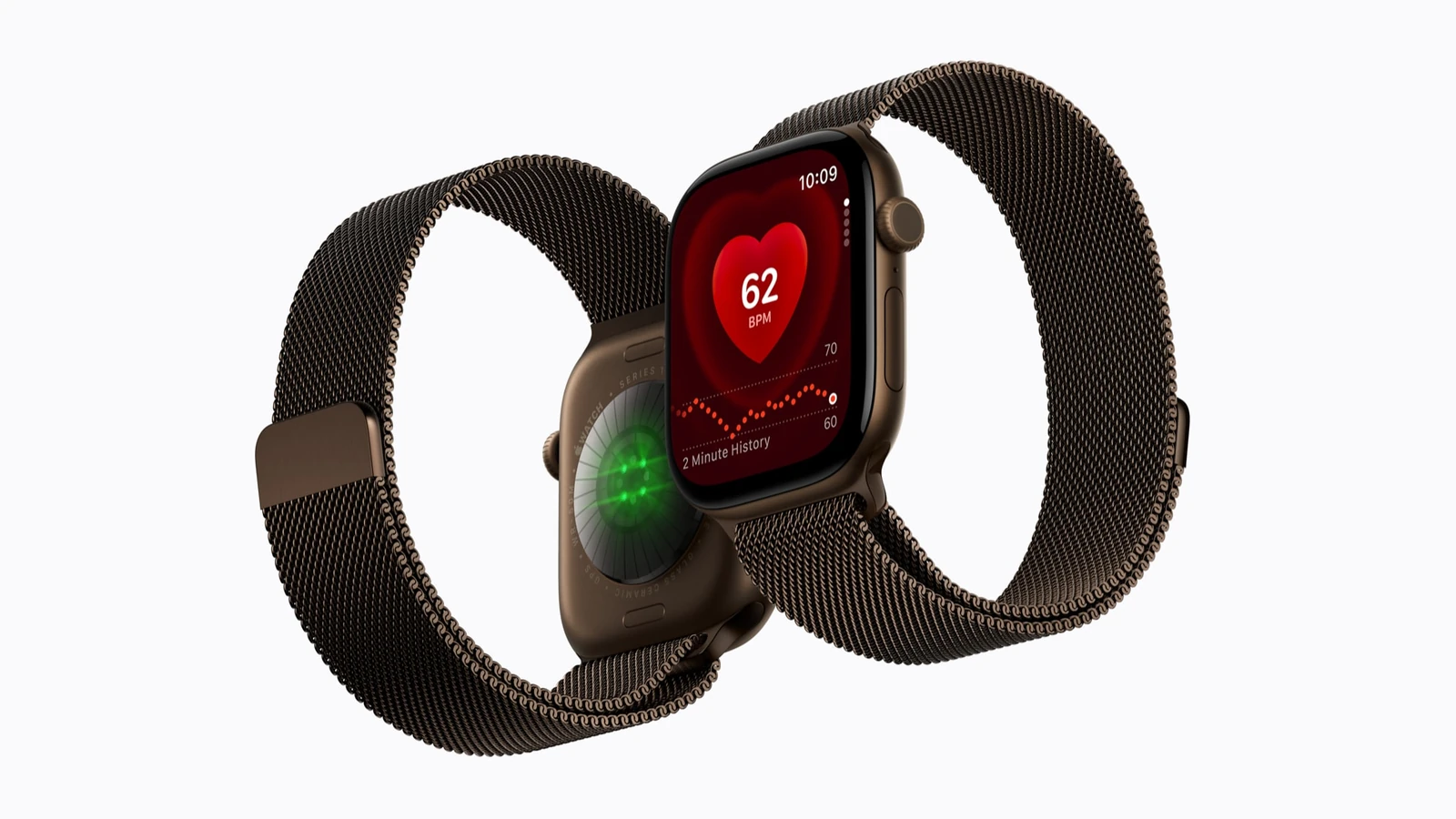
A new Health Sensing System, heart rate every five seconds, a 0-to-10 readiness score, and
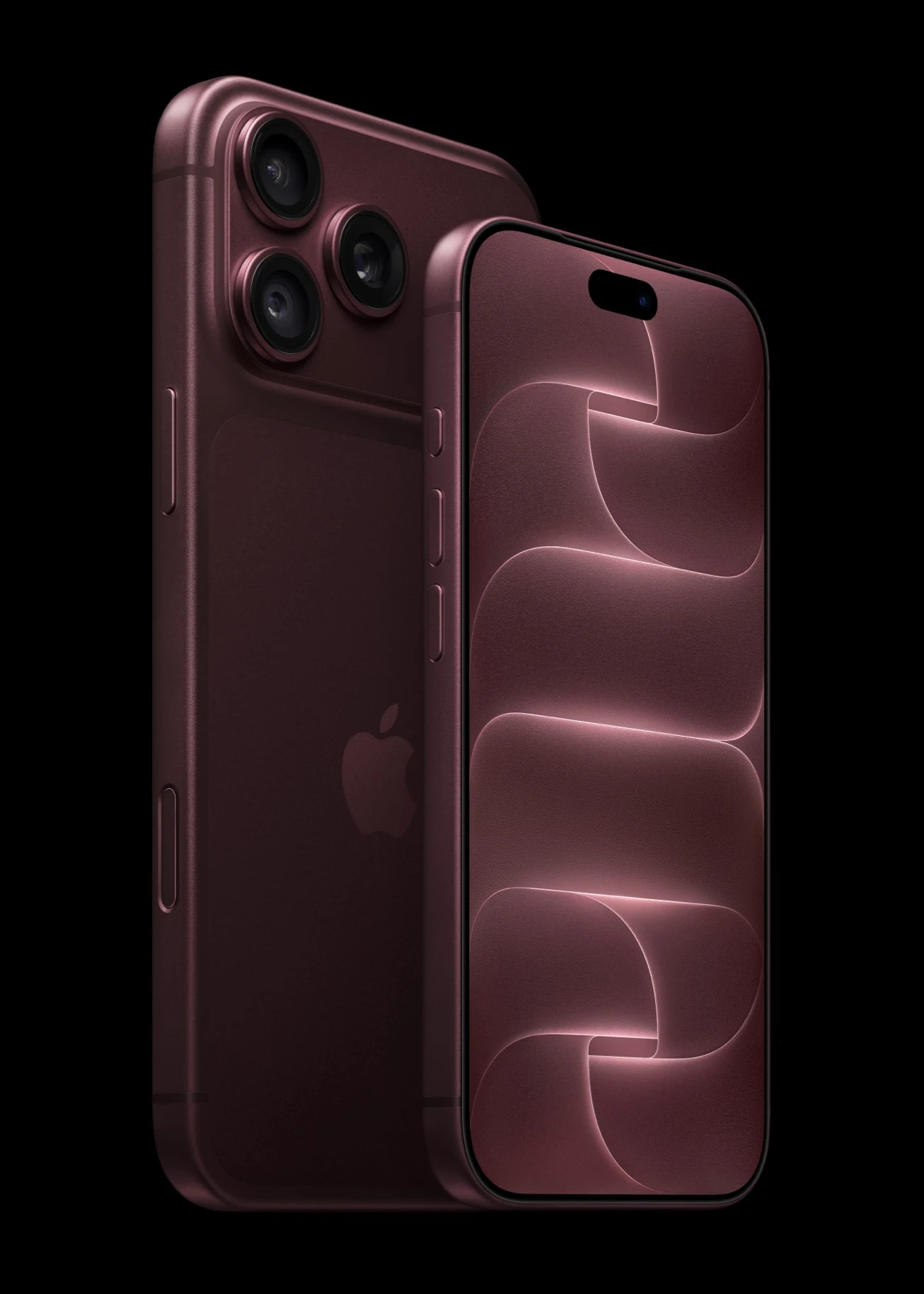
Six laser-cut blades, four aperture stops, and a 2nm chip. Here is every confirmed iPhone
Scroll to Top