
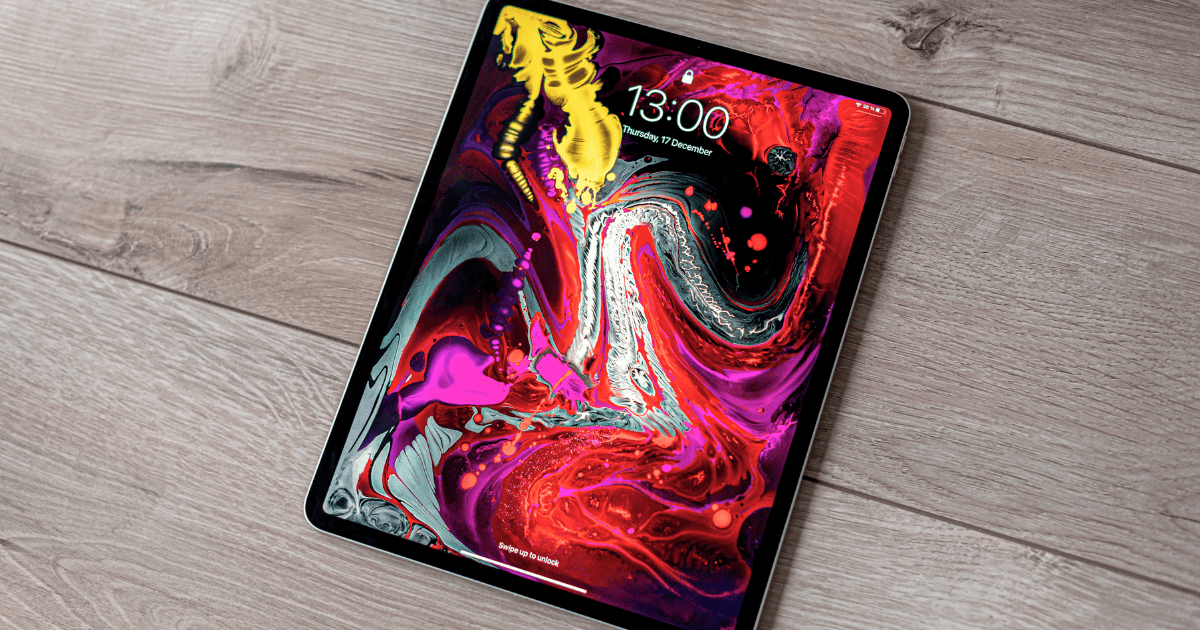
Just as Sisyphus endlessly pushing his boulder uphill, the persistent evolution of technology is both laborious and inevitable. With the introduction of the new iPad Pros, you’ll find they’ve adopted a lower refresh rate assistance using LTPO technology, aiming to optimize your battery life without compromising performance. However, they still lack an always-on display functionality, a feature that’s becoming increasingly common in competing devices. This juxtaposition raises several questions about the trade-offs between battery efficiency and user convenience. What impact does this have on your daily use? Let’s explore the implications and speculate on what Apple might have up its sleeve.
Exploring the 10Hz Refresh Rate
Diving into the new iPad Pro models, you’ll find the innovative 10Hz refresh rate that boosts battery efficiency by adapting to static content. This remarkable feature stems from the utilization of low-temperature polycrystalline oxide (LTPO) display technology. When you’re reading an eBook or browsing through a document, the iPad recognizes the lack of motion and smartly shifts down to this minimal refresh rate. This not only preserves battery life but also maintains a crisp and clear display for your static viewing pleasure.
The LTPO technology isn’t just about lowering the refresh rate; it’s about intelligent, power-efficient display adjustment that responds in real-time to your usage. For instance, if you switch from reading to watching a video, the system automatically adjusts the refresh rate to suit the dynamic content, optimizing both performance and power usage without any manual input from you.
What’s particularly notable about the iPad Pro’s approach is how seamlessly it integrates this technology. There’s no need for you to dig through settings or configure options. The display intuitively understands the type of content you’re viewing and adjusts itself accordingly. This guarantees that your device is always operating efficiently, extending the overall battery life without sacrificing user experience.
Benefits of LTPO Technology
LTPO technology in your iPad Pro not only extends battery life but also enhances your viewing experience by dynamically adjusting the refresh rate based on what you’re viewing. This tech isn’t just about maintaining the screen smooth; it’s about intelligently adapting to your activity to conserve power. When you’re reading an eBook or looking at photos, the refresh rate might drop to as low as 10Hz. This lower rate is sufficient for static images and significantly reduces battery drain, making your iPad last longer between charges.
The real magic of LTPO technology lies in its ability to provide this flexibility without compromising on performance. Whether you’re scrolling through a web page or watching a high-speed action movie, the refresh rate can increase to guarantee everything looks crisp and fluid. This dynamic adjustment means that your iPad Pro isn’t just working hard; it’s working smart, optimizing power efficiency at every turn.
Furthermore, this tech contributes to an overall better display quality. With the ability to reach up to 1,000 nits of full-screen brightness while conserving battery life, LTPO helps deliver some of the best visuals available on a mobile device. You get a display that not only looks great in various lighting conditions but also utilizes energy efficiently.
Comparison With Always-On Displays
Despite supporting refresh rates as low as 10Hz, the iPad Pros don’t feature an always-on display like some other Apple devices. This choice sets them apart in a market where always-on functionality is becoming more common, particularly among devices with OLED displays. You might wonder why this matters. Well, always-on displays provide the convenience of glancing information without waking the device. This is particularly handy in devices like the Apple Watch, where you can see the time or notifications with minimal battery consumption.
However, the iPad Pro uses a different approach. While OLED displays are renowned for their ability to light up individual pixels rather than the whole screen—saving power when displaying static images or notifications—the current iPad Pro models still rely on a form of LED technology. This might be one reason why Apple hasn’t rolled out an always-on feature for these tablets yet. The tech isn’t quite there in the larger format of an iPad to be as power-efficient with an always-on display as smaller devices.
Moreover, the choice of refresh rates in the iPad’s display technology hints at potential future capabilities. At 10Hz, the display refresh is notably reduced, indicating that while Apple’s tech isn’t fully ready to support 1Hz always-on functionality in iPads, it’s possibly on the horizon. As you weigh the pros and cons, remember that the current focus seems to be on balancing effective power use with performance, perhaps paving the way for more sophisticated features in upcoming models.
User Impact and Battery Life
The new iPad Pros’ lower refresh rate of 10Hz not only caters to static content but also greatly enhances battery life, allowing you to use your device longer on a single charge. This reduced refresh rate is particularly helpful when you’re viewing documents or reading e-books, where the image remains static, reducing the need for a higher refresh rate that optimizes more power.
By adjusting the refresh rate based on what you’re doing, the iPad Pro guarantees that you’re not draining the battery unnecessarily. This dynamic adjustment means your iPad can handle high-energy tasks like gaming at a higher refresh rate, then switch back to conserve energy during less intensive activities. You’ll notice that your device isn’t only more capable of handling various tasks efficiently but also maintains its charge for much longer periods.
This balance between refresh rate and battery life has a significant user impact. You can now work longer without reaching for the charger, making the iPad Pro more portable and convenient. Whether you’re commuting, traveling, or moving between meetings, the improved battery life ensures that your productivity isn’t hampered by frequent recharging.
However, while you enjoy these benefits, remember that the absence of an always-on display means you’ll need to activate the screen to check notifications or the time, which might interrupt your workflow slightly. But considering the trade-off in battery life, you might find this a small price to pay for extended usage and enhanced performance throughout your day.
Future of Ipad Display Features
What might the future hold for iPad Pro display features, especially considering the potential for an always-on display? You might be curious about the direction Apple will take with its flagship tablet. With the tech landscape rapidly evolving, it’s plausible that upcoming iPad Pros could incorporate an OLED panel. This would not only enhance color accuracy and contrast but potentially pave the way for more energy-efficient always-on display capabilities.
As you’ve noticed, the current models focus on power efficiency with a variable refresh rate that dips to 10Hz for static content. Imagine this technology evolving further. Future iterations could introduce a 1Hz refresh rate essential for an effective always-on display that doesn’t drain the battery. This feature could display basic information like the time, date, or notifications without fully waking the device, similar to what you’ve seen on the iPhone and Apple Watch.
Here’s a glance at what might be on the horizon:
| Feature | Current Model | Future Speculation |
|---|---|---|
| Display Type | Liquid Retina | OLED |
| Refresh Rate | As low as 10Hz | 1Hz for always-on display |
| Display Function | No always-on display | Always-on display with minimal drain |
| Additional Benefits | Enhanced battery life for static | Improved visuals & battery efficiency |
While nothing’s set in stone, you can’t help but be excited about the possibilities. The introduction of OLED and a refined refresh rate could revolutionize how you use your iPad Pro, making it even more indispensable in your daily tech repertoire.
MacReview Verdict
You’ll appreciate the innovative approach of the new iPad Pros. While they don’t feature an always-on display, their use of LTPO technology allows a dynamic 10Hz refresh rate, greatly enhancing battery life.
Surprisingly, this adjustment can save up to 15% more battery compared to constant higher rates. With potential future upgrades like OLED panels, your iPad experience could become even more visually stunning and energy-efficient.
Stay tuned as Apple continues to push the boundaries of what your iPad can do.



















