
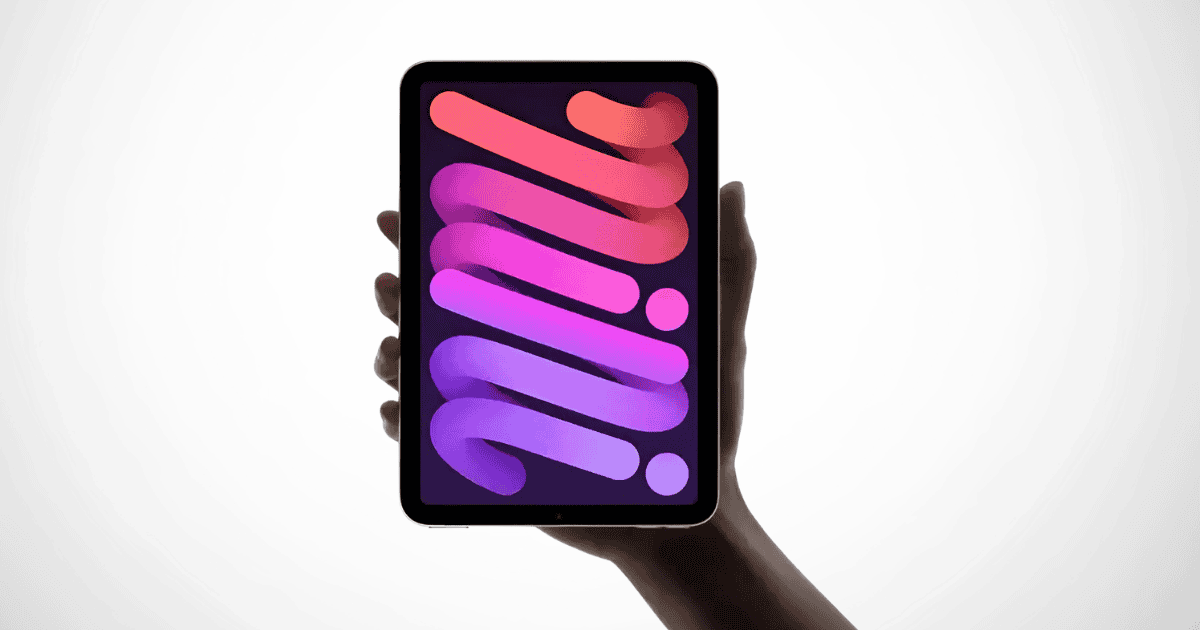
The iPad Mini 7 brings notable advancements in Apple’s compact tablet series, addressing the jelly scrolling issue that plagued its predecessor. However, users are now faced with a new challenge: inconsistent battery performance under demanding conditions. This article explores the improvements made, their impact, and the implications for potential buyers.
Key Highlights of iPad Mini 7
Screen Size: 8.3-inch LCD panel
Processor: A17 Pro chip for improved speed and power efficiency
Storage: Base storage upgraded from 64GB to 128GB
Connectivity: Support for Wi-Fi 6E for faster internet speeds
Display Improvements: Hardware enhancements targeting jelly scrolling
These upgrades show Apple’s commitment to improving user experience by addressing issues that previously caused frustration, but are they enough to overshadow the device’s shortcomings?
Improvements Over the iPad Mini 6
Jelly Scrolling Fix
Jelly scrolling, an issue caused by uneven refresh rates, was one of the major criticisms of the iPad Mini 6. The iPad Mini 7 introduces hardware modifications aimed at solving this problem, and initial feedback is generally positive.
Most users note the noticeable improvement in scrolling fluidity, though some early reviewers still report occasional lag. The consensus is that while not perfect, the problem has been greatly minimized.
Performance Upgrades
The inclusion of the A17 Pro chip elevates the performance, making the iPad Mini 7 much faster than its predecessor. This chip not only boosts processing power but also supports better graphics performance, making the tablet ideal for multitasking, gaming, and media consumption.
Additionally, the Wi-Fi 6E capability ensures faster and more reliable internet connectivity, a boon for users who frequently engage in online tasks.
The New Challenge: Battery Performance
While the hardware upgrades successfully address previous issues, battery life emerges as a key concern for users. Despite claims of improvements, many users report that the iPad Mini 7 struggles with power efficiency during heavy tasks, such as gaming or video streaming.
User Feedback on Battery Life:
- Many users report an average of 10 hours of battery life during typical usage, such as browsing or light work.
- Heavy usage, including gaming and high-resolution media streaming, can drastically reduce battery life, with some users experiencing noticeable drainage within hours.
- Compared to other tablets with similar hardware, users feel the iPad Mini 7’s battery life does not quite measure up, raising concerns for those needing extended usage without frequent recharging.
This raises important questions about whether the iPad Mini 7 is viable for power users who rely on long battery life for productivity.
A Closer Look at the Display and ProMotion
Although the iPad Mini 7 lacks a ProMotion display (120Hz refresh rate), the smoother scrolling performance is still a significant improvement over the Mini 6. ProMotion technology, which dynamically adjusts refresh rates to improve fluidity and responsiveness, would have been a valuable addition to the Mini 7. Without it, the device remains limited to a standard 60Hz refresh rate, which is good but not exceptional.
The absence of ProMotion may deter some users who have experienced the technology on other Apple devices, but for most users, the improvement in scrolling performance is sufficient to enhance everyday use.
Pros and Cons of iPad Mini 7
Pros:
- Improved Scrolling Performance: Jelly scrolling has been largely resolved, offering a smoother user experience.
- A17 Pro Chip: Fast performance and improved graphics make the device ideal for multitasking and media consumption.
- Wi-Fi 6E Support: Faster and more stable connectivity for online tasks.
- Increased Base Storage: Starting with 128GB provides more room for apps, photos, and media.
Cons:
- Inconsistent Battery Life: Power drains quickly under heavy usage, which can be frustrating for users needing long battery life.
- No ProMotion Display: Missing out on Apple’s adaptive refresh rate technology may disappoint those seeking the best display experience.
- Still Some Reports of Jelly Scrolling: While improved, occasional reports of scrolling issues persist for some users.
Implications for Potential Consumers
For those considering an upgrade or a new purchase, the iPad Mini 7 presents a mixed bag of advantages and drawbacks. Users looking for smoother scrolling and faster performance will likely appreciate the hardware improvements, but anyone who prioritizes long-lasting battery life might hesitate.
- Price: Starting at $499 for the base model, the price is competitive, especially given the storage increase.
- Usage Considerations: Buyers who use their tablets primarily for gaming or video streaming should be aware of the battery limitations. Light-to-moderate users may not notice as much of an impact.
- Comparison to Other Tablets: Consumers may want to compare the iPad Mini 7 with other tablets that offer better battery life, especially if intensive use is a priority.
MacReview Verdict
The iPad Mini 7 makes significant strides in addressing the jelly scrolling issue, providing smoother performance and faster connectivity thanks to the A17 Pro chip. However, the lingering concern about battery performance under heavy usage poses a challenge for potential buyers. Ultimately, the decision to invest in the iPad Mini 7 depends on the user’s priorities—whether they value smoother scrolling and faster processing over extended battery life.
Potential consumers should weigh these factors before making their final decision. For those looking for a device that excels in display performance, the iPad Mini 7 is a great option, but for users needing a device that lasts all day under heavy use, it may not meet expectations.



















