
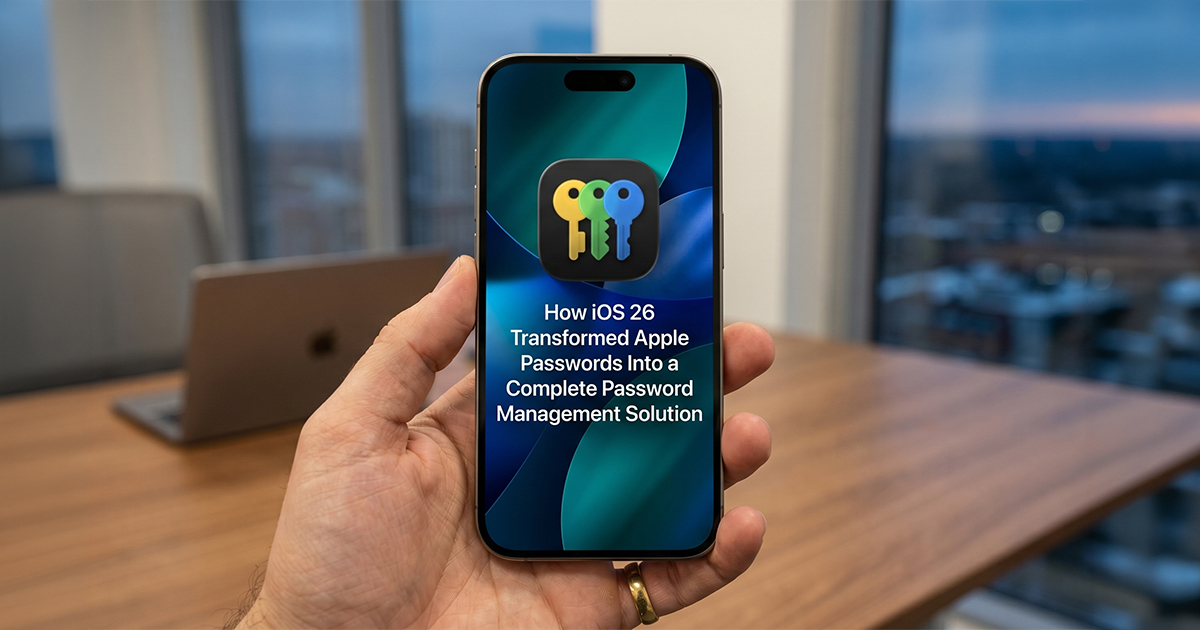
Apple’s Passwords app has evolved significantly since its debut in iOS 18, but iOS 26 brings three key improvements that finally position it as a standalone password management solution. These updates address longstanding limitations that previously forced users to rely on third-party alternatives for certain tasks.
What iOS 26 Changes for Apple Passwords
Apple’s native Passwords app, introduced with iOS 18, provided a dedicated interface for managing credentials stored in iCloud Keychain. While the initial release offered convenience for basic password management, it lacked features that power users had come to expect from established third-party solutions. iOS 26 reportedly closes several of these gaps through improvements distributed across both the Passwords app and related system features.
Full Credit Card Details Now Available in Wallet
One of the most significant updates in iOS 26 is the ability to manually input complete credit card information in the Wallet app. Previously, many cards saved to Wallet would only display the last four digits, requiring users to maintain a separate password manager for storing full card numbers, CVV codes, and expiration dates.
This limitation made Apple’s native solution incomplete for users who needed quick access to payment information across different contexts. With iOS 26, Wallet now reportedly stores and displays all card details, eliminating the need to switch between apps when payment information is required.
Systemwide AutoFill Expands to Include Credit Cards
Building on the enhanced Wallet functionality, iOS 26 also expands the systemwide AutoFill feature to include a dedicated Credit Card option. This addition allows users to access their saved payment information from within any app through the standard AutoFill menu, matching the convenience already available for passwords and verification codes.
The integration appears designed to reduce friction when making purchases or entering payment details in third-party applications. Rather than manually opening Wallet and copying information, users can now surface credit card details through the same interface they use for password management.
Version History Protects Against Lost Login Details
iOS 26 introduces version history for saved logins within the Passwords app. This feature addresses a specific problem that could occur when password changes weren’t successfully completed on a website but were mistakenly saved in the app, effectively locking users out of their accounts with no way to retrieve the previous working credentials.
Version history provides a safety net by maintaining records of previous login information. Users can now roll back to earlier versions of saved credentials if a password update fails or if they need to recover overwritten details. This capability is standard in established password managers but was notably absent from Apple’s solution until this release.
How These Features Compare to Third-Party Solutions
The improvements in iOS 26 bring Apple Passwords closer to feature parity with dedicated password management services like 1Password, Bitwarden, and Dashlane. However, differences remain in areas such as cross-platform compatibility, advanced sharing options, and organizational tools for business users.
Apple’s approach prioritizes integration with its ecosystem rather than platform neutrality. Users who work exclusively within Apple devices may find the native solution sufficient, while those who regularly use Windows, Android, or Linux systems will likely still require a third-party manager with broader platform support.
Advantages of Apple’s Native Approach
- No subscription fees or additional costs
- Deep integration with iOS, iPadOS, and macOS
- Automatic syncing via iCloud across Apple devices
- Simplified setup with no separate account creation required
Where Third-Party Managers Still Lead
- Support for Windows, Android, and Linux platforms
- Advanced organizational features like nested folders and tags
- More granular sharing controls for families and teams
- Additional secure storage options beyond passwords and credit cards
What Remains Missing From Apple Passwords
Despite the progress made in iOS 26, Apple Passwords still lacks certain features found in competing services. Secure note storage, document attachments, and identity templates for frequently used personal information have not been added. These omissions may matter less to casual users but could be significant for those with more complex password management needs.
Additionally, the Passwords app does not currently offer emergency access features that would allow trusted contacts to retrieve credentials in specific circumstances. Many third-party password managers include configurable emergency access with waiting periods and notification systems.
FAQ
Q: Can I access Apple Passwords on non-Apple devices?
A: Apple Passwords is accessible on Windows through the iCloud for Windows application and via the iCloud web interface on any browser. However, native apps for Android or Linux are not currently available.
Q: Will my existing third-party password manager data transfer to Apple Passwords?
A: iOS 26 supports importing credentials from many popular password managers through standard export formats. The specific import process varies depending on which service you’re migrating from, but Apple provides documentation for common sources.
Q: Does version history in Apple Passwords have a limit?
A: Apple has not publicly specified retention limits for version history in the Passwords app. The feature is expected to maintain multiple previous versions of each login, though the exact number or time period has not been confirmed.
MacReview Verdict
iOS 26 represents a meaningful step forward for Apple Passwords, addressing practical limitations that previously made the app insufficient as a sole password management solution. The addition of full credit card support in Wallet, expanded AutoFill capabilities, and version history for credentials collectively eliminate common pain points that drove users toward third-party alternatives.
For users already committed to the Apple ecosystem, these improvements may be sufficient to justify consolidating password management within Apple’s native tools. The cost savings compared to subscription-based services and the seamless integration across iPhone, iPad, and Mac devices provide clear advantages for this audience.
However, those who require cross-platform access, advanced organizational features, or specialized security options will likely still find value in dedicated password managers. Apple Passwords in iOS 26 is a competent solution for straightforward use cases but has not yet matched the full feature sets offered by established competitors. The choice ultimately depends on individual workflow requirements and device preferences.



















