
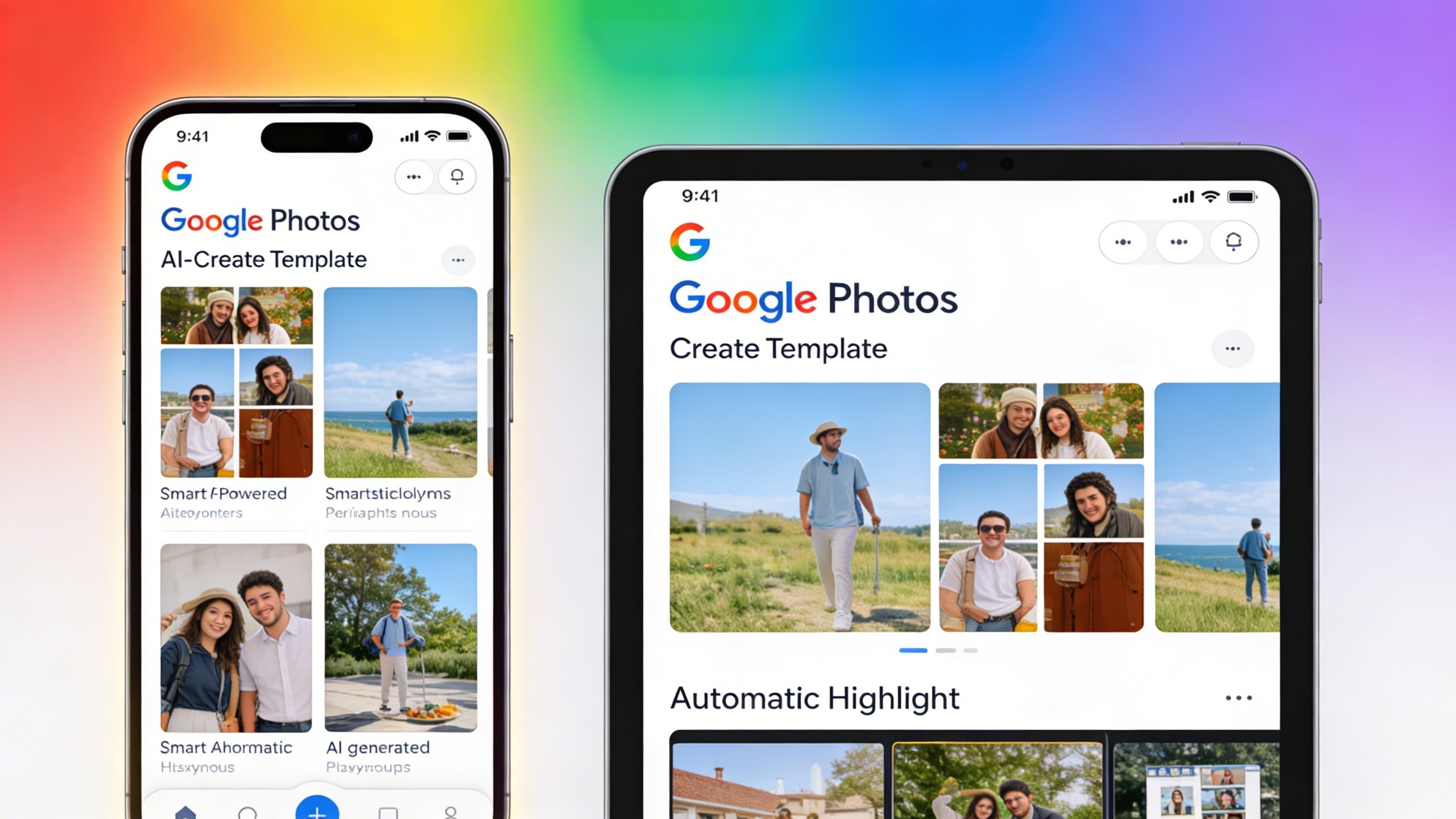
Google Photos is expanding its artificial intelligence capabilities to iOS users with the rollout of “Create with AI” templates for iPhone and iPad. The feature, which launched on Android several months ago, offers a collection of AI-powered editing templates that transform existing photos into creative outputs.
Understanding Create with AI Templates
The newly available feature provides iOS users with ready-made templates designed to reimagine photos using artificial intelligence. According to Google’s community announcement, the templates enable users to extract people or objects from existing photos and incorporate them into AI-generated images. Examples include professional headshots, collectible figurine renditions, and personalized cartoon illustrations based on user hobbies.
Google has indicated plans to regularly update the template library, ensuring users have access to fresh styles and creative options over time. While many templates are available to all eligible users, certain specialized options require users to meet specific eligibility requirements for Gemini features in Google Photos.
Availability and Rollout Details
The Create with AI functionality is reportedly rolling out to iPhone and iPad users with the latest Google Photos app updates. Beyond the United States, the feature is expanding to users in Argentina, Bangladesh, Brazil, Colombia, Egypt, India, Indonesia, Japan, Mexico, Pakistan, the Philippines, and Turkey.
The rollout follows the feature’s earlier availability on Android devices, where users have already been creating AI-enhanced images using the template system. The cross-platform expansion represents Google’s broader effort to deliver consistent AI-powered photo editing capabilities across both major mobile operating systems.
Template Categories and Options
Google Photos offers both personalized and non-personalized template formats within the Create with AI feature. Personalized templates likely use specific individuals or objects from user photo libraries, while non-personalized options may focus on general creative transformations that don’t require personal image data.
The template variety aims to accommodate different creative use cases, from professional applications like generating business headshots to playful transformations such as cartoon-style representations. This approach positions Google Photos as a more comprehensive creative tool beyond traditional photo storage and basic editing functions.
Gemini Integration and Access Requirements
Access to certain specialized templates within Create with AI requires users to meet eligibility criteria for Gemini features in Google Photos. Google has not publicly detailed all specific requirements, but this tiered access model suggests that premium or advanced AI capabilities may be reserved for users with particular account types or subscription levels.
The integration with Gemini, Google’s AI model family, indicates that the Create with AI feature leverages advanced machine learning capabilities to generate realistic and contextually appropriate image transformations. This represents part of Google’s broader strategy to infuse its consumer products with generative AI functionality.
FAQ
Q: Is Create with AI available for all iPhone users?
A: The feature is rolling out to iPhone and iPad users in select countries, including the United States and several other markets. Many templates are available to all eligible users, though some specialized options require meeting eligibility requirements for Gemini features in Google Photos.
Q: Do I need a Google One subscription to access these AI templates?
A: Google has not explicitly stated whether a subscription is required for basic template access. However, certain specialized templates have eligibility requirements tied to Gemini features, which may involve subscription or account requirements.
Q: How do I access Create with AI on my iPhone?
A: The feature should appear in the latest version of the Google Photos app for iOS. Users in supported countries can look for Create with AI options within the app’s creation or editing interface after updating to the most recent version.
MacReview Verdict
Google’s expansion of Create with AI templates to iPhone and iPad represents a noteworthy development for iOS users who rely on Google Photos for image management and editing. The feature brings Android-level AI capabilities to Apple’s platform, offering creative options that extend beyond Apple’s native Photos app functionality. For users already invested in the Google Photos ecosystem on iOS, these templates provide an accessible entry point into generative AI photo editing without requiring specialized software or technical expertise. The tiered access model for specialized templates suggests Google is exploring monetization strategies for premium AI features, a trend likely to continue as generative AI capabilities become more sophisticated. iPhone users seeking AI-powered photo creativity now have a compelling cross-platform option, though questions remain about long-term pricing and feature availability outside subscription tiers.



















