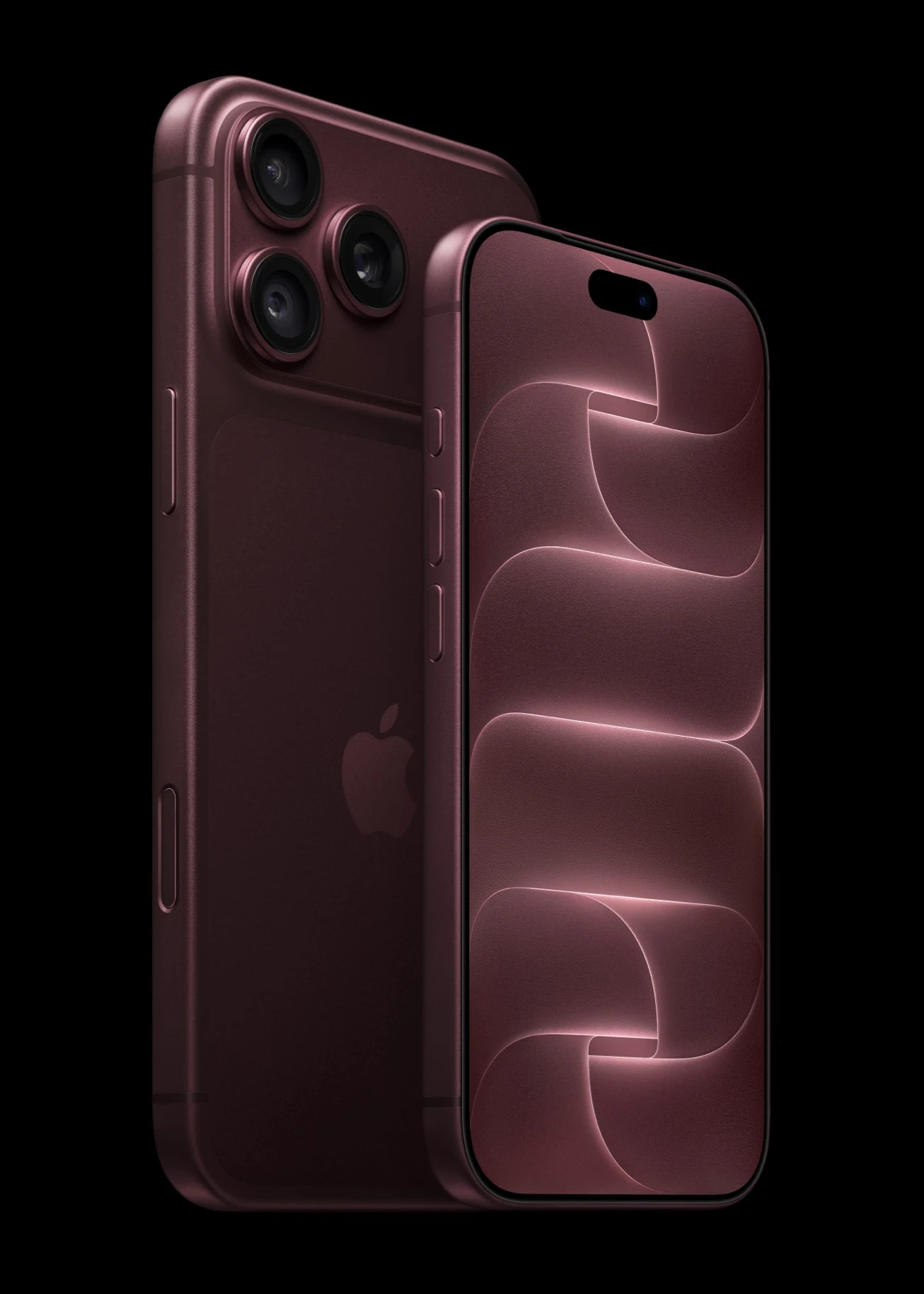
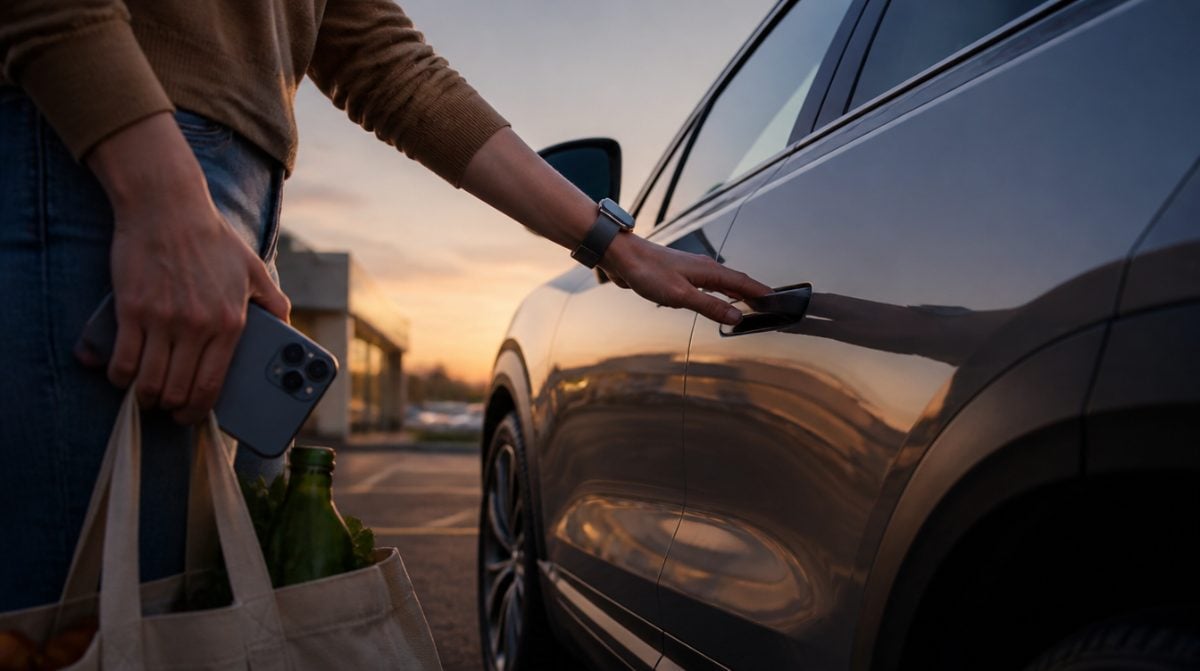
You park the Lyriq at the grocery store, juggle two bags and a toddler, and realize the fob is still on the kitchen counter. With a GM Apple car key in your iPhone’s Wallet app, that stops being a problem: the car unlocks as you walk up and locks again once you leave.
GM has started switching on digital keys for Apple Wallet across Cadillac, Chevrolet and GMC models. The first wave covers three Cadillac EVs, and the big Chevy and GMC SUVs follow in December. Here is what your car and phone need, how setup works and what to do if your iPhone goes missing.
Which GM vehicles get Apple Wallet keys, and when
GM is staging this by model rather than flipping a single switch. According to GM’s digital key announcement, the electric Cadillacs went first, starting in September and running into mid-October.
| Brand | Vehicle | Model years | Support begins |
|---|---|---|---|
| Cadillac | Lyriq | 2025 to 2027 | September to mid-October |
| Cadillac | Optiq | 2026 to 2027 | September to mid-October |
| Cadillac | Vistiq | 2027 | September to mid-October |
| Cadillac | Escalade, Escalade IQ/IQL, Celestiq | 2027 | December |
| Chevrolet | Tahoe, Suburban | 2026 to 2027 | December |
| GMC | Yukon, Yukon XL | 2026 to 2027 | December |
GM says the GM Apple car key will reach more of its vehicles later but has not named them or given dates. You will not have to keep checking, though. When support reaches your car, a notice appears in the What’s New section of your vehicle’s mobile app.
What you need for a GM Apple car key
The key depends on ultra-wideband, the short-range radio that lets the car tell exactly how close your phone is. That rules out older hardware. On the Apple side, GM lists these devices:
- iPhone: iPhone 11 or any later model, except the iPhone SE (2nd and 3rd generation) and iPhone 16e.
- Apple Watch: Series 6 or later, plus every Apple Watch Ultra.
- The car: an eligible model from the table above with an OnStar connection.
- The physical fob: it has to be nearby while you pair.
- The vehicle’s app: installed on your iPhone and signed in to your account.
If you still carry an iPhone XR or XS, this is one more nudge toward an upgrade. Anything older than the iPhone 11 is missing from GM’s list, so the key option will not show up for you.
How to add a GM Apple car key to Wallet
Setup starts in the automaker’s app rather than in Wallet itself. Give yourself a few minutes, sitting in the car.
- Install your vehicle’s app from the App Store and sign in with the account linked to the car.
- Get into the car and keep the regular key fob with you in the cabin.
- Check that the vehicle is connected to OnStar.
- Open the app and look for the digital key prompt. If nothing shows up yet, your model has not been switched on.
- Follow the on-screen steps and pick Apple Wallet when asked where the key should go.
- Stay in the car until the app confirms that pairing is complete.
- Open Wallet and confirm the new car key card is there. If you own a compatible Apple Watch, check that the key appears on it as well.
Once your GM Apple car key is paired, everyday unlocking runs over Bluetooth and ultra-wideband. You do not need to open the app again unless you want to manage the key.
Sharing a car key with your family
This is the part parents will like most. A single GM Apple car key can be passed along to as many as seven more devices, sent through AirDrop, Messages, WhatsApp or another messaging app.
That means a spouse, a college kid home for the weekend or a neighbor watching the dog can get in without you handing over a fob. When the visit ends, the account owner can pull access back through the car or through Wallet. Key sharing has hit snags on other brands in the past, as we covered with BMW key sharing problems after iOS 18, so send a test invite before you actually need it.
What the key does day to day
Walk-up unlocking. Approach the car with your iPhone or watch and the doors open. Walk off and the car locks behind you. The phone can stay in your pocket the whole time.
Trunk and climate from Wallet. The key card in Wallet can pop the trunk and start heating or cooling the cabin before you get in, which is handy on a July afternoon in Phoenix.
More on the way. GM says it plans to build further features on ultra-wideband, including adjusting vehicle settings automatically as a driver walks up. It has not said when those will arrive.
If your iPhone is lost or stolen
The key is stored in Wallet in much the same way as your payment cards, and GM built the system on the Car Connectivity Consortium standard used across the industry. Ultra-wideband adds encrypted checks based on how close your device is to the car, while Bluetooth handles the remote controls.
If a phone or watch holding your GM Apple car key goes missing, call OnStar and ask them to deactivate the digital key. GM says that cut-off happens right away. Keep the physical fob somewhere safe in the meantime so you can still drive.
Frequently asked questions
Does Chevy support Apple car key?
Yes, for some models. The 2026 and 2027 Chevrolet Tahoe and Suburban are scheduled to gain Apple Wallet key support in December, and GM says more vehicles will follow later.
Can I add a Cadillac Lyriq key to Apple Wallet?
Yes. The 2025 to 2027 Lyriq was in the first group GM switched on, starting in September. Set it up from the vehicle’s app while sitting in the car with the fob.
Can I set up the car key without the physical fob?
No. GM’s setup process requires the physical key fob to be nearby while you pair your iPhone in the OnStar-connected vehicle.
Send yourself a test share before you need it. Key sharing has tripped up other carmakers before.
Is a GM Apple car key worth setting up?
If you drive one of the eligible Cadillacs and carry an iPhone 11 or newer, set up the GM Apple car key this week, since setup is short and the sharing alone earns its keep. Tahoe, Suburban and Yukon owners should watch the app’s What’s New section in December. Everyone else can keep the fob on the hook for now. Just do not toss it, because it is still your backup the day your battery hits zero.