Graykey, a powerful forensic tool for unlocking iPhones, has been a topic of interest for law enforcement agencies and cybersecurity experts alike. Designed to access locked iPhones by exploiting vulnerabilities, the tool has proven effective over the years. However, its capabilities with the latest iterations of iOS, particularly iOS 18, reveal both potential and limitations. In this post, we’ll dive into how Graykey works, its current functionality with iOS 18, and its implications for privacy, law enforcement, and cybersecurity.
Graykey’s Capabilities with iOS 18
Partial Unlocking for Newer iOS Versions
Graykey can only partially unlock devices running iOS 18 and iOS 18.0.1. The specifics of this “partial access” remain unclear, but it likely allows law enforcement to view unencrypted files, file sizes, and folder structures while leaving encrypted data inaccessible. For iPhone 11 models, full unlocking appears possible, offering a glimpse into the tool’s varying effectiveness based on device generation.
Inaccessibility with iOS 18.1
Devices running iOS 18.1 or its beta versions currently resist Graykey’s capabilities. This limitation indicates that Apple has likely patched vulnerabilities exploited by the tool, showcasing its ongoing commitment to improving security.
How Graykey Works: Vulnerability Exploitation
Graykey operates by exploiting vulnerabilities in Apple’s iOS. This means that as Apple patches these security flaws with updates, the tool’s effectiveness diminishes. A notable historical example occurred with iOS 12, when Apple introduced changes that temporarily rendered Graykey ineffective. However, subsequent updates introduced new vulnerabilities that Graykey exploited to regain functionality.
The speed of unlocking varies:
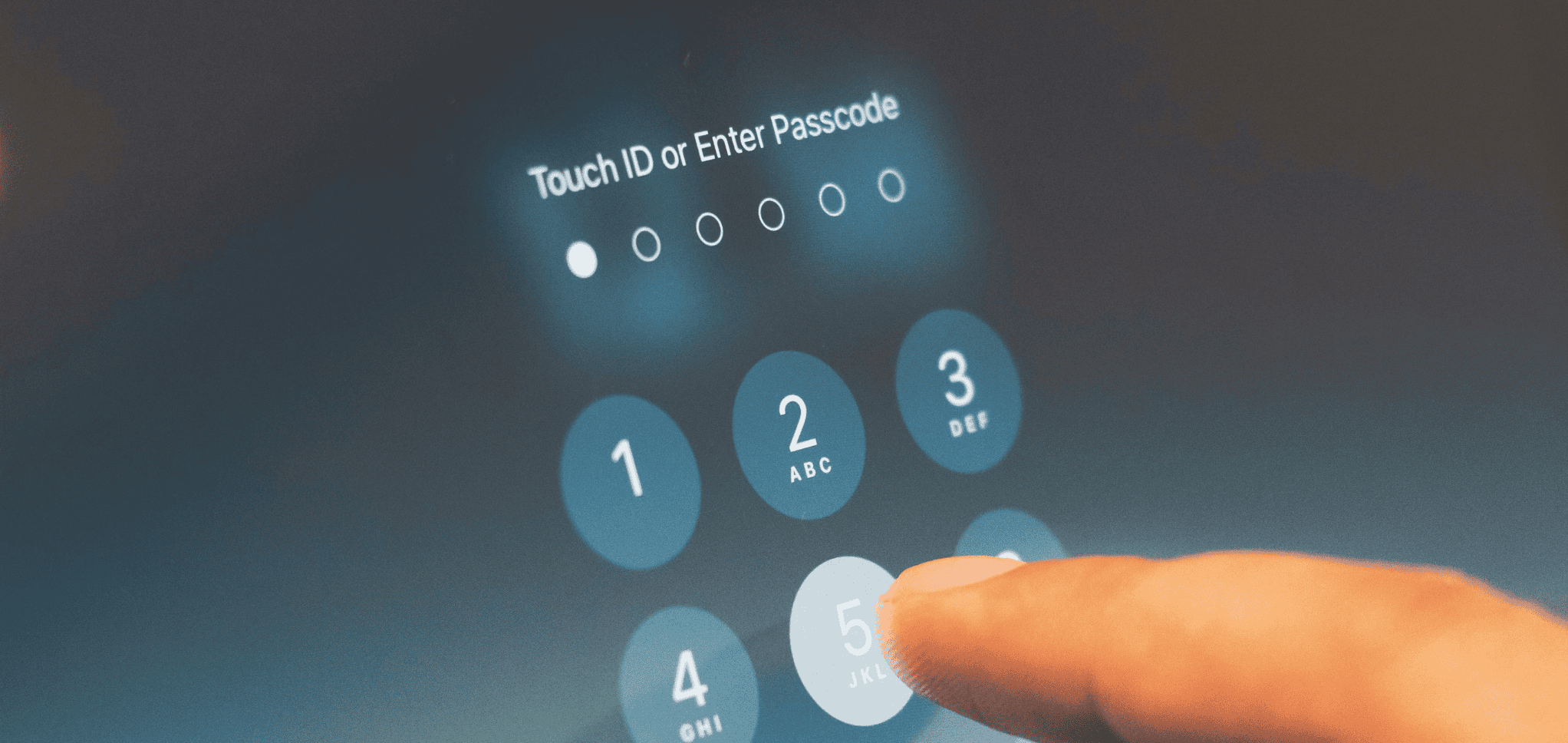
- 4-Digit Passcodes: Devices can be unlocked in minutes.
- Longer Passcodes: The process can take several hours, as longer passcodes significantly increase the difficulty of brute-force attempts.
Graykey vs. Cellebrite: A Comparison
Cellebrite’s Recent Challenges
Cellebrite, another leading forensic tool, has faced similar hurdles. A recent leak revealed that Cellebrite could not unlock iPhones running iOS 17.4 or later. However, the company quickly adapted, regaining access for devices running iOS 17.5.1.
What This Means for Graykey
Graykey and Cellebrite operate in similar spaces, and their effectiveness often depends on how quickly they can adapt to Apple’s security updates. The competitive nature of these tools drives innovation but also raises concerns about the ongoing arms race between tech companies and forensic tool developers.
Functionality Limitations: What Does Partial Access Mean?
The term “partial access” remains ambiguous. In practical terms, it likely means that:
- Only unencrypted files and metadata (like file sizes and folder structures) are accessible.
- Encrypted files and private user data remain secure.
These limitations significantly reduce Graykey’s utility for extracting meaningful evidence, especially as Apple continues to enhance its encryption protocols.
Privacy and Security Implications
For Users
The limitations of tools like Graykey highlight Apple’s strong stance on user privacy. With each iOS update, the company reinforces security measures to protect user data from unauthorized access, including forensic tools.
For Law Enforcement
While Graykey remains a valuable asset for investigations, its diminishing effectiveness underscores the challenges law enforcement faces in accessing critical evidence. This has reignited debates about the balance between privacy and the need for law enforcement tools to combat crime.
For Cybersecurity
The reliance on exploiting vulnerabilities to unlock devices raises questions about the ethics of such tools. Critics argue that companies like Magnet Forensics (the developer of Graykey) should report these vulnerabilities to Apple rather than using them for commercial purposes.
The Role of Apple’s Security Updates
Apple’s commitment to closing security loopholes is evident in its regular updates. By rendering tools like Graykey and Cellebrite temporarily ineffective, Apple not only protects user data but also encourages developers of these tools to rely on responsible disclosure rather than exploitation.
Future Prospects for Graykey
Potential for New Vulnerabilities
Magnet Forensics may discover new vulnerabilities that enable Graykey to fully unlock iOS 18 devices. However, this is a cat-and-mouse game, with Apple likely responding swiftly to any identified weaknesses.
Innovation and Adaptation
The continued advancement of tools like Graykey and Cellebrite depends on innovation. Developers will need to explore new methods of access while balancing legal and ethical considerations.
Practical Takeaways for Users and Organizations
1. Keep Devices Updated
Installing the latest iOS updates is the best defense against unauthorized access. Apple’s patches often address vulnerabilities exploited by tools like Graykey.
2. Use Strong Passcodes
Longer, complex passcodes dramatically increase the time required for forensic tools to unlock devices, adding an extra layer of security.
3. Stay Informed
Organizations and individuals should stay updated on the latest developments in forensic tools and mobile security to make informed decisions about protecting their data.
4. Advocate for Transparency
Encourage companies to responsibly disclose vulnerabilities to tech giants like Apple rather than exploiting them for profit.
Navigating the Gray Area of Graykey
Graykey’s evolving capabilities reflect the ongoing battle between law enforcement tools and tech companies prioritizing user privacy. While tools like Graykey and Cellebrite play critical roles in investigations, their reliance on exploiting vulnerabilities raises important ethical and security questions.
For users, staying vigilant with updates and strong passcodes remains essential. For developers, balancing innovation with responsible practices will define the future of digital forensics. As Apple continues to tighten its security, the effectiveness of tools like Graykey will likely be tested, pushing the industry toward new frontiers in cybersecurity and digital privacy.