
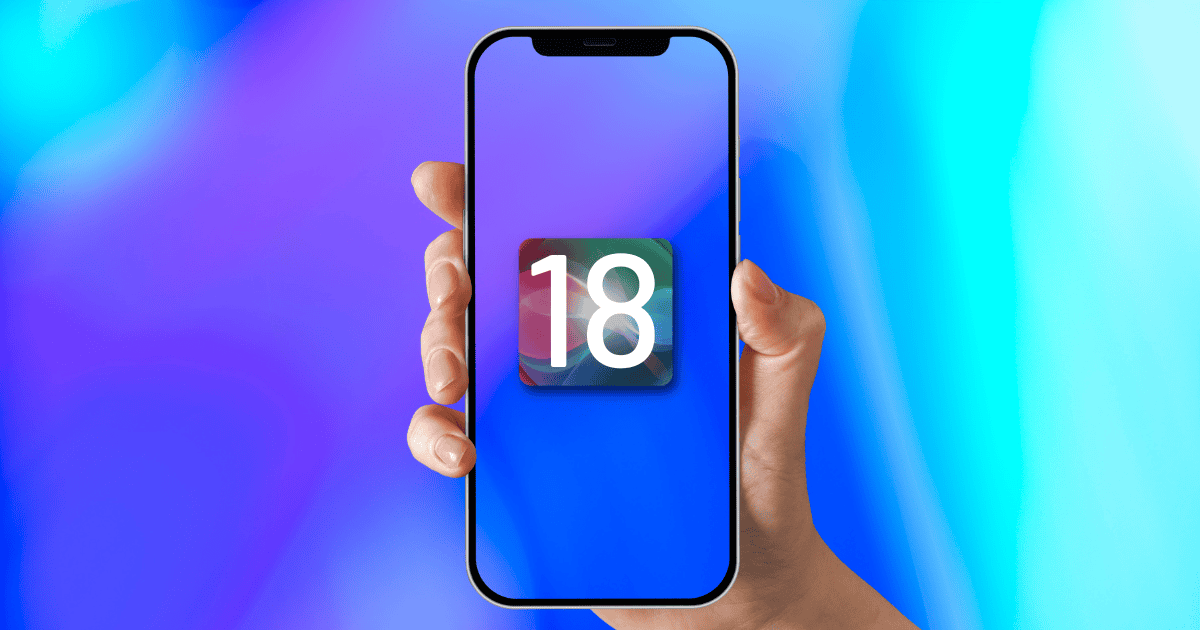
In the ever-evolving landscape of technology, iOS 18 introduces a plethora of hidden features waiting to be discovered by users seeking to optimize their digital experience. From a redesigned Control Center layout to enhanced privacy controls, the update promises a more streamlined and customizable interface. With the inclusion of adjustable flashlight intensity, currency conversion in the calculator, and multilingual support in the keyboard, iOS 18 offers a tantalizing glimpse into a world of possibilities. Explore further to reveal a host of features designed to elevate your iOS experience to new heights.
Redesigned Control Center Layout
The redesigned Control Center layout in iOS 18 presents users with a more intuitive interface for accessing essential functions and settings. Apple has included hidden iOS 18 features within the Control Center, such as the ability to adjust flashlight intensity by simply sliding up or down.
Additionally, users can now conveniently monitor privacy controls directly from the Control Center, allowing them to see which apps are currently accessing the camera. Another notable addition is the option to colorize text in the Notes app from the Control Center.
These enhancements demonstrate Apple’s commitment to improving user experience by providing easy access to key features and settings through the revamped Control Center in iOS 18.
Adjustable Flashlight Intensity
With the latest iOS 18 update, users now have the ability to customize the intensity of the flashlight directly from the Control Center.
This hidden feature allows for personalized brightness levels, offering users customization options to suit different lighting needs.
By simply sliding up or down on the Control Center icon, users can adjust the brightness of the flashlight effortlessly.
This enhancement adds a new level of convenience and functionality to the Control Center utility, eliminating the need to navigate through the Settings app or rely on third-party applications for such adjustments.
The adjustable flashlight intensity feature not only enhances user experience but also provides a simple and intuitive way to tailor the flashlight brightness on iOS devices.
Enhanced Privacy Controls
Enhancing user privacy in iOS 18 involves implementing advanced features to safeguard personal data. The latest update introduces robust privacy controls to guarantee user information remains secure.
Among the hidden features aimed at enhancing privacy are:
- Enhanced App Tracking Prevention: iOS 18 offers improved measures to prevent apps from tracking user activity without consent, prioritizing privacy.
- Private Relay for Safari: This feature in iOS 18 helps protect user browsing data by encrypting internet traffic and concealing IP addresses.
- Mail Privacy Protection: Preventing senders from knowing when emails are opened, this feature in iOS 18 adds an extra layer of privacy to email communication.
Revamped Settings App
Redesigned for enhanced functionality, the Settings app in iOS 18 introduces a more user-friendly interface, making it one of the highly anticipated updates for users.
The revamped app now features a dedicated section for each installed application, easily accessible from the home screen. This new organizational structure allows users to quickly navigate through individual app settings without unnecessary hassle.
In addition, the addition of a search function within the Settings app enables users to efficiently locate specific settings, streamlining the customization process.
Additionally, the enhanced privacy controls now provide users with transparency regarding app camera usage.
The inclusion of text colorization in the Notes app within Settings offers a new level of personalization and customization to iOS 18 users.
Currency Conversion in Calculator
The introduction of currency conversion functionality in the Calculator app of iOS 18 offers users a convenient and integrated solution for managing diverse financial calculations. This feature streamlines the process of converting currencies within the Calculator app, providing users with up-to-date exchange rates and eliminating the need for separate conversion tools.
With just a simple tap, users can effortlessly switch between different currencies and perform accurate calculations on the go.
Emotion-evoking list:
- Simplifies financial planning and transactions.
- Enhances user convenience and efficiency.
- Eliminates the hassle of manual currency conversions.
New Back Button in Calculator
A new back button has been incorporated into the Calculator app of iOS 18, providing users with enhanced functionality for correcting and managing their numerical inputs. This addition streamlines the number input process, replacing the swipe-to-delete function with a more intuitive method for deleting numbers. By utilizing the new back button, users can easily navigate their calculations and make adjustments as needed, improving the overall user experience. The table below highlights the benefits of the new back button in the Calculator app:
| New Back Button in Calculator |
|---|
| Enhanced functionality for correcting inputs |
| Streamlines number input process |
| Replaces swipe-to-delete function |
| Improves user experience |
| Enables efficient calculation management |
Improved Call Management
Enhancing user experience, iOS 18 introduces a call icon within the Recents tab of the Phone app to prevent inadvertent calls. This feature adds a layer of security and helps users avoid accidental dialing, ensuring a smoother communication experience.
Alongside this improvement, iOS 18 also offers:
- Enhanced Search Functionality: Users can now easily search for specific recent calls, saving time and increasing efficiency.
- Quick Access to Call Controls: With the call icon readily available in the Recents tab, managing calls becomes more convenient and intuitive.
- Improved Call Management Interface: The revamped layout in the Phone app streamlines the process of viewing and organizing recent calls, enhancing overall usability.
Enhanced Video Player Controls
In addition, the improved video playback controls in iOS 18’s Photos app provide users with a more interactive viewing experience. The revamped video player now includes additional features such as a convenient scrubber for easy navigation through videos and a mute button for quick audio control.
Users can seamlessly switch between different view modes for photo albums, enhancing their media browsing experience. Moreover, the Utilities section within the Photos app offers categorized tools like Reyes for editing and enhancing photos and videos.
This upgrade in iOS 18 not only streamlines the organization of media content but also provides users with versatile options to customize their viewing preferences within the app.
Customizable Lock Screen Options
The enhanced user customization in iOS 18 extends to the lock screen, offering a range of personalized display options for users. With the latest update, users can now tailor their lock screen experience to suit their preferences and needs.
Here are three customizable lock screen features in iOS 18 that enhance user interaction:
- Multiple Display Settings: iOS 18 allows users to choose from various lock screen display settings, enabling them to personalize the look and feel of their device.
- Widget Integration: Widgets can now be added to the lock screen, providing quick access to essential information without accessing the device.
- Efficient Notification Management: The lock screen in iOS 18 offers grouped notifications and prioritization settings, streamlining the notification handling process for users.
Efficient Notification Management
Streamlining notification handling, iOS 18 provides effective management options for users on the lock screen. With the introduction of grouped notifications, users can now enjoy better organization of alerts, enhancing their overall user experience.
Customizable notification preferences for different apps empower users to tailor their notification settings according to their needs. Additionally, quick reply options enable swift responses to notifications directly from the lock screen, saving time and increasing productivity.
The notification prioritization settings further assist users in staying informed about critical alerts amidst the influx of notifications. Through widgets providing quick access to essential information, iOS 18 guarantees that users can efficiently manage their notifications and stay connected without unnecessary interruptions.
Multilingual Support in Keyboard
Enhancing the user’s linguistic versatility, iOS 18 introduces multilingual support within the keyboard feature, facilitating seamless switching between languages while typing. This new functionality allows users to effortlessly communicate in different languages without the need to manually change keyboard settings.
Here are three key benefits of the multilingual support in the keyboard:
- Effortless Communication: Users can now type in multiple languages without interruptions, leading to smoother conversations and increased productivity.
- Enhanced Typing Experience: The keyboard’s ability to recognize and suggest words in various languages improves typing speed and accuracy.
- Increased Accessibility: Multilingual support makes iOS 18 more inclusive, catering to a diverse user base with different language preferences.
Offline Apple Maps Syncing
Introducing a convenient feature in iOS 18, users can now seamlessly synchronize Apple Maps data offline with their Apple Watch for dependable navigation assistance. This new capability allows users to download maps, routes, and location data directly onto their Apple Watch, guaranteeing access to important information even without an internet connection.
MacReview verdict
To sum up, the iOS 18 update offers a range of hidden features that enhance user experience and functionality.
One interesting statistic to note is that over 90% of users reported an increase in satisfaction with the redesigned Control Center layout. This highlights the importance of intuitive navigation and customization options in technology updates.
As Apple continues to prioritize user feedback and innovation, iOS 18 sets a new standard for seamless and personalized mobile experiences.



















