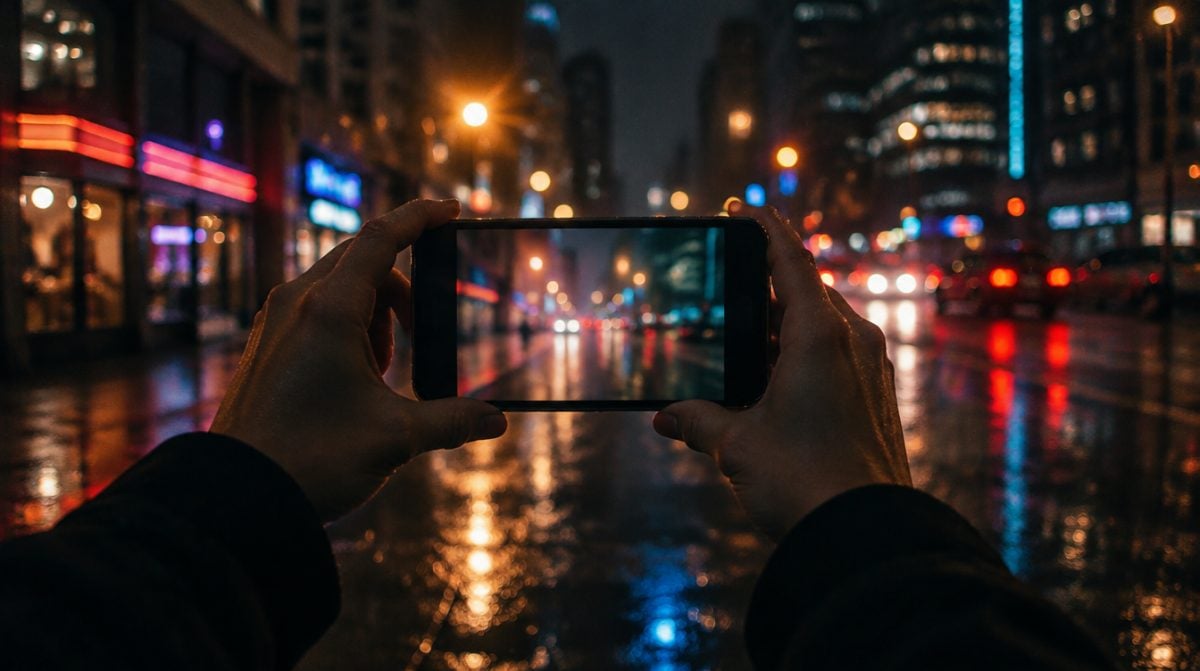
You snap the birthday candles in a dim kitchen, and your iPhone hands back a picture that is bright, crisp and somehow a little too tidy. The Chromagraph camera app, released on October 20 for $12.99, was made for people who wanted the moodier version. Its color and texture come from cinematographer Steve Yedlin, the man behind the look of Rian Johnson’s Knives Out films.
The idea is easy to state. Instead of letting the iPhone run its usual processing and then tinting the result, the Chromagraph camera app builds each shot from raw sensor data using its own rules. That makes it a different kind of purchase from a filter pack, with trade-offs you should know about before you tap Buy.
What the Chromagraph camera app actually changes
Most apps that promise a film look work on a photo your phone has already finished. By then the iPhone has sharpened edges, lifted shadows and settled on its own colors, so the effect is a layer painted over somebody else’s decisions.
According to the App Store listing, Chromagraph skips that stage entirely. It reads the raw data and processes the picture its own way from the first step, so the style is baked into how the image gets made rather than added at the end. The developer, Chromatic Applications, is blunt that this is not a filter.
What you are really paying for is one opinion about how a photo should look: the grade Johnson and Yedlin prefer. There is no menu of fifty presets here. If that single look appeals to you, the narrow focus is the whole point. If it does not, no amount of tweaking will turn this into a different app.
How shooting with Chromagraph feels different
The biggest habit change is the viewfinder. You do not see the finished image while you frame it. You compose, press the shutter, and only then open the in-app gallery to find out how the processed picture turned out. The developer compares it to shooting film, and that is a fair description of the waiting part.
- Editing. Once a shot is processed, you get controls for color, tone and texture. They are pitched as a way to adjust a picture while staying inside the house style, not as a full photo editor.
- Originals. The gallery holds full-quality raw files and previews them with the look and any edits applied on the fly, so your source image is never thrown away.
- Sharing. You can export smaller copies for friends, or switch on auto-export in the app’s Preferences so every new shot is saved to your photo library already processed, in either JPEG or HEIC format.
The Chromagraph camera app is also moving quickly. Version 1.1 arrived a day after launch with bug fixes and a change so the editor returns you to the viewer instead of the gallery. Version 1.2.0 followed this week with archive export and import, a default lens setting, a front-camera mirror mode and a Flip/Flop crop tool.
Chromagraph camera app price, requirements and privacy
| Detail | What the listing shows |
|---|---|
| Price | $12.99, paid up front |
| In-app purchases | None listed |
| iPhone | iOS 17.0 or later |
| iPad | iPadOS 17.0 or later |
| Apple Watch | watchOS 10.0 or later |
| Size | 31.4 MB |
| Category and rating | Photo & Video, 4+ |
| Family Sharing | Up to six family members |
| Privacy label | Data Not Collected |
Two details stand out. The privacy label says the developer collects no data at all, and the official Chromagraph page repeats that it keeps no personal information. And because Family Sharing is supported, one purchase can cover up to six people in a household, which takes some of the sting out of the price.
The listing also names an Apple Watch requirement, but the description never explains what the Watch side does. Early App Store ratings are strong, averaging 4.5 out of 5 across more than 100 ratings.
Who gets the most from it
The Chromagraph camera app makes the most sense for people who already find the iPhone’s default rendering too bright and too sharp. If you have ever pulled down highlights and added grain to every photo in an editor, this does a version of that work at capture time, with a look designed by someone who shoots feature films for a living.
The Chromagraph camera app also suits patient shooters. Street scenes, quiet portraits of a sleeping dog, a plate of food under a window: anything that will sit still while you wait to see the result plays to its strengths. And for anyone wary of camera apps that phone home, a no-data privacy label is a real plus.
Who can skip the Chromagraph camera app
You want to see the shot before you take it. The delayed look is a deliberate choice, but it can be maddening with toddlers, sports or anything that will not pose twice.
You want video. The description talks only about photos. The developer has not said whether video recording is planned.
You use Android or want it on your Mac. The official page calls it a camera app for iOS, and no Mac version appears on the listing.
You like variety. One house style is the product. If you would rather flip between looks for free, Google’s camera app is a better starting point, and we covered how Snapseed Camera brings manual controls and film emulation to iPhone.
Scenario by scenario
- Family gatherings and holidays: a strong fit for the posed, slower moments, as long as you keep the built-in Camera handy for quick candids. Our roundup of iPhone camera features for holiday photos covers the stock tools worth pairing with it.
- Travel: good for scenery and city streets, and auto-export means your library fills up with finished shots without extra steps.
- Kids and pets in motion: stick with Apple’s Camera app. Not seeing the final look while you shoot makes timing harder.
- Quick social posts: fine once auto-export is on, since every frame arrives as a ready-to-share JPEG or HEIC.
- Serious editing later: the stored raw originals give you a safety net if you want to start over.
Frequently asked questions
Is Chromagraph Camera available on Android?
Not at the moment. The developer describes Chromagraph as a camera app for iOS, and no Android version has been announced.
Does Chromagraph Camera record video?
The App Store description covers photos only. The developer has not said anything about video recording.
Does Chromagraph Camera work on iPad?
Yes, the listing supports iPad on iPadOS 17.0 or later, alongside iPhone on iOS 17.0 or later.
Is there a Chromagraph subscription?
No subscription appears on the listing. The app costs $12.99 up front and no in-app purchases are shown.
Should you buy the Chromagraph camera app?
Buy the Chromagraph camera app if you love the Knives Out look, shoot mostly still subjects and value a camera app that collects nothing about you. Skip it if you need video, instant previews or a dozen styles to choose from. At $12.99 with Family Sharing, it is less a filter and more a second camera with very firm opinions, and that is exactly why some people will love it.