
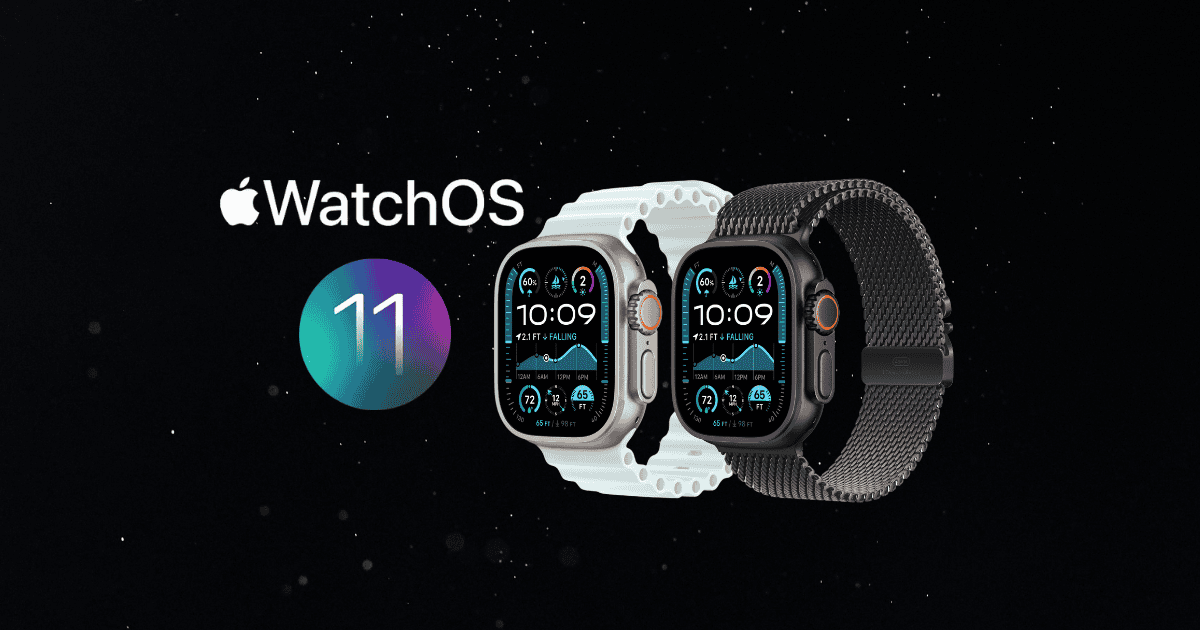
Apple’s announcement of watchOS 11 introduces some exciting and meaningful updates to the Apple Watch experience, placing a sharp focus on personalization, health tracking, and seamless user engagement. Two of the most significant features—Smart Stack and a revamped Vitals app—promise to offer users deeper insights into their health and more intuitive daily interactions.
With these advancements, watchOS 11 signals a new era for both casual users and health enthusiasts, raising questions about the broader impact on wearable health tech and how Apple continues to push the boundaries of what wearables can achieve.
watchOS 11 Availability
If you’re excited to explore the latest features of watchOS 11, here are some key details on device compatibility and installation:
- Supported Devices: Apple Watch Series 6 and newer, including Apple Watch Ultra and Apple Watch SE 2.
- iPhone Requirements: Requires iPhone XS or later running iOS 18.
- Installation: Users should ensure their Apple Watch has at least 50% battery, remains on the charger, and initiate installation via the Apple Watch app on a paired iPhone by going to General > Software Update.
watchOS 11 officially rolled out on September 16, 2024, ushering in a significant leap forward in wearable technology.
Enhanced Vitals App for Comprehensive Health Monitoring
The Vitals app in watchOS 11 comes with key upgrades, giving users faster and more detailed access to their essential health metrics:
- Health Metrics: Monitor critical indicators such as heart rate, respiratory rate, and blood oxygen levels in real time.
- Proactive Alerts: The app sends notifications when two or more metrics fall outside of your typical range, helping users stay ahead of potential health issues.
- Algorithm Integration: Using data from the Apple Heart and Movement Study, the app can correlate fluctuations in health metrics with lifestyle changes.
- Deeper Insights: Provides trends based on data points like medication intake, elevation, and sleep patterns, allowing users to make informed health decisions.
The enhanced Vitals app empowers users to keep track of their health like never before, with Apple Watch acting as a personal health guardian.
Smart Stack Personalization: A Tailored Watch Experience
The introduction of Smart Stack in watchOS 11 revolutionizes how users interact with their Apple Watch by providing relevant information through interactive widgets, tailored to individual routines and needs.
- Adaptive Widgets: Smart Stack suggests interactive widgets based on location, time of day, and user behavior, showing information only when it’s most relevant.
- Real-Time Updates: Engage directly with widgets to get up-to-date information—whether it’s your fitness goals, music controls, or health stats.
- Expanded Widget Options: New widgets like Shazam and weather alerts enhance personalization further.
- Developer Integration: watchOS 11 allows developers to integrate their apps with Smart Stack, offering more tailored experiences for users.
Smart Stack simplifies day-to-day interactions, offering a hands-free, contextually aware experience that transforms the watch’s utility into a seamless extension of your life.
Training Load Insights: Optimizing Your Fitness Journey
Building on Apple’s reputation for fitness innovation, watchOS 11 introduces Training Load Insights, a feature designed to provide deeper insights into workout performance and recovery:
- Personalized Metrics: Users receive detailed feedback on their training load—a comprehensive measure of workout intensity and duration.
- Effort Ratings: After each workout, the watch assigns an effort rating (1–10) and categorizes the session as below, steady, or above average.
- Long-Term View: A 28-day training load average helps users visualize their progress over time, offering insight into whether they’re improving, maintaining, or need rest.
- Custom Algorithm: Leveraging health data such as age, weight, and heart rate, Apple Watch delivers personalized insights to optimize fitness routines.
This feature is perfect for fitness enthusiasts who want a data-driven approach to tracking their progress and adjusting their routines accordingly.
Customizable Activity Rings: Tailored Fitness Goals
The introduction of Customizable Activity Rings is a game-changer for users seeking a more personalized approach to their daily fitness goals:
- Set Unique Goals: Customize Move, Exercise, and Stand goals based on individual fitness levels and lifestyle.
- Pause Rings: Pause activity rings temporarily for rest days or personal reasons without losing streaks.
- Day-Specific Adjustments: Users can now modify their goals by day, adapting to their ever-changing schedules.
- Summary Customization: Adjust the Summary tab in the Fitness app to prioritize specific workout metrics.
This flexibility empowers users to stay motivated, maintain consistency, and tailor their Apple Watch experience to suit their fitness journey.
Pregnancy Support Features for Expecting Mothers
For expectant mothers, watchOS 11 introduces an expanded set of features within the Cycle Tracking app, addressing both physical and mental well-being during pregnancy:
- Symptom Logging: Track pregnancy-related symptoms such as nausea and fatigue, with additional insights on gestational age.
- Customizable Alerts: Modify high heart rate notifications to reflect pregnancy-related physiological changes.
- Mental Health Support: Schedule monthly mental health check-ins to address potential risks of depression and anxiety.
- Walking Steadiness: Receive alerts if walking steadiness deteriorates—a key concern during later stages of pregnancy.
These comprehensive features provide vital support to expectant mothers, ensuring that their health and well-being are monitored with the utmost care.
New Connectivity Features for Enhanced User Interaction
watchOS 11 also introduces connectivity upgrades designed to improve user safety, interaction, and convenience during workouts and everyday activities:
- Check In: Allows users to share workout progress and location with friends or family for enhanced safety.
- Double Tap Gesture: This new gesture makes navigating apps easier, enhancing hands-free functionality.
- Live Activities: Get real-time updates on your watch face, keeping you informed without opening apps.
- Smart Stack Integration: Leverages context to provide access to essential widgets, ensuring users stay connected with minimal effort.
These connectivity features make Apple Watch even more versatile, ensuring users are safe and supported during all their activities.
MacReview’s Take: A Leap Forward in Wearable Health Tech
With watchOS 11, Apple continues to elevate the wearable experience through key innovations like Smart Stack and the Vitals app. The seamless integration of personalized widgets, enhanced health metrics, and innovative fitness tracking ensures that the Apple Watch is more than just a wearable—it’s a companion that empowers users to make informed decisions about their health and well-being.
Whether you’re a casual user or a fitness enthusiast, watchOS 11 offers something for everyone, setting a new benchmark for what wearables can achieve in the realms of health, safety, and personalization.



















