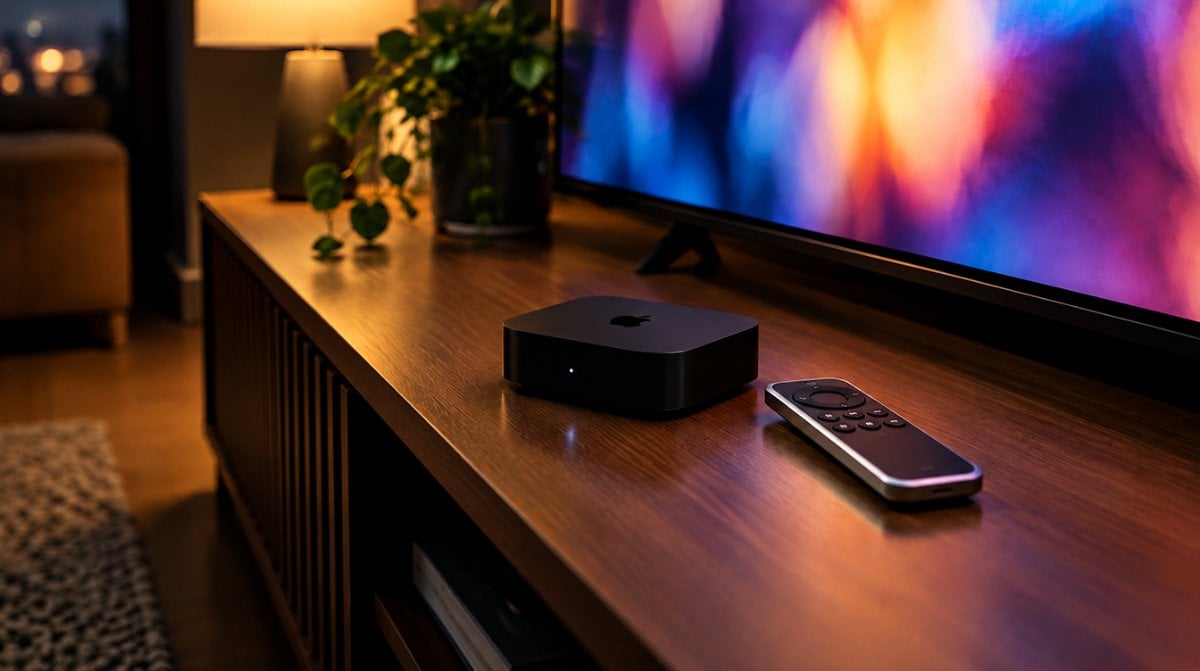
If the black box under your TV is the one Apple sold back in 2017, its repair clock just started ticking louder. On October 9, 2026, Apple moved the Apple TV 4K 1st generation to its vintage products list, which changes how long you can count on Apple to fix it if something breaks.
Nothing switches off today. Your apps and Siri Remote work exactly as they did yesterday. What changed is the support promise behind the hardware, which matters when you weigh keeping, repairing or retiring it.
The short answer on vintage status
Apple calls a product vintage once it stopped selling it more than five years ago but fewer than seven. After the seven-year mark, the label becomes obsolete. Apple’s vintage and obsolete products page now lists the 2017 model under vintage, while every Apple TV before it, including the early 2016 Apple TV HD bundle with the original Siri Remote, already sits in the obsolete column.
In plain terms, the Apple TV 4K 1st generation is in a two-year waiting room. Vintage hardware can still get service. Obsolete hardware cannot.
What vintage means for Apple TV 4K 1st generation repairs
Apple commits to parts and service for at least five years after it last distributed a product. Beyond that, repairs can continue for up to seven years, but only while parts last. So a repair request today is a maybe, not a guarantee.
- Vintage: Apple and its authorized service providers may still fix the device, depending on whether the needed parts are on hand.
- Obsolete: Apple ends all hardware service, and service providers are no longer able to order parts.
- Batteries: The longer 10-year battery-only repair window applies to Mac laptops, so it does not help a streaming box that has no battery.
Apple’s list names it simply “AppleTV 4K (2017),” so the 32GB and 64GB versions are treated the same. We covered the same process when Apple marked older MacBooks vintage and moved iPods to obsolete, and the rules have not changed since.
Is it still supported for software updates?
Vintage status is about hardware service and parts. Apple’s vintage page says nothing about software, and it does not announce an end to tvOS updates for the Apple TV 4K 1st generation. Apple’s tvOS 27 release notes say the release patches bugs and security holes on Apple TV 4K, and they do not name any generation that misses out.
Feature support is a separate story. Apple has already started reserving some extras for newer boxes. Live Captions in tvOS 26, for example, required the second-generation model or later. Apple has not said when the 2017 box will stop receiving tvOS releases altogether.
To keep it current while it still qualifies, open Settings, choose System, then Software Updates, and turn on Automatically Update. Our look at the continuous audio connection feature in tvOS 26.4 shows the kind of upgrades these boxes still pick up.
Which Apple TV do I have? Check the model number
From the Home screen, go to Settings, then General, then About. The model number shows near the top. You can also flip the box over and read the label underneath, or check the back of the original packaging. Apple’s Apple TV identification page matches each number to a model.
| Model | Model number | Year | Storage | Status |
|---|---|---|---|---|
| Apple TV 4K (3rd generation) | A2843 or A2737 | 2022 | 128GB or 64GB | Not on the list |
| Apple TV 4K (2nd generation) | A2169 | 2021 | 32GB or 64GB | Not on the list |
| Apple TV 4K (1st generation) | A1842 | 2017 | 32GB or 64GB | Vintage |
| Apple TV HD | A1625 | 2015 | 32GB or 64GB | Partly obsolete (early 2016 bundle) |
If your About screen reads A1842, you own the Apple TV 4K 1st generation. That box runs on the A10X Fusion chip, uses HDMI 2.0a and 802.11ac Wi-Fi, and came with a Siri Remote that charges over Lightning.
Apple TV 4K 1st generation vs 3rd generation
The 2022 model is a different class of hardware. It moves to the A15 Bionic chip, Wi-Fi 6 and HDMI 2.1, adds HDR10+ playback, and its remote charges over USB-C. The 128GB Wi-Fi + Ethernet version also builds in Thread for smart home gear, something the 2017 box lacks.
The older model still covers the basics well. It plays 4K at 60 frames per second with Dolby Vision and HDR10, supports Dolby Atmos sound, and has Gigabit Ethernet.
Common misconceptions about vintage Apple products
It stops working. It does not. The label changes Apple’s repair policy, not the device.
Apple will refuse every repair. Not yet. Service continues while parts last, and the hard cutoff arrives only at obsolete status.
Frequently asked questions about the 2017 Apple TV 4K
What is the difference between vintage and obsolete Apple products?
Vintage means Apple stopped selling the product more than five but fewer than seven years ago, and repairs may still happen if parts exist. Obsolete means more than seven years have passed, and Apple ends all hardware service.
Does the Apple TV 4K 2017 support Dolby Atmos?
Yes. Apple’s tech specs list Dolby Atmos alongside Dolby Digital 5.1 and Dolby Digital Plus 7.1 for the first 4K model.
Is the A1842 Apple TV the 1st generation 4K model?
Yes. A1842 is the model number Apple assigns to the 2017 Apple TV 4K, sold in 32GB and 64GB versions.
Should you replace your Apple TV 4K 1st generation now?
If yours still streams smoothly and you do not need newer features like Thread or HDR10+, keep using it and leave automatic updates on. If it is acting up, or you want the newest tvOS tricks, plan the upgrade now rather than after a failure, especially with Apple’s “Welcome home” event set for October 13. A working Apple TV 4K 1st generation is not a problem, but a broken one could soon become a doorstop.