
If ChatGPT Classic is the app you open every morning on your Mac, it now has an expiry date, and the chatgpt classic vs new app decision has stopped being a matter of taste. Classic retires on January 30, 2027, which leaves a little under three months to move on your own schedule rather than OpenAI’s.
Your conversations should make the trip. According to a report from 9to5Mac, a banner now shown inside Classic reads: “This app will retire on January 30, 2027. Get the latest features in the new ChatGPT app.” Per 9to5Mac, your full chat history comes with you, so you can pick up where you left off.
Switching is now a given. What’s left to settle is timing, plus what you gain and give up along the way.
ChatGPT Classic vs new app at a glance
The newer desktop app arrived a few months back with ChatGPT, Work and Codex sitting in one window, and the older app picked up the Classic name. The two have been drifting apart ever since.
| Detail | ChatGPT Classic | New ChatGPT app |
|---|---|---|
| Status | Retires January 30, 2027 | The current desktop app |
| What’s inside | Regular ChatGPT conversations | ChatGPT, Work and Codex |
| How it’s built | Older native Mac app | Electron-based |
| Reasoning effort picker | No | Yes |
| New models | Growing less dependable | Gets the features they rely on |
| Chat history | Moves across with you | Waiting when you arrive |
Most of the chatgpt classic vs new app gap comes down to attention. Classic has barely changed since its replacement landed, and newer models lean on features it doesn’t have. A Mac app that stands still while the service behind it keeps moving tends to get flakier.
Stick with Classic for now if this sounds like you
You only chat. For plain back-and-forth conversation, nothing about the retirement forces a move today. You have until late January, and your history is due to follow you whenever you go.
You prefer a native Mac app. Dropping the native build for an Electron one, a way of making desktop software from web technology, was one of two big complaints when the replacement appeared. If that is why you stayed, a few more weeks won’t hurt. Just don’t expect a reversal, because the retirement notice points everyone in one direction.
Treat either of these as a short delay in the chatgpt classic vs new app choice, not a plan. With so little work going into Classic, a fresh model could misbehave there well before the cutoff.
Move to the new app now if you want more than chat
Once you look past the look and feel, the chatgpt classic vs new app comparison is mostly a list of things only one side can do.
- Model controls. Picking a reasoning effort level is limited to the newer app.
- Work. OpenAI’s help pages describe it producing editable documents, spreadsheets and presentations from your instructions, source material or a template.
- A built-in browser. You can open pages, sign in, grab files and check a site’s content from inside ChatGPT.
- Codex. Coders get a sidebar menu for hopping between it and ChatGPT in the same window.
Early impressions of the replacement were rough, with regular conversations surprisingly hard to reach and the three sections easy to mix up. A Chat and Work toggle now sits at the top of the window, so if you tried it at launch and bounced off, it deserves a second look.
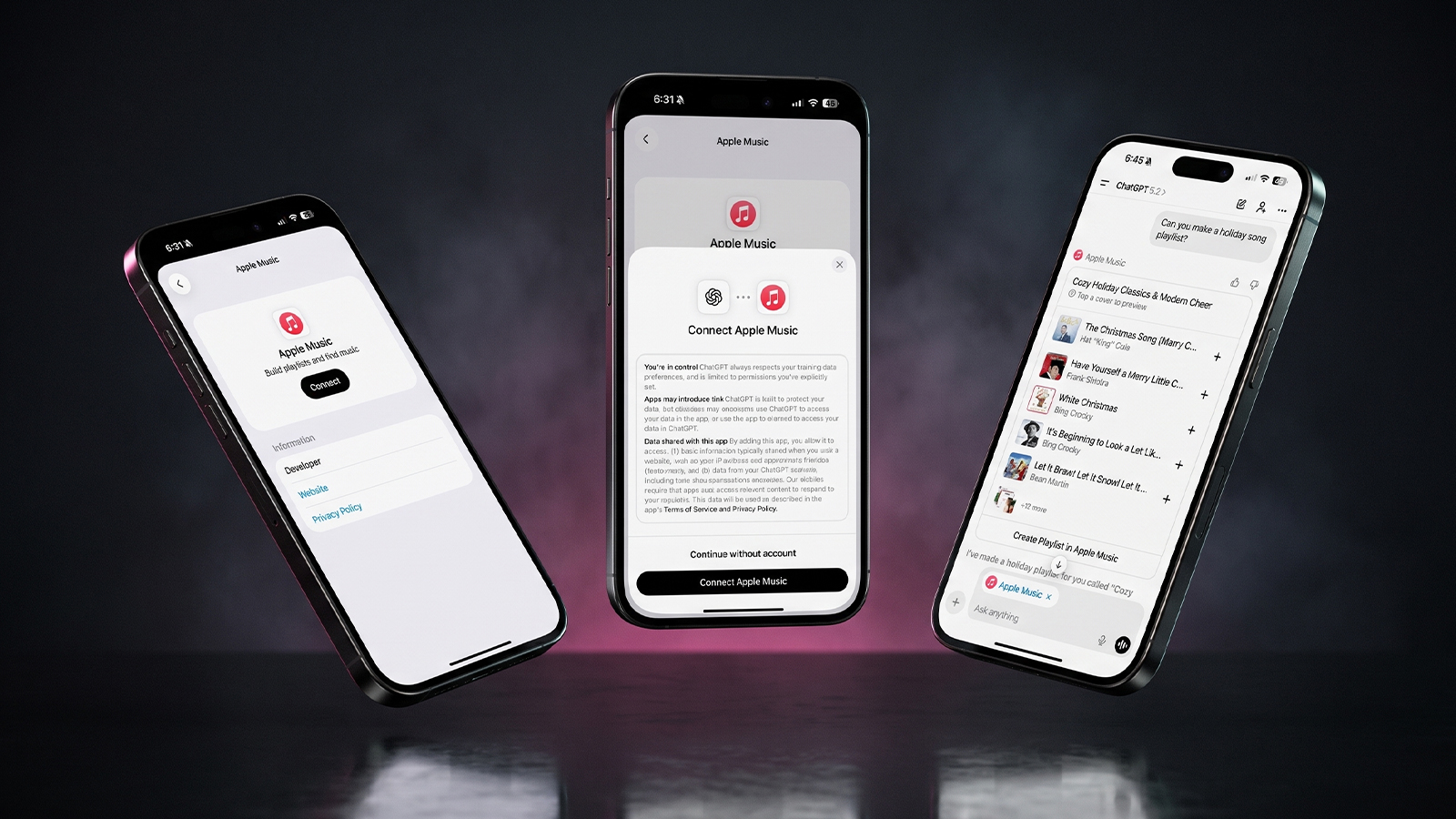
Anyone who relies on ChatGPT beyond simple questions will find the same answer in the chatgpt classic vs new app debate: go now. If you want a practical test once you’ve moved, our guide to building playlists with Apple Music in ChatGPT is a low-stakes place to start.
Which Macs can run the new ChatGPT app
Hardware can settle the chatgpt classic vs new app question before features do. OpenAI’s desktop app page lists macOS 14 or later and Apple Silicon, meaning an M1 chip or better. The same page warns that access may depend on your company’s IT policies, so a work-managed Mac could need a word with your admin first.
Intel Macs fall outside that requirement. An older OpenAI help page for the Mac app lists the same minimum, so this isn’t a new cutoff, and chatgpt.com in a browser remains the route for those machines. The desktop experience has come a long way since ChatGPT first arrived on the Mac in 2024.
How to move to the new ChatGPT desktop app
Settling chatgpt classic vs new app in favor of the switch takes only a few minutes.
- Open Classic and click the retirement banner, or go straight to the ChatGPT download page.
- Choose the macOS download under ChatGPT for desktop.
- Install it as you would any Mac app, then sign in with the account you use in Classic.
- Use the toggle at the top of the window to open Chat, and confirm your recent conversations are there.
- Keep Classic installed until you’re happy that everything arrived.
The banner promises your history and says nothing about other settings, so jot down anything you depend on before leaving. Option + Space opens ChatGPT from any screen on a Mac, which is worth trying on day one. OpenAI also keeps a help article on moving to the new ChatGPT desktop app for anyone coming from the previous version.
What the Chat and Work merge means for you
Any chatgpt classic vs new app plan should allow for the app you land in changing too. OpenAI has emailed users to say Chat and Work will merge into one view for a small test group soon, with the aim of letting you “move from exploring an idea to having ChatGPT carry it through, all in one place.” Codex stays apart: the email says it “will remain a separate experience in the ChatGPT desktop app.”
Usage limits are shifting as well. ChatGPT and Codex are set to share one allowance in place of today’s separate limits, with advanced models and complex tasks eating more of it. OpenAI says “most users won’t need to wait for their usage to reset more often than they do today,” and adds that Unlimited Instant won’t count against the total. Heavy Codex users should keep an eye on how quickly that shared pool drains.
Frequently asked questions
Can I still download ChatGPT Classic?
Not from the main download page, which offers only the current ChatGPT desktop app for macOS. If Classic is already on your Mac, it keeps its place until the January 30, 2027 retirement.
Will I lose my chats when ChatGPT Classic retires?
No. According to 9to5Mac, your full chat history comes with you to the new ChatGPT app.
Does the ChatGPT desktop app work on an Intel Mac?
No. OpenAI lists macOS 14 or later and Apple Silicon (M1 or better), so Intel Mac owners should use ChatGPT in a browser instead.
ChatGPT Classic vs Codex: what is the difference?
Classic is the older app for regular ChatGPT conversations, while Codex is built for software development. Codex sits in the new desktop app as its own section and also has a separate download.
Which ChatGPT app should Mac owners use now?
Most people should settle chatgpt classic vs new app this week instead of waiting for January: your history follows you, and you pick up model controls Classic never got. Hold off only if you’re a chat-only user who dislikes the Electron build, and if that’s you, put January 30 on the calendar now. A move is far easier on a quiet afternoon of your choosing than on the morning your favorite app stops opening.