Apple recently classified specific MacBook models as “vintage” and certain iPods as “obsolete,” reflecting the company’s evolving approach to product lifecycle management. As Apple nudges consumers towards new technology, the classification of these products not only impacts support and repair options but also stirs nostalgia among users who have cherished these devices. In this article, we’ll explore what these changes mean for consumers, the implications of product lifecycle management, and how this shift may influence Apple’s legacy product landscape.
Overview of Apple’s Classification Changes
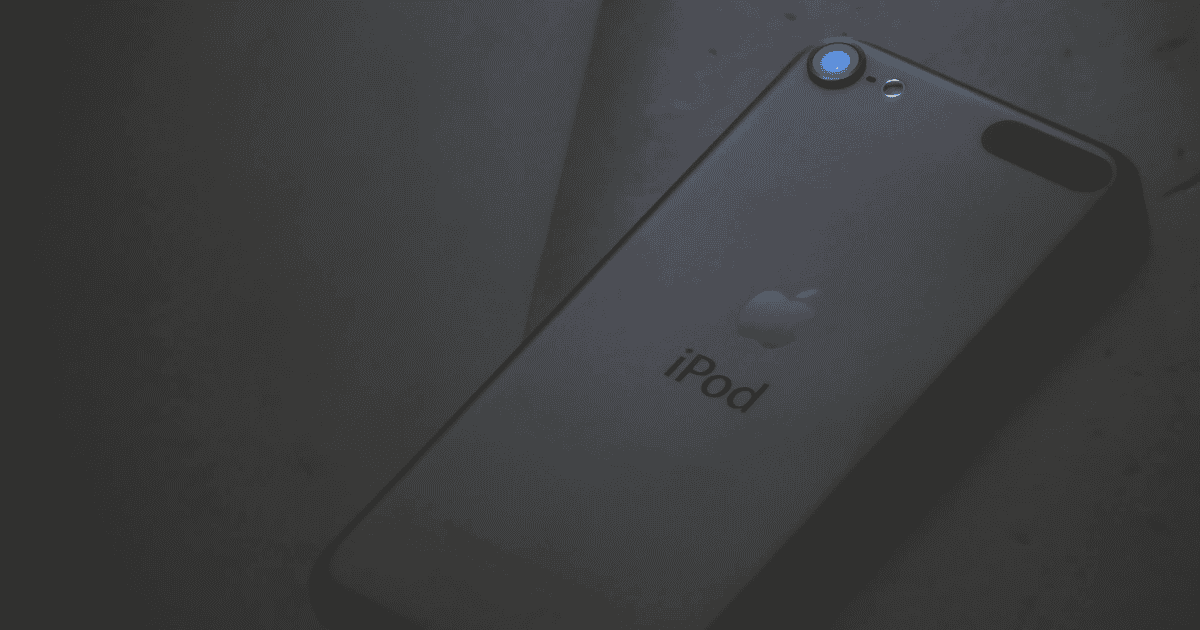
Apple’s recent update to its product classifications underscores its strategic approach to managing device lifecycles. Devices like specific MacBook models have been deemed “vintage,” meaning they haven’t been sold in over five years but less than seven. Meanwhile, the final iPod nano and iPod shuffle iterations are now “obsolete,” having been off the market for over seven years.
What These Classifications Mean:
- Vintage: Limited support and repairs, contingent on parts availability.
- Obsolete: No official support or repairs from Apple, effectively ending the product’s lifecycle.
This distinction emphasizes Apple’s prioritization of its latest products while subtly encouraging users to upgrade. Additionally, Apple offers a public database for users to verify the status of their devices, providing transparency on available support and repair services.
Details on Vintage MacBook Models
For Apple’s vintage products, such as certain MacBook models, the designation means they are eligible for repairs for a limited period as long as parts are available. Here’s what users of these vintage devices need to know:
- Support Limitations: Repairs are possible, but software updates are no longer provided, restricting functionality with newer applications.
- Repair Availability: Parts availability can impact the feasibility of repairs; once depleted, repairs become difficult or impossible through official channels.
- User Sentiment: Many users continue to appreciate the durability and familiarity of vintage MacBooks, finding them suitable for basic tasks.
This classification serves as a reminder to users that while these MacBooks remain functional, they may encounter increased limitations as technology progresses.
Implications of Obsolete iPods
The classification of certain iPod models as obsolete marks a nostalgic yet inevitable transition. As obsolete products, these iPods no longer receive hardware support or repairs from Apple or Authorized Service Providers. Here’s how this impacts users:
- End of Support: With no access to official repairs, users are left to seek third-party services or independent repair options.
- Functional Limitations: Without software updates, obsolete iPods may face compatibility issues over time, reducing their usability.
- Collector Interest: Despite practical limitations, there is a growing market among collectors for these devices, as they represent a significant chapter in Apple’s history.
While this classification may disappoint some long-time iPod users, it also cements the iconic status of these devices in the evolution of personal technology.
Understanding Product Lifecycle Management
Product lifecycle management (PLM) is a strategic process that helps companies like Apple decide when and how to phase out support for older devices. Apple’s vintage and obsolete classifications illustrate this approach, offering limited repair options for vintage items while entirely discontinuing support for obsolete ones.
Why Product Lifecycle Management Matters:
- Resource Allocation: PLM helps companies allocate resources to newer products, ensuring they can meet consumer demands for innovation.
- Transparency: Apple’s public database allows consumers to check the support status of their devices, aiding informed decision-making.
- Consumer Behavior: These classifications often encourage users to upgrade, ensuring they remain within the support structure Apple offers for its latest products.
This systematic approach underscores Apple’s strategy of phasing out legacy devices while keeping the consumer base engaged with its latest innovations.
Consumer Reactions and Attachment
The announcement of these classifications has prompted a range of reactions from Apple users, reflecting both nostalgia and frustration. For many, older devices carry sentimental value, symbolizing past milestones or memorable moments.
Consumer Sentiments:
- Nostalgia: Long-time users express a deep emotional connection to their vintage and obsolete devices.
- Investment Concerns: There is a sense of dissatisfaction about losing official support for devices that still function well.
- Historical Value: Collectors are increasingly interested in obsolete models, viewing them as iconic pieces of tech history.
These sentiments reveal the complexity of consumer attachment, highlighting the balance companies must strike between advancing technology and honoring legacy products.
Repair Options for Vintage Devices
Apple provides limited repair options for vintage devices, contingent upon the availability of necessary parts. This service is available for up to two years after a product receives its vintage classification. Here’s how users can approach repair for these devices:
- Check Device Status: Use Apple’s public database to verify whether your device is classified as vintage and eligible for repair.
- Visit Authorized Service Providers: If parts are available, authorized providers can still perform repairs, although this may not include all issues.
- Prepare for Alternatives: In cases where Apple cannot repair a vintage device, third-party services may be a viable alternative.
The continuation of repair options for vintage devices provides some relief for users who aren’t ready to part with their older MacBooks, although limitations remain.
Future of Apple’s Legacy Products
As Apple continues to classify older devices as vintage or obsolete, the future of its legacy products is a topic of interest among tech enthusiasts and collectors alike. While vintage MacBooks still receive limited support, obsolete devices like iPods have effectively reached the end of their lifecycle.
Possible Future Trends:
- Increased Collector Demand: As devices become obsolete, their rarity may increase collector interest and resale value.
- Focus on Innovation: Apple’s lifecycle management strategy suggests a continued emphasis on pushing consumers toward the latest products.
- Sustainability Concerns: As older devices lose support, Apple may face pressure to address sustainability through recycling or repurposing programs.
This balance between legacy product longevity and new product adoption reflects Apple’s broader strategy of fostering innovation while navigating consumer sentiment and environmental responsibility.
MacReview Verdict
Apple’s classification of specific MacBooks as vintage and iPods as obsolete highlights the company’s approach to managing product lifecycles. While these changes encourage adoption of newer technologies, they also raise questions about sustainability, consumer nostalgia, and the evolving relationship between users and their devices. As Apple continues to innovate, the future of its legacy products will be shaped by how consumers respond to these classifications and their enduring attachment to iconic devices.