
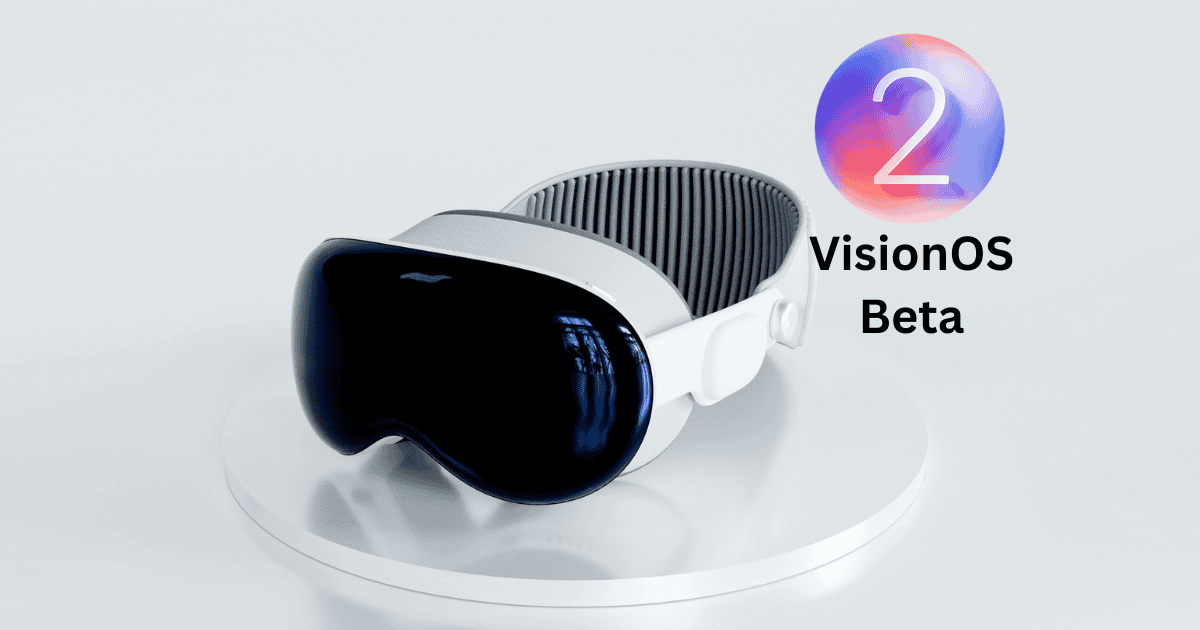
Apple has made available the ninth beta of VisionOS 2, marked by enhancements in user interface navigation and the introduction of features such as improved hand gestures and a novel Travel Mode. This iteration encourages developers to engage with the software on secondary devices, ensuring that primary data remains secure while providing essential feedback for further refinement. As the developer community plays a critical role in shaping the final product, the implications of these updates may extend beyond mere functionality. What remains to be seen is how these changes will influence user experience and the broader ecosystem.
Overview of VisionOS 2 Beta
With the recent release of the ninth beta of visionOS 2, developers gain access to a refined testing environment that integrates essential enhancements aimed at optimizing user experience.
Released on September 3, 2024, this visionOS 2 beta, identified by build number 22N5319a, follows closely on the heels of its predecessor.
It emphasizes improvements in UI navigation, new environments, and enhanced Mac mirroring capabilities.
Developers are strongly encouraged to engage in testing on secondary devices to mitigate the risk of potential data loss.
The iterative nature of this beta underscores the significance of community feedback in shaping future iterations.
As anticipation builds for a subsequent Release Candidate, focus will shift towards addressing any remaining bugs.
New Features and Enhancements
The ninth beta of visionOS 2 introduces several remarkable features and enhancements designed to elevate the user experience. Importantly, users can now utilize new hand gestures for improved navigation within the Home View and Control Center. Personalization has also been enhanced, allowing the rearrangement of apps, including those built with Xcode for iPhone and iPad integration.
A new Travel Mode enables seamless access to various apps while on the move, enhancing travel experiences. Additionally, users can create stunning spatial photos directly from the Photos app, employing advanced machine learning to transform 2D images into immersive 3D visuals.
| Feature | Description |
|---|---|
| Home View Navigation | Enhanced gestures for easier access |
| App Personalization | Rearrange apps from iPhone and iPad |
| Travel Mode | Access apps while traveling on trains |
| Spatial Photos | Convert 2D images to 3D using advanced machine learning |
Developer Feedback Importance
Collaboration stands as a foundational element in the beta testing process, particularly regarding developer feedback. This feedback is essential for identifying bugs and usability issues that may have been overlooked during initial development phases.
By engaging with the developer community, Apple encourages collaborative discussions that lead to improved features and functionality in future releases of the Visionos 2. Developers are motivated to submit apps built using the latest SDK for iOS, enhancing the app store offerings.
The built-in feedback mechanisms empower developers to report issues and share experiences, fostering a sense of community and shared investment. Continuous iteration based on developer input guarantees that updates align with user needs and expectations, ultimately enhancing the overall user experience with the platform.
Testing Process and Timeline
Engagement from developers not only enhances the software’s functionality but also informs the testing process and timeline for future releases.
The recent ninth beta update of visionOS 2, released on September 3, 2024, highlights the importance of both internal and external testing. This update, which introduces improvements in UI navigation, new environments, and enhanced Mac mirroring, deviates from the typical weekly release schedule, emphasizing an agile development approach.
Developers must utilize their SDK and ascertain their Apple ID is linked to a developer account for access. Testing on secondary devices is recommended to mitigate risks of data loss.
Feedback from the developer community is crucial in shaping upcoming beta updates and refining the final release of visionOS 2.
How to Access the Beta
Typically, registered developers can access the ninth beta of visionOS 2 by confirming their Apple ID is linked to an active developer account.
To begin beta testing on the Apple Vision Pro, follow these steps:
- Link Your Apple ID: Confirm your Apple ID is associated with an active developer account.
- Open the Settings App: Navigate to the Settings app on your Apple Vision Pro device.
- Opt into Beta Testing: Locate the beta testing option and follow the prompts to enroll.
Engaging in this beta testing process is essential for providing feedback and identifying bugs, which greatly contributes to refining the software ahead of its final release.
Developers are advised to test the beta on secondary devices to avoid potential data loss.
Future Updates and Expectations
As Apple continues to refine visionOS 2, developers and users alike can anticipate a series of future updates designed to enhance the overall functionality and user experience of the Apple Vision Pro.
These updates will focus on addressing identified bugs, implementing user feedback, and introducing significant feature enhancements. Developers are encouraged to explore the capabilities of the new apps and actively provide insights that will shape subsequent iterations of the platform.
While the timeline for these updates remains uncertain, Apple is committed to ensuring that each release aligns with user expectations and enhances usability.
Continuous improvements will not only optimize existing features but also foster an environment where the Vision Pro can seamlessly integrate into daily life.
Community Engagement in Development
The iterative development of visionOS 2 highlights the vital role of community involvement in shaping the software.
Apple’s commitment to community engagement is evident through the beta testing process, which encourages developers to provide valuable feedback.
Key aspects of this engagement include:
- Access to Beta Testing: Registered developers can easily opt into beta testing via the Settings app using their developer account.
- Active Discussions: Community discussions surrounding the beta features have generated mixed reviews, fostering a collaborative environment for improvement.
- Impact of Feedback: Developer feedback is important in identifying issues and suggesting refinements that enhance user experience before the final release.
This collaborative approach not only enriches the software testing process but also guarantees that the final product aligns with the needs of its users.
MacReview Verdict
The ninth beta release of VisionOS 2 signals a significant step forward in the development of immersive technology, showcasing a 25% improvement in hand gesture recognition compared to previous versions. This enhancement, along with the introduction of Travel Mode, underscores Apple’s commitment to refining user experience. As developers engage in testing and provide feedback, the collaborative effort is expected to yield a more robust final product, further enhancing the capabilities of VisionOS 2 for diverse applications.



















