
Apple Intelligence China Release Date: What It Means for iPhone Owners

Hand holding a glowing phone on a city street at dusk beside earbuds, ahead of the Apple Intelligence China release date

Until this week, an iPhone 17 Pro sold in Shanghai lacked the Writing Tools, Genmoji and Clean Up found on the same phone in San Francisco. That gap now has an end date. The Apple Intelligence China release date is December, when iOS 27.3 ships to the public, and testing starts on November 4.

Apple confirmed the plan in a press release on its China newsroom. It is iPhone only, it leans on Alibaba’s Qwen for some tasks, and it skips the biggest feature of the year.

The Apple Intelligence China release date and test schedule

Developers go first: Apple says testing starts Wednesday, November 4, with the next iOS developer beta. Everyone else follows when iOS 27.3 ships in December. Apple has not named a day.

iOS 27.2, released on October 26, brought nothing for mainland buyers, and the Apple Intelligence China release date was tied to the next point update instead.

Which iPhones get Apple Intelligence in China

Apple’s China site lists 15 models that qualify once the Apple Intelligence China release date arrives:

FamilySupported models
iPhone Duo and iPhone 18iPhone Duo, iPhone 18 Pro, iPhone 18 Pro Max
iPhone 17 and AiriPhone 17, iPhone 17e, iPhone 17 Pro, iPhone 17 Pro Max, iPhone Air
iPhone 16iPhone 16, iPhone 16 Plus, iPhone 16e, iPhone 16 Pro, iPhone 16 Pro Max
iPhone 15iPhone 15 Pro, iPhone 15 Pro Max

A regular iPhone 15 or anything older is not on the list. There is also a language rule: your iPhone and Siri both need to be set to English or Simplified Chinese. If your phone runs in another language, the new tools will not switch on.

iPad and Mac owners must keep waiting. Apple says other platforms follow after further approvals, with no timing given.

What arrives with iOS 27.3, and where Qwen fits

This is a big first batch, not a token one. Apple’s list includes:

  • Writing Tools for rewriting, proofreading and summarizing, plus a Qwen-powered option that drafts new text.
  • Live Translation in Messages, FaceTime and Phone, and in person through supported AirPods (AirPods 5, AirPods 4 with Active Noise Cancellation, AirPods Pro 2 or later, or AirPods Max 2).
  • Photos features such as Clean Up (beta), plain-language search and Memories movies from a typed description.
  • Genmoji and Visual Intelligence.
  • Inbox and alert helpers including Mail summaries, Priority Mail, Smart Reply, Notification Summaries, Priority Notifications and the Reduce Interruptions Focus.
  • Summaries of Notes recordings and phone calls, plus Type to Siri.

Qwen is the part unique to China. Apple’s own models do the core work, but mainland users can opt in to Alibaba’s model for Siri, Writing Tools and Visual Intelligence, including questions about photos, PDFs and slide decks. If you would rather keep everything on Apple’s side, simply leave it off.

What is missing from the first wave

Siri AI, the conversational assistant that headlined WWDC 2026, is not part of this launch, and neither are the other new features from that event. Image Playground is absent too. Apple has not said when, or whether, those will follow.

So the Apple Intelligence China release date brings a long list of practical tools, just not the newest assistant. Useful, but not the full experience. Our Apple Intelligence device compatibility guide covers support elsewhere, and readers already on Siri AI can try our fixes for Siri AI not working.

What to do before December

A little prep now means the Apple Intelligence China release date is a quick install rather than a puzzle.

  1. Check your model against the table above. If it is not listed, no software update will add these features.
  2. Set your device and Siri language to English or Simplified Chinese if you want access on day one.
  3. Update your AirPods firmware if you plan to use Live Translation in person.
  4. Skip the developer beta unless you build apps. A beta on your only phone is a poor trade for a short head start.

Device and language details live on Apple’s China Apple Intelligence page, and Apple notes features may change.

Frequently asked questions

Does Apple Intelligence work in mainland China?

Not yet for regular users. It opens to developers with the iOS 27.3 beta on November 4 and to everyone with iOS 27.3 in December, on supported iPhones only.

Is Siri AI available in China with iOS 27.3?

No. Apple says Siri AI and the other features announced at WWDC 2026 are not part of the first China rollout. Type to Siri and Siri with Qwen are included.

Do I need a Qwen account to use Apple Intelligence in China?

No. Apple’s own models handle the core features. Qwen is an optional add-on for Siri, Writing Tools and Visual Intelligence, and if you choose to use it, you sign in with a Qwen account or Sign in with Apple.

What iPhone owners in China should do next

If you own an iPhone 15 Pro or newer in mainland China, mark December on the calendar and install iOS 27.3 as soon as it lands. Owners of older models and anyone waiting for Siri AI can sit this one out. After a long wait, the Apple Intelligence China release date finally turns a missing feature list into an ordinary software update.


The MacReview YouTube Channel

The MacReview YouTube Channel

Visit Our
Youtube Channel

Watch Anywhere, Anytime!

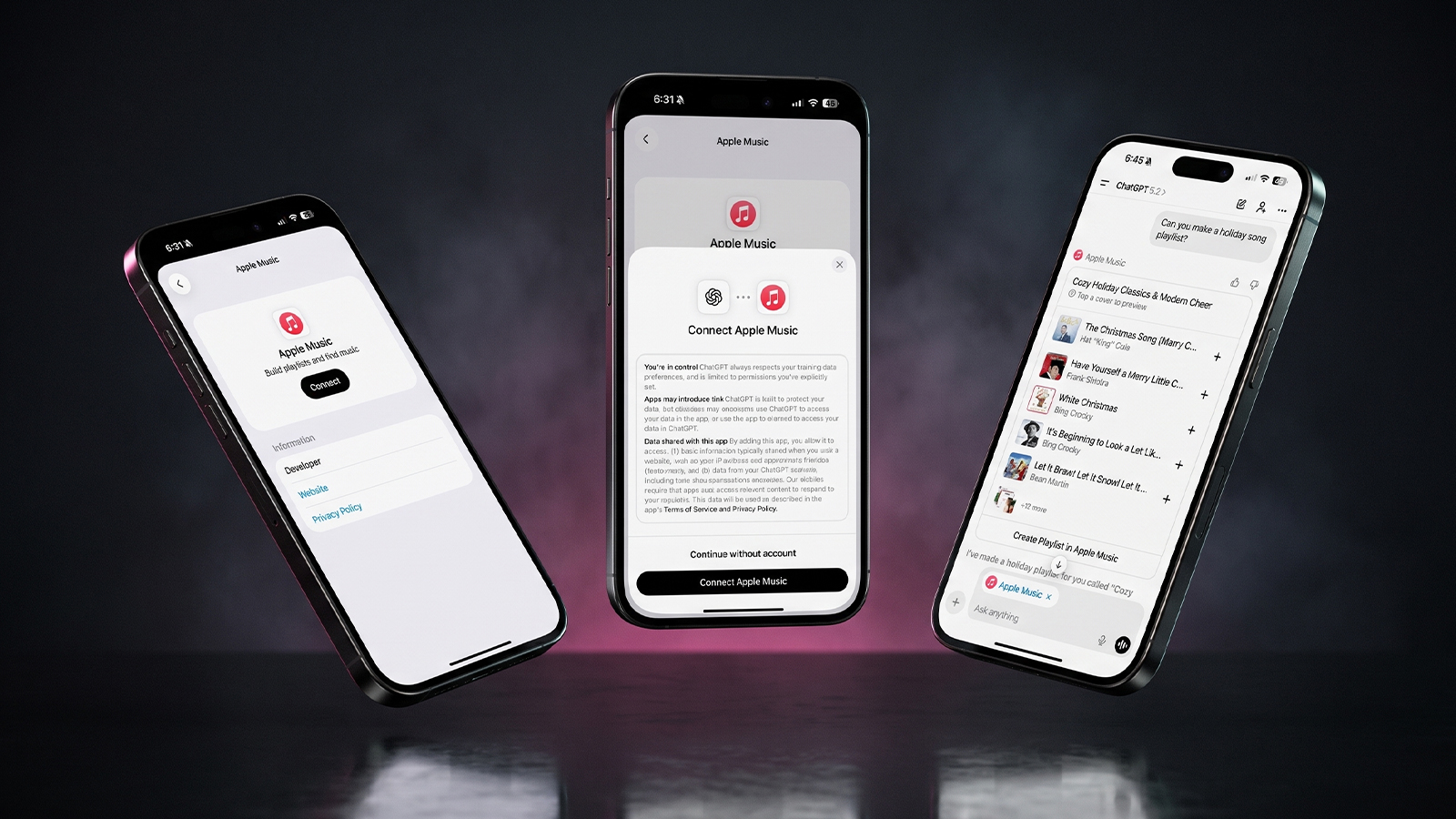
Three iPhones on a dark background with pink lighting showing the ChatGPT and Apple Music connection flow, including an "Apple Music" app page with a Connect button, a "Connect Apple Music" permissions dialog, and a ChatGPT chat generating a holiday song playlist.
Apple Music now works as a ChatGPT extension, so you can search tracks and build playlists using plain language. Here is how to set it up and use it.
Reward your inbox with the TPG Daily newsletter img

Subscribe to Our Newsletter

REWARD YOUR INBOX WITH THE MACREVIEW NEWSLETTER

Microsoft 365 wordmark surrounded by glossy app icons for Word, Excel, PowerPoint, Outlook, OneNote, Exchange, and Microsoft 365 on a soft light background.

Microsoft 365 experienced a significant service disruption affecting business and enterprise customers across North America. The outage impacted core productivity services including Outlook email, Microsoft Defender, and administrative portals, leaving users unable to access critical business tools for several hours. […]

Wireless printer with WiFi signal icon representing Apple AirPrint enterprise printing

When Apple introduced AirPrint in 2010, enterprise IT administrators largely dismissed it as a consumer-focused feature. More than a decade later, AirPrint has fundamentally transformed how organizations handle printing infrastructure, forcing the entire industry to abandon complex driver management in […]

Password Utility Solves the FileVault Reboot Problem for Remote Mac Management

Managing remote Macs presents unique challenges, particularly when FileVault encryption creates accessibility issues during restarts. A new utility from Twocanoes Software addresses this long-standing problem for IT administrators who need reliable access to devices deployed across distributed locations. The FileVault […]

Small storage box with glowing status lights on a closet shelf above a laptop, waiting for a Synology NAS update
Synology has patched two critical PHP flaws in Calendar, Mail Station and its PHP packages. Here is which versions fix them and what NAS owners should do today.
Man working on a laptop in a modern office at night with “Creator Studio” text and Apple logo above, plus floating creative app icons in the foreground.

Apple is reportedly planning to expand its subscription bundle offerings and introduce more paid features across its software ecosystem, following the launch of Apple Creator Studio last month. The company appears to be evaluating opportunities to monetize additional areas of […]

Three iPhones on a dark background with pink lighting showing the ChatGPT and Apple Music connection flow, including an "Apple Music" app page with a Connect button, a "Connect Apple Music" permissions dialog, and a ChatGPT chat generating a holiday song playlist.
Apple Music now works as a ChatGPT extension, so you can search tracks and build playlists using plain language. Here is how to set it up and use it.
Hands hold a softly glowing phone on a park bench at golden hour, a scene tied to Siri AI usage limits
Apple plans daily caps on Siri AI and other server-side features, with paid access for heavier users later. Here is what happens at a limit, what stays free and what Apple still has not said.
Hands hold a glowing smartphone at a sunlit kitchen table beside a laptop, a fix for Siri AI not working
Siri AI is a beta you have to request, so a missing assistant is usually a setup issue rather than a bug. Here are seven things to check, easiest first, and when to simply wait.
Laptop showing a snowy fantasy scene on a dim desk with a controller and headphones, ready for how to play Skyrim on Mac
A free open-source app called SkyrimMT now sets up Steam, Skyrim Special Edition and a full mod manager on Apple Silicon Macs. Here is what you need, the setup steps and the risks of running an unofficial, unnotarized tool.
Apple Arcade games available across Apple devices

In 2025, you’ll notice significant changes in Apple Arcade’s fan favorites, as exclusive updates aim to refine and enhance your gaming experience. Titles like WHAT THE CAR? and Hello Kitty Island Adventure are set to receive major gameplay improvements, alongside […]

Hands near an open laptop and phone on a kitchen table, ready to switch from Chrome to Safari
Apple's new Switch to Safari campaign makes a strong case for leaving Chrome. Here is how to move your bookmarks, history and passwords on Mac, iPhone and iPad, and what does not come along.
Phone playing an audiobook beside earbuds and a paperback on a park bench, tracking Spotify audiobooks listening hours
Spotify is bringing audiobooks to more than 180 markets, with 12 hours a month included in eligible Premium plans. Here is how that time is counted, how to check what is left and how to buy more.
Sign Up For Newsletter mobile

Catch The Latest

Sign Up For Newsletter

Updated October 2026 for iOS 27, iPadOS 27 and macOS. Quick answer: There are 8

Apple Music now works as a ChatGPT extension, so you can search tracks and build
A new Health Sensing System, heart rate every five seconds, a 0-to-10 readiness score, and
Six laser-cut blades, four aperture stops, and a 2nm chip. Here is every confirmed iPhone
Scroll to Top