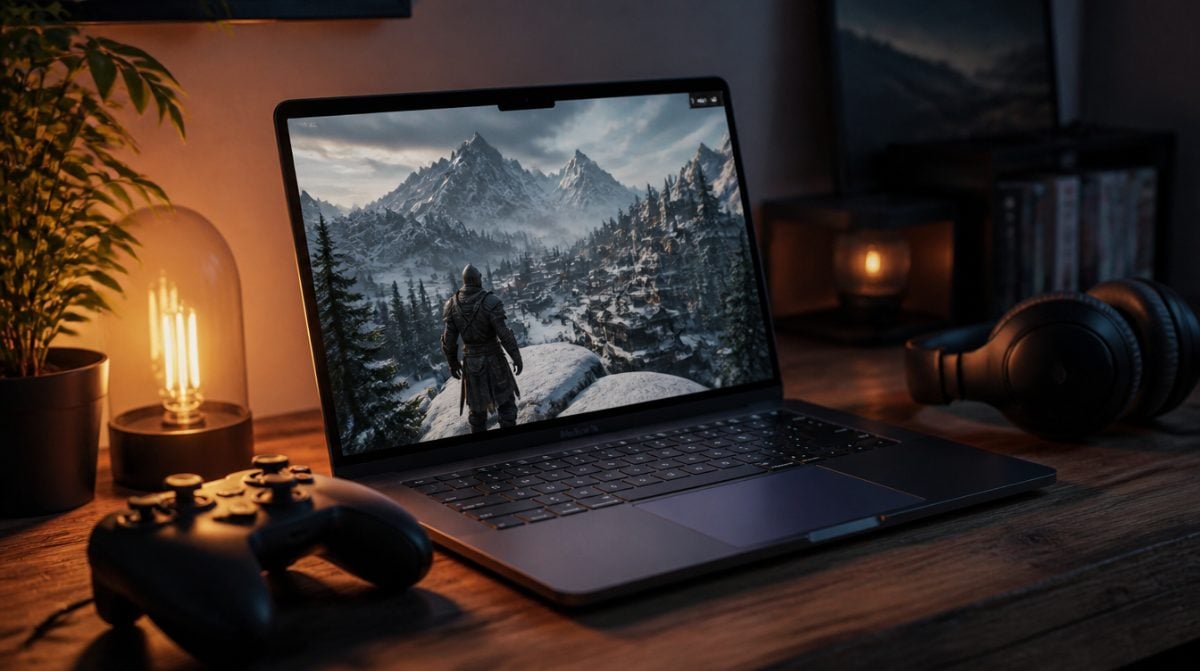

Apple’s introduction of the nano-texture display to its MacBook Pro lineup represents a leap forward in display technology, designed specifically to meet the needs of creative professionals. This innovative option, which minimizes glare and enhances color accuracy, is a valuable addition for users working in bright environments or color-critical workflows. By reducing reflections and enhancing visibility, Apple’s nano-texture technology offers a new level of productivity and user comfort. This article explores the key benefits, unique design, and industry implications of the nano-texture display in MacBook Pro models.
Understanding Nano-Texture Display Technology
The nano-texture display, first introduced with the Pro Display XDR, has now made its way to the MacBook Pro, bringing advanced technology to a broader audience. This screen technology is created through a sophisticated etching process at the nanometer scale, which scatters ambient light and reduces reflections significantly. This results in a highly matte display that maintains excellent clarity and detail, even in brightly lit settings.
For creative professionals, such as graphic designers, photographers, and video editors, this display offers notable advantages in color accuracy and visibility. Traditional displays may enhance color vibrancy but often come with unwanted glare, especially in well-lit spaces. Apple’s nano-texture display option meets the unique demands of professionals by providing an alternative that reduces glare while preserving image fidelity.
Key Benefits for Creative Professionals
With the addition of the nano-texture display, Apple aims to improve workflow efficiency for creative users. Here’s how this new technology directly benefits professionals:
- Reduced Distractions: By scattering ambient light, the display minimizes reflections that can interrupt concentration, especially during long hours of work.
- Enhanced Color Accuracy: The matte finish of the nano-texture display supports accurate color representation, which is essential for editing and design projects requiring precision.
- Adaptable in Any Environment: Whether in a studio or on the go, the nano-texture display ensures a consistent visual experience by reducing glare in various lighting conditions.
- Increased Productivity: With improved clarity and reduced eye strain, professionals can maintain focus and productivity even in challenging environments.
The nano-texture display enables users to work comfortably, supporting workflows where high-quality visuals and attention to detail are critical.
Comparing Nano-Texture to Traditional Displays
Traditional glossy displays often offer vibrant colors but can introduce significant glare issues. In contrast, Apple’s nano-texture display provides a matte finish that disperses reflections, making it more suited for professional applications. The display’s etched surface is engineered at a microscopic level to scatter light, preserving image clarity without sacrificing color accuracy.
| Display Feature | Traditional Glossy Display | Nano-Texture Display |
|---|---|---|
| Color Vibrancy | High | High, with less glare |
| Glare Reduction | Minimal | Significant |
| Visual Comfort | Can cause eye strain in bright light | Comfortable in all lighting |
| Best For | General use | Professional creative work |
For users working in bright or studio-lit environments, the nano-texture display addresses the limitations of traditional displays, providing an enhanced viewing experience tailored to professional needs.
Integration in MacBook Pro Models
The nano-texture display option is available in Apple’s MacBook Pro lineup for the first time, signifying a step forward in Apple’s commitment to high-performance displays. Priced at an additional $150, the feature offers unique benefits, particularly for users who prioritize visual accuracy.
- High Visibility: Ideal for users in brightly lit environments, the nano-texture display minimizes ambient light interference.
- Enhanced Workflow Support: This display provides a targeted solution for professionals in fields such as photography, videography, and design who need reliable visual accuracy.
- Matte Finish: Users benefit from an aesthetic upgrade that maintains quality while reducing reflections significantly.
- Broader Impact on Productivity: With the integration of nano-texture displays, MacBook Pro users enjoy a reduction in distractions, supporting focused, high-quality work.
By expanding its lineup to include the nano-texture display, Apple caters to a wider range of professional preferences, enhancing the MacBook Pro’s adaptability in various environments.
User Customization and Display Preferences
Apple’s introduction of the nano-texture display in its MacBook Pro lineup reflects a growing trend toward customizable technology options. As users increasingly seek specific features to match their workflow, the availability of both matte and glossy displays allows for greater flexibility in selecting a setup that best suits individual needs.
While the nano-texture display’s matte finish supports professional workflows in high-light environments, some users may still prefer the glossy finish for personal use. This preference diversity highlights the importance of offering multiple display types, as Apple continues to accommodate user tastes by allowing more customization in display technology.
Environmental Considerations
In addition to enhancing the user experience, Apple’s nano-texture technology aligns with the company’s environmental goals. The advanced etching process used to create the nano-texture display replaces the need for chemical coatings often used to reduce glare. This environmentally friendly production method minimizes chemical use and reduces Apple’s ecological footprint.
Additional environmental benefits include:
- Use of Recycled Materials: The MacBook Pro is made from 100% recycled aluminum, contributing to Apple’s goal of carbon neutrality by 2030.
- Device Longevity: The enhanced durability of the nano-texture display extends device lifespan, reducing electronic waste.
- Sustainable Manufacturing Processes: Apple’s commitment to environmentally conscious manufacturing supports industry-wide efforts to minimize waste.
Future of Display Technology
The introduction of nano-texture technology is likely to set the stage for future advancements in display technology. As more professionals demand high-quality visuals that adapt to their work environments, display innovations will continue to evolve to meet these needs.
Future display innovations may include:
- Adaptive Glare Reduction: Displays that adjust automatically to different lighting conditions, optimizing visibility.
- Enhanced Durability: Continued improvements in screen durability to extend the device’s usable life.
- User-Controlled Adjustments: Further customization options for brightness, contrast, and glare reduction, tailored to individual preferences.
These developments reflect Apple’s drive to enhance user experience, addressing the specific needs of creative professionals and providing tools that maximize productivity and visual quality.
A New Standard for Professional Displays
The nano-texture display in Apple’s MacBook Pro lineup introduces a new standard for professional displays. By reducing glare, enhancing color accuracy, and providing a comfortable viewing experience, Apple meets the needs of creative professionals who rely on precision and detail in their work. This advancement in display technology emphasizes user productivity and comfort, setting a high bar for future innovations in the industry. As Apple continues to improve display technology, users can look forward to more features that enhance creativity and productivity.