
With the upcoming release of iOS 18.2, an intriguing feature is set to transform how users interact with their iPhone’s charging process through the introduction of the Battery Intelligence framework. This innovation promises to provide precise charging time estimates, allowing users to receive timely notifications at significant battery milestones. Furthermore, the option for customizable charge limits aims to enhance battery life while fostering a more mindful approach to charging habits. As we explore the implications of these advancements, questions arise about the broader impact on user experience and the competitive landscape of smartphone technology.
Overview of iOS 18.2 Features
Introducing a range of innovative enhancements, iOS 18.2 aims to greatly improve user experience through its new features. A notable addition is the implementation of the Battery Intelligence framework, which offers users estimated charging times for their iPhones. This feature calculates the duration required to reach specific battery levels, such as 80% and 100%, allowing users to plan their charging more effectively.
Furthermore, iOS 18.2 permits users to set charging limits between 80% and 95%, a significant advancement in maximizing battery lifespan. By controlling how much the battery charges, users can mitigate the long-term degradation often associated with overcharging, thereby ensuring their devices remain functional and efficient for longer periods.
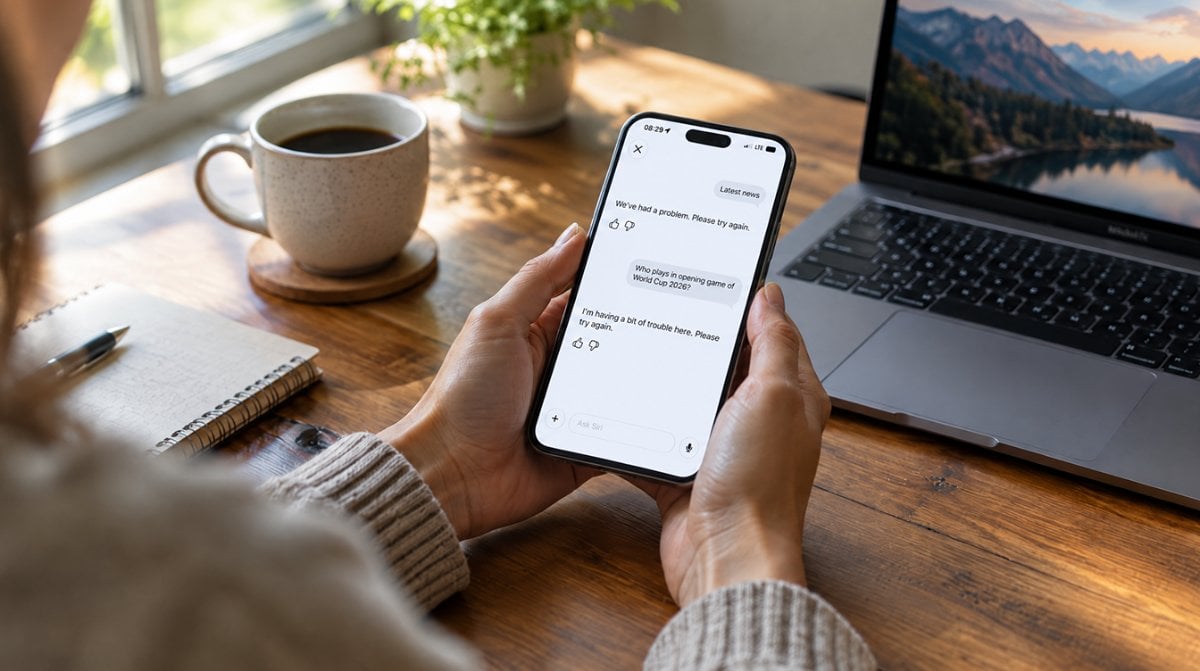
The integration of AI technologies, including enhancements to Siri, also stands out in this update, providing a more interactive and responsive user experience.
Ongoing beta testing allows developers to explore these features, ensuring a smooth public release anticipated in December. With these innovations, iOS 18.2 not only optimizes the charging process but also empowers users to adopt healthier charging habits, ultimately contributing to a more sustainable usage of their devices.
What Is Battery Intelligence?
Battery Intelligence represents a significant advancement in iPhone charging technology, designed to enhance user awareness and management of the charging process.
This innovative framework, set to be introduced in the upcoming iOS 18.2 beta, will provide users with estimated charging time notifications, allowing them to anticipate when their devices will reach various charge levels.
Key features of Battery Intelligence include:
- Energy Analysis: The framework analyzes the energy input from the charger to calculate estimated charging times.
- Notifications for Charge Levels: Users will receive alerts when their battery reaches significant milestones, such as 80% or 100%.
- Future Updates: While currently disabled, the full functionality of Battery Intelligence is expected to be available in future updates beyond iOS 18.2, enhancing user experience further.
Benefits of Charging Time Estimates
Efficiency in charging management can greatly enhance the user experience for iPhone owners. The introduction of estimated charging times for iPhones allows users to maximize their device usage by understanding when their device will be fully charged. This feature is particularly beneficial for individuals with tight schedules, enabling them to plan accordingly.
By providing notifications regarding estimated charge levels, such as 80% and 100%, users can monitor their charging habits effectively. This insight empowers users to assess whether their charger is delivering adequate fast charge, ensuring ideal charging efficiency.
Furthermore, the visibility into estimated charging times reduces uncertainty, allowing users to make informed decisions about when to unplug their devices. Additionally, this capability aligns with user expectations, as similar functionality has been available on Android devices for some time.
As a result, iPhone users can expect enhanced user satisfaction, knowing that they can take proactive steps to maintain their battery health and manage their charging routines more effectively. Ultimately, the benefits of charging time estimates represent a significant advancement in iPhone usability, promoting a more informed and efficient user experience.
How It Compares to Android
The introduction of estimated charging times in iOS 18.2 marks a significant shift for iPhone users, bringing them in line with Android devices that have long offered this functionality.
This feature, powered by the new Battery Intelligence framework, enhances the user experience by providing critical insights into charging time, which has been a staple for Android phones.
Key comparisons between iOS 18.2 and Android charging features include:
- Charging Time Estimates: Android phones display remaining charging durations based on battery levels and adapter output, while iOS 18.2 will incorporate energy input data for more precise estimates.
- User Notifications: Both platforms will notify users when specific charge levels are reached, but iOS 18.2 introduces customizable charge limits, enhancing user control.
- Charging Management: iOS 18.2’s estimates will empower users to manage their charging habits effectively, similar to the longstanding capabilities available on Android devices.
Compatible iPhone Models
Compatibility with the upcoming Battery Intelligence feature in iOS 18.2 is anticipated to include a range of iPhone models, primarily those that support iOS 18. The feature is expected to enhance user experience by providing estimated charging times, thereby allowing users to manage their charging habits effectively.
Among the likely candidates for this battery intelligence framework are the iPhone 15 series, which boasts the necessary hardware capabilities for advanced battery management.
However, there remains uncertainty regarding the inclusion of older models, such as the iPhone 13 and 14, in the compatible list. Due to potential hardware limitations, the Battery Intelligence feature may be restricted to newer iPhone models that can adequately support the calculations required for accurate charging time estimates.
As Apple continues to refine its offerings, user feedback may play a significant role in determining whether compatibility will be extended to a broader range of iPhone devices in future updates.
User Experience Enhancements
Enhancing user experience is a primary focus of the upcoming iOS 18 update, particularly with the introduction of the Battery Intelligence feature. This innovative framework is designed to provide users with accurate charging time estimates, allowing for better planning of device usage around charging schedules.
By analyzing the energy received during charging, it delivers notifications regarding expected charge levels, such as 80% or 100%.
The enhancements offered by the Battery Intelligence feature can be summarized as follows:
- Real-Time Notifications: Users will receive timely alerts about when their iPhone is expected to reach specific charge levels, enhancing convenience and productivity.
- Charge Limits: The ability to set charge limits between 80% and 95% promotes better battery management, helping users extend battery longevity and reduce degradation.
- Assessment of Charging Efficiency: By providing insights into charger performance, this feature alleviates uncertainty regarding charging time estimates, enabling users to make informed decisions about their charging habits.
Incorporating these enhancements aligns iOS with user expectations, further elevating the overall user experience for iPhone owners.
Future of Charging Technology
With the rapid evolution of smartphone technology, the future of charging technology is poised for significant advancements that prioritize user convenience and battery longevity.
The introduction of the Battery Intelligence feature in iOS 18.2 is an indication of this progress, providing users with estimated charging times for their iPhones. By analyzing energy input during the charging process, this innovative feature will deliver notifications regarding the estimated time needed to reach specific charge levels, such as 80% or 100%.
This shift towards clearer charging time estimates represents a critical enhancement in user experience, empowering individuals to manage their battery more effectively. As consumers increasingly prioritize battery management, the ability to plan device usage around charging times becomes essential.
This feature not only delivers insights into charger efficiency but also brings Apple in line with existing capabilities found in Android devices, fostering competitive pressure in the market.
Ultimately, the future of charging technology is set to focus on optimizing battery performance while enhancing user satisfaction through smarter charging solutions.
As these advancements unfold, users can expect a more informed and efficient charging experience.
MacReview Verdict
As iOS 18.2 prepares for release, the introduction of the Battery Intelligence framework signals a pivotal shift in how users interact with their devices. Enhanced charging time estimates and customizable limits promise to revolutionize battery management, fostering both efficiency and longevity. However, the true impact of these advancements remains to be seen. Will this innovation redefine user experience, or will it merely serve as a stepping stone toward even greater technological breakthroughs? Only time will reveal the answers.