
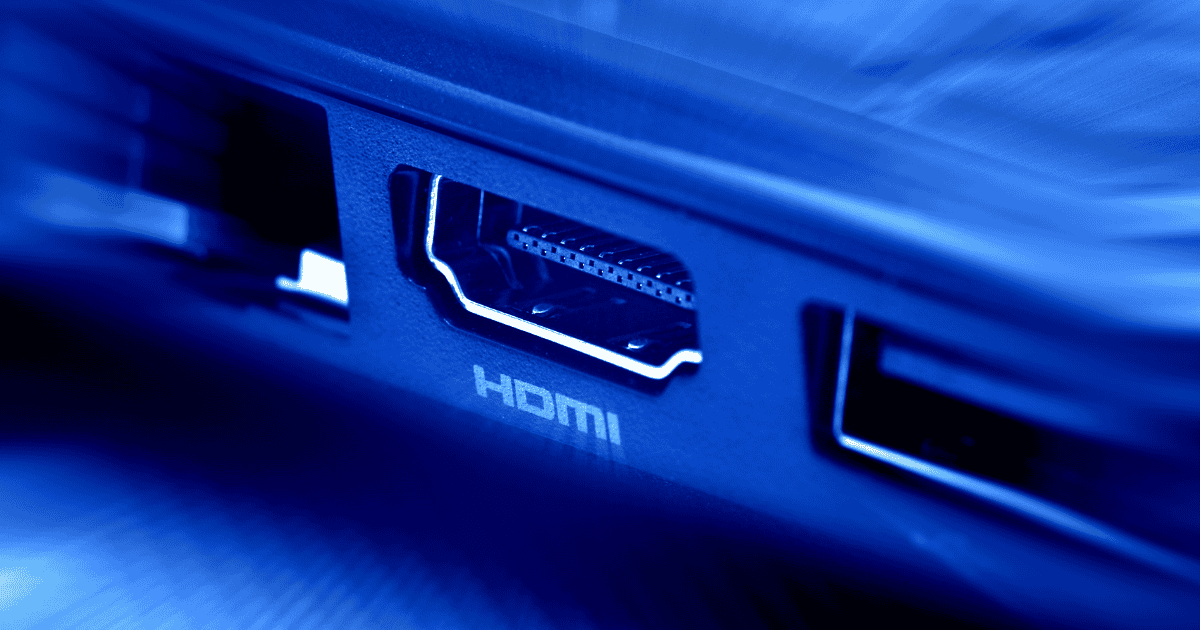
acilitating direct audio streaming to advanced sound systems but also underscores Apple’s commitment to integrating cutting-edge technology in its ecosystem. As professionals and audiophiles explore the potential ramifications of this feature, questions arise about the specific impacts on audio production, media consumption, and overall device performance. How will this development influence the competitive landscape of multimedia technology, and what can users anticipate regarding practical applications and benefits?
Overview of HDMI Passthrough
The introduction of HDMI passthrough in macOS Sequoia signifies a significant advancement, enabling Mac users to enjoy high-quality, immersive Dolby Atmos audio through their connected devices.
- Enhanced Audio Quality: This feature enables direct transmission of Dolby Atmos and other Dolby audio formats to compatible devices such as AV receivers, soundbars, or TVs, ensuring a richer audiovisual experience without requiring additional software or subscriptions.
- Lossless Sound Quality: HDMI passthrough guarantees that users can relish lossless sound quality from Blu-ray and UHD Blu-ray rips, a notable improvement for audiophiles and movie enthusiasts who prefer uncompressed audio.
- Apple Apps Integration: The compatibility with Apple apps like TV, Music, and QuickTime Player ensures a smooth switch between different forms of media playback.
The rollout of this technology in macOS Sequoia not only highlights Apple’s commitment to enhancing user experience but also strengthens its position in the competitive landscape where high-fidelity audio is increasingly crucial.
Benefits of Dolby Atmos
With HDMI passthrough now enabled in macOS Sequoia, users can experience the full advantages of Dolby Atmos, which offers a superior, three-dimensional audio landscape.
- Immersive Audio: Dolby Atmos provides an audio experience that envelops the listener, with spatial audio effects allowing sounds to be perceived as coming from all directions, including overhead.
- Enhanced Audio Quality: The enhanced audio quality is maintained without any compromise, guaranteeing that every whisper, footstep, and chorus is heard exactly as intended.
Key Benefits of Dolby Atmos with HDMI Passthrough:
| Feature | Benefit | Experience Enhancements |
|---|---|---|
| Immersive Audio | Engulfs listeners in a sound sphere | Movies and music come to life |
| Spatial Audio Effects | Precise placement of sounds in 3D space | Heightens realism in entertainment |
| Enhanced Audio Quality | High fidelity audio with no loss during transmission | Crystal-clear sound reproduction |
| HDMI Passthrough | Direct transmission to compatible systems | Simplifies setup, optimizes output |
This technological synergy assures a richer, more dynamic audio-visual experience, setting a new standard for multimedia enjoyment.
Setting Up HDMI Passthrough
To enable HDMI passthrough for Dolby Atmos on macOS Sequoia, users must connect their Mac to a compatible AV receiver, soundbar, or TV using an HDMI cable.
- Physical Connection: Connect your Mac to the audio output device using an HDMI cable.
- System Preferences: In the Sound settings, select the connected AV receiver as the output device to enable HDMI passthrough.
- Application Settings: Within applications like Apple TV and Apple Music, adjust the audio settings to prioritize Dolby Atmos playback where available.
This setup is essential for experiencing the full impact of Dolby Atmos, as it allows the audio to flow seamlessly from the source through the HDMI connection to the receiver.
Compatible Devices
Ensuring your devices are compatible with macOS Sequoia’s HDMI passthrough is vital to accessing the full potential of Dolby Atmos audio.
- AV Receivers and Soundbars: Devices must support Dolby Atmos decoding to receive a pure, uncompressed audio signal from Macs.
- HDMI-Compatible TVs: TVs connected via HDMI that support Dolby Atmos can also take advantage of this feature, offering a rich, enveloping audio experience.
It is vital for consumers to check their device specifications to confirm compatibility with macOS Sequoia’s HDMI passthrough capability, thereby ensuring they can fully enjoy Blu-ray and UHD Blu-ray rips with pristine, lossless sound.
Troubleshooting Common Issues
Despite the exciting capabilities of HDMI passthrough in macOS Sequoia, users may occasionally encounter issues that hinder its performance.
- No Audio Output: Ensure the HDMI cable is securely connected and the output device supports Atmos. Verify that HDMI passthrough is enabled in the settings of the Apple TV or Apple Music apps.
- Audio Syncing Issues: If audio and video are not synchronized, adjust the audio delay settings within the Apple TV app.
- Intermittent Audio: Check for interference from other electronic devices or update macOS Sequoia to the latest version.
For more complex issues, Apple’s support website offers detailed troubleshooting guides. Additionally, community forums and tech support lines can provide further assistance, ensuring users fully benefit from this feature without enduring persistent problems.
User Experience Enhancements
The user experience enhancements in macOS Sequoia, like HDMI passthrough for Dolby Atmos, greatly raise the audio capabilities of Mac devices.
- Immersive Audio: This key update allows users to harness the full potential of immersive audio through their Apple devices, offering an enriched auditory experience particularly for media consumption.
- Optimized Sound Processing: HDMI passthrough ensures that audio output is not just passed through to an external device, but optimally processed to maintain the richness and depth that Dolby Atmos provides.
This feature enhances viewing experiences in Apple apps such as TV, Music, and QuickTime Player, where the depth and clarity of sound play a significant role in entertainment.
Future Audio Features
As macOS Sequoia brings HDMI passthrough for Dolby Atmos to Mac devices, it paves the way for innovative audio features in future Apple software updates.
- Potential Expansion: The integration of similar advanced audio capabilities could redefine multimedia handling across all Apple platforms.
- Harmonized Audio Experience: Future updates could see a more harmonized audio experience across devices, including Apple TV, with seamless Dolby Atmos support.
The potential for future updates that further integrate and enhance audio capabilities offers an exciting prospect for both audiophiles and casual users alike, ensuring Apple remains at the cutting edge of technology.
MacReview’s Take
The integration of HDMI passthrough for Dolby Atmos in macOS Sequoia heralds a veritable revolution in auditory experience for Apple users.
This technological leap transcends traditional boundaries, offering an auditory experience akin to having a full symphony orchestra performing in one’s living room.
As Apple continues to innovate, the horizon of audio technology appears limitless, promising even more sophisticated enhancements that will continue to transform mundane audio interactions into profound sensory journeys.
This is truly a giant leap for audio technology.

















