
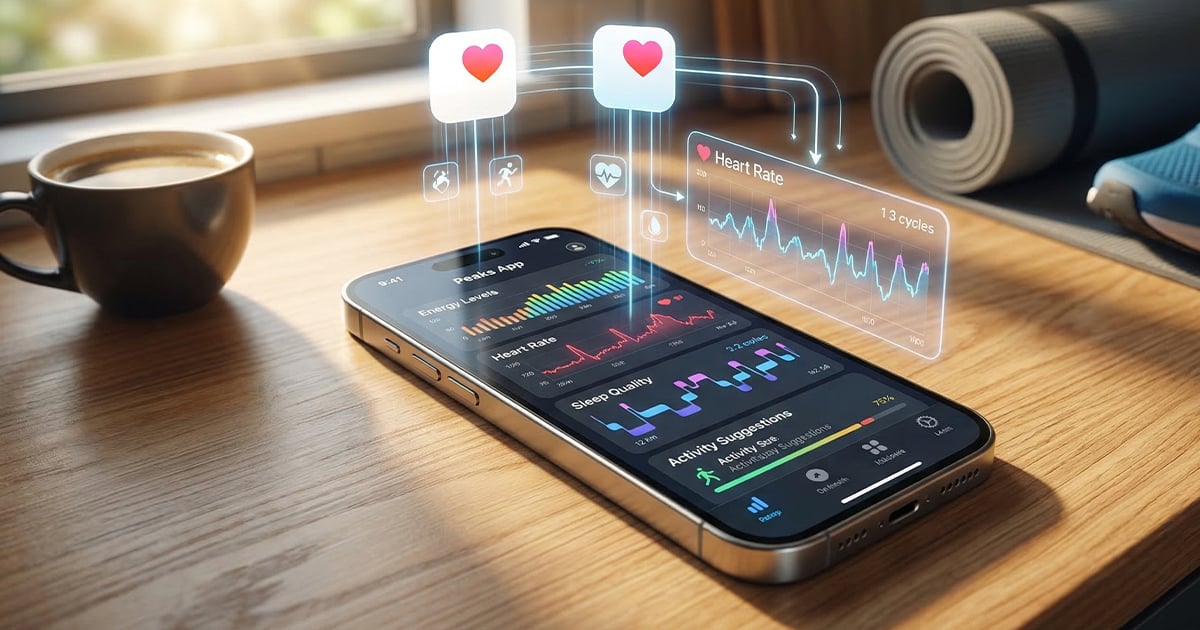
Apple Watch users generate extensive health data through the Apple Health app, but translating that information into practical guidance remains challenging. A new app called Peaks aims to bridge that gap by analyzing sleep patterns to help users manage their energy throughout the day and optimize their circadian rhythm.
How Peaks Analyzes Your Sleep Data
Peaks works with any sleep data that syncs to Apple Health, not just information from Apple Watch. The app processes your sleep patterns to identify when your energy levels are at their highest and lowest points during the day. This analysis helps users schedule demanding tasks during peak energy windows and plan rest periods during natural energy dips.
The app’s core functionality revolves around predicting energy fluctuations based on your unique sleep history. By understanding these patterns, users can make informed decisions about when to exercise, work on complex projects, consume caffeine, or begin winding down for the evening. The goal is to work with your body’s natural rhythms rather than against them, potentially reducing unwanted energy crashes.
Sleep Tracking and Health Insights
Beyond energy management, Peaks provides detailed sleep analytics. The app tracks several key metrics that contribute to overall sleep health and daytime performance.
- Sleep debt accumulation and recovery
- Sleep quality measurements
- Sleep consistency patterns
- Personalized energy windows throughout the day
These insights allow users to identify trends in their sleep habits and understand how different factors may be affecting their rest quality and subsequent energy levels.
Access Points and Integration
Peaks offers multiple ways to access your energy data throughout the day. The app includes a native Apple Watch companion app that syncs with the iPhone version. Apple Watch complications provide quick glances at current energy status without opening the full app.
On iPhone, home screen widgets display energy information at a glance. For users who rely heavily on calendar apps for daily planning, Peaks can integrate energy windows directly into calendar applications, making it easier to schedule activities during optimal times.
Pricing and Availability
Peaks is available as a free download from the App Store for devices running iOS 18 or watchOS 11 and later. The basic version provides core functionality, while Peaks Pro unlocks additional features through a subscription model.
Peaks Pro includes home screen widgets, custom schedule configuration, detailed sleep scores, and calendar integration. The subscription is priced at $4.99 per month or $29.99 annually. Users can test the free version before deciding whether the Pro features justify the subscription cost for their needs.
FAQ
Q: Do I need an Apple Watch to use Peaks?
A: No. Peaks works with any sleep data that syncs to Apple Health, including data from third-party sleep trackers and compatible devices.
Q: What features are included in the free version versus Peaks Pro?
A: The free version provides basic energy tracking. Peaks Pro adds home screen widgets, custom schedules, detailed sleep scores, and calendar integration for $4.99 monthly or $29.99 yearly.
Q: What iOS and watchOS versions does Peaks require?
A: Peaks requires iOS 18 or later for iPhone and watchOS 11 or later for Apple Watch.
MacReview Verdict
Peaks represents a thoughtful approach to extracting actionable insights from Apple Health data. By focusing specifically on circadian rhythm optimization, the app addresses a genuine gap in how most users interact with their health metrics. The energy predictions could prove valuable for anyone struggling with productivity slumps or inconsistent daily performance.
The integration options, particularly Apple Watch complications and calendar sync, demonstrate attention to practical usability. Having energy information readily accessible without opening an app aligns well with how people actually use their devices throughout busy days.
The subscription pricing for Pro features falls in line with similar health and productivity apps, though the decision to lock widgets and calendar integration behind the paywall may frustrate some users. The free version provides enough functionality to evaluate whether the approach works for your lifestyle before committing to a subscription.
For Apple Watch users seeking to better understand and leverage their sleep data, Peaks offers a focused solution worth exploring. The app’s effectiveness will likely depend on the consistency and quality of your sleep tracking data, but for those with reliable sleep metrics, it could provide meaningful guidance for daily planning.


















