
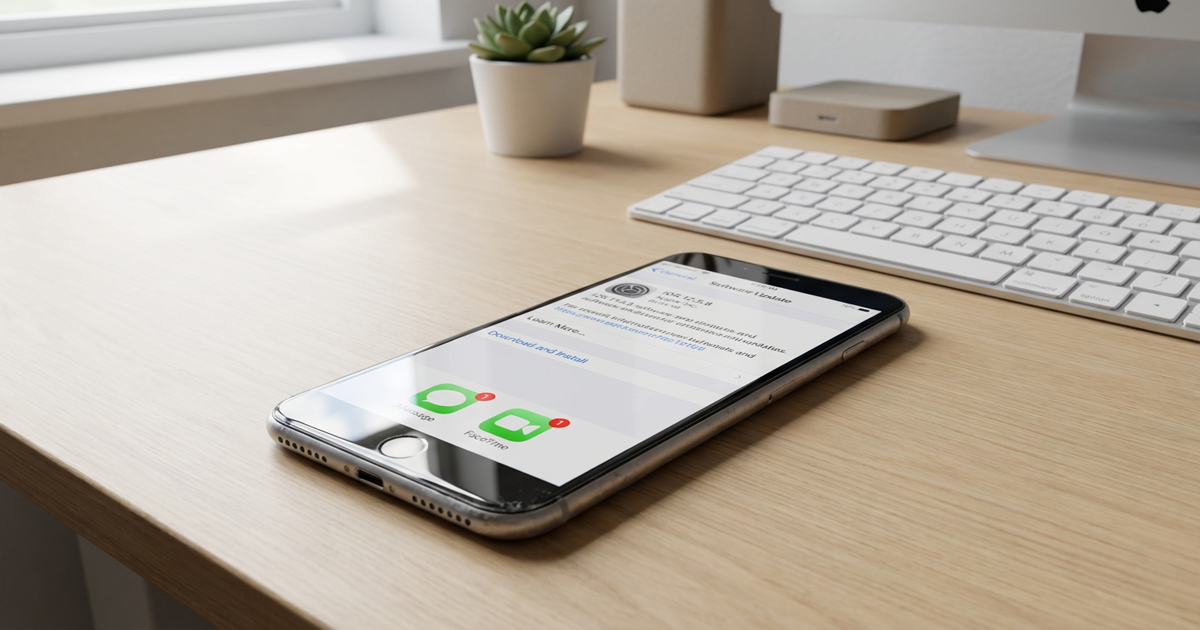
Apple has issued iOS 12.5.8 and iPadOS 12.5.8 for a select group of legacy devices, marking the first system update for these older iPhones and iPads in nearly three years. The update addresses a critical certificate expiration that would otherwise disable core services like iMessage, FaceTime, and device activation starting in January 2027.
What’s Included in iOS 12.5.8
According to Apple’s release notes, iOS 12.5.8 and iPadOS 12.5.8 extend the certificate required for several essential features to continue functioning beyond January 2027. Without this update, devices running iOS 12 would lose access to iMessage, FaceTime, and the ability to activate after the certificate expires next year.
The update was released alongside multiple beta versions of current operating systems for developers and several updates for devices running stable iOS and iPadOS versions. This represents the first system software release for iOS 12 devices since January 23, 2023.
Compatible Devices
Apple has confirmed that iOS 12.5.8 and iPadOS 12.5.8 are available for the following devices:
- iPhone 5s
- iPhone 6
- iPhone 6 Plus
- iPad Air (1st generation)
- iPad mini 2
- iPad mini 3
- iPod touch (6th generation)
These devices are no longer eligible for modern iOS versions and remain on iOS 12, making this certificate extension critical for users who continue to rely on these older models.
Why This Update Matters
While January 2027 may seem distant, installing iOS 12.5.8 now ensures uninterrupted access to key Apple services. Users who delay the update risk losing the ability to send iMessages, make FaceTime calls, or activate their devices after the certificate expires.
The update also provides an opportunity to address any software stability issues that may have emerged during the three-year gap since the previous release. Apple’s decision to support these decade-old devices reflects the company’s historical approach to extending service availability for legacy hardware when technically feasible.
How to Install the Update
Users with compatible devices can install iOS 12.5.8 or iPadOS 12.5.8 through the standard software update process. Navigate to Settings, then General, and select Software Update to download and install the release.
Given the age of these devices, users should ensure adequate battery charge or connect to power during installation to avoid interruption.
FAQ
Q: What happens if I don’t install iOS 12.5.8 before January 2027?
A: Without this update, your device will lose access to iMessage, FaceTime, and device activation capabilities after the certificate expires in January 2027.
Q: Can I upgrade these devices to a newer version of iOS instead?
A: No. The iPhone 5s, iPhone 6, iPhone 6 Plus, original iPad Air, iPad mini 2, iPad mini 3, and 6th generation iPod touch cannot run iOS versions newer than iOS 12.
Q: Does this update include security patches?
A: Apple’s release notes focus specifically on the certificate extension. No additional security updates or bug fixes have been detailed in the official documentation.
Q: Will Apple continue supporting iOS 12 devices after this update?
A: Apple has not announced plans for future iOS 12 updates beyond this certificate extension. Given the age of these devices and the three-year gap since the previous update, ongoing support beyond 2027 appears unlikely.
MacReview Verdict
Apple’s release of iOS 12.5.8 demonstrates a measured approach to legacy device support, addressing a specific technical requirement rather than abandoning users of decade-old hardware. While the update is narrow in scope, it preserves essential communication features for devices that remain in use despite their age. Users with compatible devices should install this update promptly to ensure continued access to iMessage, FaceTime, and activation services. With over a year remaining before the certificate expiration, there is adequate time to complete the installation, but waiting offers no benefit and increases the risk of service disruption.



















