
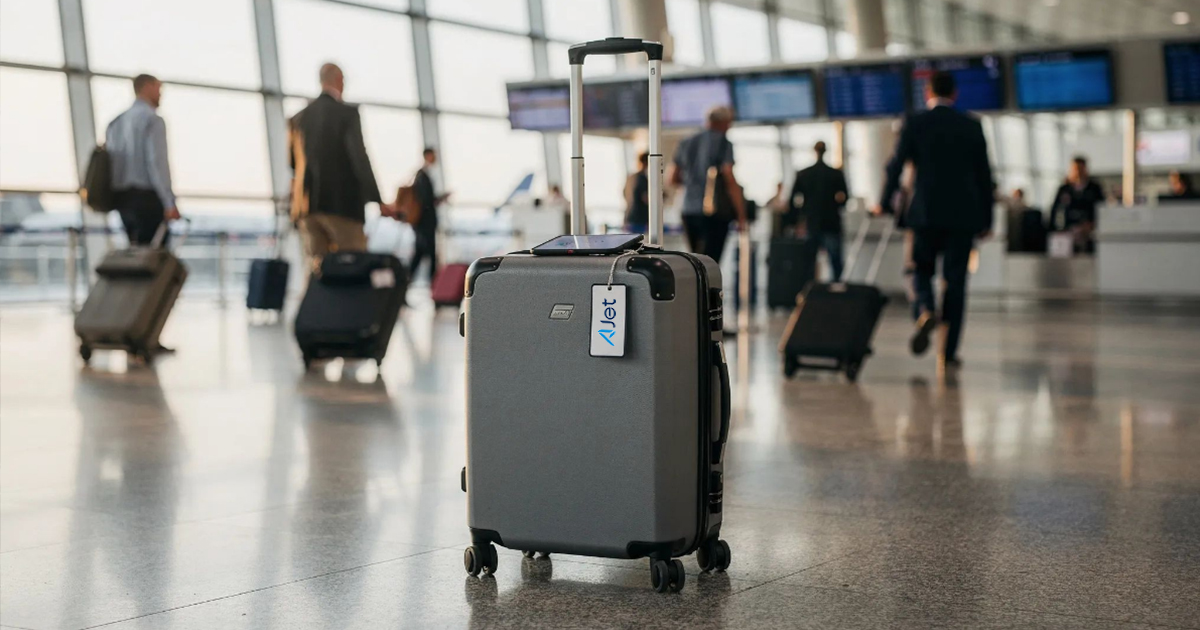
Thirty-six airlines are publicly named as accepting Share Item Location links, and Apple says it has partnered with more than 50. You create the link inside the Find My app, on the lost item’s own card, and send it to the airline’s baggage team. They get a web page showing where your bag is, and it stays live for up to seven days.
Key Takeaways
- Delta, United, American and JetBlue all accept the links, as do British Airways, Lufthansa, Air Canada and Qantas. The full verified list is in the table below.
- The airline sees the item’s current location on a map that refreshes itself, plus the phone number or email on your Apple Account and the item’s serial number. That is the whole payload.
- Sharing ends after seven days, the moment you are reunited with the item, or when you tap Stop Sharing Item Location. Whichever happens first.
- Creating a link needs iOS 18.2, iPadOS 18.2 or macOS Sequoia 15.2 or later, so anything running iOS 26 already qualifies.
- You cannot create a link while the item is sitting next to the device you are sharing from. The bag has to actually be somewhere else.
What Share Item Location Actually Does
It builds a temporary web page for one AirTag or one Find My network accessory. Anyone holding the link sees that item on an interactive map, with a timestamp showing when the position last updated, and the page refreshes on its own as new locations come in. Apple describes the whole exchange as end to end encrypted and anonymous, and says that no one else, not Apple and not the company that made your accessory, can view the item’s location.
Two conditions decide whether the link is useful or dead weight. At least one of your Apple devices signed in to your Apple Account has to be online, because that is what relays the updated positions. And the item has to be away from the device you are sharing from. Apple blocks link creation when the two are close together, which is sensible and also mildly annoying if you are testing the feature at home before a trip.
The numbers Apple quotes for the airline side are the interesting part. Carriers using Share Item Location report baggage delays down 26 percent and cases of truly lost, unrecoverable luggage down 90 percent. Apple published both figures in January 2026. Treat them as partner-supplied rather than independently audited, but the direction is not really in doubt: a baggage agent who can see where a bag is stops guessing and starts retrieving.
Find Lost Item is not available in every country and region.
How Do You Share a Bag’s Location With an Airline?
On iPhone or iPad, it is four taps and a share sheet.
- Open Find My and tap Items, then tap the AirTag that is in the missing bag.
- Swipe up on the item’s card and find the Lost AirTag section.
- Tap Share Item Location, then follow the prompts to create the temporary web page.
- Send the link to the airline through whatever channel the baggage team gave you: the delayed baggage claim form, the in-app chat, or a reply to the email carrying your file reference.
- Keep that file reference number. The link is evidence, not a claim, and the airline still needs the claim open to act on it.
On a Mac the path is the same idea with a mouse. Open Find My, click Items, select the item, click the Info button on the map, then click Share Item Location in the Lost AirTag section and follow the onscreen instructions.
Whoever opens the link needs an Apple Account or needs to be a registered Apple Partner. Staff at partner airlines open it through Apple’s partner channel, which is why the list of carriers matters. Send the same link to your brother-in-law and he can open it too, as long as he signs in with his own Apple Account.
What Can the Airline See?
Three things, and no more. The item’s most recent location on the map. The phone number or email address of the Apple Account the item is registered to. The item’s serial number.
If the recipient opens the link inside the Find My app rather than a browser, they also get Play Sound and Find, and on a compatible iPhone they can tap Find Nearby to use Precision Finding. That is genuinely how a bag buried in a container gets located, and it is worth mentioning to the agent if they seem unfamiliar with the feature.
What the link does not carry is everything else. It is scoped to that one item. Your iPhone’s location is not in it. Your other AirTags are not in it. Your account, your photos, your travel history, none of it is reachable from a Share Item Location page, and the page itself stops working on a schedule you control.
How Long the Link Lasts, and How to Kill It
Seven days is the hard ceiling. Sharing also stops automatically the moment you and the item are reunited, which is the behavior most people never notice because it works quietly. You can end it yourself at any point.
On iPhone or iPad: open Find My, tap Items, tap the item with the shared web page, tap Share Item Location, then tap Stop Sharing Item Location. On Mac: open Find My, click Items, select the item, click the Info button on the map, click Share Item Location in the Lost AirTag section, then click Stop Sharing Item Location.
Do this manually if a claim gets resolved some other way and the bag is still not physically with you. The automatic reunion cutoff only fires when the item comes back into range.
Which Airlines Support Share Item Location?
These 36 carriers have been publicly named. Apple’s own most recent public count, from January 2026, was more than 50 partners, so the real number is higher than the list below. Apple does not publish a roster, which is the single most frustrating thing about this feature.
| Airline | Home country |
|---|---|
| Aer Lingus | Ireland |
| AJet | Turkey |
| Air Canada | Canada |
| Air France | France |
| Air India | India |
| Air New Zealand | New Zealand |
| American Airlines | United States |
| Austrian Airlines | Austria |
| Breeze Airways | United States |
| British Airways | United Kingdom |
| Brussels Airlines | Belgium |
| Cathay Pacific | Hong Kong |
| China Airlines | Taiwan |
| Condor | Germany |
| Copa Airlines | Panama |
| Delta Air Lines | United States |
| Eurowings | Germany |
| Finnair | Finland |
| Flair Airlines | Canada |
| Iberia | Spain |
| JetBlue | United States |
| KLM Royal Dutch Airlines | Netherlands |
| LATAM Airlines | Chile |
| Lufthansa | Germany |
| Pegasus Airlines | Turkey |
| Porter Airlines | Canada |
| Qantas | Australia |
| Saudia | Saudi Arabia |
| Singapore Airlines | Singapore |
| SunExpress | Turkey |
| Swiss International Air Lines | Switzerland |
| Turkish Airlines | Turkey |
| United Airlines | United States |
| Virgin Atlantic | United Kingdom |
| Vueling | Spain |
| WestJet | Canada |
For a US traveler the coverage is close to complete. Delta, United, American, JetBlue and Breeze between them cover most domestic itineraries, and the transatlantic partners of the big three are all on the list as well. Southwest and Alaska are the two obvious names missing.
If your carrier is not listed, ask anyway. Adoption has been running well ahead of anyone’s ability to document it, and the worst outcome is a baggage agent who has not heard of the feature.
Frequently Asked Questions
Does this work with trackers that are not AirTags?
Yes, if the tracker is a Find My network accessory. Apple’s own wording covers an AirTag or a Find My network accessory equally, so a Chipolo or Pebblebee tag registered through Find My can generate the same link. A Tile or a Galaxy SmartTag cannot, because they never touch the Find My network.
Can I send the link to someone who is not an airline?
Yes. Anyone with an Apple Account can open it. That makes it useful well beyond luggage, for a hotel that has your left-behind camera bag or a friend collecting something you dropped. The same seven-day limit and the same reunion cutoff apply.
Why does the map position look wrong?
The page shows the item’s approximate location, sourced from whichever Apple devices happened to pass near it, with a timestamp attached. Inside a sealed baggage container or a metal cargo hold there may be nothing nearby to report a position for hours. Check the timestamp before you conclude the bag has moved.
MacReview Verdict
Put an AirTag in every checked bag. The tag on its own already tells you whether your suitcase made the connection, and if you fly any of the 36 carriers above, the sharing link turns that knowledge into something an agent can act on instead of an argument you have to win.
The privacy design deserves credit too, because Apple could easily have made this a permanent account link and did not. Seven days, one item, auto-expiring, revocable in four taps. That is the correct shape for a feature you hand to a stranger at a baggage desk.
Where it disappoints is documentation. Apple says more than 50 airlines and publishes the names of none of them, so every traveler is left cross-referencing press releases. Until that changes, screenshot the list above before you fly, and if your airline is not on it, an AirTag is still worth carrying. You will just be doing the searching yourself.



















