The End of an Era: Apple Concludes the Butterfly Keyboard Repair Program

In a significant move that marks the end of a tumultuous chapter in Apple’s history, the company has officially concluded its free repair program for the controversial butterfly keyboard. Launched in June 2018, this program aimed to address widespread complaints about the butterfly keyboard mechanism used in several MacBook models. After nearly six and a half years, Apple has now closed the door on this service, leaving many users wondering about their options for repairs moving forward.

A Brief History of the Butterfly Keyboard

The butterfly keyboard was introduced in March 2015 with the release of the ultra-thin 12-inch MacBook. This new design was intended to create a sleeker profile while providing a more stable key feel. However, it quickly became apparent that the butterfly mechanism was prone to a range of issues. Users reported problems such as keys that would stick, repeat characters unexpectedly, or fail to register keystrokes altogether.

The situation escalated in October 2016 when Apple expanded the butterfly keyboard to its 13-inch and 15-inch MacBook Pro models. As complaints mounted, the keyboard’s reputation took a significant hit, culminating in a class action lawsuit in May 2018. The lawsuit alleged that Apple was aware of the defects but failed to take appropriate action, leading to a public outcry and an online petition that garnered nearly 43,000 signatures.

The Keyboard Service Program

In response to the growing backlash, Apple launched the Keyboard Service Program in June 2018. This initiative allowed users of affected MacBook models to receive free repairs for keyboard issues. The program covered a range of behaviors, including:

  • Letters or characters repeating unexpectedly
  • Letters or characters not appearing when keys were pressed
  • Keys feeling “sticky” or not responding consistently

Eligible models included various iterations of the MacBook, MacBook Air, and MacBook Pro, with the program extending for up to four years after the first retail sale of the affected laptops. However, as of late last week, this window has now closed, leaving many users without guaranteed support for their malfunctioning keyboards.

The Apology and Transition to Scissor Switch Keyboards

In March 2019, Apple publicly acknowledged the issues with the butterfly keyboard, with a spokesperson stating, “We are aware that a small number of users are having issues with their third-generation butterfly keyboard and for that we are sorry.” This admission came after years of criticism and highlighted the disconnect between Apple’s marketing of the butterfly keyboard and the actual user experience.

Recognizing the need for change, Apple began transitioning back to the more reliable scissor switch mechanism, starting with the 16-inch MacBook Pro in November 2019. This shift was welcomed by users who had long expressed their dissatisfaction with the butterfly design. By March 2020, the MacBook Air had also adopted the scissor switch, and by May 2020, the 13-inch MacBook Pro followed suit. This marked the end of the butterfly keyboard era, with all subsequent MacBook models featuring the more traditional and reliable scissor switch design.

The Settlement and Ongoing Impact

In July 2022, Apple agreed to a $50 million settlement related to the class action lawsuit over the butterfly keyboard issues. Affected customers who submitted valid claims received compensation ranging from $50 to $395, depending on the specifics of their situation. This settlement was a significant step in addressing the grievances of users who felt let down by Apple’s product quality.

Despite the closure of the repair program, the legacy of the butterfly keyboard continues to impact Apple’s reputation. Many users remain wary of the company’s commitment to quality, and the butterfly keyboard saga serves as a cautionary tale about the risks of prioritizing design over functionality.

Key Takeaways

  1. The End of the Repair Program: Apple’s closure of the butterfly keyboard repair program signifies the end of a long-standing issue that has affected many MacBook users. While exceptions may still be made, the lack of guaranteed support raises concerns for those still experiencing keyboard problems.
  2. User Experience Matters: The butterfly keyboard controversy underscores the importance of user feedback in product design. Apple’s initial push for a sleek design ultimately backfired, leading to widespread dissatisfaction and legal action.
  3. Transition to Reliability: The shift back to scissor switch keyboards reflects Apple’s recognition of the need for reliable, user-friendly products. This change has been well-received by users who appreciate the improved typing experience.
  4. Ongoing Reputation Challenges: The butterfly keyboard saga has left a lasting mark on Apple’s reputation. As the company continues to innovate, it must remain vigilant in ensuring that design choices do not compromise user experience.

MacReview Verdict

The conclusion of Apple’s butterfly keyboard repair program marks a significant moment in the company’s history, encapsulating a journey filled with challenges, user dissatisfaction, and eventual redemption through design changes. As Apple moves forward, it must learn from the lessons of the past to ensure that its products meet the high standards expected by its loyal customer base. The butterfly keyboard may be a thing of the past, but its impact will resonate for years to come, reminding both Apple and its users of the delicate balance between innovation and functionality.


The MacReview YouTube Channel

The MacReview YouTube Channel

Visit Our
Youtube Channel

Watch Anywhere, Anytime!

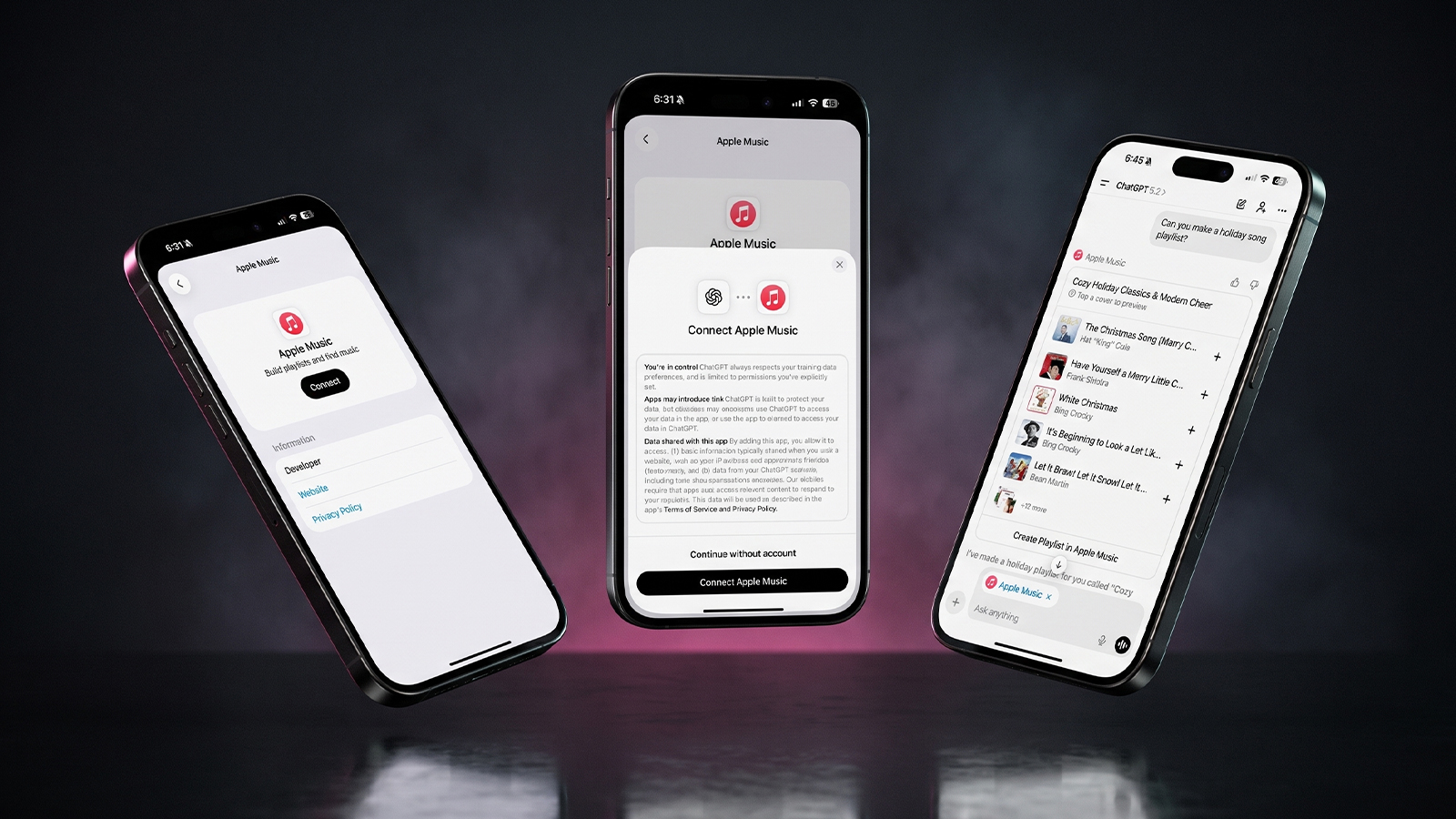
Three iPhones on a dark background with pink lighting showing the ChatGPT and Apple Music connection flow, including an "Apple Music" app page with a Connect button, a "Connect Apple Music" permissions dialog, and a ChatGPT chat generating a holiday song playlist.
Apple Music now works as a ChatGPT extension, so you can search tracks and build playlists using plain language. Here is how to set it up and use it.
Reward your inbox with the TPG Daily newsletter img

Subscribe to Our Newsletter

REWARD YOUR INBOX WITH THE MACREVIEW NEWSLETTER

Microsoft 365 wordmark surrounded by glossy app icons for Word, Excel, PowerPoint, Outlook, OneNote, Exchange, and Microsoft 365 on a soft light background.

Microsoft 365 experienced a significant service disruption affecting business and enterprise customers across North America. The outage impacted core productivity services including Outlook email, Microsoft Defender, and administrative portals, leaving users unable to access critical business tools for several hours. […]

Wireless printer with WiFi signal icon representing Apple AirPrint enterprise printing

When Apple introduced AirPrint in 2010, enterprise IT administrators largely dismissed it as a consumer-focused feature. More than a decade later, AirPrint has fundamentally transformed how organizations handle printing infrastructure, forcing the entire industry to abandon complex driver management in […]

Password Utility Solves the FileVault Reboot Problem for Remote Mac Management

Managing remote Macs presents unique challenges, particularly when FileVault encryption creates accessibility issues during restarts. A new utility from Twocanoes Software addresses this long-standing problem for IT administrators who need reliable access to devices deployed across distributed locations. The FileVault […]

Small wall display with a green light in a dark kitchen at night, an Apple HomeView security camera scene
Text strings in HomeView Software 27.2 describe a hidden mode that turns the display's 12MP camera into a HomeKit Secure Video camera. Here is what the four settings would do, what they could cost, and why you should not buy one for this yet.
Man working on a laptop in a modern office at night with “Creator Studio” text and Apple logo above, plus floating creative app icons in the foreground.

Apple is reportedly planning to expand its subscription bundle offerings and introduce more paid features across its software ecosystem, following the launch of Apple Creator Studio last month. The company appears to be evaluating opportunities to monetize additional areas of […]

Hand holding a phone on a train platform at dusk with earbuds nearby, checking Apple Music Replay 2026
Apple refreshes this year's Replay playlist weekly, so a list that lags your latest plays is normal. Here are five things to try if your stats look stuck or are missing entirely.
Hands hold a softly glowing phone on a park bench at golden hour, a scene tied to Siri AI usage limits
Apple plans daily caps on Siri AI and other server-side features, with paid access for heavier users later. Here is what happens at a limit, what stays free and what Apple still has not said.
Hands hold a glowing smartphone at a sunlit kitchen table beside a laptop, a fix for Siri AI not working
Siri AI is a beta you have to request, so a missing assistant is usually a setup issue rather than a bug. Here are seven things to check, easiest first, and when to simply wait.
Laptop showing a snowy fantasy scene on a dim desk with a controller and headphones, ready for how to play Skyrim on Mac
A free open-source app called SkyrimMT now sets up Steam, Skyrim Special Edition and a full mod manager on Apple Silicon Macs. Here is what you need, the setup steps and the risks of running an unofficial, unnotarized tool.
Apple Arcade games available across Apple devices

In 2025, you’ll notice significant changes in Apple Arcade’s fan favorites, as exclusive updates aim to refine and enhance your gaming experience. Titles like WHAT THE CAR? and Hello Kitty Island Adventure are set to receive major gameplay improvements, alongside […]

Hands holding a phone by a bedside lamp beside a blank card while reviewing an Instagram teen account
Meta's AI can now move adults into an Instagram teen account even with an adult birthday on file. Here is what to try on iPhone and what proof Meta asks for.
Phone on a sunny picnic table beside a printed photo and lemonade, ready to post a WhatsApp group status
WhatsApp group status lets the members of one group share updates that disappear after 24 hours. Here is who can see it, why it may not be showing yet, and what else changed in group chats.
Phone on a desk showing a satellite map of a desert airfield with Apple Maps blurred areas over one section
Apple Maps has quietly blurred eight NASA, Space Force and Air Force sites, with no word from Apple. Here is which bases are hidden, which are still visible and what it means for everyday users.
Sign Up For Newsletter mobile

Catch The Latest

Sign Up For Newsletter

Updated October 2026 for iOS 27, iPadOS 27 and macOS. Quick answer: There are 8

Apple Music now works as a ChatGPT extension, so you can search tracks and build
A new Health Sensing System, heart rate every five seconds, a 0-to-10 readiness score, and
Six laser-cut blades, four aperture stops, and a 2nm chip. Here is every confirmed iPhone
Scroll to Top